Unitree Go2 ROS2
Overview
This package provides a complete ROS 2 Jazzy integration for the Unitree Go2 quadrupedal robot using the CHAMP controller framework. It includes custom configuration packages and robot description models specifically adapted for ROS 2, enabling simulation, control, and autonomous operation capabilities.
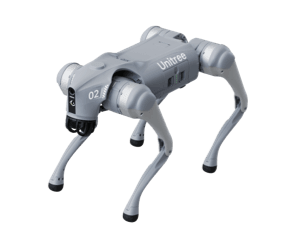
About Unitree Go2
The Go2 is a quadrupedal robot manufactured by Unitree Robotics, designed for both research and commercial applications. It features powerful actuators, advanced sensor integration, and a robust mechanical design capable of navigating various terrains.
About CHAMP Controller
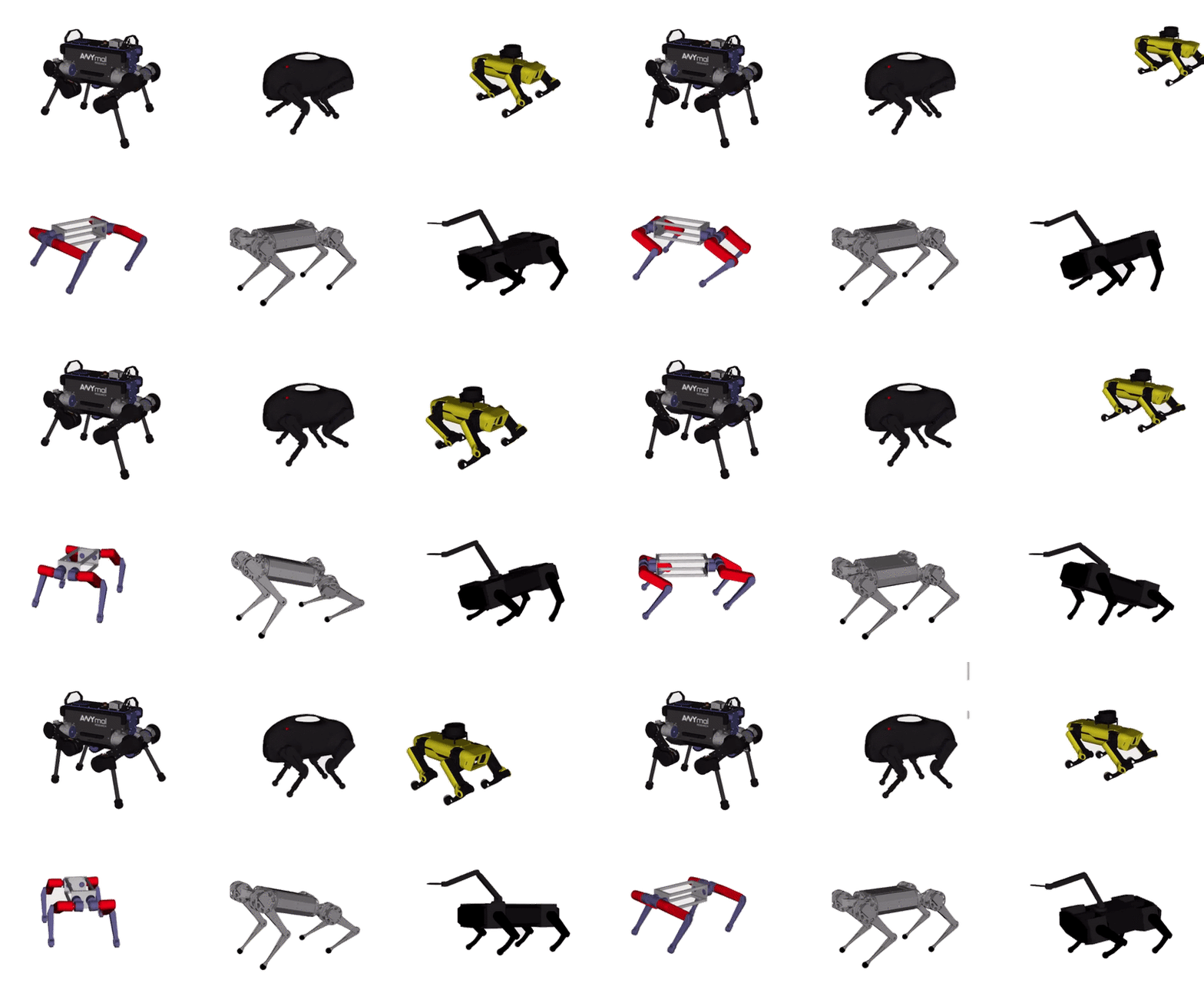
CHAMP (Coupled Hybrid Automata for Mobile Platforms) is an open-source development framework designed for quadrupedal robots. It provides a hierarchical control system that combines pattern modulation and impedance control techniques for efficient locomotion.
Features
- ✅ Complete ROS 2 Jazzy integration
- ✅ URDF model adapted to ROS 2 control framework
- ✅ Gazebo Harmonic simulation support
- ✅ Teleoperation using keyboard
- ✅ RVIZ visualization
- ✅ Integrated gait control and configuration
- ✅ Simulated sensors (in progress):
- ✅ IMU
- ✅ 2D LiDAR (Hokuyo)
- ✅ 3D LiDAR (Velodyne)
- ✅ 3D LiDAR (4D Lidar L1) (need some imporvments)
- ✅ Mono Camera
- ✅ Depth Camera (RealSense D455)
- ✅ GPS (NavSat — simulates standard u-blox, ~0.5 m horizontal accuracy)
- ✅ Point cloud visualization in RVIZ
- ✅ Multiple sensor configurations available
- ❌ Full SLAM functionality (Coming soon)
- ❌ Navigation 2 integration (Coming soon)
System Requirements
- Ubuntu 24.04
- ROS 2 Jazzy
- Gazebo Sim Harmonic
Installation
1. Install ROS 2 Dependencies
sudo apt update
sudo apt install ros-jazzy-gazebo-ros2-control
sudo apt install ros-jazzy-xacro
sudo apt install ros-jazzy-robot-localization
sudo apt install ros-jazzy-ros2-controllers
sudo apt install ros-jazzy-ros2-control
sudo apt install ros-jazzy-velodyne
sudo apt install ros-jazzy-velodyne-description
2. Clone and Install CHAMP Controller and Go2 Simulation Packages
cd ~/ros2_ws/src
git clone https://github.com/khaledgabr77/unitree_go2_ros2
3. Install Dependencies
cd ~/ros2_ws
rosdep update
rosdep install --from-paths src --ignore-src -r -y
4. Build the Workspace
cd ~/ros2_ws
colcon build
source install/setup.bash
Usage
Gazebo Simulation
Launch the Gazebo simulation:
ros2 launch unitree_go2_sim unitree_go2_launch.py

Joint command interface
The joints are driven through ros2_control. By default the effort
interface is used, matching joint_group_effort_controller in
unitree_go2_sim/config/ros_control/ros_control.yaml. If needed,
can be changed to position interface with:
ros2 launch unitree_go2_sim unitree_go2_launch.py command_interface:=position
Remember to switch the spawned controller in ros_control.yaml to a
position controller as well, otherwise the controller manager will fail to
claim the joints.
Leaving sensors out
All sensors are mounted by default. Each one can be left out of the robot
description, which is useful when running headless or on a machine that
struggles with the point cloud sensors:
| Argument |
Sensor |
disable_camera |
mono RGB camera |
disable_d455 |
RealSense D455 RGBD camera |
disable_lidar_l1 |
4D Lidar L1 |
disable_velodyne_lidar |
Velodyne VLP-16 |
ros2 launch unitree_go2_sim unitree_go2_launch.py \
    disable_velodyne_lidar:=true disable_d455:=true
Watch Demo on YouTube
RVIZ Visualization
The package now includes both Velodyne 3D LiDAR and 4D Lidar L1 sensors. You can visualize the point cloud data in RVIZ:
Launch Gazebo with RVIZ:
ros2 launch unitree_go2_sim unitree_go2_launch.py rviz:=true

Velodyne Lidar and 4D Lidar L1

Velodyne Lidar Beams

4D Lidar L1 Beams

Velodyne Lidar and 4D Lidar L1 Beams

Mono Camera

Teleoperation
Control the robot using keyboard:
ros2 run teleop_twist_keyboard teleop_twist_keyboard
GPS Simulation
The robot includes a simulated GPS (NavSat) sensor mounted on top of the trunk, publishing at 10 Hz on /gps/fix as sensor_msgs/msg/NavSatFix.
The sensor models standard u-blox-level accuracy:
| Axis |
Noise (std dev) |
Equivalent variance |
| Horizontal (lat/lon) |
0.5 m |
0.25 m² |
| Vertical (altitude) |
0.8 m |
0.64 m² |
Verify it is working:
ros2 topic echo /gps/fix
Setting the geographic origin:
The world’s GPS origin is defined in unitree_go2_description/worlds/default.sdf under <spherical_coordinates>. Edit latitude_deg, longitude_deg, and elevation to match your actual test site before running navigation experiments:
<spherical_coordinates>
  <surface_model>EARTH_WGS84</surface_model>
  <world_frame_orientation>ENU</world_frame_orientation>
  <latitude_deg>YOUR_LAT</latitude_deg>
  <longitude_deg>YOUR_LON</longitude_deg>
  <elevation>YOUR_ALT_METERS</elevation>
  <heading_deg>0</heading_deg>
</spherical_coordinates>
Note: The position_covariance field in the bridged message will be all-zeros (COVARIANCE_TYPE_UNKNOWN) because the Gazebo→ROS bridge does not carry covariance. When integrating with robot_localization, set the covariance override in your EKF config or add a relay node that stamps diagonal covariance values matching the noise above.
Tuning Gait Parameters
The gait configuration for the robot is found in unitree_go2_sim/config/gait/gait.yaml. You can modify the following parameters:
| Parameter |
Description |
| Knee Orientation |
How the knees should be bent (.>> .>< .<< .<>) |
| Max Linear Velocity X |
Maximum forward/reverse speed (m/s) |
| Max Linear Velocity Y |
Maximum sideways speed (m/s) |
| Max Angular Velocity Z |
Maximum rotational speed (rad/s) |
| Stance Duration |
How long each leg spends on the ground while walking |
| Leg Swing Height |
Trajectory height during swing phase (m) |
| Leg Stance Height |
Trajectory depth during stance phase (m) |
| Robot Walking Height |
Distance from hip to ground while walking (m) |
| CoM X Translation |
Offset to compensate for weight distribution |
| Odometry Scaler |
Multiplier to calculated velocities for dead reckoning |

Project Structure
champ/: Core controllers and state estimation for CHAMPunitree_go2_description/: URDF models, meshes, and world filesunitree_go2_sim/: Simulation launch files and configuration
Contributing
Contributions are welcome! Please feel free to submit a Pull Request.
- Fork the repository
- Create your feature branch (
git checkout -b feature/AmazingFeature)
- Commit your changes (
git commit -m 'feat: Add some AmazingFeature')
- Push to the branch (
git push origin feature/AmazingFeature)
- Open a Pull Request
Acknowledgements
This project builds upon and incorporates work from the following projects:
License


评论