SHADERed
SHADERed is a lightweight tool for writing and debugging shaders. It is easy to use,
open source, cross-platform (runs on Windows, Linux & Web).
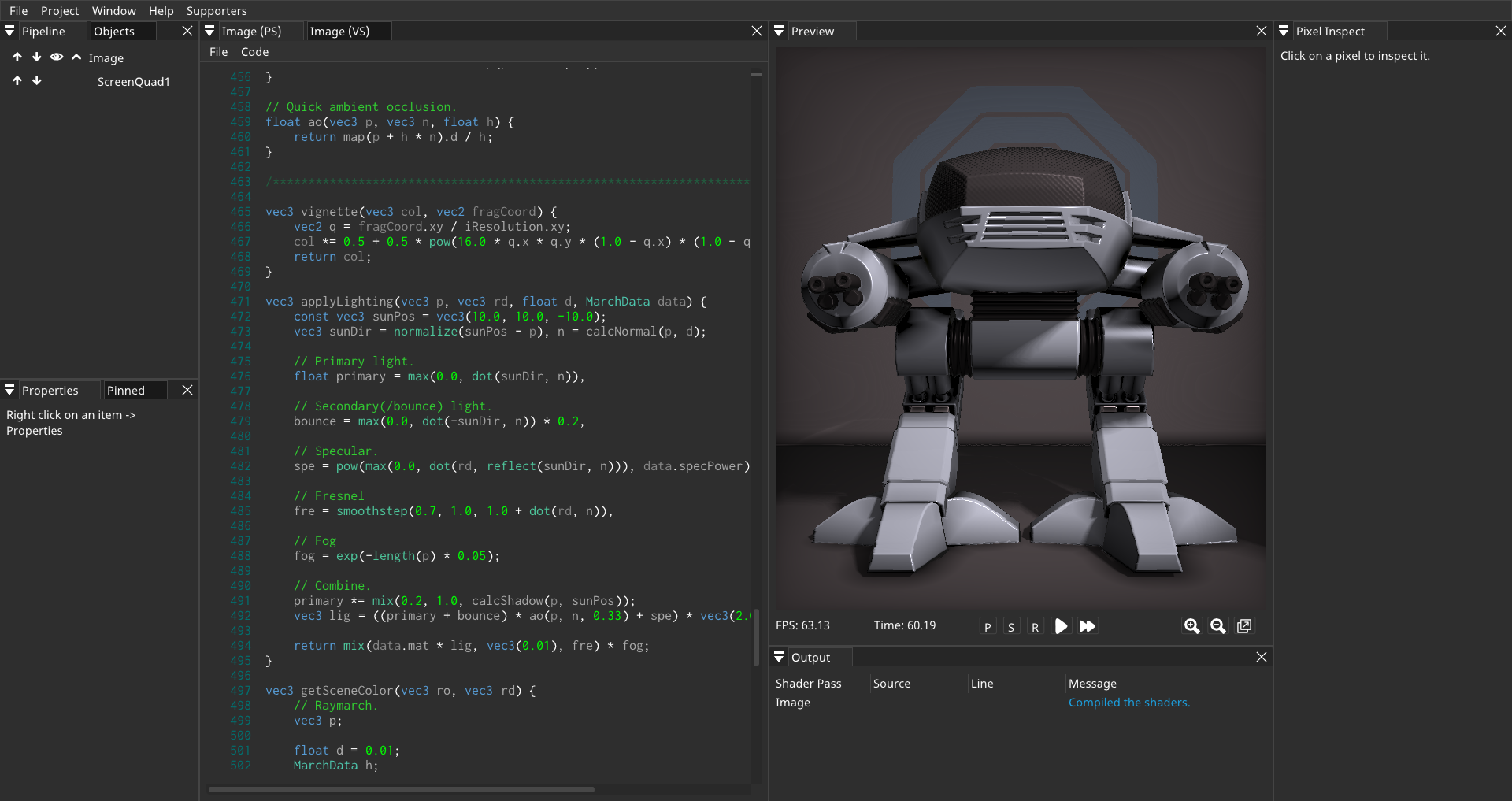
Table of Contents
Features
Shader debugger
Shader debugger lets you easily find bugs in your shader code. It is simple to use - you just need to pause
the preview and select the pixel that you want to debug. After starting the debugger,
you will be able to:
- step through your shader code line by line
- run immediate expressions
- add watches
- place (conditional) breakpoints
- see list of all variables and their values
- hover over expressions and see their value

With SHADERed, you can debug vertex, geometry, tessellation control, pixel and compute shaders.
Thanks to SHADERed, you can now also debug shaders in Visual Studio Code with an extension. Read more about this in the blog post: https://shadered.org/blog?id=9.
Frame analyzer
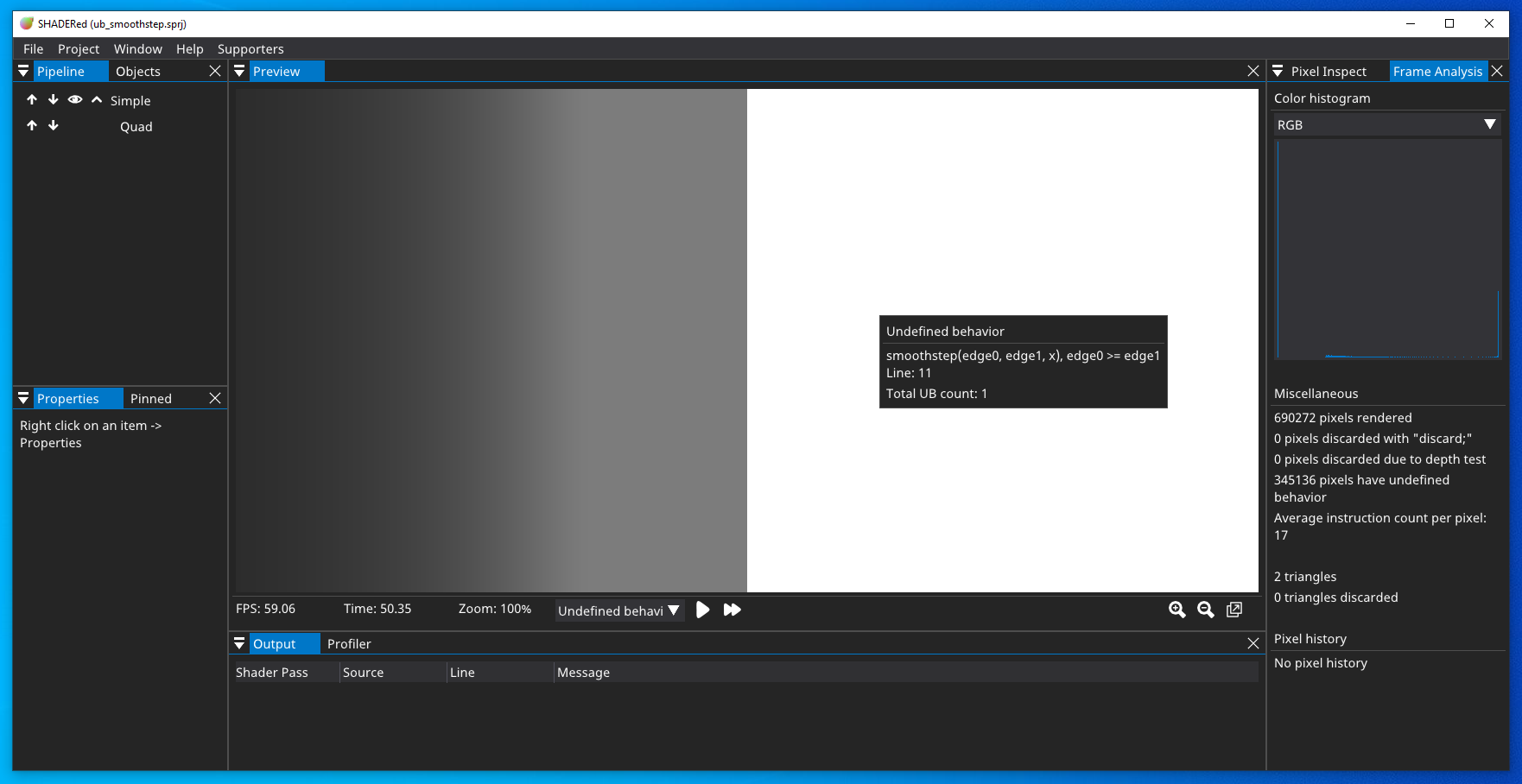
Besides debugging your shader line-by-line, SHADERed also lets you find bugs and errors visually.
After you run the frame analyzer, you will be able to:
- detect undefined behavior
- see variable’s value throughout the whole frame
- global breakpoints (color a pixel that meets a certain condition)
- SPIR-V instruction heatmap
Compute & geometry shaders
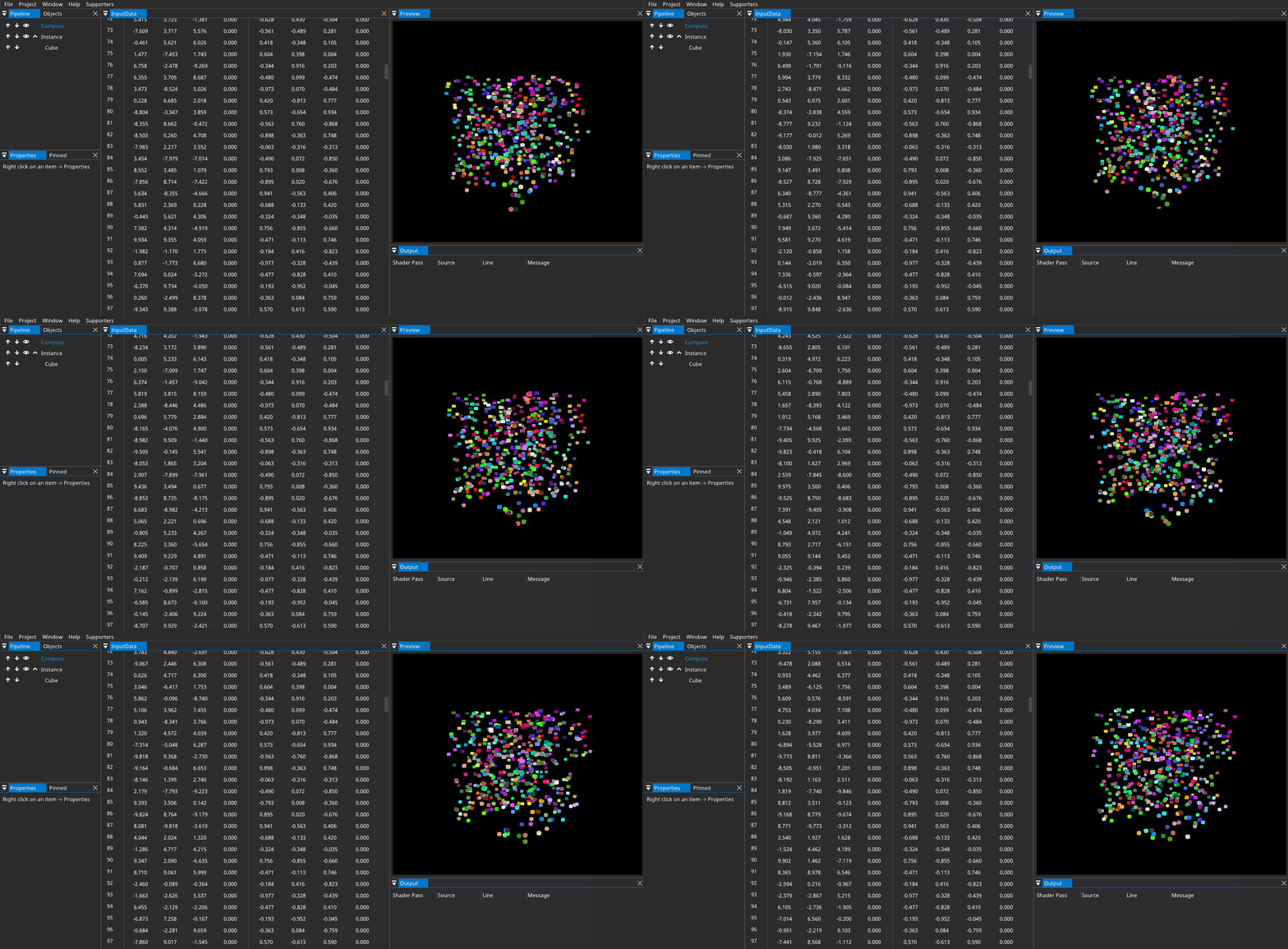
You are not limited to vertex and pixel shaders. SHADERed also supports compute & geometry
shaders. You can create advanced animations and effects with these two shader stages:
Plugin API
You can develop custom SHADERed plugins and upload them to SHADERed store so that they can be installed through SHADERed.
To see the plugin API’s potential, check out these plugins:
- GodotShaders - adds support for Godot’s canvas shaders
- ShadertoyImporter - import ShaderToy projects
- GIFCapture - adds the ability to capture GIFs
- Slang - adds support for Slang shader language
- Rust - adds the ability to write shaders in Rust
- C++ - adds the ability to write shaders in C++
- Terminal - open terminal windows in SHADERed
See changes instantly
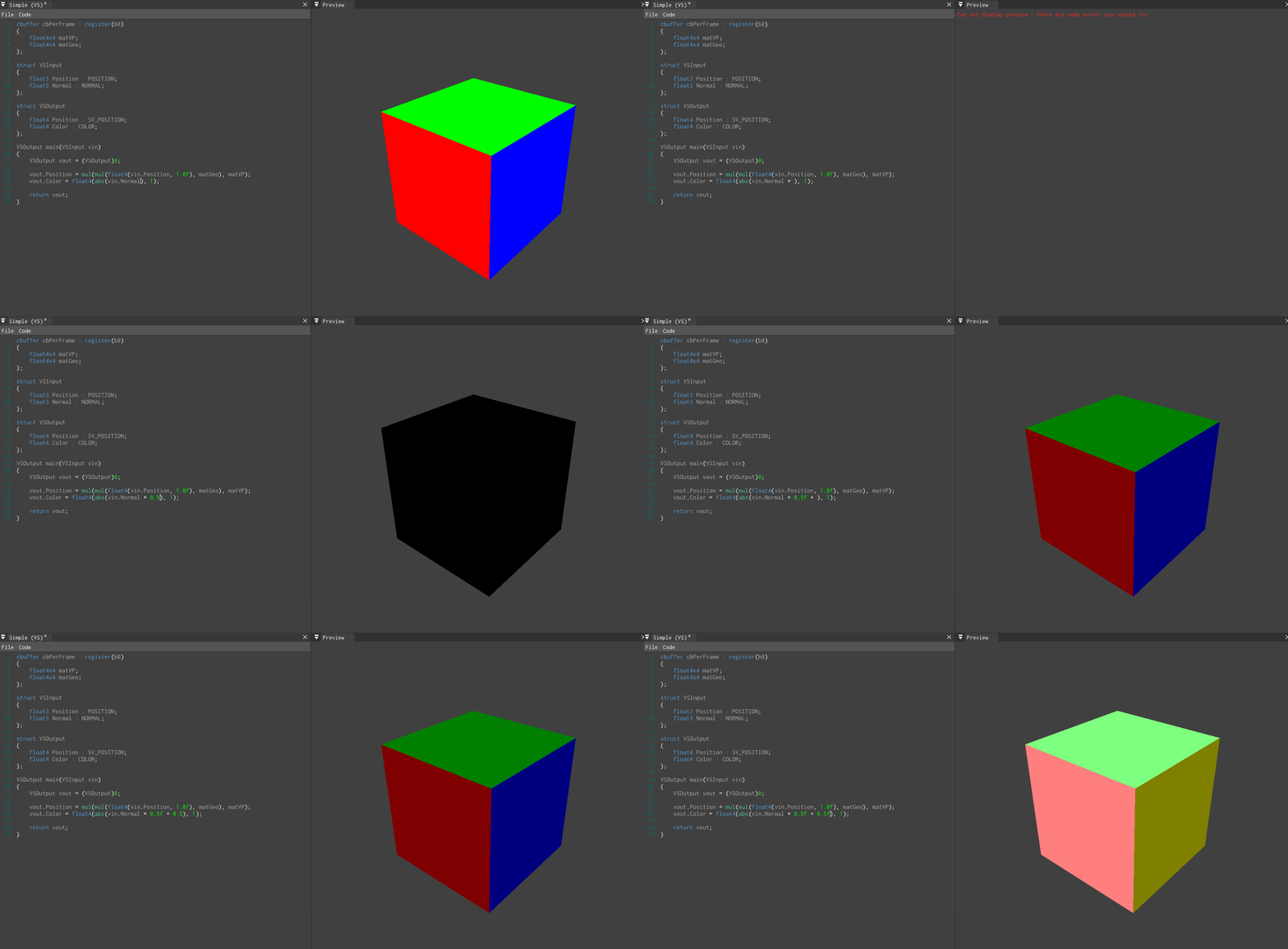
SHADERed can compile your shaders while you write the code.
This way you can see your changes instantly.
SHADERed also works nicely with external text editors (such as VS Code) - it will recompile the shaders that were modified by some external program.
Other features
SHADERed has lots of features that let you achieve effects like in no other shader editor. Features are also being added rapidly. Here are some of the feature:
- render states (blending, stencil test, depth test, etc…)
- import 3D models
- built-in 3D geometry objects
- import 2D texture, 3D textures, cubemaps
- import audio files (build awesome music visualizers)
- render textures (easily build G-Buffer)
- buffers
- instancing
- profiling
- multi-camera system
- audio shaders (generate music on GPU)
- custom variables & powerful variable system
- zooming in on the preview window
- exporting image sequence
- code autocompletion designed for shader code
- … and so much more!


Supporters
Supporter(s):
If you like SHADERed and would like to support the development, check out Patreon: 
My e-mail address for businesses (or if you just want to contact me):
contact at shadered dot org
Binaries
You can download precompiled binaries through the Releases page or via SHADERed’s website.
Install using Scoop (Windows)
On Windows, you can use Scoop to install SHADERed:
scoop bucket add extras
scoop install shadered
Install using Flatpak (Linux)
SHADERed is available on
Flathub. After setting
up Flatpak, you can install it by entering the following commands in a terminal:
flatpak remote-add --if-not-exists flathub https://flathub.org/repo/flathub.flatpakrepo
flatpak install --user flathub org.shadered.SHADERed -y
Note that the Flatpak version runs in a sandbox and some features may not work
correctly yet. Please report Flatpak-specific issues
here.
Building
First clone the project & submodules:
git clone https://github.com/dfranx/SHADERed.git
cd SHADERed
git submodule update --init
Linux
Install all the libraries that are needed:
# Ubuntu
sudo apt install libsdl2-dev libglew-dev libglm-dev libgtk-3-dev
# Fedora
sudo dnf install glm-devel glew-devel SDL2-devel gtk3-devel
Build:
cmake .
make
If you would like to perform an out-of-source build, do the following:
mkdir build
cd build
cmake ..
make
Run:
./bin/SHADERed
macOS
NOTE: macOS is not officially supported by me + some features are not implemented for macOS
Install all the libraries that are needed:
brew install sdl2 glew glm
Build:
mkdir build
cd build
cmake ../
make -j8
Note: If you’re building on a macOS version prior to 10.15 (Catalina) you may need to update Xcode and create a symlink for the SDK:
ln -s "$(xcrun --sdk macosx --show-sdk-path)" "$(xcrun --sdk macosx --show-sdk-platform-path)/Developer/SDKs/MacOSX10.15.sdk"
Run:
./bin/SHADERed
Windows
- Install SDL2, GLEW & GLM through your favourite package manager (I recommend vcpkg)
- Run cmake-gui and set CMAKE_TOOLCHAIN_FILE variable
- Press Configure and then Generate if no errors occured
- Open the .sln and build the project!
Tutorials
Don’t know how or where to start? The debugger is confusing? Want to create your own
shader or custom SHADERed theme? Visit the official documentation
to see detailed steps on how to do these things.
Or you can watch the video tutorials on YouTube.
Screenshots
 Shader made by The Art Of Code
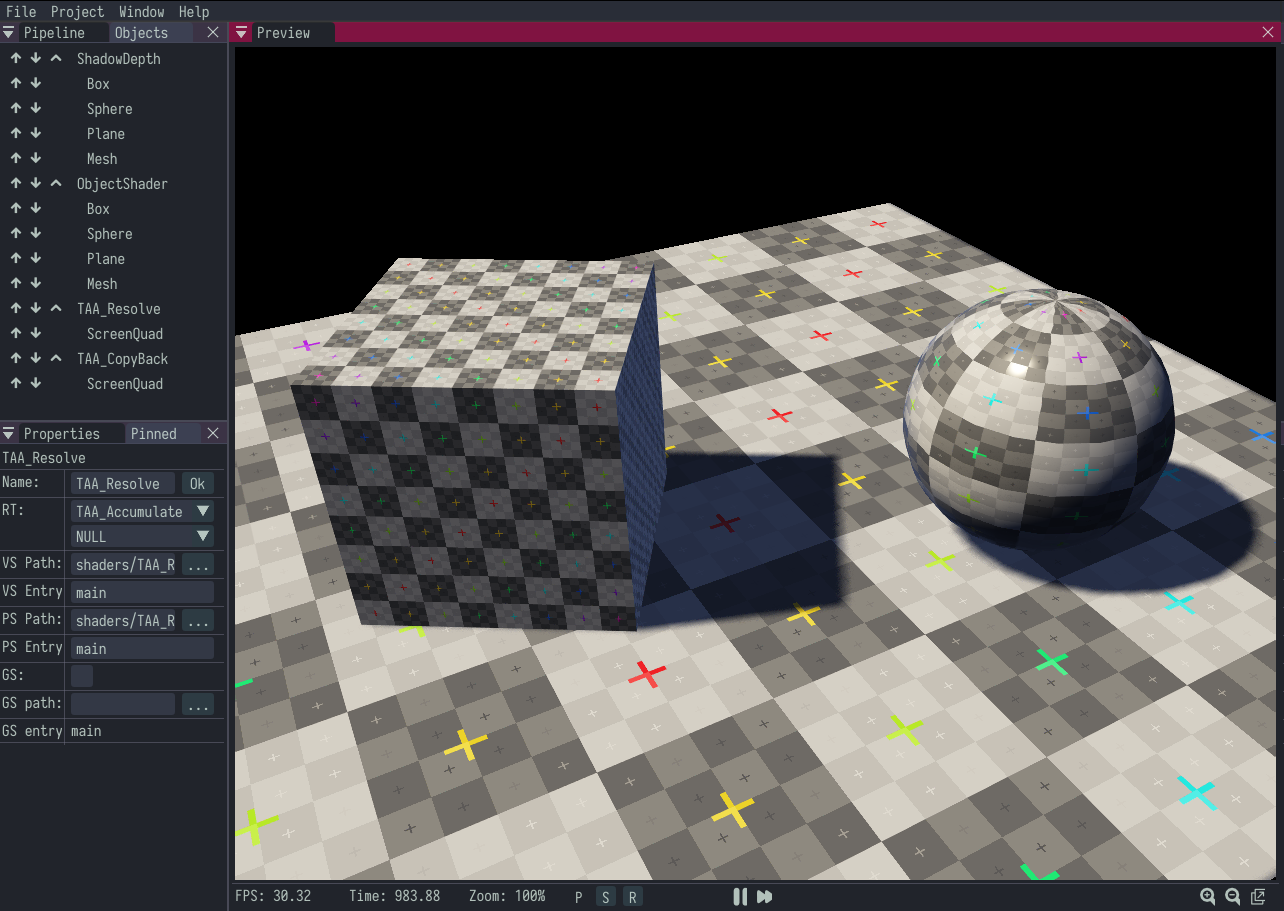
Send your own screenshots here!
Dependencies
This project uses:
LICENSE
SHADERed is licensed under MIT license. See LICENSE for more details.








评论