NomNom








Table of Contents
Introduction
NomNom is the most complete savegame editor for No Man’s Sky,
and also shows contextual information around the data you are about to change. You
can also easily look up each item individually to examine its attributes, independently
of a save, or get other useful information that are not related to a specific save
(but enhanced if one is loaded).
Features
The features of NomNom can be divided into the different main parts you will see
below. A detailed list can be found in the FEATURES file.
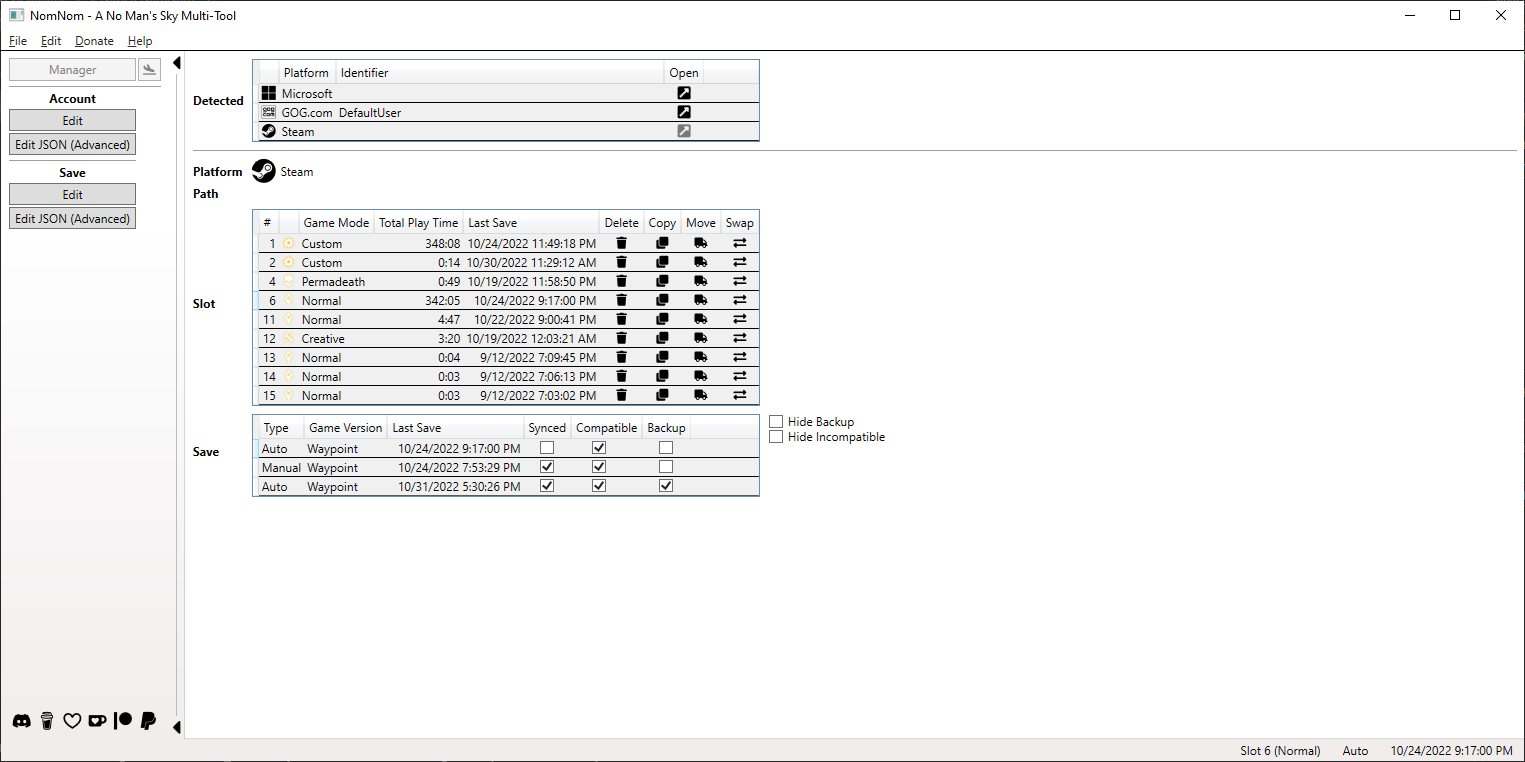
- Manager Manage your saves!
- Automatic backup and recovery (in case you screw something up).
- Save your save as human-readable JSON.
- Copy, move, and swap slots to another.
- Transfer your save to another platform you own the game on.
- Delete your save.
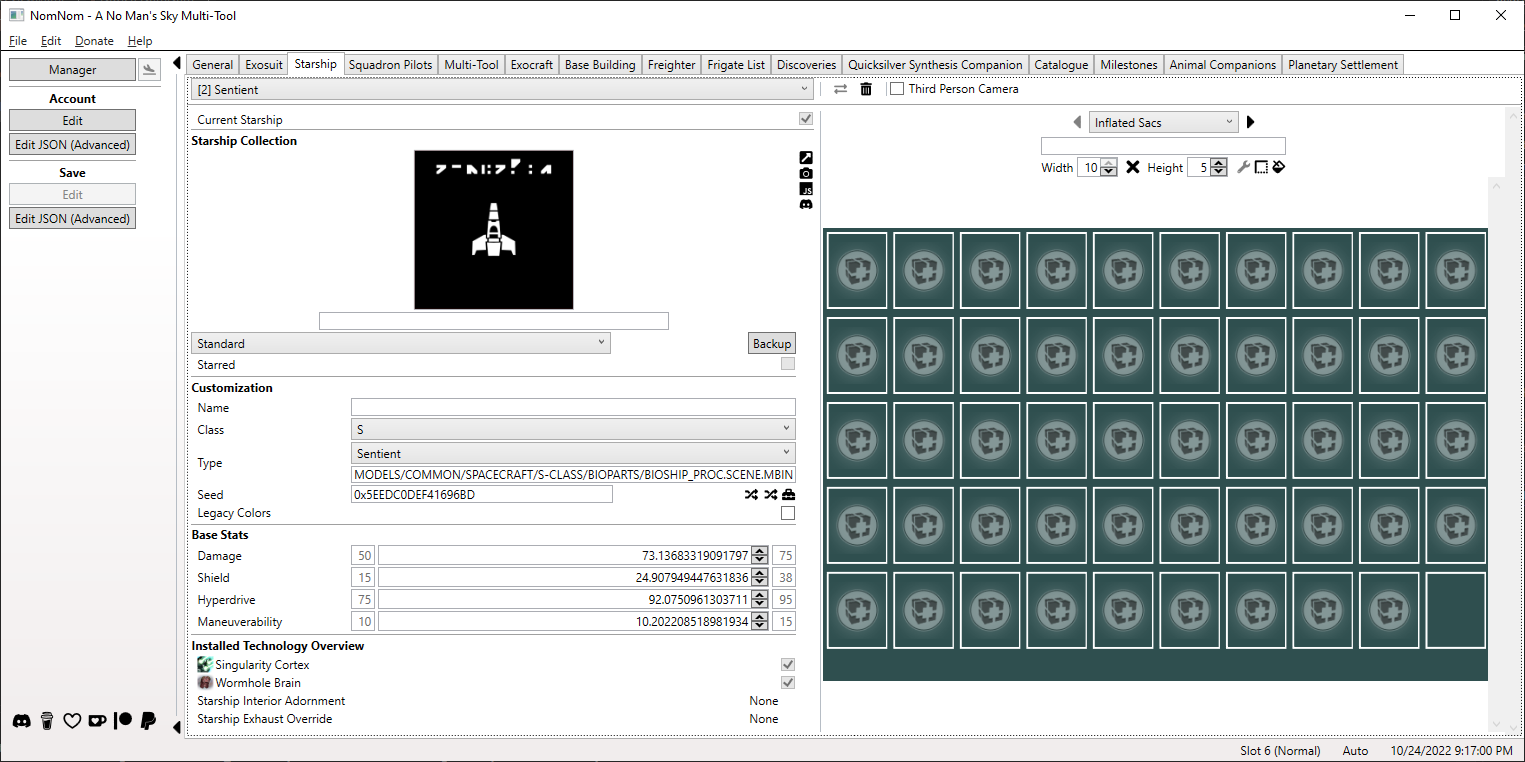
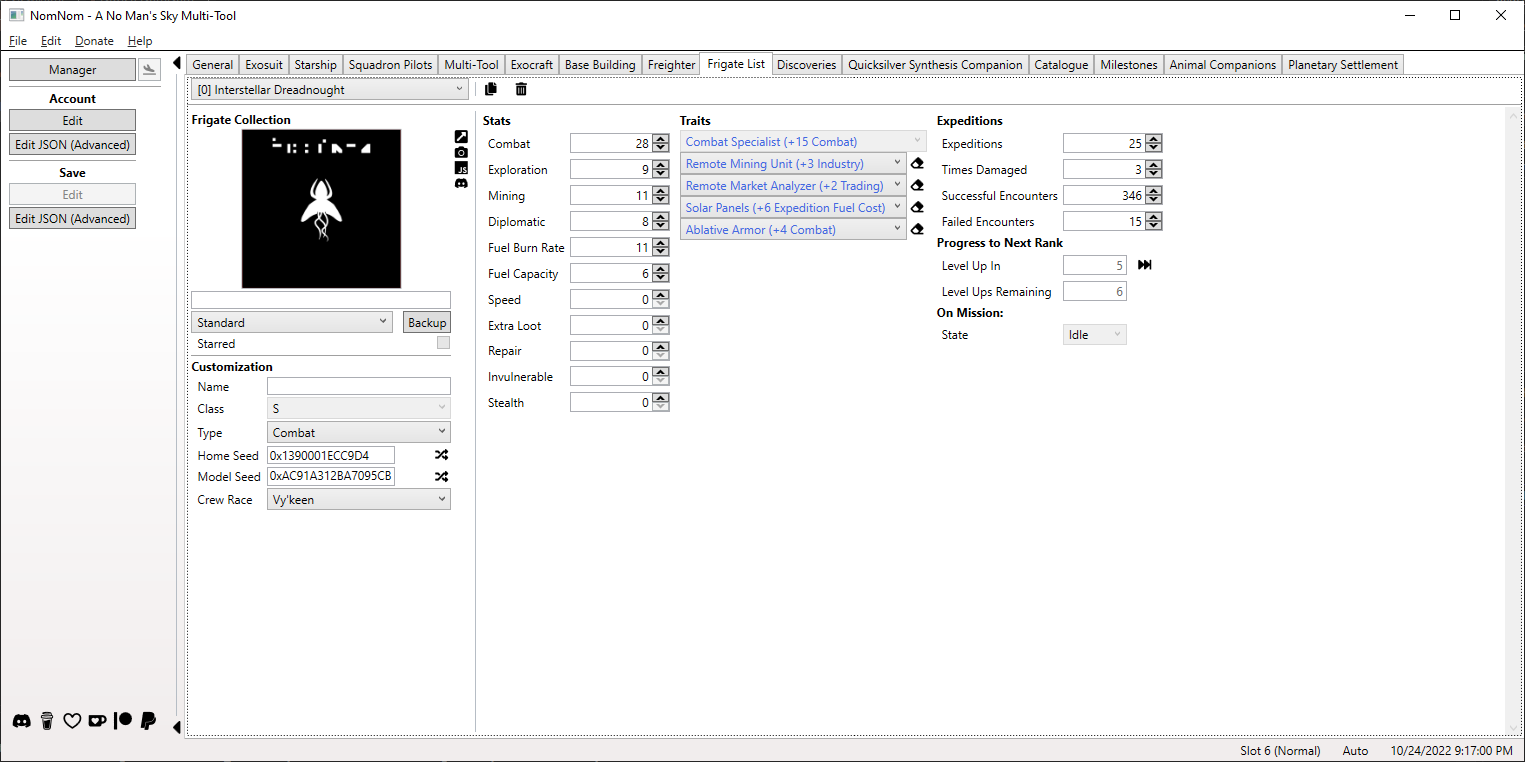
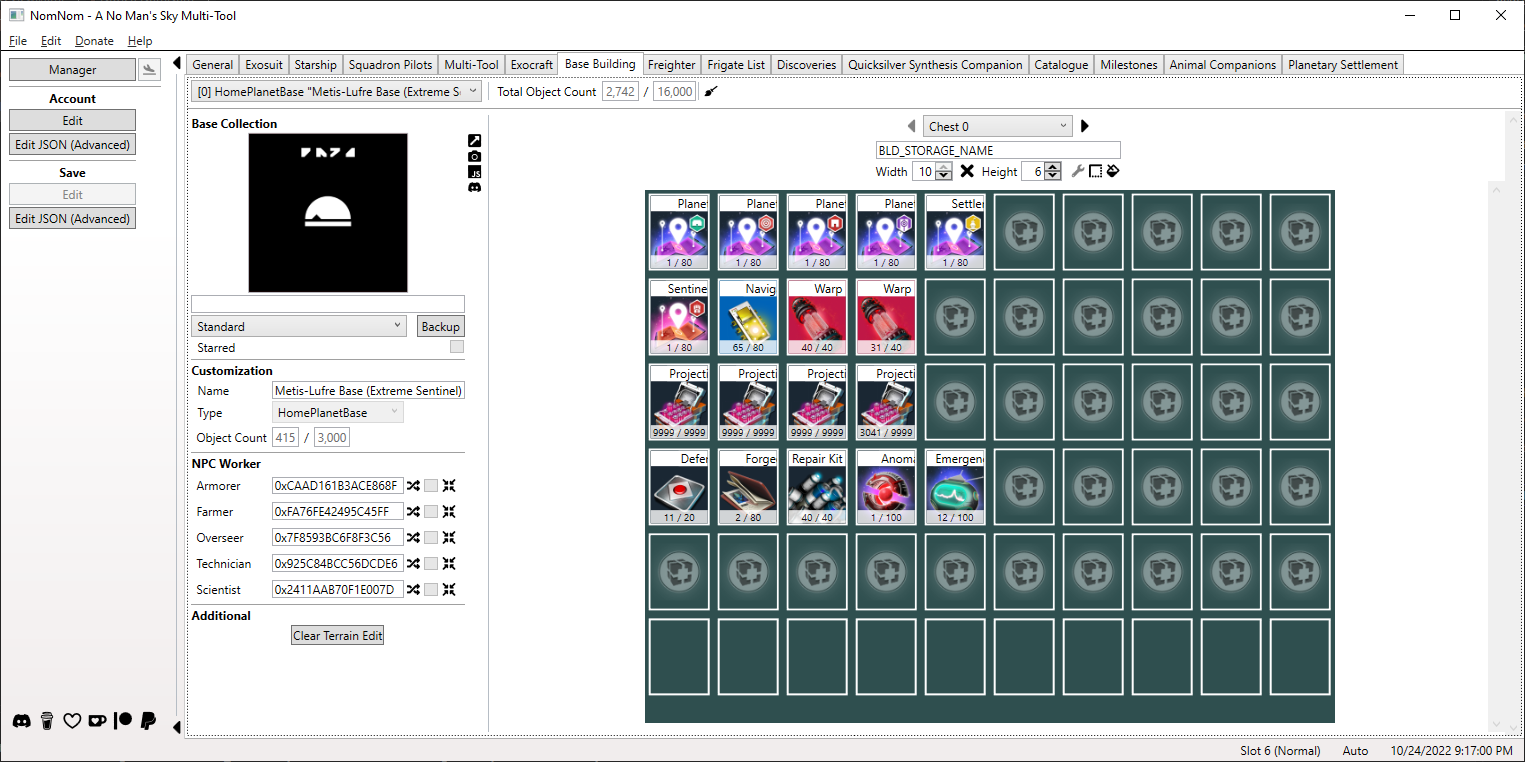
- Editor Edit your save for your needs!
- Ability to edit cross-save rewards from Expeditions, Twitch Drops, Titles
and more.
- Ability to manage fleets, change data values like currencies and stats,
and organize inventories.
- Ability to fast travel to any system you like and trigger space battles.
- Ability to customize appearances.
- Ability to edit your knowledge and recorded experiences.
- Ability to edit the raw JSON (for advanced users).


These images are from version
4.00.0.31-beta.1.
More and maybe newer can be found here.
Getting Started
Compatibility
Each version of NomNom is built with the latest game version (at that time) in mind
and the version number is reflecting that. Each one is also backwards
compatible down to Beyond 2.11 and even saves before that can still be edited
via the built-in JSON editor. If you use NomNom with a newer game version branch
than the one it was build for (e.g. your NomNom version starts with 4.60 but
your game is Adrift 4.72), things should work as usual in most cases but there
can always be a breaking change.
Each game version is properly supported with its own set of available items and
features so you do not have to worry about adding unavailable items.
NomNom is compatible with every platform No Man’s Sky is available on (some work
better than others though). You can select a specific account/folder with you saves
or, for platforms on PC, one level above if you have multiple accounts.
A complete and always up-to-date overview with additional notes can be found here.
Requirements
You need to install the .NET 8 Desktop Runtime
and the WebView2 Runtime.
That is it.
If you choose to download the setup, all requirements will be automatically installed
if missing.
NomNom is signed with a (self-signed) certificate. As this is a free app, it is
currently way to expensive to purchase one from an official source but if you install
this one manually, it has the same effect: Getting rid of the Windows security
warnings.
You can install it as follows:
- Download the
zencq.cer file from here
- Open the downloaded file
- Click Install Certificate
- Follow the wizard to install it. Use the suggested config below or adjust as you
like.
- Select Current User then Next
- Click Place all certificates in the following store then Browse
- Select Trusted People then OK
- Click Next, then Finish
Currently NomNom is only officially supported on Windows but a confirmed way of
using it with Linux is to go to flathub.org, install WineZGUI
, and then just launching the NomNom installer.
Download
Instructions
- After downloading and extracting the zip file you’ll find a few files. All
you need to care about is the executable (
NomNom.exe) but new folders may
be created at runtime (e.g. for backups) that will become relevant to you.
- You may want to create a shortcut to the executable for easier access.
- As the tool includes an automatic backup functionality you don’t need to do
it manually but if you want to be absolutely save, do it.
- At first start the tools locates your saves at the default
location of each platform but if that fails, you have to select it manually.
- Select a slot.
- Start tinkering!
- Guide and Catalogue will work without loading a save.
Versioning
The versioning is oriented on/a mix of the game version itself and SemVer:
- Major mirrors the games major version.
- Minor mirrors the games initial minor version of named updates
(e.g. Synthesis 2.20 or Outlaws 3.85).
- Patch is for every release between two named updates and can include everything
from new features, to bug fixes, and other updated stuff.
This is for stable releases but there can also be pre-releases with following
suffix schema that indicates its maturity.
- Beta will increase the first digit and be resets the second one to 0 (e.g.
-pre.1.0)
- Development will just increase the second digit of the previous release (e.g.
-pre.1.1)
History
The complete history can be found in the CHANGELOG file.
If you like NomNom and want to support me in its further development, you can do
so here on GitHub, on Buy Me a Coffee, Ko-fi, or Patreon or via PayPal.
I will appreciate it!
The official Discord server
is where you will find all information at one place, first hand. If you need (or
want to offer) help, found a bug, have a suggestion, or something else regarding
NomNom, you will find, or can post it there.
License
This project is licensed under the GNU GPLv3 license - see the LICENSE
file for details.
Authors
Credits
Thanks to the following people for their help in one way or another.
- goatfungus - Inspiration and verifying my own implementation
- hbouma - Explaining how clearing TerrainEdit works
- jeffswt - Algorithm to properly move base computer
- jaszhix - rogerhnn - Coordinate conversion
- KhaozTopsy - Creating the Assistant for No Man’s Sky API to get live data and make the transfer to the app possible
- Novoca1n3 - Providing a proof-of-concent for the JSON editor with tree view
- zousug - Helping to set up the Discord server
And not to forget those whose help contributed to parts of the outsourced libraries
libNOM.collect, libNOM.io, and libNOM.map.
Dependencies


评论