Invidious-Updater (And Installer)


Full write-up on the blog: https://tmiland.com/invidious-updater/
Script to install and update Invidious
1) Install Invidious          6) Start, Stop or Restart
2) Update Invidious           7) Uninstall Invidious
3) Deploy with Docker         8) Set up PostgreSQL Backup
4) Add Swap Space             9) Install Nginx
5) Run Database Maintenance  10) Install Invidious Companion
                             11) Exit"
Usage
Usage:  invidious_update.sh [options]

  If called without arguments, installs Invidious.

  --help                   |-h      Display this help and exit
  --install-invidious      |-i      Install Invidious
  --cron-update            |-c      Update Invidious with cron
  --database-maintenance   |-m      Database Maintenance
  --install-log            |-l      Activate logging
  --install-inv-companion  |-iic    Install Invidious Companion
Installation
To install Invidious:
Note: you will be prompted to enter root password
If root password is not set, type:
sudo passwd root
Log in as root
su root
- Latest release
curl -sSL https://github.com/tmiland/Invidious-Updater/releases/latest/download/invidious_update.sh > invidious_update.sh && \
chmod +x invidious_update.sh && \
./invidious_update.sh -i
- Master
curl -sSL https://tmiland.github.io/invidious-updater/invidious_update.sh > invidious_update.sh && \
chmod +x invidious_update.sh && \
./invidious_update.sh -i
Invidious-Installer is sourced in the install option.
To install this script:
See Install.md
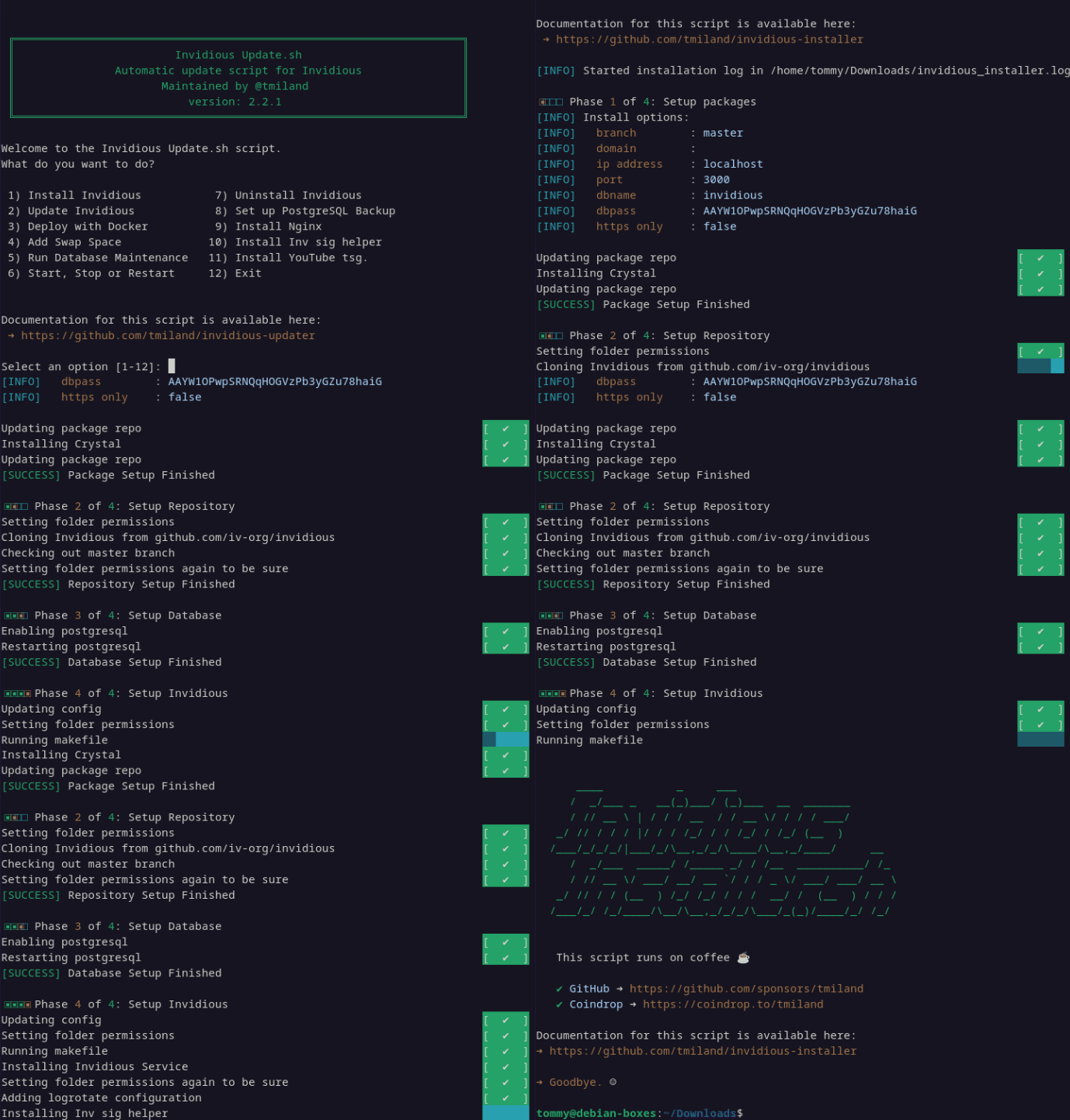
Tested on
| Debian |
Ubuntu |
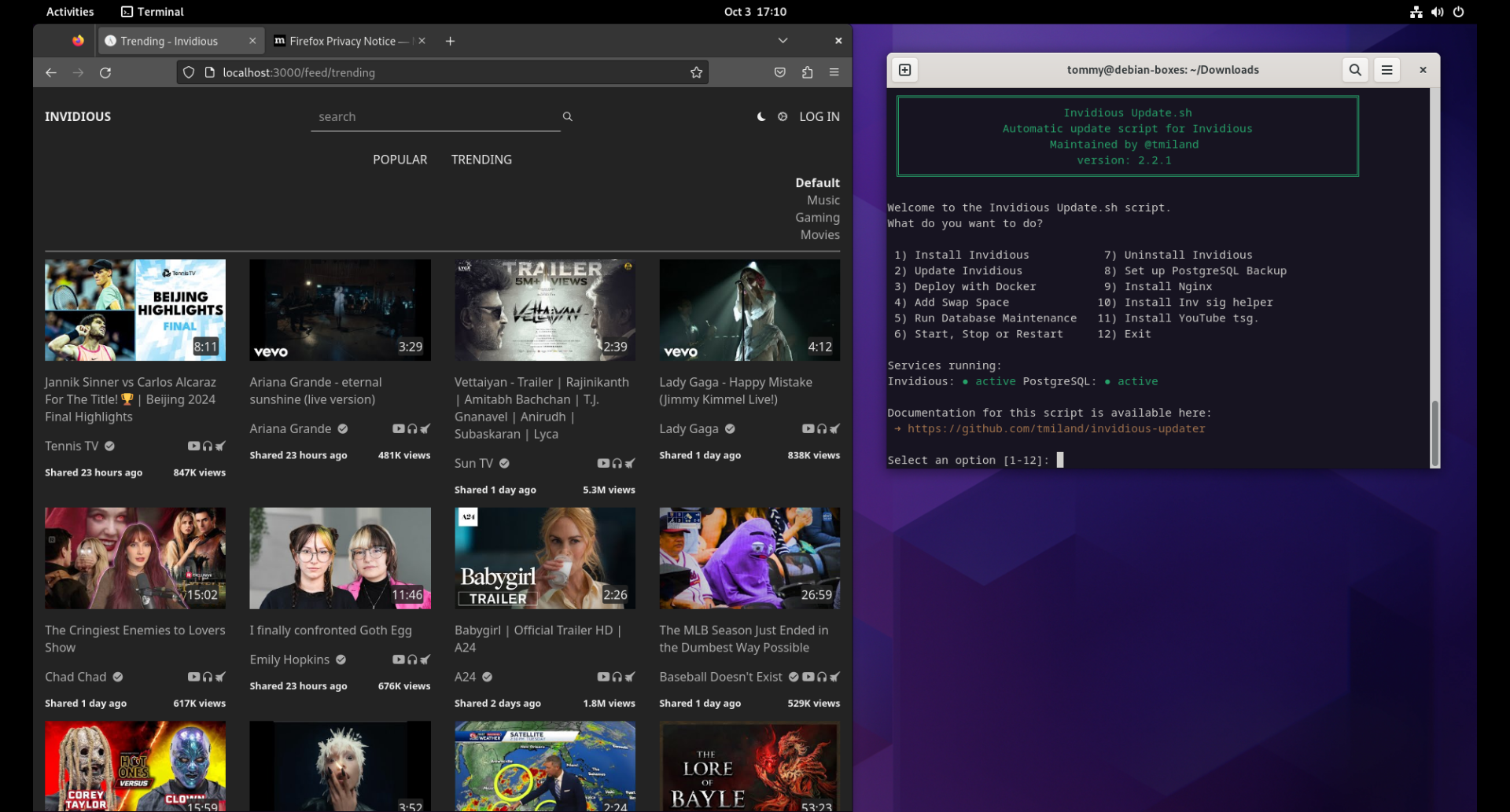 |
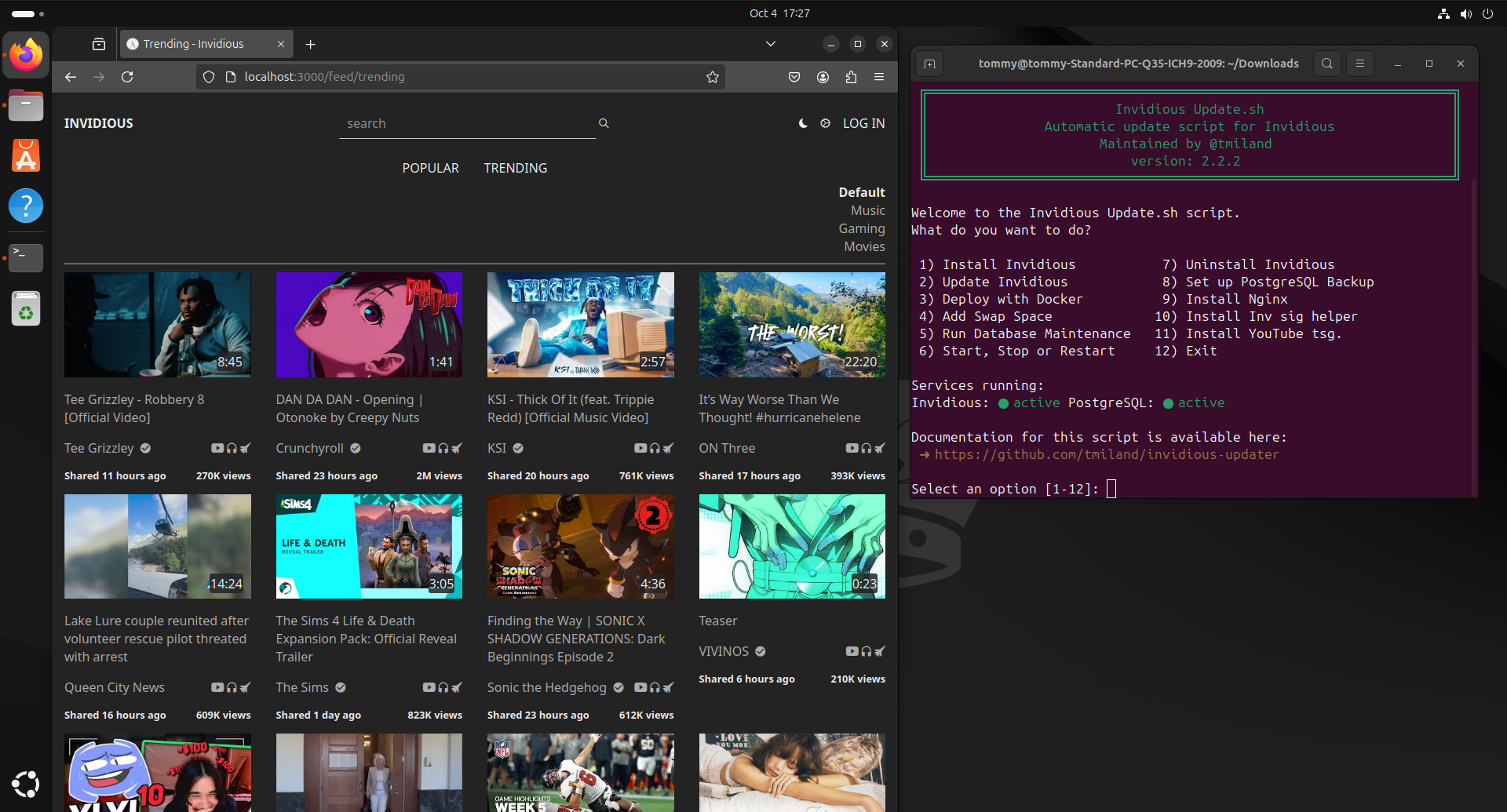 |
| Fedora |
Arch |
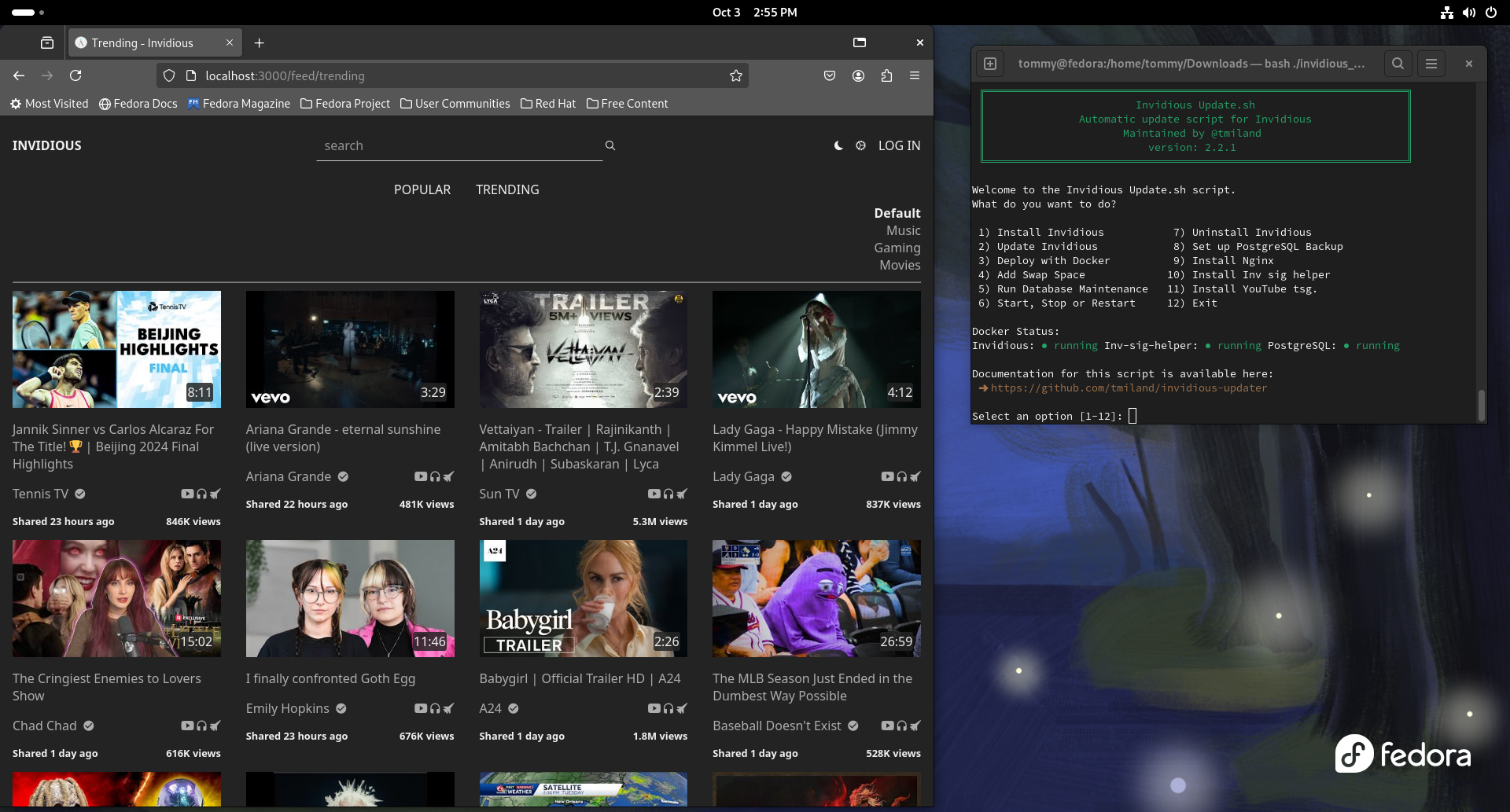 |
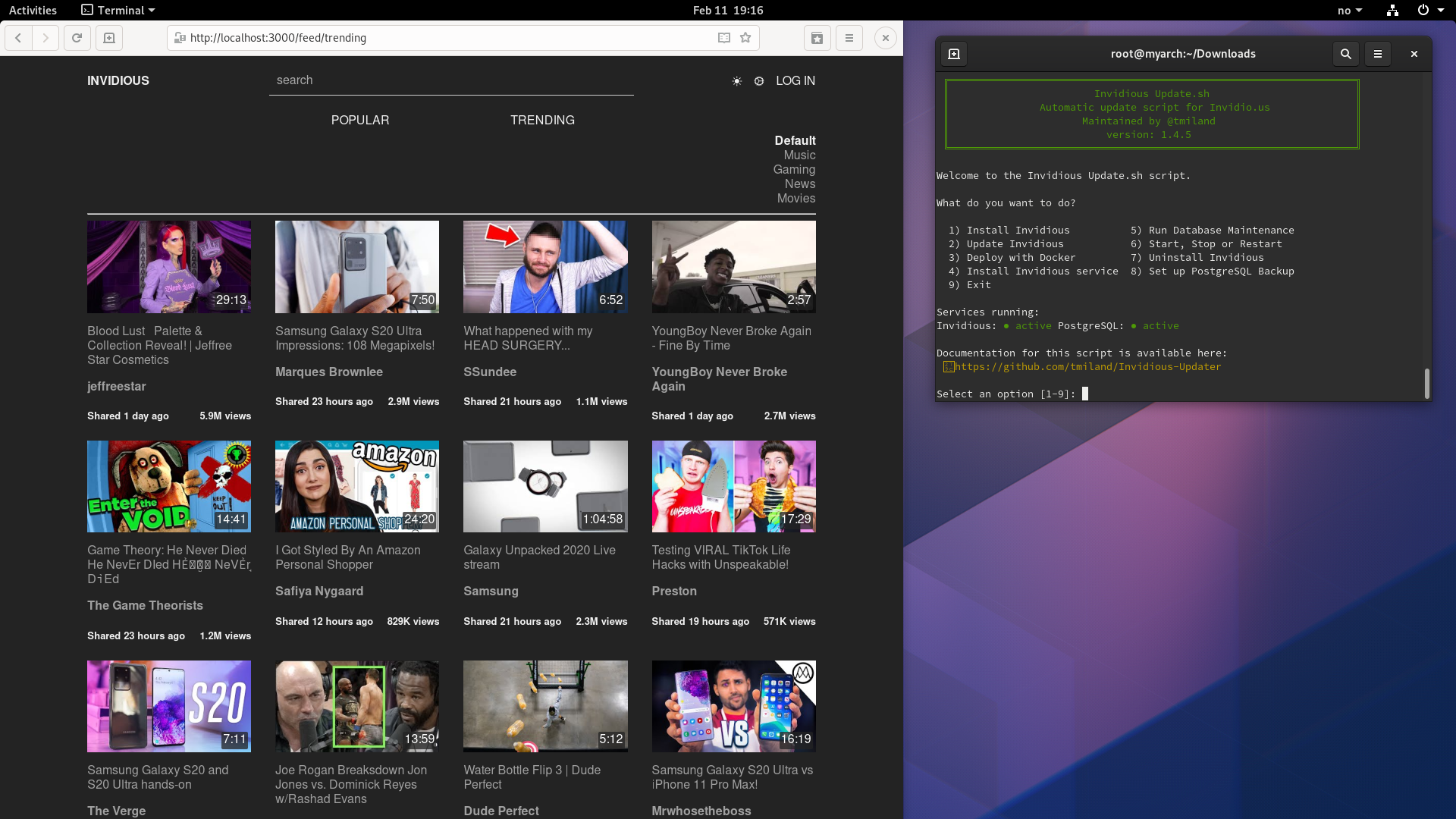 |
| Linux Mint |
PureOS |
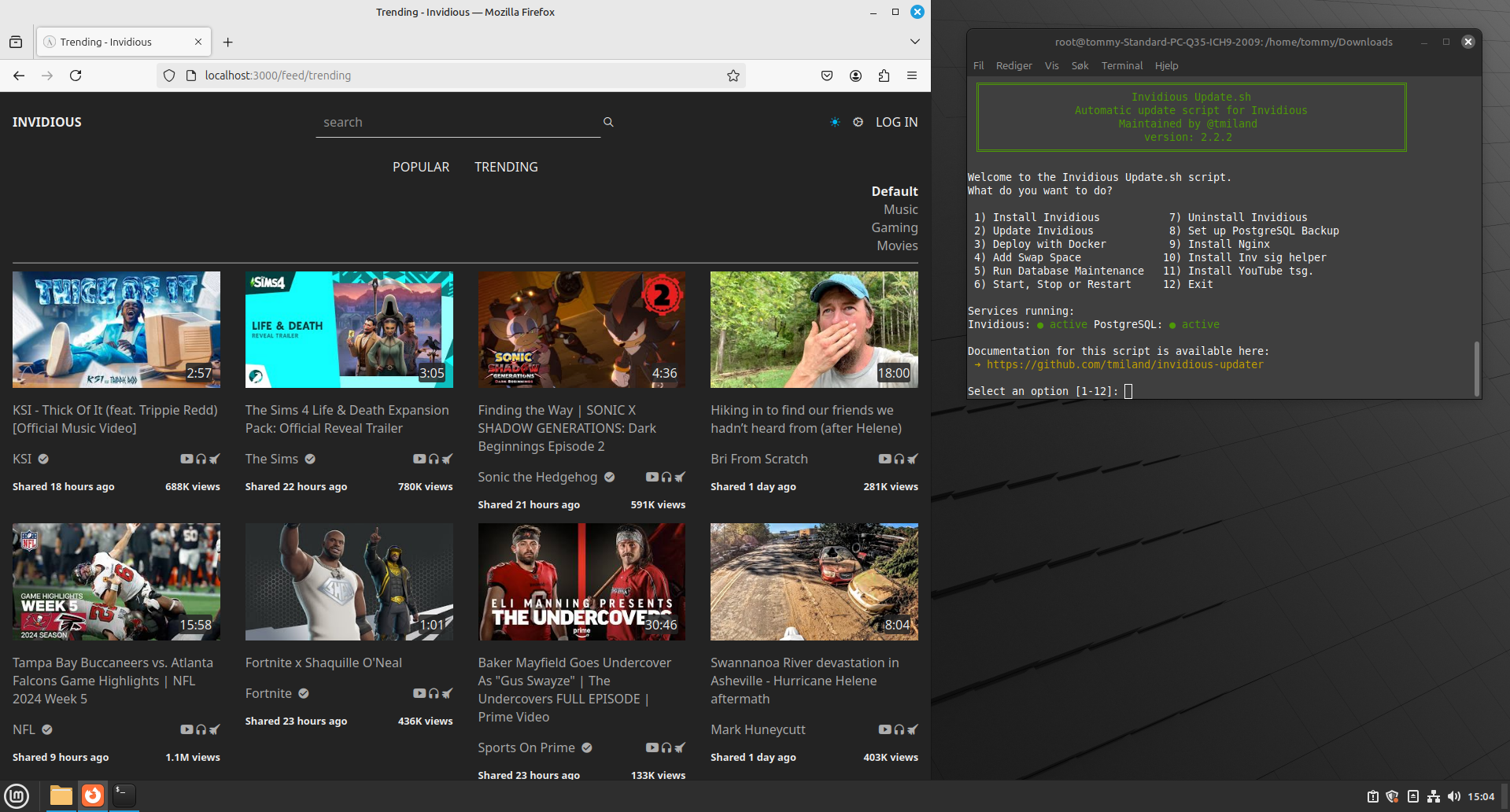 |
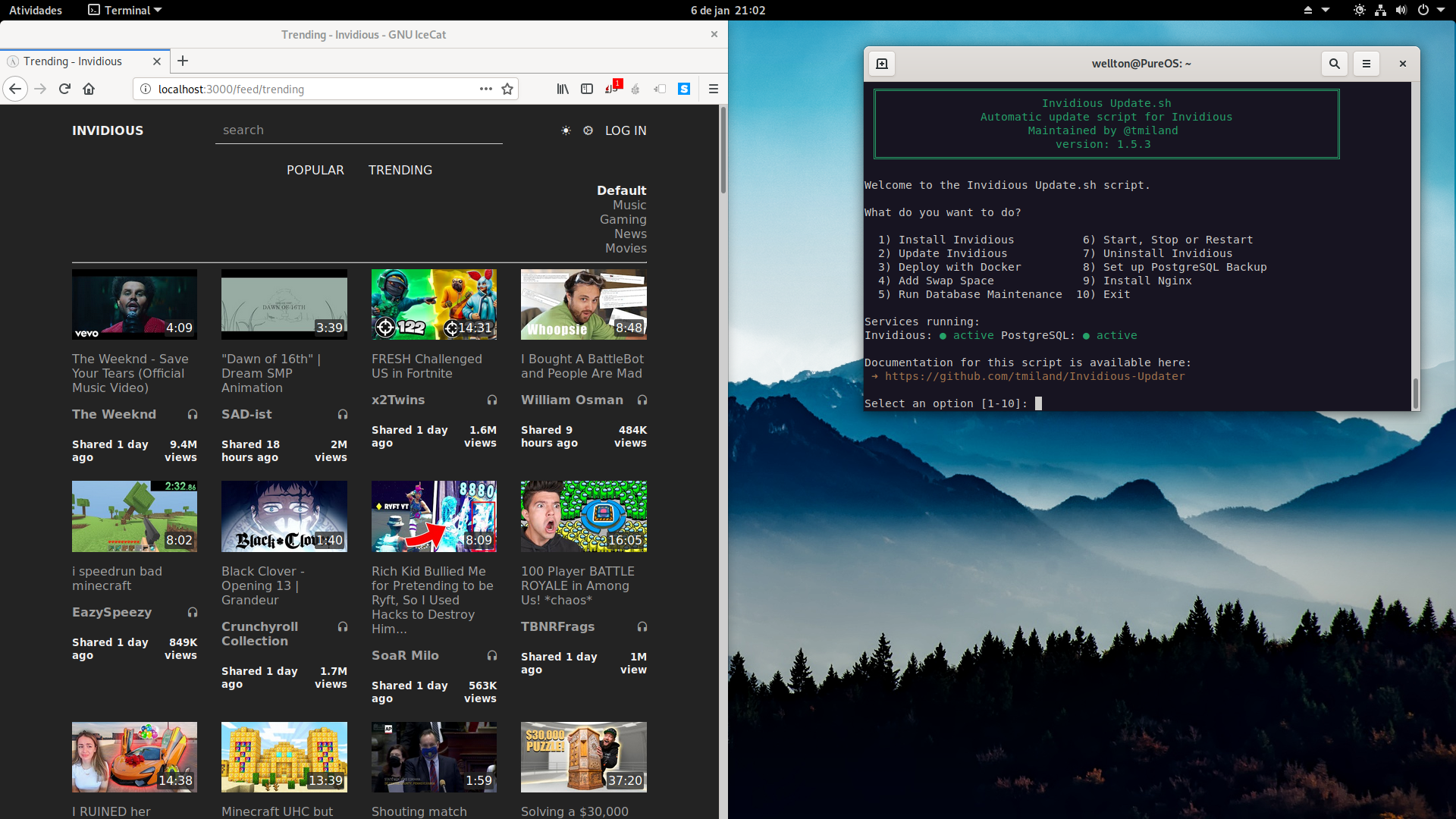 |
Recommendation
It is recommended to use this script on a fresh installation to avoid unwanted complications.
Testing
Tested and working on Debian 12, Ubuntu 24, Linux Mint 22, Fedora 40,
Arch Linux and PureOS (see Install.md for the APT repo +
cron setup). Docker deploy tested on Debian, Fedora, Arch and Mint —
see #15.
SELinux will be set to permissive on Fedora
Postgresql will be default from repo on Fedora.
Changelog
See Changelog
Compatibility and Requirements
- Debian 11 and later
- Ubuntu 22.04 and later
- Linux Mint 21 and later
- PureOS
- Fedora 40 and later
- Arch Linux
Unattended installs can pre-seed answers via environment variables
(DOMAIN, IP, PORT, PSQLDB, PSQLPASS, HTTPS_ONLY,
EXTERNAL_PORT, ADMINS, SWAP_OPTIONS) — see the CI workflow for an
example. Docker deploys use the production docker-compose.yml in this
repo (independent from upstream’s dev-only compose file); Invidious
Companion is included. Automated updates via cron are documented in
Install.md.
Credits
- Code is mixed and customized from these sources:
Feature request and bug reports
Donations

Disclaimer
*** Use at own risk ***
License

MIT License


评论