We have decided to archive Voyager as there are many more modern options available. You may still use Voyager, but it will not be receiving any more updates. Here are some alternatives that we recommend:
Of course, you may also wish to reach for Laravels admin panel Nova, or you may want to reach for one of their many Starter Kits.
Thanks for all the wonderful times 🕺
Voyager is built with Vue and Bootstrap. If you are looking for a Laravel Starter Kit built that uses Livewire and Tailwind, you may be interested in checking out Genesis


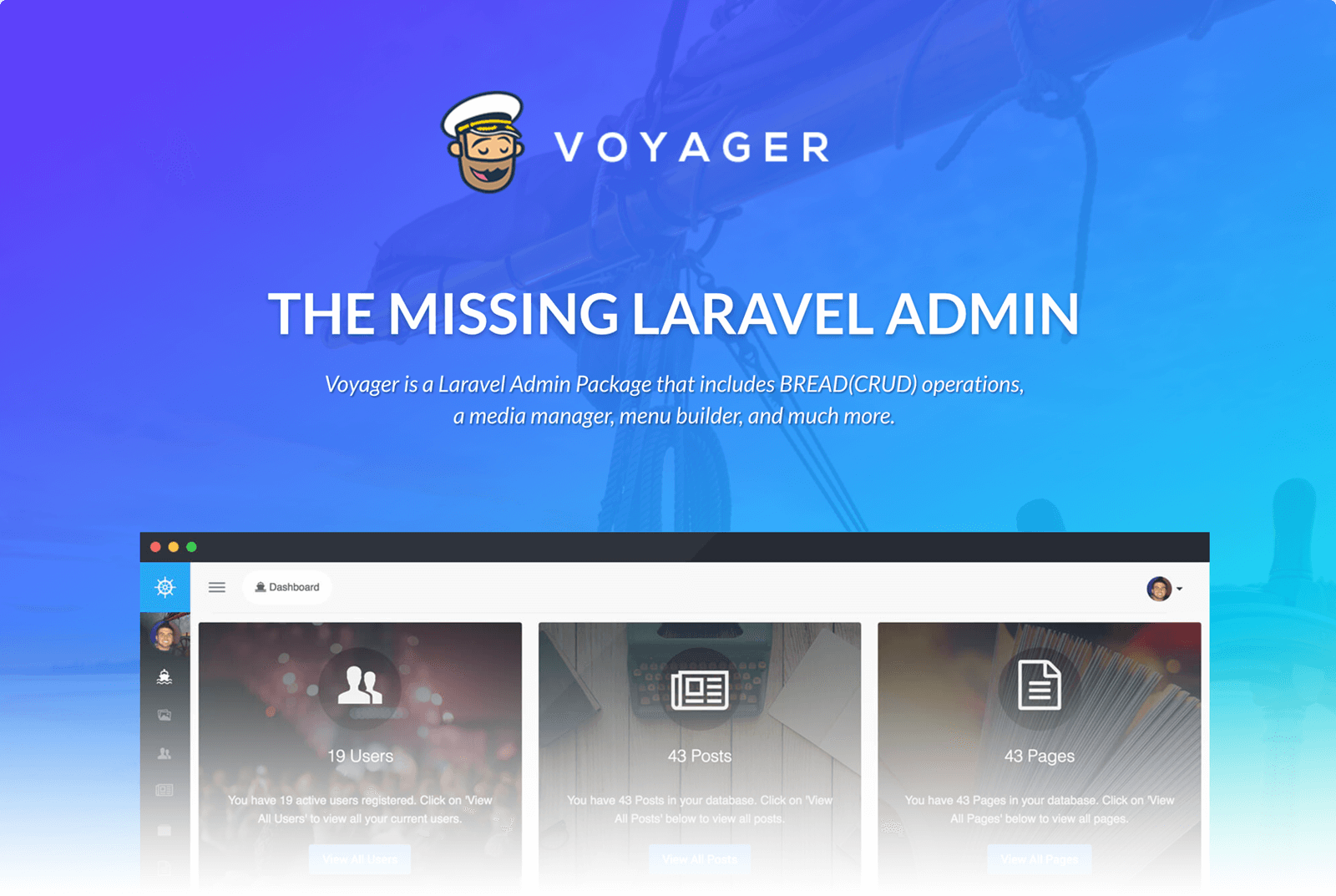
Voyager - The Missing Laravel Admin
Made with ❤️ by The Control Group
Website & Documentation: https://voyager.devdojo.com/
Video Tutorial Here: https://voyager.devdojo.com/academy/
Join our Slack chat: https://voyager-slack-invitation.herokuapp.com/
View the Voyager Cheat Sheet: https://voyager-cheatsheet.ulties.com/
Laravel Admin & BREAD System (Browse, Read, Edit, Add, & Delete), supporting Laravel 8 and newer!
Want to use Laravel 6 or 7? Use Voyager 1.5
Installation Steps
1. Require the Package
After creating your new Laravel application you can include the Voyager package with the following command:
composer require tcg/voyager
If you are installing this on Laravel 10, we are working on getting a permanent release available; however, you can still use this with Larvel 10 by requiring the following:
composer require tcg/voyager dev-1.6-l10
2. Add the DB Credentials & APP_URL
Next make sure to create a new database and add your database credentials to your .env file:
DB_HOST=localhost
DB_DATABASE=homestead
DB_USERNAME=homestead
DB_PASSWORD=secret
You will also want to update your website URL inside of the APP_URL variable inside the .env file:
APP_URL=http://localhost:8000
3. Run The Installer
Lastly, we can install voyager. You can do this either with or without dummy data.
The dummy data will include 1 admin account (if no users already exists), 1 demo page, 4 demo posts, 2 categories and 7 settings.
To install Voyager without dummy simply run
php artisan voyager:install
If you prefer installing it with dummy run
php artisan voyager:install --with-dummy
And we’re all good to go!
Start up a local development server with php artisan serve And, visit http://localhost:8000/admin.
Creating an Admin User
If you did go ahead with the dummy data, a user should have been created for you with the following login credentials:
email: [email protected]
password: password
NOTE: Please note that a dummy user is only created if there are no current users in your database.
If you did not go with the dummy user, you may wish to assign admin privileges to an existing user.
This can easily be done by running this command:
php artisan voyager:admin [email protected]
If you did not install the dummy data and you wish to create a new admin user, you can pass the --create flag, like so:
php artisan voyager:admin [email protected] --create
And you will be prompted for the user’s name and password.
Voyager is proudly supported by our amazing sponsors. A big thank you to:



评论