tabletseeker/mobian 是一个托管在 GitHub 上的开源项目,主要使用 QML 编写,采用 GNU General Public License v3.0 许可证,目前获得 276 个 Star、8 次 Fork。
仓库全名
tabletseeker/mobian
开源许可证
GNU General Public License v3.0
Star 数
276
Fork 数
8
README 摘要
A 100% Debian Linux, free, privacy focused, open-source operating system targeting x86-x64 touch devices, designed to liberate users from any kind of Google or third party surveilance, data collection and security concerns. This fork only uses official Debian sources, meaning no third party repositories, packages or code of any kind, while granting users complete control over every single package that is installed…
Android like OS using 100% Debian FOSS and 0% Google or 3rd Party Services, for touch devices such as Surface Pro, Zenbook, Thinkpad, Pinephone etc, offering a truly free and private touch experience.
A 100% Debian Linux, free, privacy focused, open-source operating system targeting x86-x64 touch devices, designed to liberate users from any kind of Google or third party surveilance, data collection and security concerns. This fork only uses official Debian sources, meaning no third party repositories, packages or code of any kind, while granting users complete control over every single package that is installed. The native implementation of custom kernels with the included build recipes enables support for almost any brand/model of x86-x64 tablet or lap-top, such as Surface Pro 3-10, Zenbook, Thinkpad, Chromebook etc. and a range of ARM phones. Additionally, custom or deb packages and files of any kind can also be included. The mobian build-script produces personalized images, with unlimited customization of any available setting and device behavior.
Mobian uses a phosh environment by default which if so desired can be replaced with a simple change in the package lists. For example, other comparable mobile environments are Lomiri and Plasma Mobile.
Spotify
The spotify-client .deb package can be installed directly or during building by placing it in mobian/overlays/packages/deb.
Netflix
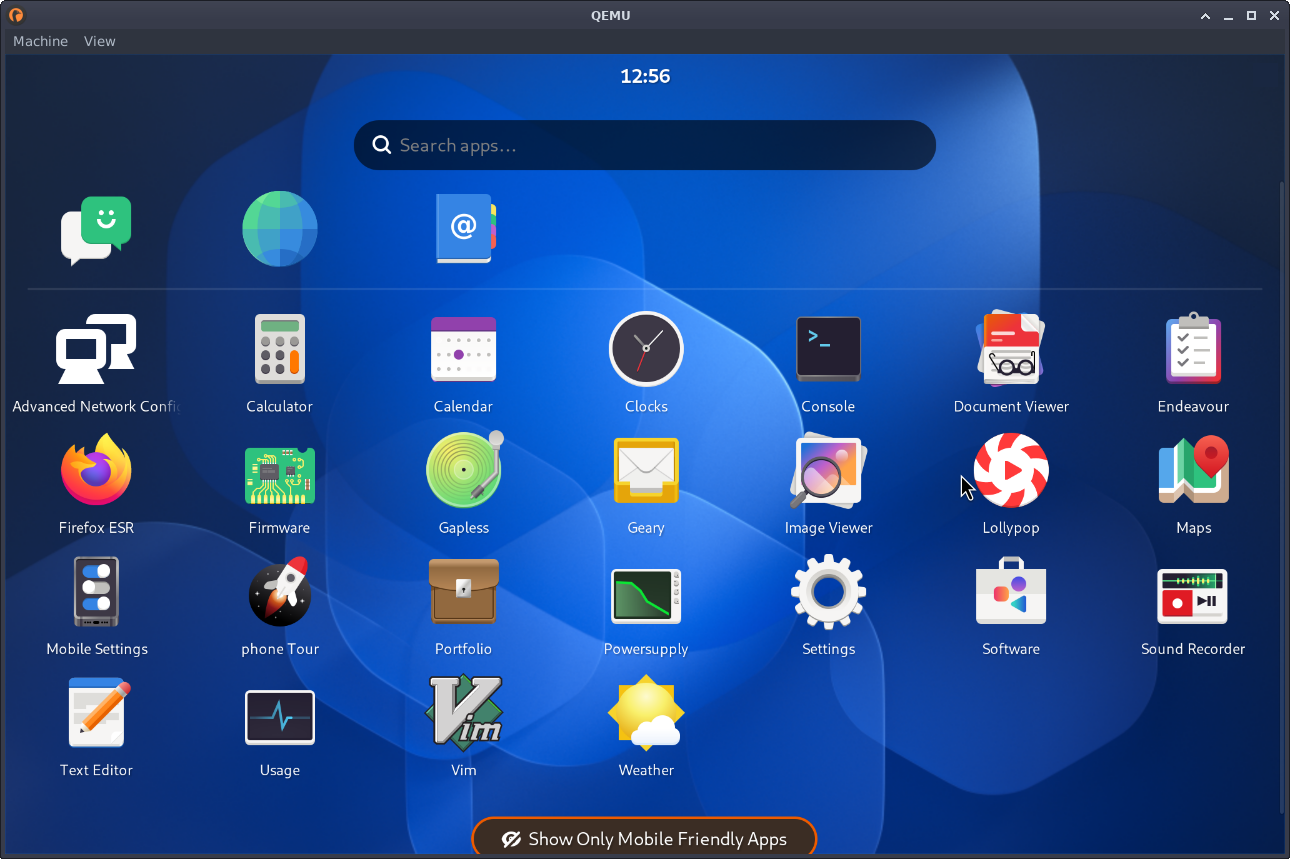
At the time of writing Debian does not yet offer a Netflix package. Webapp-manager appears to be the most conveniant solution. Both previews are displaying the webapp versions of Netflix and Spotify. See 🔼 Webapp Manager
By using option -o during building, you can produce a Mobian installer image that contains a basic Phosh environment and calamares to install the filesystem.
This repo features two branches, which produce different installer images.
master
Full Phosh Live Environment, allowing users to test their device before starting the installation
Custom kernels are also installed on the live system, so touch sensitivity and other hardware can be checked
Essential firmware and wifi drivers enabling internet access in case additional packages are needed for testing
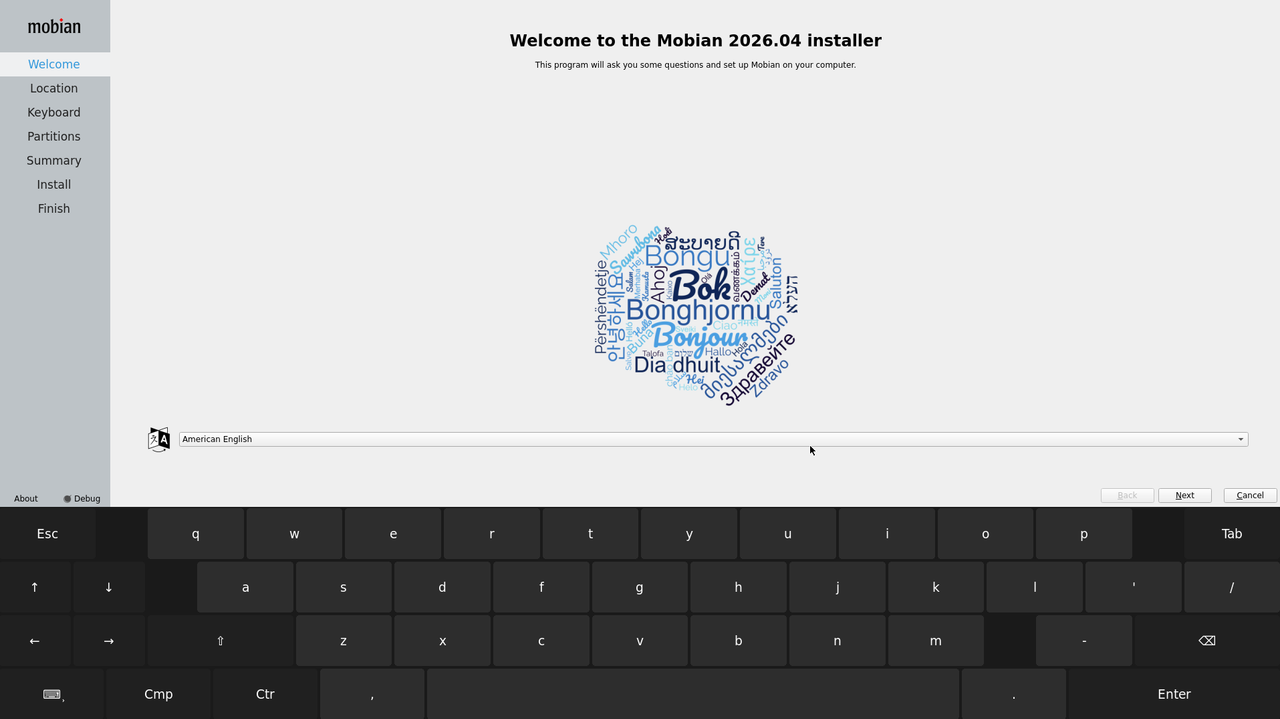
Note: Live installer images come with a Calamares shortcut that starts the installation.
mobian-light
Designed to be lightweight
Installer-Only, no desktop environment
Includes essential firmware, limited locales/language support, minimal base & phosh package lists
Note: Build option -K globally enables automatic on-screen-keyboard for devices w/o a physical keyboard.
Download or build your installer image. Extract it, if compression was chosen.
unxz -kv mobian-<release>.img.xz
The following command will create a bootable USB Stick.
Note: Both Automatic and Manual partitioning allow for the selection of full disk encryption with LUKS.
Github Releases
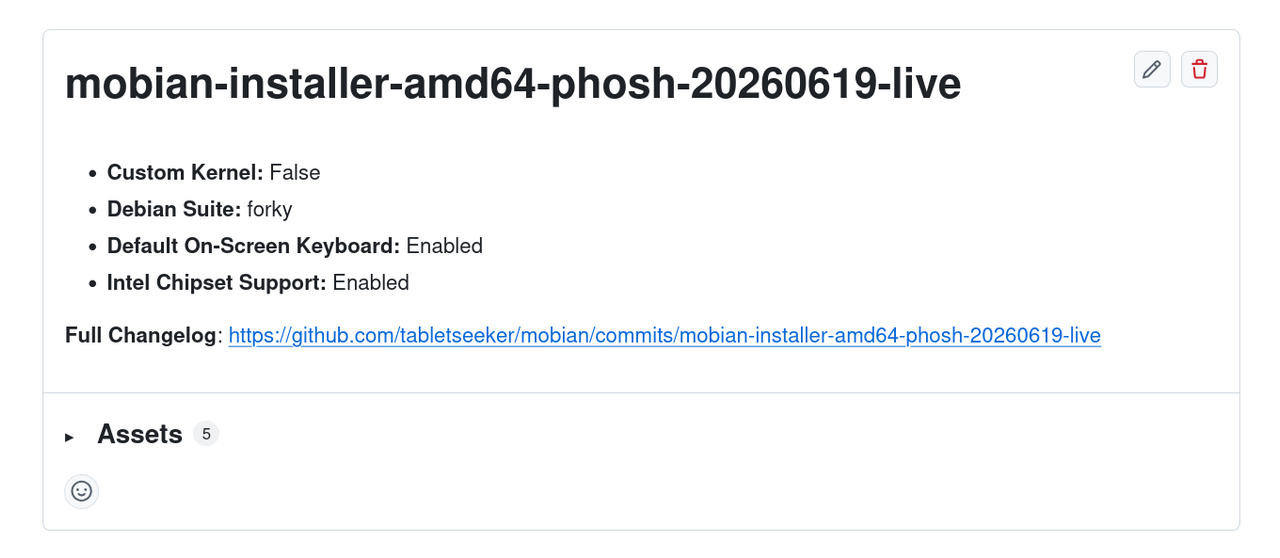
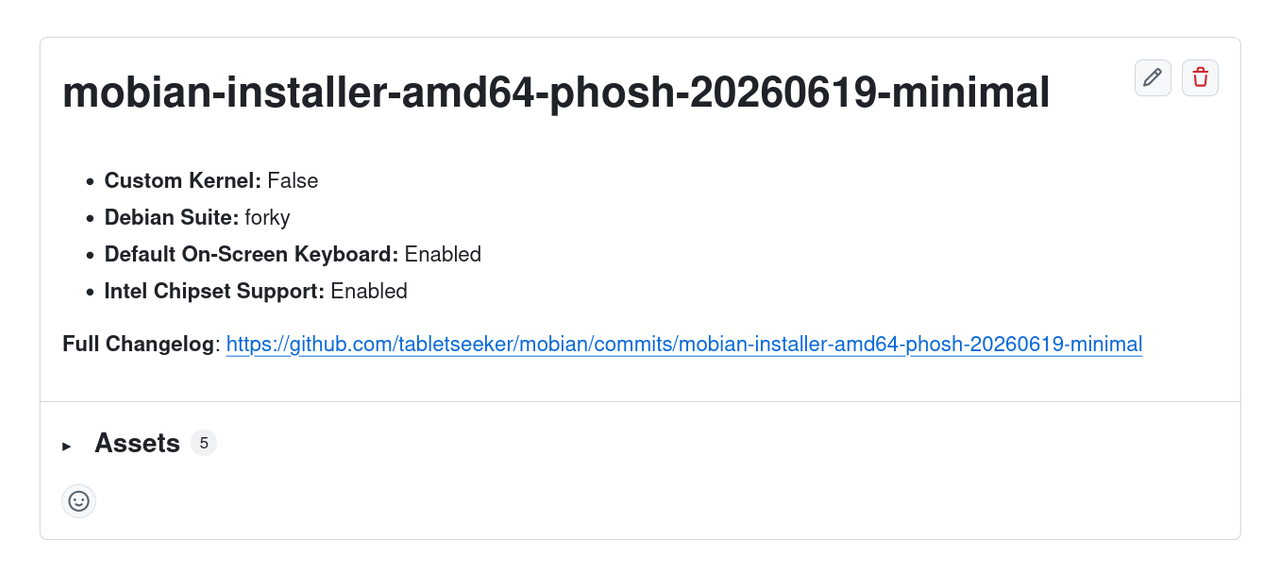
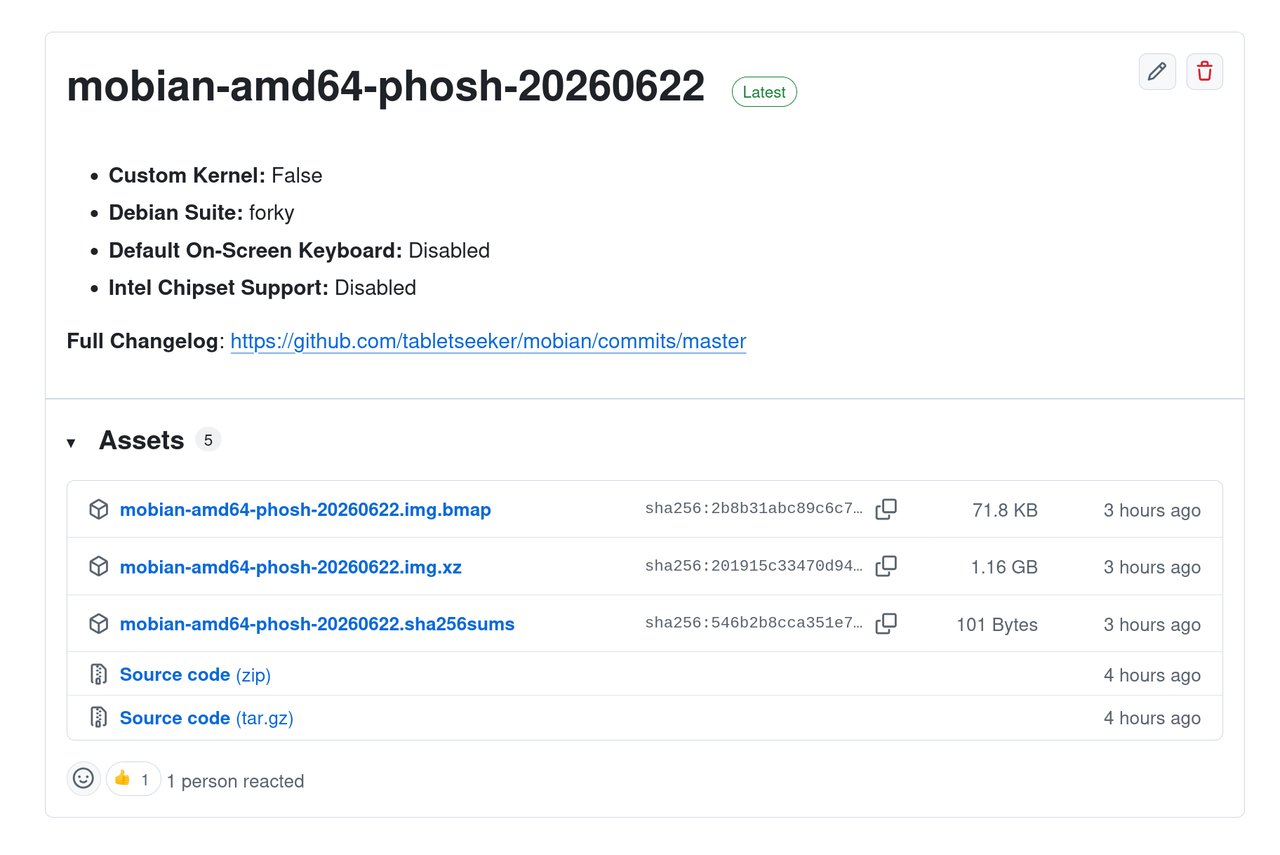
Multiple installer images can be found on the Github Release page. The postfix -live represents master and -minimal lightweight branch builds.
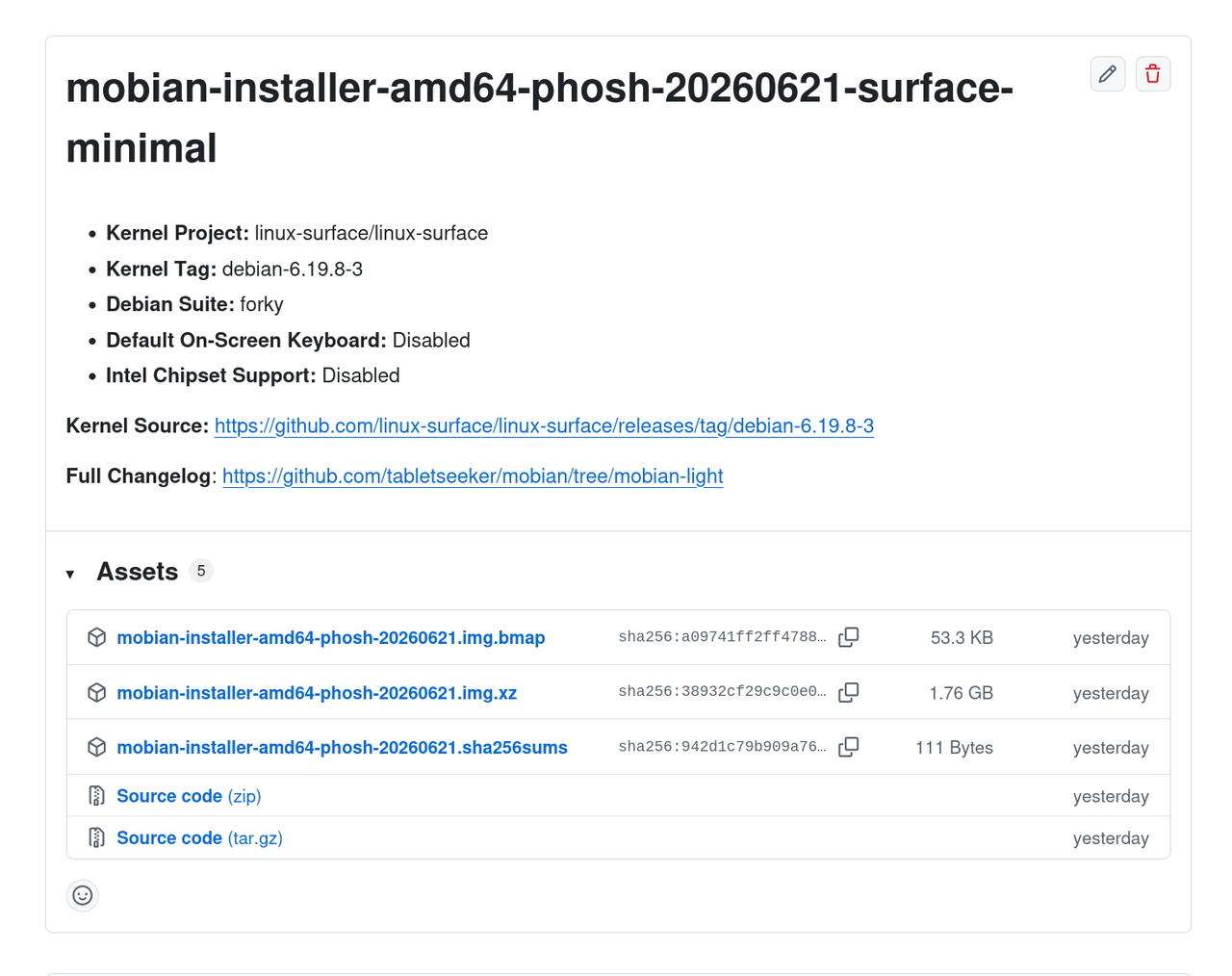
Images featuring a custom kernel for specific devices carry an additional identifier. In the following example, the linux-surface kernel for Surface Pro devices has been included.
Test with Qemu
You can also run images locally using qemu and even install it to a .qcow2 disk.
Create .qcow2 file if you intend to install the image locally.
The build script /mobian/build.sh processes and passes on build arguments to debos which installs a debian minbase using debootstrap, sets up packages, partitions, bootloader etc. and ultimately creates the image according to the included debos recipes. More information about debos can be found at the official debos github repistory.
https://github.com/go-debos/debos
Devices
Target Devices
X86-X64 Laptops and All in One Devices: Surface Pro 3-10, Zenbook, Thinkpad, Chromebook, XPS, Lenovo Yoga etc.
amd64 (includes non-free sources to install firmware)
amd64-free
Phones & Tablets
pinephone|pinetab|sunxi
pinephonepro|pinetab2|rockchip
librem5
sdm845|sdm670|sm6350|sc7280|qcom-wip
Build Arguments
Parameters
Switch Arguments
These arguments do not accept values.
Option
Description
Variable
-k
Install custom kernel
kernel
-c
Use encryption
crypt_root
-d
Use docker to run debos
use_docker
-D
Enable debugging mode
debug
-v
Enable verbose output
verbose
-i
Only build the image
image_only
-z
Enable compression
do_compress
-b
Do not use bmaptool create
no_blockmap
-s
Install openssh-server
ssh
-o
Create installer image
installer
-Z
Setup zram devices
zram
-C
Inlclude contrib repository
contrib
-r
Install miniramfs
miniramfs
-K
Enable On-Screen-Keyboard
keyboard
-L
Loads Kern Modules for Intel
intel_chipset
Option -K enables the On-Screen-Keyboard by default, which can be useful for devices that exclusively rely on touch input or want the OSK to emerge when no mechanical keyboard input is attached.
Option -L fixes a conflict with the soc_button_array and pinctrl_intel driver which can cause mechanical buttons like Volume Control +/- and the Power Button to stop working on Intel Chipsets.
stable i.e. trixie is the default distribution that will be built, if option -x is not invoked.
To build a testing image based on forky, use -x forky , or -x bookworm for bookworm.
sid can also be built, but beware of stability and realibility issues.
Kernel Packages
Custom Kernel
Some devices without mainline support require custom kernels in order to enable things like touch sensitivity, cameras and other similar hardware related functionalities.
There are many resources such as community kernel projects allowing users to simply download pre-built kernels or providing patch tutorials and compilation guides.
Add your kernel files, which must be .deb packages linux-image-{version}.deb and linux-headers-{version}.deb to mobian/kernel
Use option -k when running the build script in order to trigger the installation of your kernel packages.
User Packages and Files
Custom Packages
.deb packages can be added to mobian/overlays/packages/deb and will be automatically installed without the need for any additional build arguments.
Pre-built packages can be added in-tree form to mobian/overlays/packages/amd64, mobian/overlays/packages/phone and mobian/overlays/packages/sunxi(pinephone). For example, a pre-built package could be included by adding usr/lib/<package_libs> and usr/bin/<package_binary>.
Files of any kind can also be added to the locations mentioned above. For example a custom wallpaper can be added by including the following tree. mobian/overlays/packages/amd64/usr/share/backgrounds/mobian/wallpaper.jpg
Building against device pinephone with default values
./build.sh -t pinephone
Building against device librem5 with img compression and encryption
./build.sh -t librem5 -z -c -R "lombax"
Before you start
Build Preparation
Caching
The build system will cache and re-use it’s output files. To create a fresh build remove *.tar.gz, *.sqfs and *.img before starting the build. For testing or repetitive builds use cache:true with debootstrap and package install actions.
Docker
Running ./build.sh -d runs the build i.e debos inside a docker container, thus installing debos would not be required in this case.
QEMU
amd64 produces x86_64 raw images which can be run/tested with QEMU using the following command.
To create a VM based on the mobian x86_64 image, launch virt-manager, click New VM -> Import existing disk image -> select the raw image and OS version then progress to the Ready to begin installation page, check customize configuration before install then click finish.
Under Hypervisor Details, change firmware to UEFI x86_64: /usr/share/OVMF/OVMF_CODE_4M.fd then apply and begin installation,
the image should now boot up.
Use qemu-img to resize and convert the raw image as needed.
(Optional) Build with the webapp-manager .deb package included.
Add the webapp-manager*_all.deb file to mobian/overlays/packages/deb/ before running the build script.
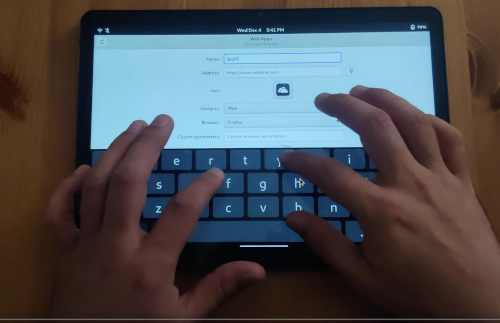
Follow the instructions in this Youtube Tutorial which explains how to create local apps with webapp-manager.
Note that webapp-manager does not need to be installed separately.
The system natively uses an On-Screen-Keyboard during touch operation and automatically switches to Mouse and Keyboard once detected.
Mobian is designed to be 100% Google free, however it is still possible to connect accounts should users absolutely require this functionality. (Don’t)
Multiple backgrounds come pre-installed. Custom background images can be overlayed during building.
Dark Mode and various color schemes are available out of the box.
Workspace management and multi-tasking features can also be leveraged.
Devices like the Surface Pro 8,9,10 with higher refresh rates will be adjustable in the display menu.
Wireguard VPN connections are extremely power efficient on mobile devices thanks to mainline support.
Credits 🥇
Huge thanks to the developers @mobian-team!
Please support their work, without them none of this would be possible.
The original project can be found here: https://salsa.debian.org/Mobian-team/mobian-recipes
Donations 💗
This project will be maintained for most devices, with all major or device specific features being implemented upon request.
Any support is appreciated.







评论