项目介绍

strath-sdr/dsp_notebooks 是一个托管在 GitHub 上的开源项目,主要使用 Jupyter Notebook 编写,目前获得 148 个 Star、37 次 Fork。

仓库全名
strath-sdr/dsp_notebooks
Star 数
148
Fork 数
37

README 摘要

This repository has now been archived. See the new RFSoC-Book repository that contains the same DSP Notebooks and more! Available Now! Software Defined Radio with Zynq® UltraScale+ RFSoC Free Download Printed Edition DSP Introductory Notebooks This repository contains a collection of educational Jupyter Notebooks on DSP (Digital Signal Processing) theory. No special hardware required, just a computer that has Python…

完整内容见 GitHub 原始 README 或本页 。

常见问题

dsp_notebooks 用什么语言开发?

主要使用 Jupyter Notebook 编写,目前有 148 个 Star。

如何获取 dsp_notebooks 的源码?

可以直接克隆仓库:git clone https://github.com/strath-sdr/dsp_notebooks.git,默认分支为 main;安装与运行步骤见仓库 README。

dsp_notebooks 最近还在维护吗?

仓库最近一次更新为 2023年1月24日,当前没有未关闭的 Issue;Star 数为 148,可作为社区活跃度的参考。

关于

GitHub 原始描述(英文)

A collection of Digital Signal Processing notebooks with a wireless communications theme.

描述取自 GitHub 官方 API,保持仓库作者书写的原文。

简要分析

热度分
222
价值分
99
活跃状态
归档

语言占比

Jupyter Notebook
Python

Release

README

This repository has now been archived. See the new RFSoC-Book repository that contains the same DSP Notebooks and more!

oscthumb Available Now!
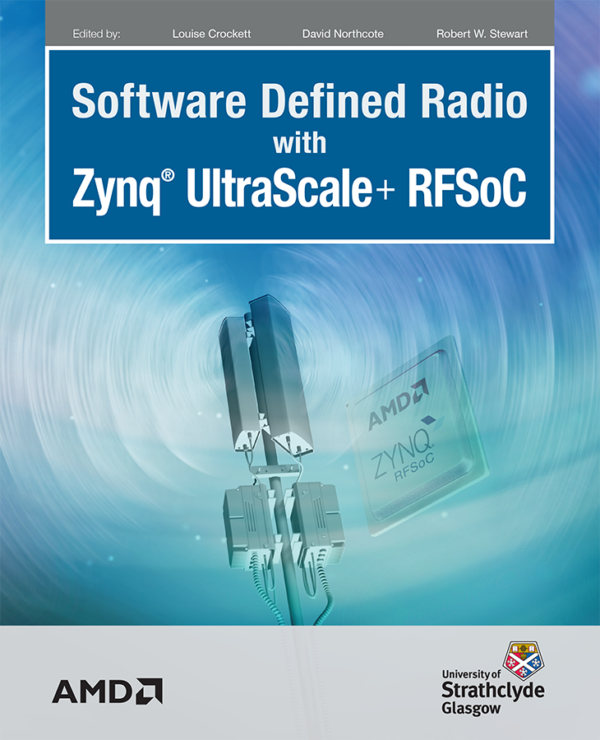
Software Defined Radio with Zynq® UltraScale+ RFSoC
Free Download
Printed Edition

DSP Introductory Notebooks

This repository contains a collection of educational Jupyter Notebooks on DSP (Digital Signal Processing) theory. No special hardware required, just a computer that has Python and the Jupyter environment installed (we recommend Anaconda if you are setting up for the first time). If you are running this from a board running PYNQ you should already be all set.

PYNQ Quick Start

The DSP notebooks can be installed on to your development board by running a simple line of code in a command terminal. However, you will need to connect your board to the internet. Follow the instructions below to install the notebooks now.

  • Power on your development board with an SD Card containing a fresh PYNQ v2.7 image.
  • Navigate to Jupyter Labs by opening a browser (preferably Chrome) and connecting to http://<board_ip_address>:9090/lab.
  • We need to open a terminal in Jupyter Lab. Firstly, open a launcher window as shown in the figure below:

  • Now open a terminal in Jupyter as illustrated below:

  • Now simply run the code below that will install the package to your system.
pip3 install git+https://github.com/strath-sdr/dsp_notebooks

Once installation has complete you will find the DSP notebooks in the Jupyter workspace directory ‘rfsoc-studio/dsp-notebooks’. The folder will be named ‘dsp-notebooks’.

评论

暂无评论