 FIND


Keywords: indoor GPS, WiFi positioning, indoor mapping, indoor navigation, indoor positioning
About
The Framework for Internal Navigation and Discovery (FIND) allows you to use your (Android) smartphone or WiFi-enabled computer (laptop or Raspberry Pi or etc.) to determine your position within your home or office. You can easily use this system in place of motion sensors as its resolution will allow your phone to distinguish whether you are in the living room, the kitchen or the bedroom, etc. The position information can then be used in a variety of ways including home automation, way-finding, or tracking!
Simply put, FIND will allow you to replace tons of motion sensors with a single smartphone!
The system is built on two main components - a server and a fingerprinting device. The fingerprinting device (computer program or android app) sends the specified data to the machine learning server which stores the fingerprints and analyzes them. It then returns the result to the device and stores the result on the server for accessing via a web browser or triggering via hooks.
FAQ (abbreviated):
More questions? See the unabbreviated FAQ.
Quickstart
If you’d like to install things yourself, see the documentation. You don’t need to do this to try it though. Follow the 3 steps below to get started quickly.
1. Download the software
Android users: download the current version of the app. Sorry iPhone users but the Apple store prevents apps that access WiFi information, so I will be unable to release a iPhone version.
OR
Computer users: you can download the current version of the fingerprinting program, available for Rasbperry Pi, OSX, Linux, and Windows.
2. Gather fingerprint data
First, to get started using FIND you will need to gather fingerprint data in your locations.
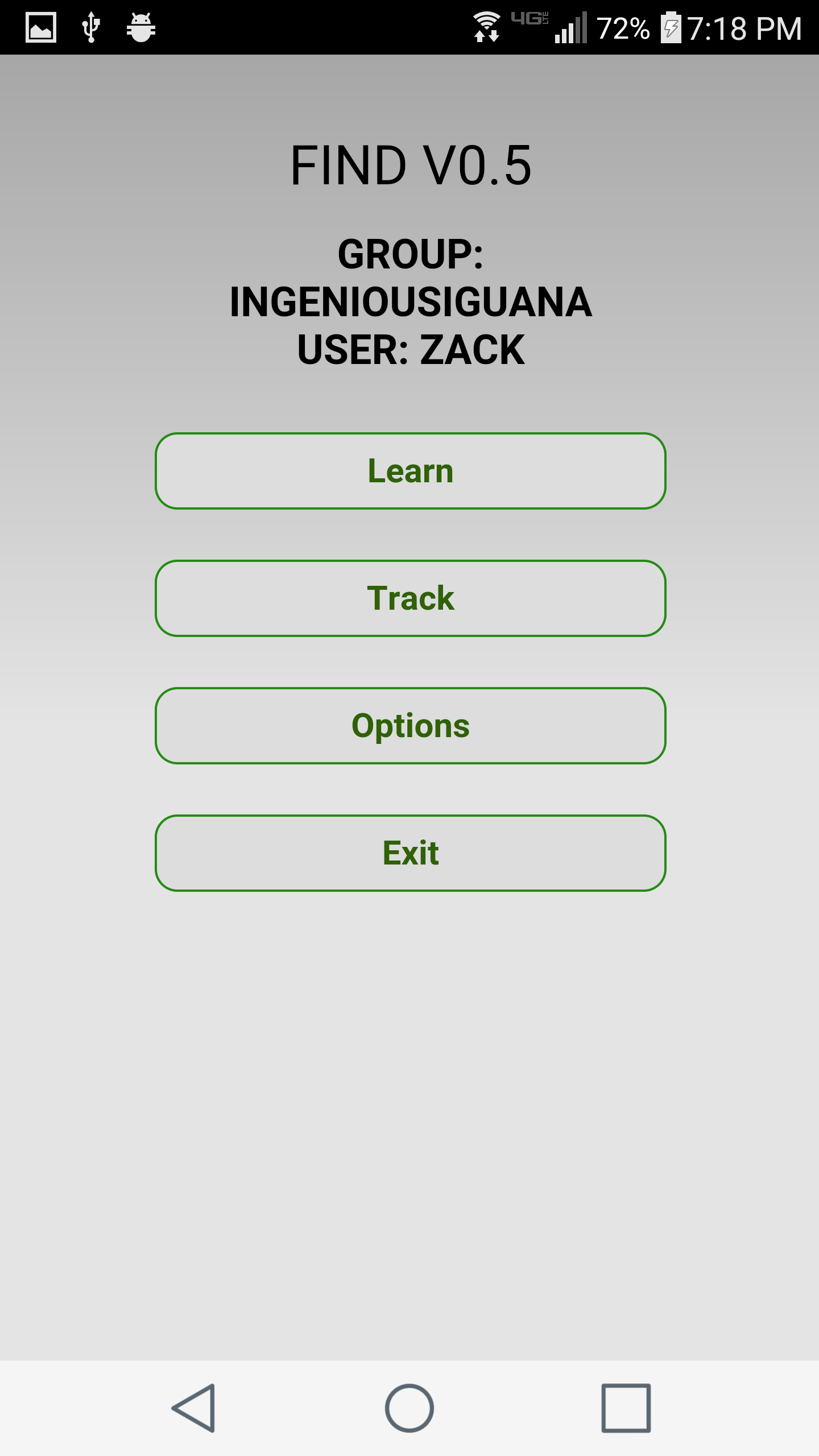
Android users: When you start up the app you will be asked for a username (enter whatever you want) and you’ll be assigned a unique group name. Simply click “Learn” and you’ll be prompted for a location name. After you enter a location, the app will connect to the server and then submit fingerprints.

Computer users: To start learning locations simply use ./fingerprint -e.
3. Track yourself
Once you’ve collected data in a few locations, you can track yourself.
Android users: Just press the “Track” button when you’re ready to track.
Computer users: Type in ./fingerprint to start tracking yourself.
See the documentation at https://www.internalpositioning.com.
Acknowledgements
 Funding from Duke University Colab
Thanks to tscholl2, sjsafranek, and jschools for their help in guiding the development of FIND and creating the early versions of FIND with me! Thanks to Rishabh Rajgarhia and CanvasJS for help implementing a nice graph. Thanks arafsheikh for adding interface selection, Pugio and ScottSWu for adding OS X/Windows support for the fingerprint program, including a better Windows scanning utility! Thanks Thom-x for the Dockerfile. Thanks certifiedloud for implementing the change to DELETE requests and implementing sockets for unix. Thanks bebus77 for making a awesome generic struct for OS support on the fingerprinting program! Thanks christoph-wagner for help with polling interval on app. Thanks to patorjk and asciiworld for the ASCII art. Thanks to Imgur for hosting images.
Donate
Like this? Help me keep it alive by donating $5 to pay for server costs.


评论