项目介绍

samarth-p/College-ERP 是一个托管在 GitHub 上的开源项目,主要使用 HTML 编写,目前获得 757 个 Star、477 次 Fork。

仓库全名
samarth-p/College-ERP
Star 数
757
Fork 数
477
未关闭 Issue
23

README 摘要

College-ERP A college management system built using Django framework. It is designed for interactions between students and teachers. Features include attendance, marks and time table. Installation Python and Django need to be installed Usage Go to the College-ERP folder and run Then go to the browser and enter the url http://127.0.0.1:8000/ Login The login page is common for students and teachers. The username is…

完整内容见 GitHub 原始 README 或本页 。

常见问题

College-ERP 用什么语言开发?

主要使用 HTML 编写,目前有 757 个 Star。

如何获取 College-ERP 的源码?

可以直接克隆仓库:git clone https://github.com/samarth-p/College-ERP.git,默认分支为 master;安装与运行步骤见仓库 README。

College-ERP 最近还在维护吗?

仓库最近一次更新为 2024年7月25日,当前有 23 个未关闭 Issue;Star 数为 757,可作为社区活跃度的参考。

关于

GitHub 原始描述(英文)

A college management system built using Django framework. It is designed for interactions between students and teachers. Features include attendance, marks and time table.

描述取自 GitHub 官方 API,保持仓库作者书写的原文。

简要分析

热度分
1738
价值分
598
活跃状态
活跃

语言占比

CSS
HTML
Python

README

College-ERP

A college management system built using Django framework. It is designed for interactions between students and teachers. Features include attendance, marks and time table.

Installation

Python and Django need to be installed

pip install django

Usage

Go to the College-ERP folder and run

python manage.py runserver

Then go to the browser and enter the url http://127.0.0.1:8000/

Login

The login page is common for students and teachers.
The username is their name and password for everyone is ‘project123’.

Example usernames:
student- ‘samarth’
teacher- ‘trisila’

You can access the django admin page at http://127.0.0.1:8000/admin and login with username ‘admin’ and the above password.

Also a new admin user can be created using

python manage.py createsuperuser

Users

New students and teachers can be added through the admin page. A new user needs to be created for each.

The admin page is used to modify all tables such as Students, Teachers, Departments, Courses, Classes etc.

For more details regarding the system and features please refer the reports included.

Update (29/11/2020)

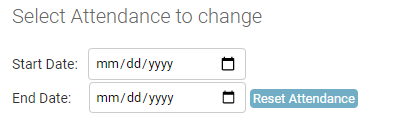
Added method to reset attendance time range in Django Admin page.

alt_text

This is present in Django Admin -> Attendance (http://127.0.0.1:8000/admin/info/attendanceclass/).
Start Date: Start Date of Attendance period
End Date: End Date of Attendance period

This will delete all present attendance data and create new attendance objects for the given time range.

Screenshots

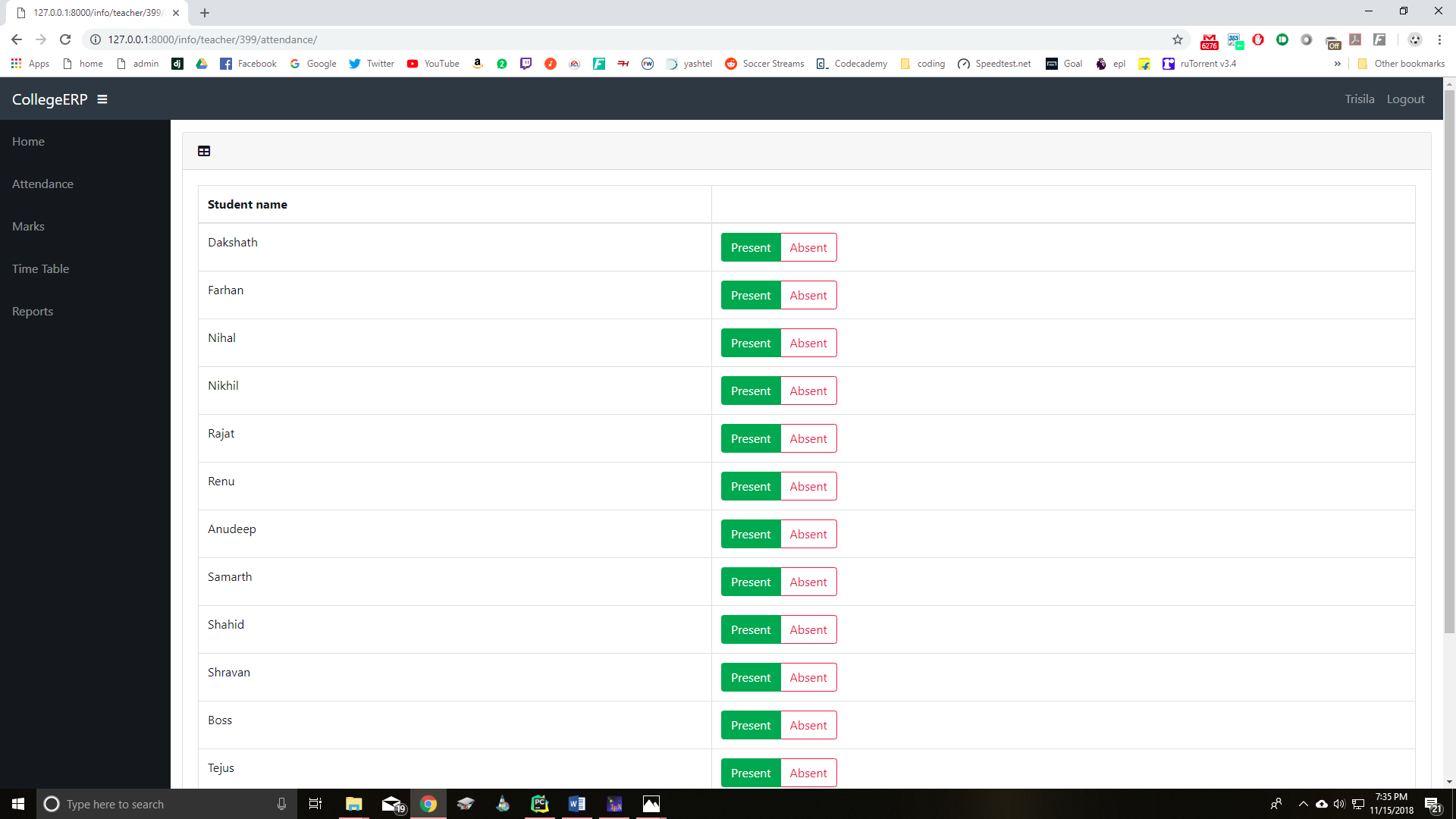
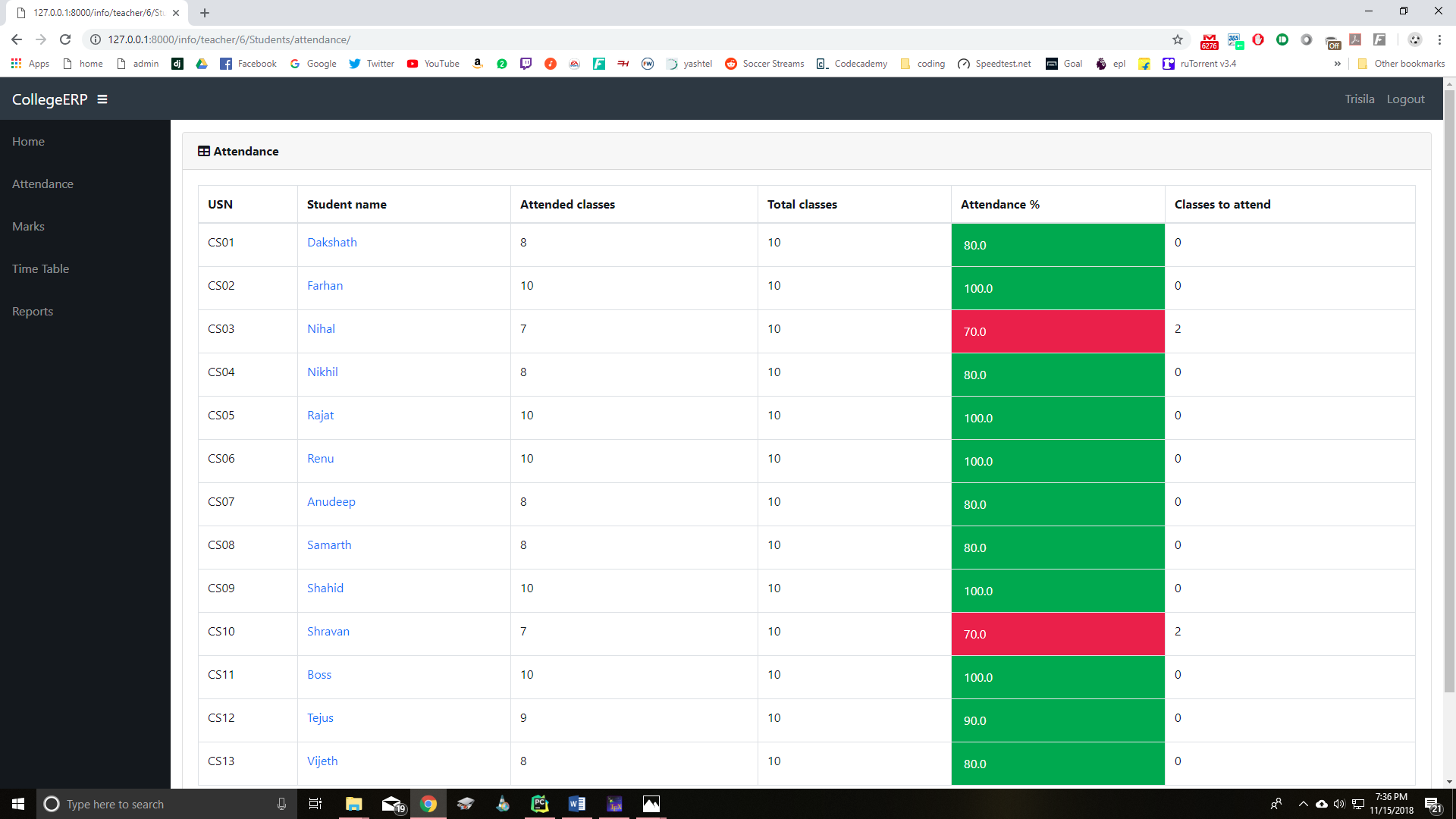
Teacher Page

alt text

alt text

alt text

alt text

alt text

alt text

alt text

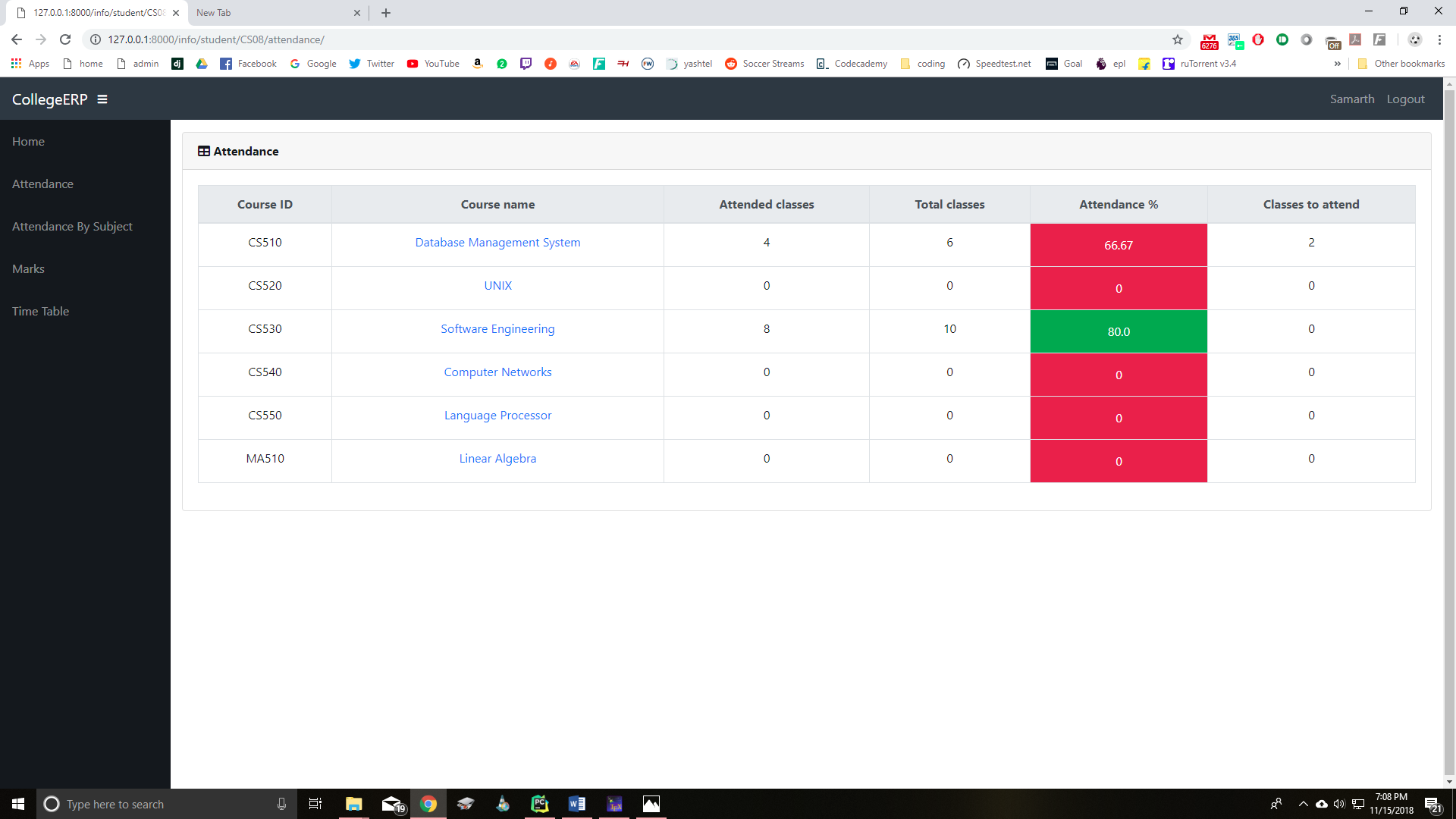
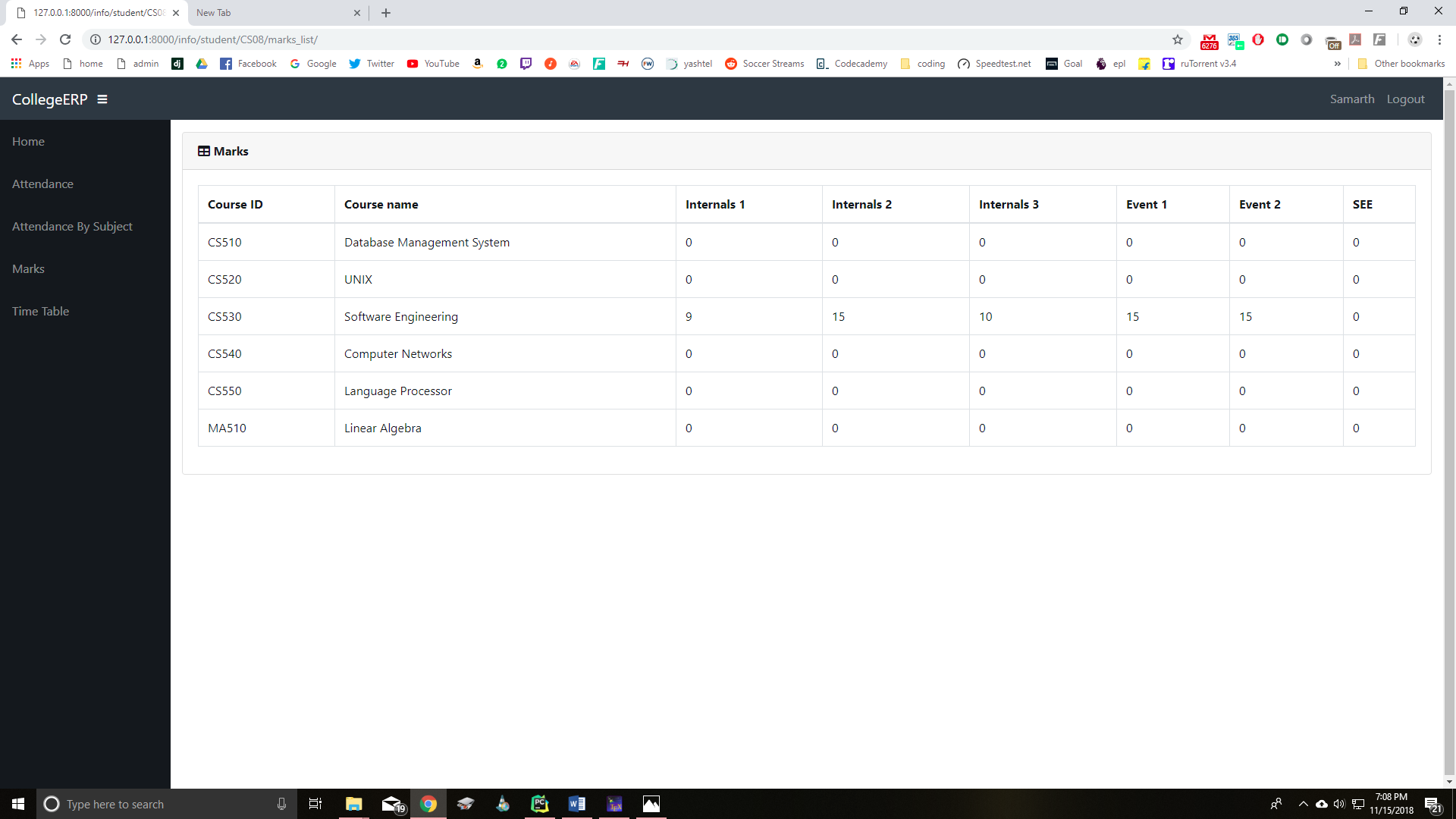
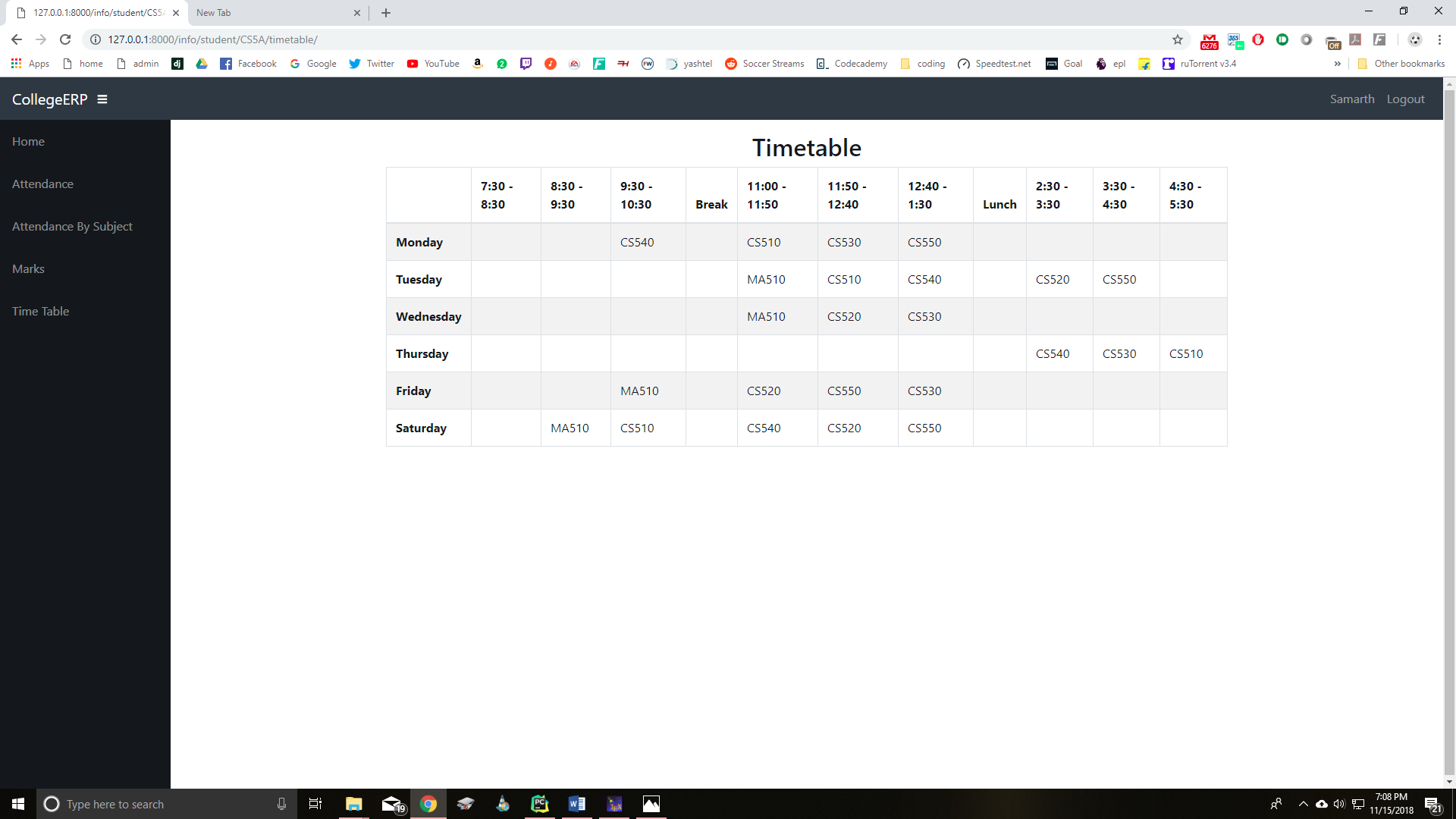
Student Page

alt text

alt text

alt text

alt text

alt text

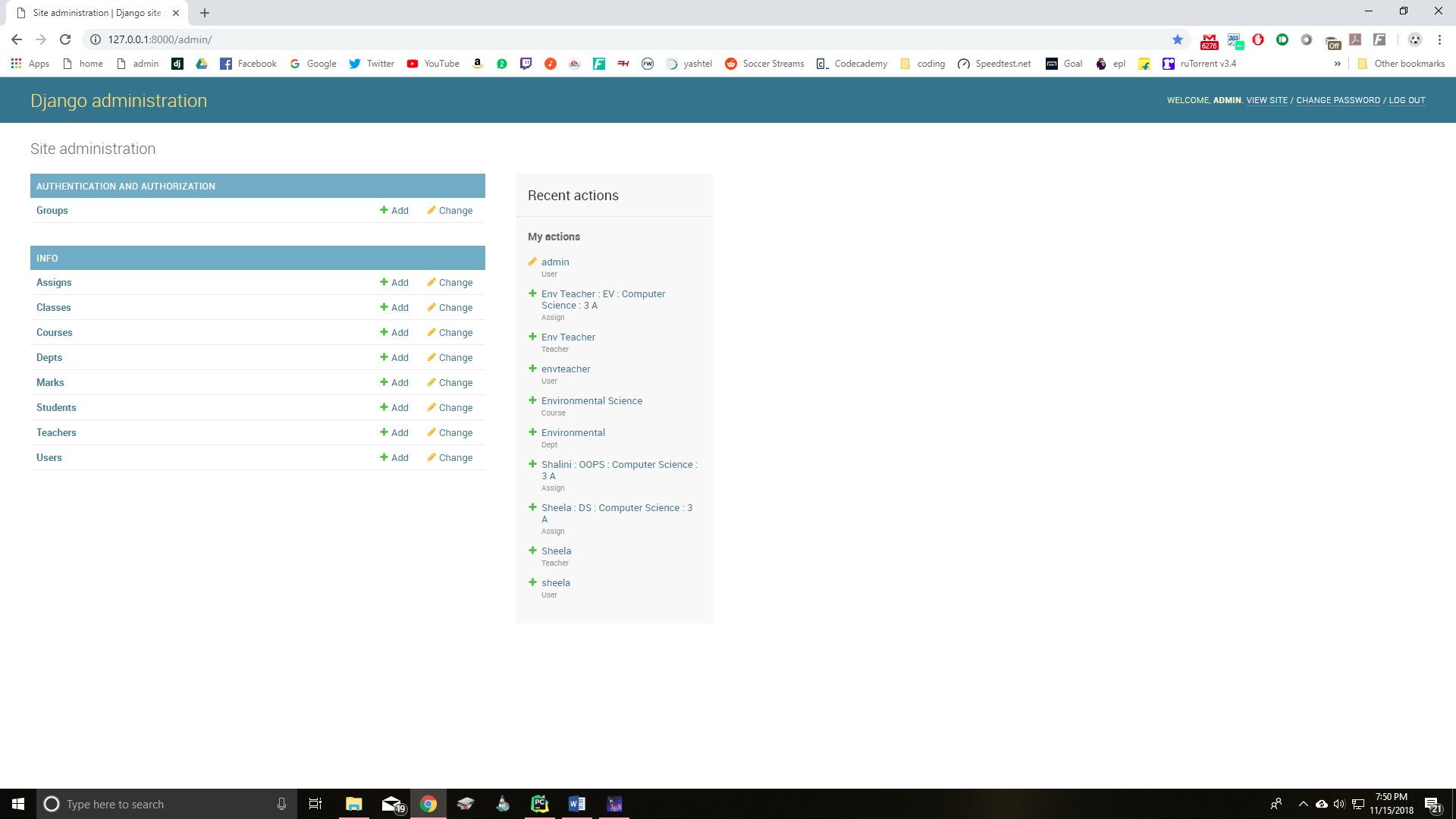
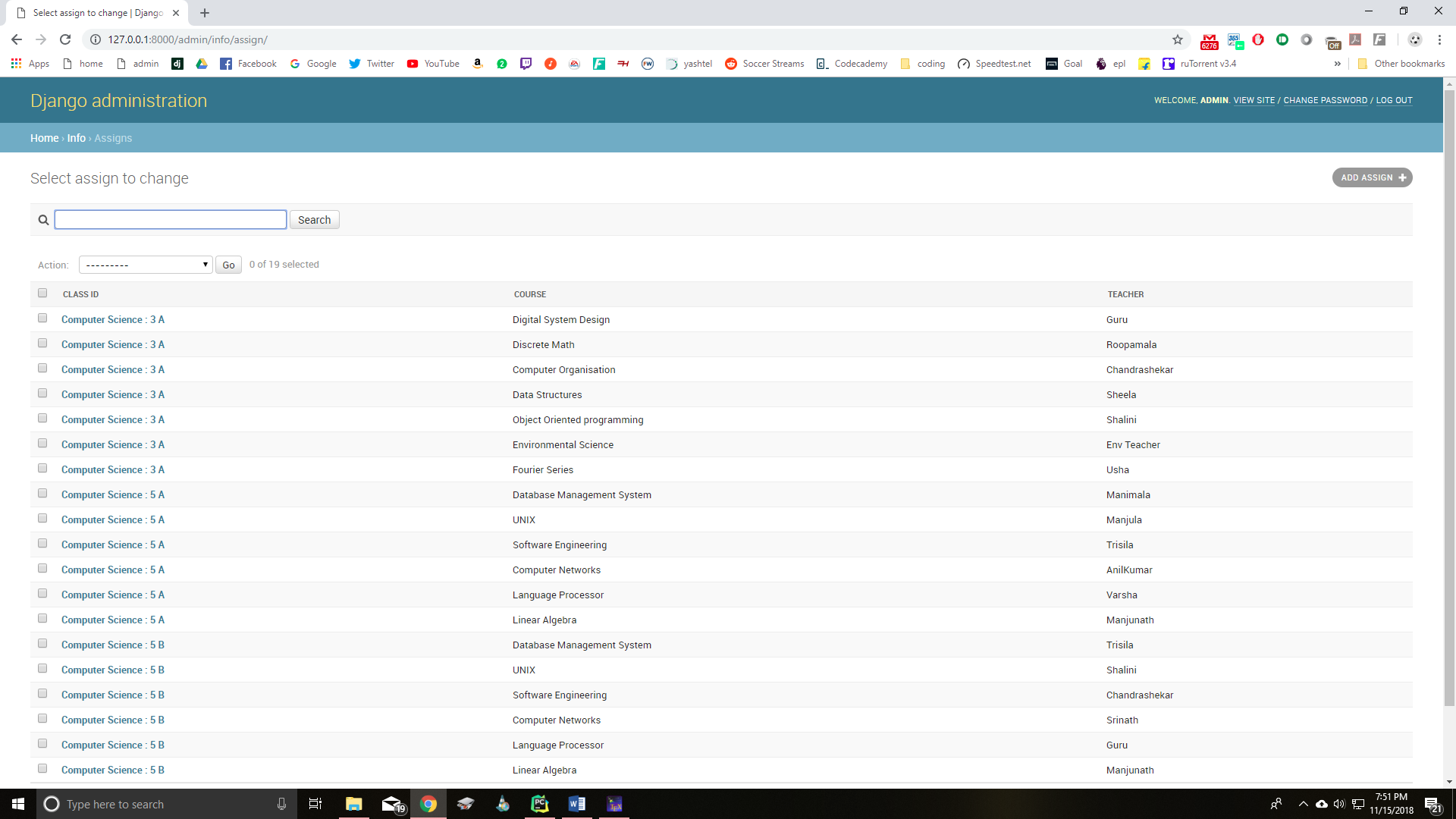
Admin Page

alt text

alt text

alt text

评论

暂无评论