General


KOHighlights is a utility for viewing and exporting the
Koreader’s highlights to simple text, html, csv or markdown files.
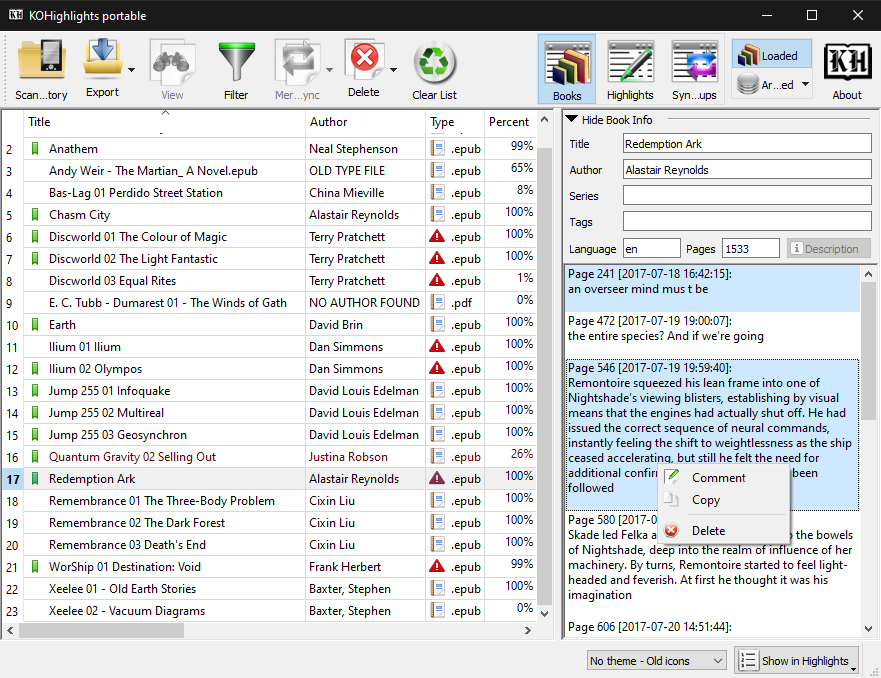
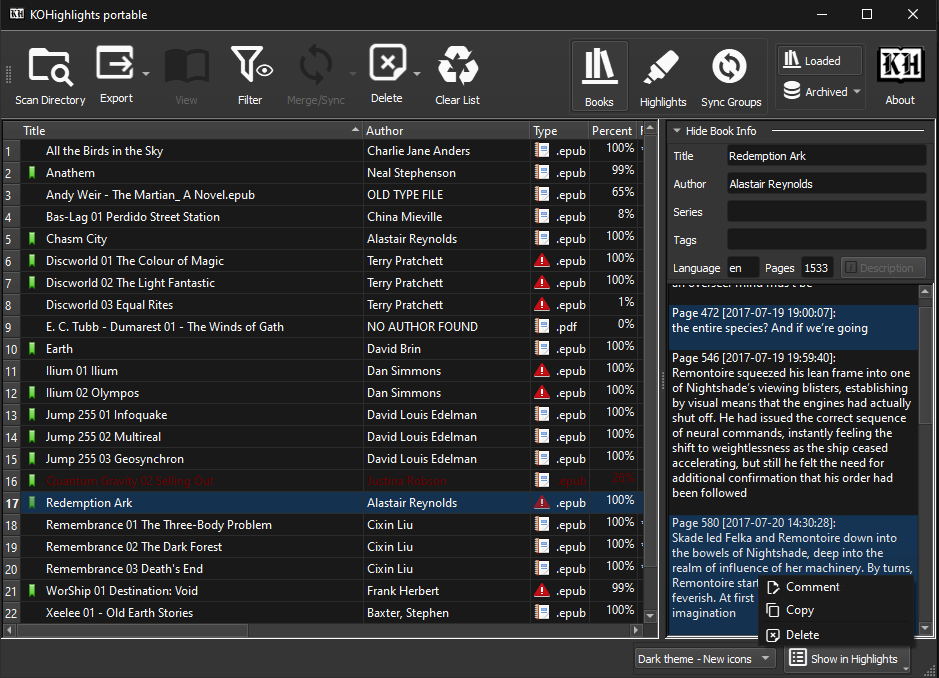
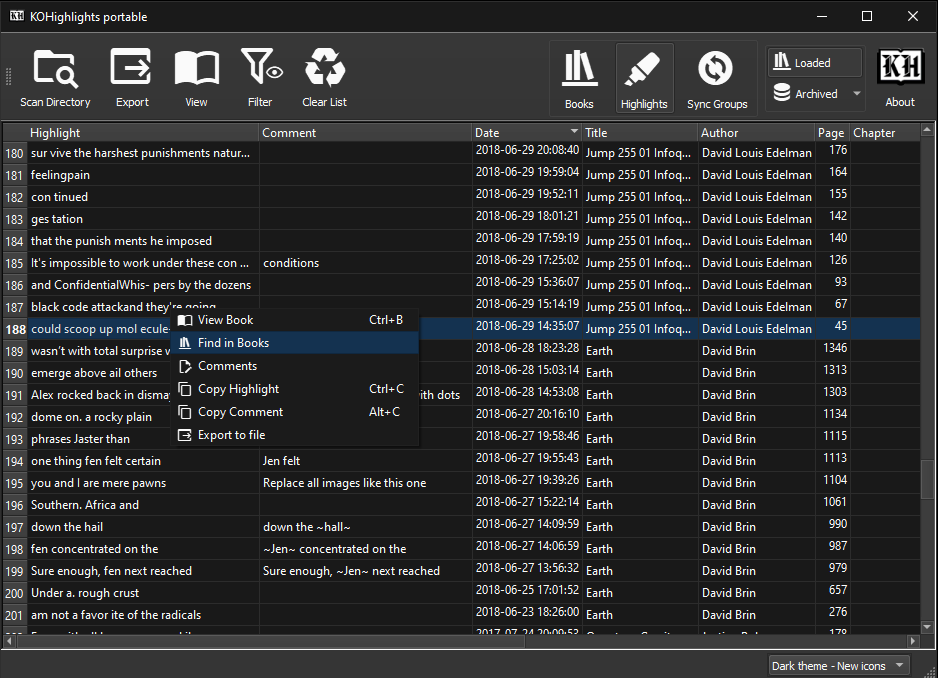
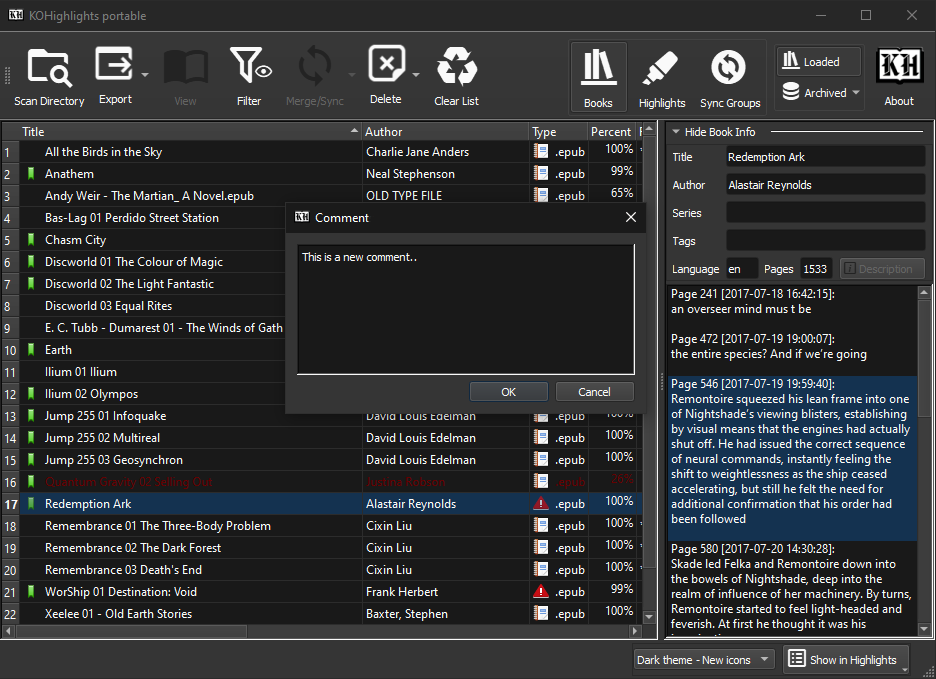
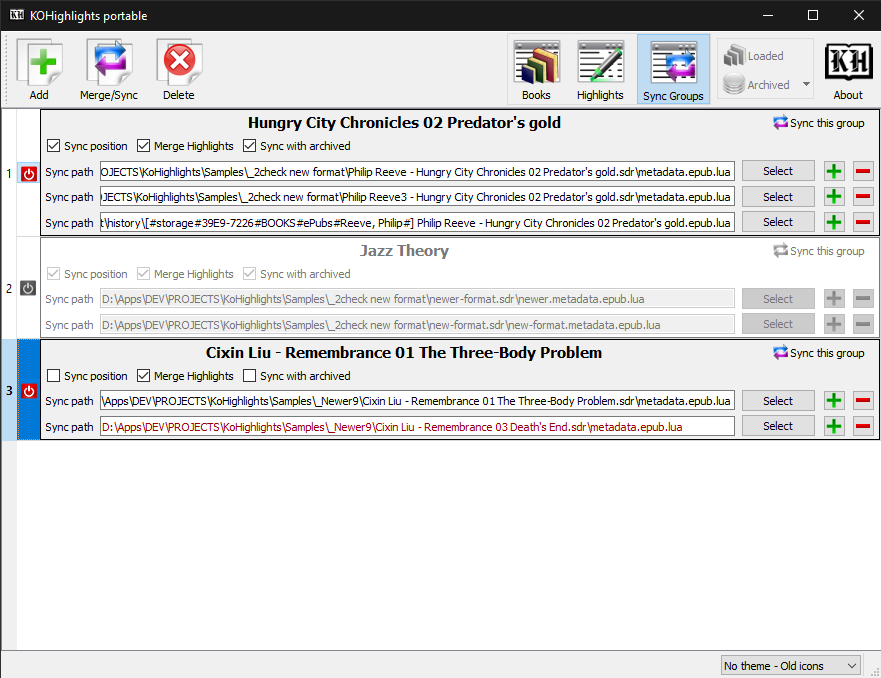
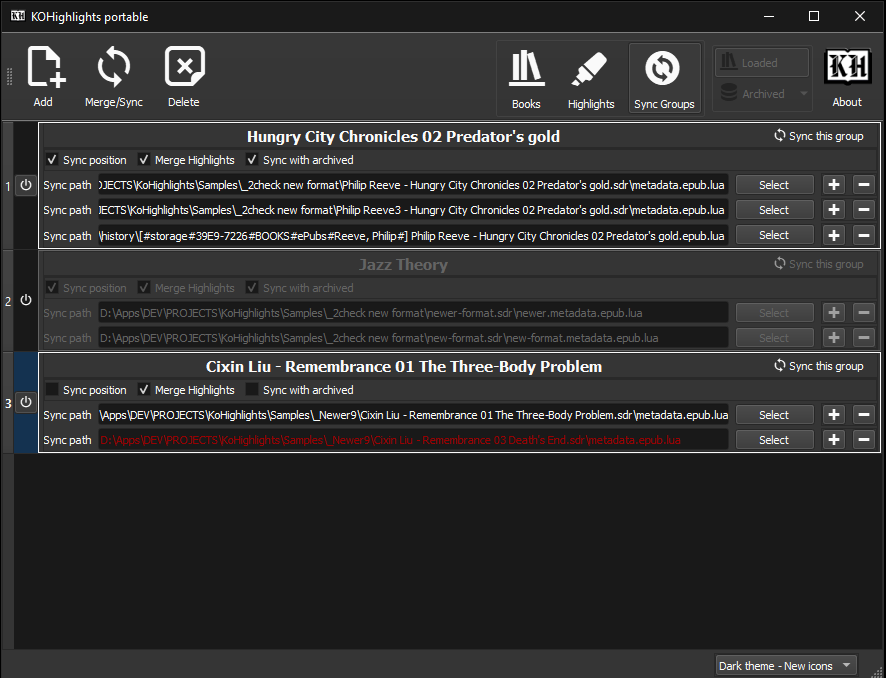
Screenshots


Usage/Features at a glance
- Load items by:
- Selecting the reader’s drive or any folder that contains books that where opened with Koreader. This will automatically load all the metadata files from all subdirectories.
- Drag and drop files or folders. This will load the files and/or all the files inside the folders.
- Export the highlights of the selected books to individual files or to one merged file.
- Supported formats for exporting:
- Plain text files (.txt)
- Hypertext document files (.html)
- Comma-separated values files (.csv)
- Markdown files (.md)
- View the highlights and various info for a book by selecting it in the list.
- Save the highlights to the “Archive” database and view them, even if your reader is not connected.
- Merge highlights/Sync position from the same book that is read in different devices and/or sync its reading position.
- Merge highlights/Sync position of a book with its archived version.
- Show/hide the page, date, chapter or even the highlight (!) text while viewing or exporting the highlights of the books.
- Double click or press the Open Book button to view the book in your system’s reader.
- Delete some or all the highlights of any book.
- Clear/reset the .sdr folders with the metadata or the books in the eReader.
Prerequisites
The progress sync plugin must be enabled in KOReader
Portable
In Windows, KOHighlights can run in Portable mode using a portable_settings directory to store its settings, that is located inside the installation directory of the app.
Because of this, it is advised to not install the app inside the default Program Files folder if you indent to use it as portable.
There are two ways to start the app in Portable mode:
- Run the
KoHighlights Portable.exe that is located next to the KoHighlights.exe.
- Run
KoHighlights.exe with a -p argument.
E.g. create a shortcut for the KoHighlights.exe and add a space and a -p argument at the end of the target filename.
Downloads
Check the latest release on the Downloads Page.
Read the version history at App’s Page.
Dependencies
- Source code:
Should run in any system with Python 3.6+ (more testing required)
It needs the PySide2,
BeautifulSoup4,
packaging and
requests libraries.
In Windows, it might also need the PyWin32 and the Pypiwin32 libraries.
PySide6 is also supported (download the archive from the releases)
- Compiled binaries:
- Windows:
From version 2.x, KOHighlights dropped support for Windows XP.
Can run on any version of Windows from Windows 7 upwards.
For Windows 7, Microsoft Visual C++ 14.0 is required. Get it
here.
The Windows 7 32bit version also needs the KB2533623 update that is included in KB3063858 (direct link).
- Linux:
The binary is compiled using Xubuntu 18.04.
Any newer version should work.
KOHighlights includes SLPPU (a converter between python and lua objects).
If you want it to be globally available, get it from its
GitHub’s page or install it with:
pip install git+https://github.com/noembryo/slppu




评论