
Chronos
Wayback Machine OSINT Framework
Installation
go install github.com/mhmdiaa/chronos@latest
Example Usage
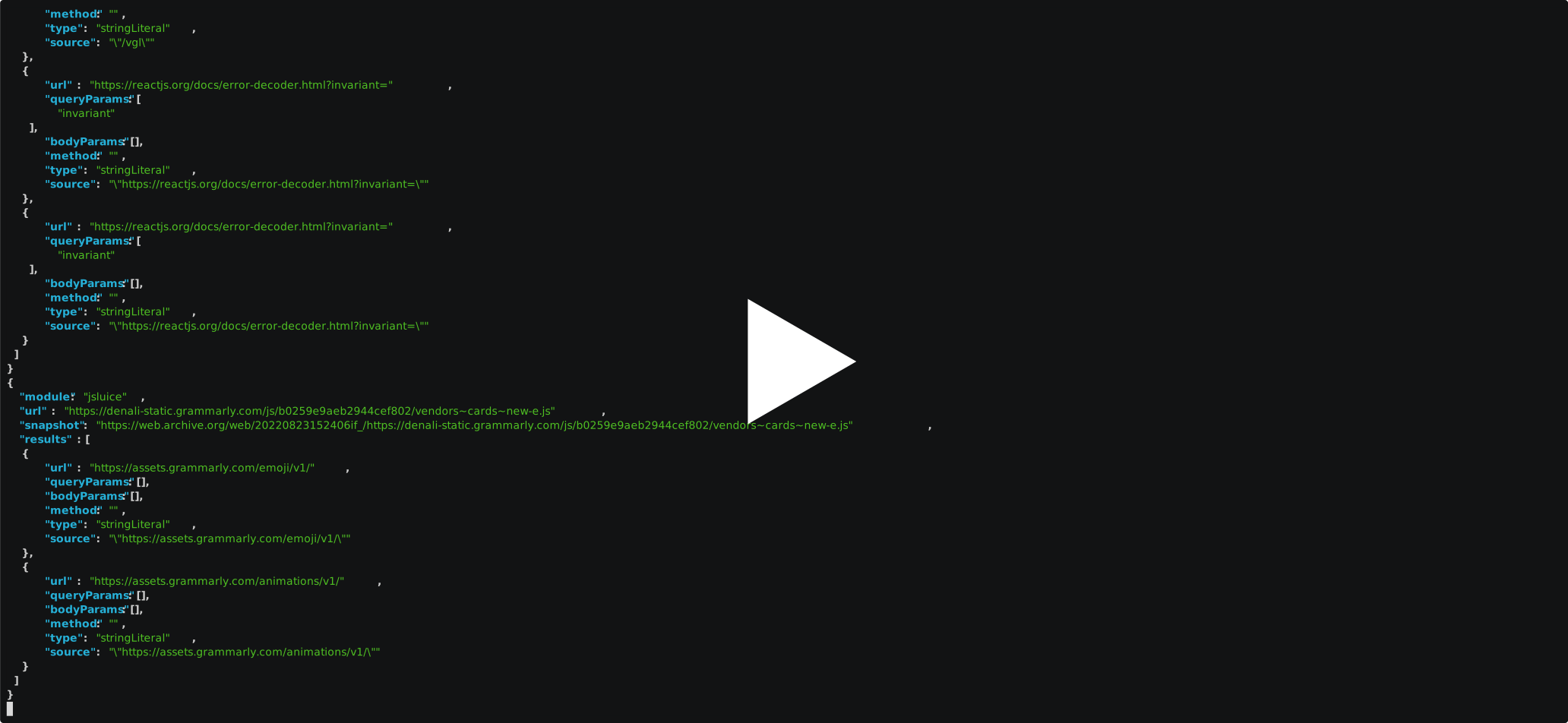
Extract endpoints and URLs from archived JavaScript code
chronos -target "denali-static.grammarly.com/*" -module jsluice -output js_endpoints.json
Calculate archived favicon hashes
chronos -target "netflix.com/favicon.ico" -module favicon -output favicon_hashes.json

chronos -target "github.com" -module html -module-config "html.title=//title" -snapshot-interval y -output titles.json

chronos -target "tripadvisor.com/robots.txt" -module regex -module-config 'regex.paths=/[^\s]+' -output robots_paths.json

chronos -target "apple.com/sitemap.xml" -module xml -module-config "xml.urls=//urlset/url/loc" -limit -5 -output sitemap_urls.json

chronos -target "https://docs.gitlab.com/ee/api/api_resources.html" -module html -module-config 'html.endpoint=//code' -output api_docs_endpoints.json

Find S3 buckets in archived pages
chronos -target "github.com" -module regex -module-config 'regex.s3=[a-zA-Z0-9-\.\_]+\.s3(?:-[-a-zA-Z0-9]+)?\.amazonaws\.com' -limit -snapshot-interval y -output s3_buckets.json

Modules
| Module |
Description |
| regex |
Extract regex matches |
| jsluice |
Extract URLs and endpoints from JavaScript code using jsluice |
| html |
Query HTML documents using XPath expressions |
| xml |
Query XML documents using XPath expressions |
| favicon |
Calculate favicon hashes |
| full |
Get the full content of snapshots |
Command-line Options
Usage of chronos:
  -target string
    	Specify the target URL or domain (supports wildcards)
  -list-modules
    	List available modules
  -module string
    	Comma-separated list of modules to run
  -module-config value
    	Module configuration in the format: module.key=value
  -module-config-file string
    	Path to the module configuration file
  -match-mime string
    	Comma-separated list of MIME types to match
  -filter-mime string
    	Comma-separated list of MIME types to filter out
  -match-status string
    	Comma-separated list of status codes to match (default "200")
  -filter-status string
    	Comma-separated list of status codes to filter out
  -from string
    	Filter snapshots from a specific date (Format: yyyyMMddhhmmss)
  -to string
    	Filter snapshots to a specific date (Format: yyyyMMddhhmmss)
  -limit string
    	Limit the number of snapshots to process (use negative numbers for the newest N snapshots, positive numbers for the oldest N results) (default "-50")
  -snapshot-interval string
    	The interval for getting at most one snapshot (possible values: h, d, m, y)
  -one-per-url
    	Fetch one snapshot only per URL
  -threads int
    	Number of concurrent threads to use (default 10)
  -output string
    	Path to the output file


评论