MIT License

项目介绍

luost26/academic-homepage 是一个托管在 GitHub 上的开源项目,主要使用 HTML 编写,采用 MIT License 许可证,目前获得 727 个 Star、503 次 Fork。

仓库全名
luost26/academic-homepage
开源许可证
MIT License
Star 数
727
Fork 数
503

README 摘要

academic-homepage A GitHub Pages (Jekyll) template for personal academic website. Click here to see the demo. Variants Explore alternative visual styles in their own repositories. Variant | Style | Preview | Links | Frutiger Aero | Vista-inspired frosted glass, glossy icons, and nature imagery. | | Repository · Live demo | Nostalgia 1990s | Windows 95/98-style silver bevels, native classic icons, and pixel-grid…

完整内容见 GitHub 原始 README 或本页 。

常见问题

academic-homepage 用什么语言开发?

主要使用 HTML 编写,采用 MIT License 许可证,目前有 727 个 Star。

academic-homepage 可以免费商用吗?

仓库采用 MIT License 许可证,可免费使用与修改,商业使用请遵守许可证条款(例如保留版权声明与许可声明)。

如何获取 academic-homepage 的源码?

可以直接克隆仓库:git clone https://github.com/luost26/academic-homepage.git,默认分支为 main;安装与运行步骤见仓库 README。

academic-homepage 最近还在维护吗?

仓库最近一次更新为 2 周前,当前没有未关闭的 Issue;Star 数为 727,可作为社区活跃度的参考。

关于

GitHub 原始描述(英文)

🏡 GitHub Pages template for personal academic homepage

描述取自 GitHub 官方 API,保持仓库作者书写的原文。

简要分析

热度分
1738
价值分
587
活跃状态
活跃

语言占比

CSS
HTML
JavaScript
Ruby

README

academic-homepage

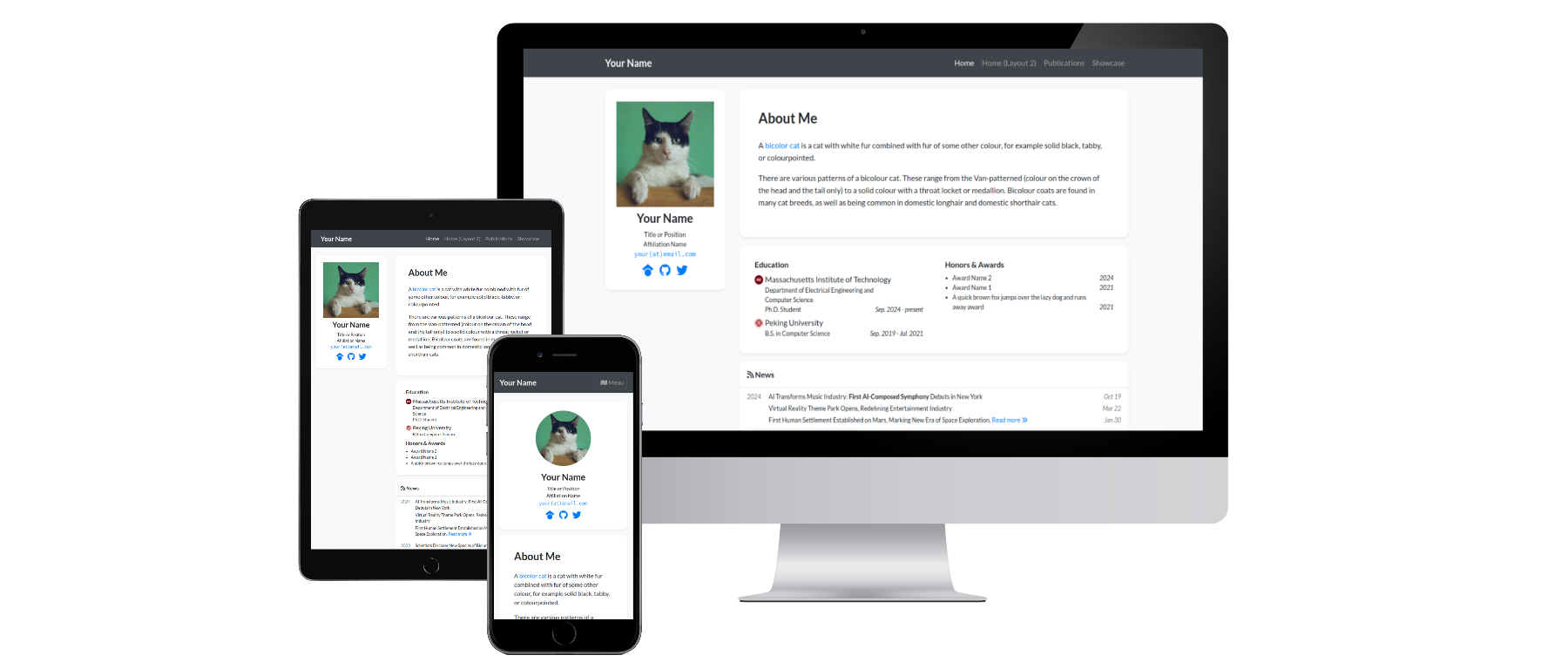
Preview

pages-build-deployment Hits GitHub stars GitHub forks

A GitHub Pages (Jekyll) template for personal academic website. Click here to see the demo.

Variants

Explore alternative visual styles in their own repositories.

Variant Style Preview Links
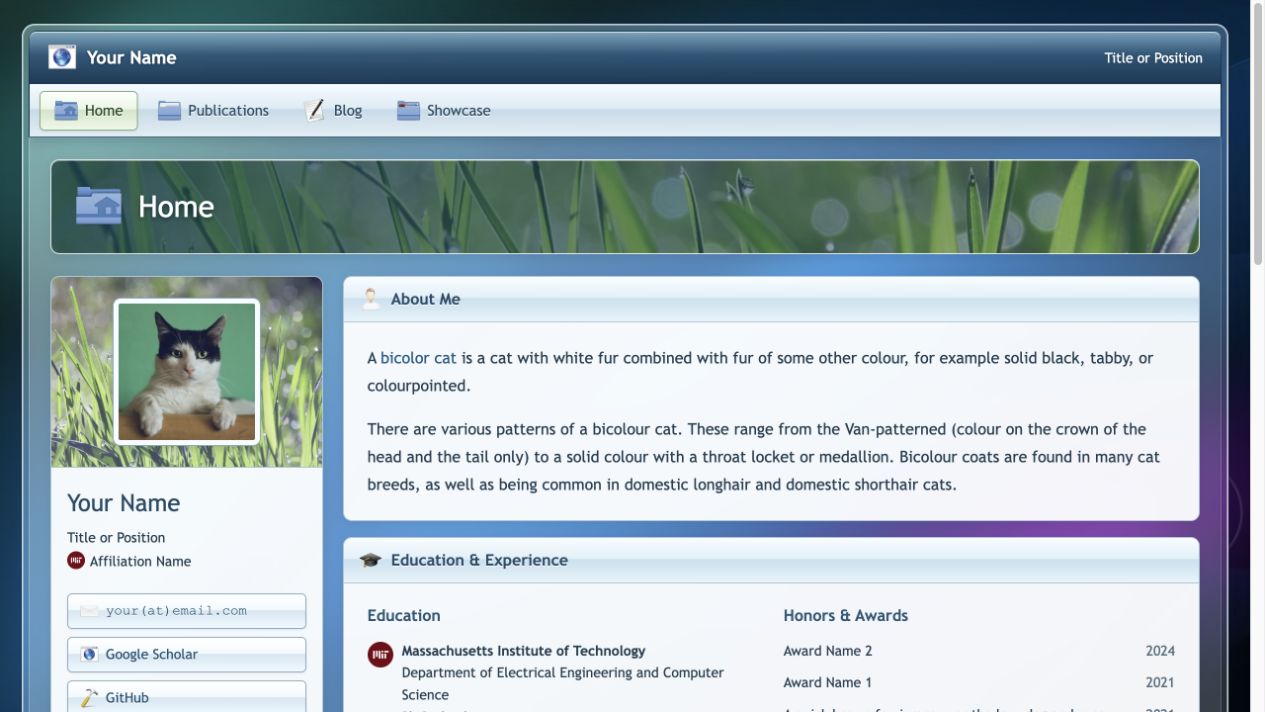
Frutiger Aero Vista-inspired frosted glass, glossy icons, and nature imagery. Frutiger Aero homepage screenshot Repository · Live demo
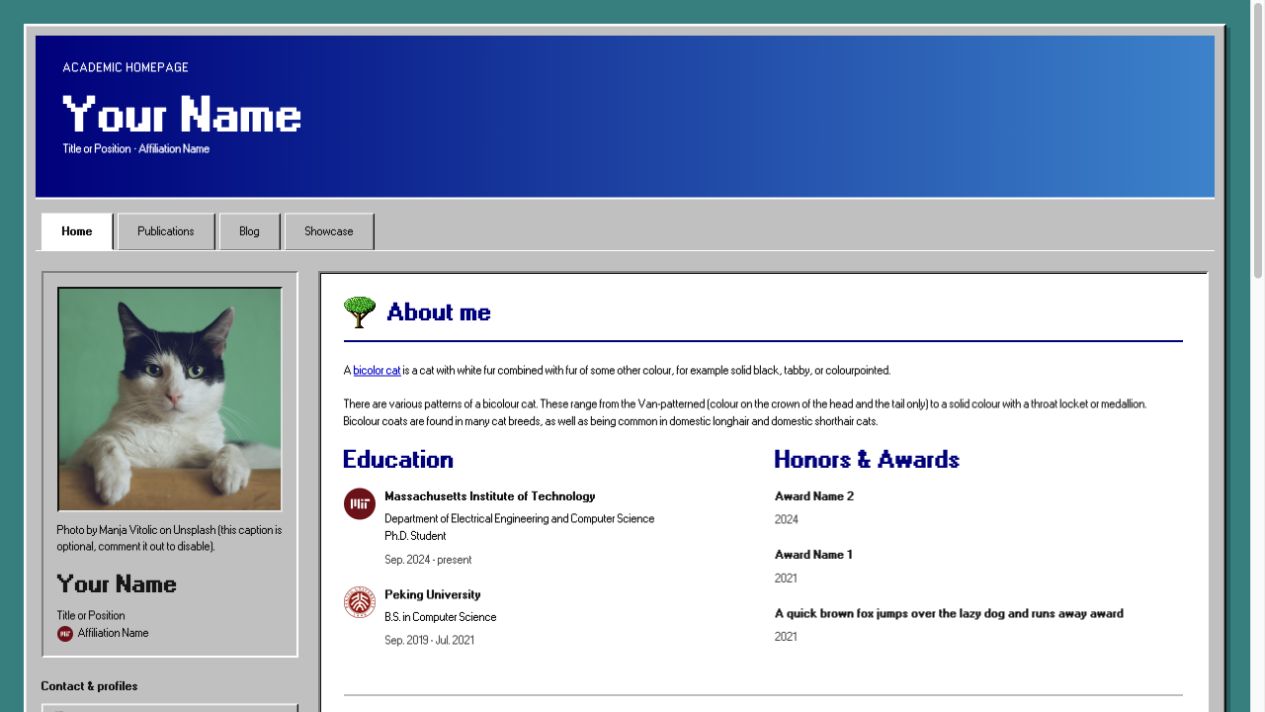
Nostalgia 1990s Windows 95/98-style silver bevels, native classic icons, and pixel-grid typography. Nostalgia 1990s homepage screenshot Repository · Live demo

User Community

🏡 :star: :star: :star: :star: :star: :star: :star: :star: :star: :star: :star: :star: :star: 🤖 :star: 🌜 🚀 :gemini: :star: 🧬 :star: 🌔 :star: 😼 🔬 🧑‍🔬 🗣️ 🍠 :star:

:hugs: Feel free to tell us if you are using this template for your website by creating an issue here.

Acknowledgements

The improvements of this template have been inspired by the customizations and feedbacks from the following users:

Need Help?

If you run into any issues while using this template, or have suggestions for improvements, please don’t hesitate to create an issue here.

FAQs

Getting Started

  1. First, click the “Use this template” button to create a new repository. The name of the repository should be <your-github-username>.github.io (click here to learn more about naming a GitHub Pages repository).

Running Locally (Debug & Preview)

  1. Follow the step 1 and step 2 of the instruction here to install prerequisites and jekyll.

  2. Clone your forked repository to your local machine.

  3. Run the following command in the root directory of the repository:

    bundle exec jekyll serve
    
  4. Browse to the displayed URL to see the website.

Deploying to GitHub Pages

  1. Go to the repository settings and enable GitHub Pages. Detailed instructions can be found here.

  2. Navigate to your created website, and follow the instructions displayed on the homepage (if any) to finalize the setup.

评论

暂无评论