ThiefMD

ThiefMD is a Markdown & Fountain editor that helps with organization and management. It is heavily inspired by Ulysses. Initial code was based on work from Quilter.

Installation from Flatpak
ThiefMD is now available on Flathub. Make sure you’ve added flathub to your system.
flatpak install flathub com.github.kmwallio.thiefmd
Arch User Repository
ThiefMD is in the Arch User Repository thanks to Mark Wagie. You can follow these instructions, use yay, or use your favorite AUR helper.
yay -S thiefmd
Features
- Basic library at the moment
- Switch between documents
- Hide Library and Document Switcher
- Live Preview
- Sheet Management
- Shortcut key bindings
- Themes
- Export (DocX, ePUB, PDF, HTML, Markdown, WriteFreely, Ghost, WordPress, and more…)
- Import (DocX, ePUB, HTML, rst, textile, and more…)
- Search
Ctrl+F for the current file, and Ctrl+Shift+F for the entire library
- Writing Statistics
- Focus Mode (Word, Sentence, and Paragraph)
- Spell Check, Write-Good Style Suggestions, and Grammar Check
- Basic Bibtex Support
- Open File & Syntax Highlighting
- Right-Click Insert Citation Support in Markdown Documents
- Basic Screenwriting Support
- Open Fountain Files
- Export to HTML & PDF
Translating
Poeditor can be used to help translate ThiefMD.
Planning
- Better library organization
- Enhanced Export Tooling
- Project Notes
- Better import support for Screenplays
Resources
Screenshots
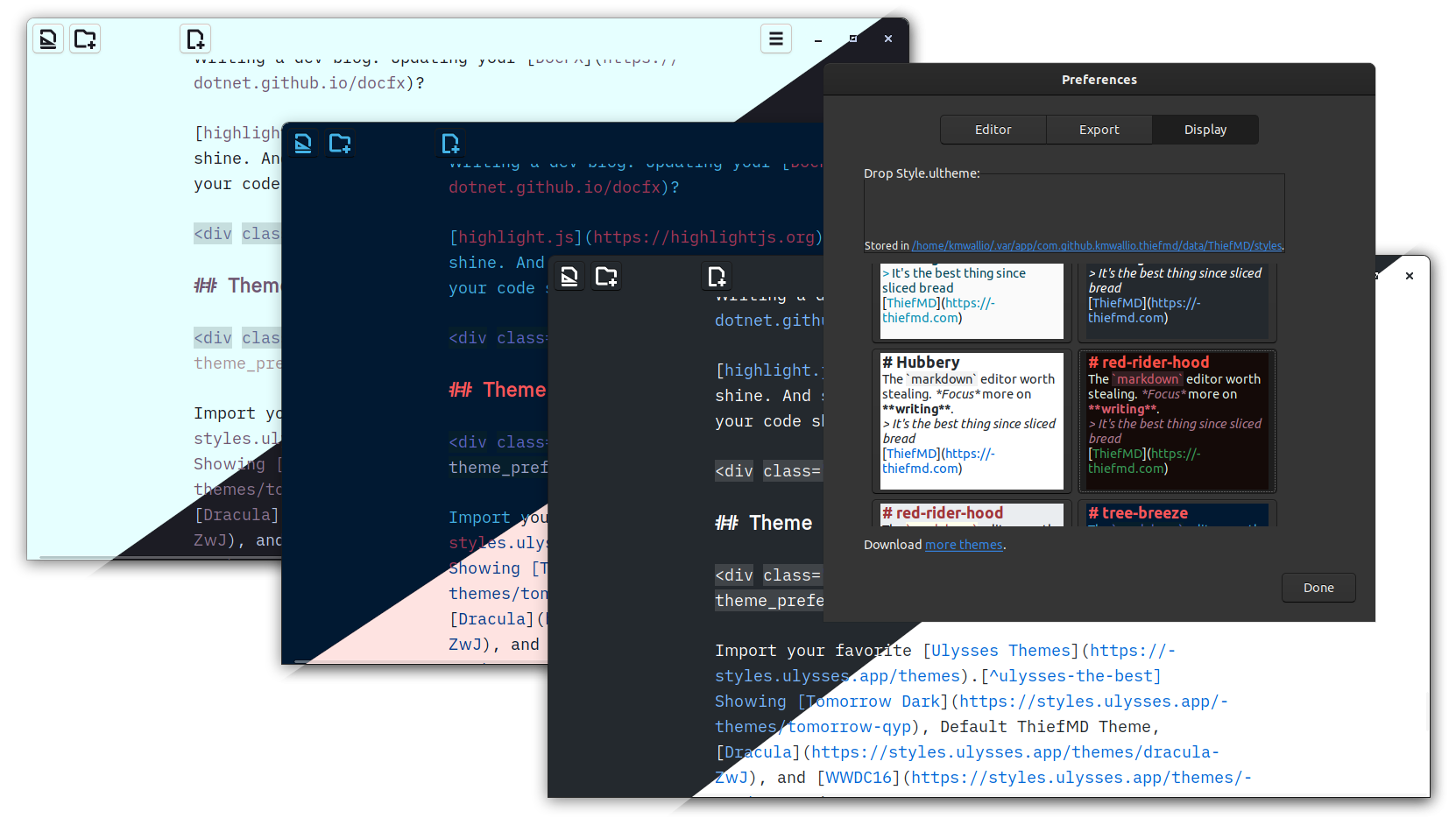
Download themes from https://themes.thiefmd.com or make your own. Ulysses Themes can also be imported through the preferences Ctrl+,.

Drag and Drop organizing of the library.

Live Preview & Export Preview
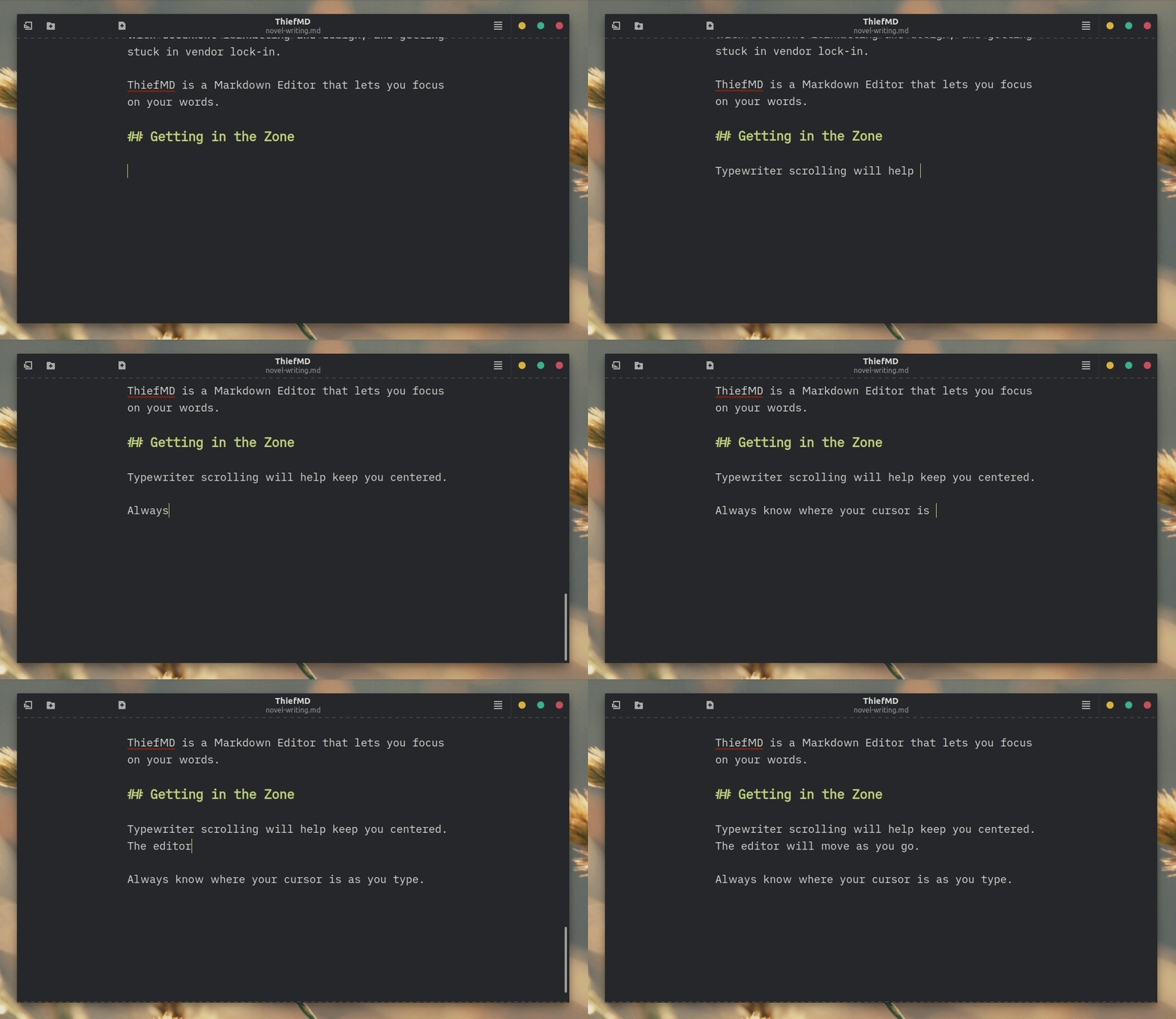
Typewriter Scrolling.

Focus Mode
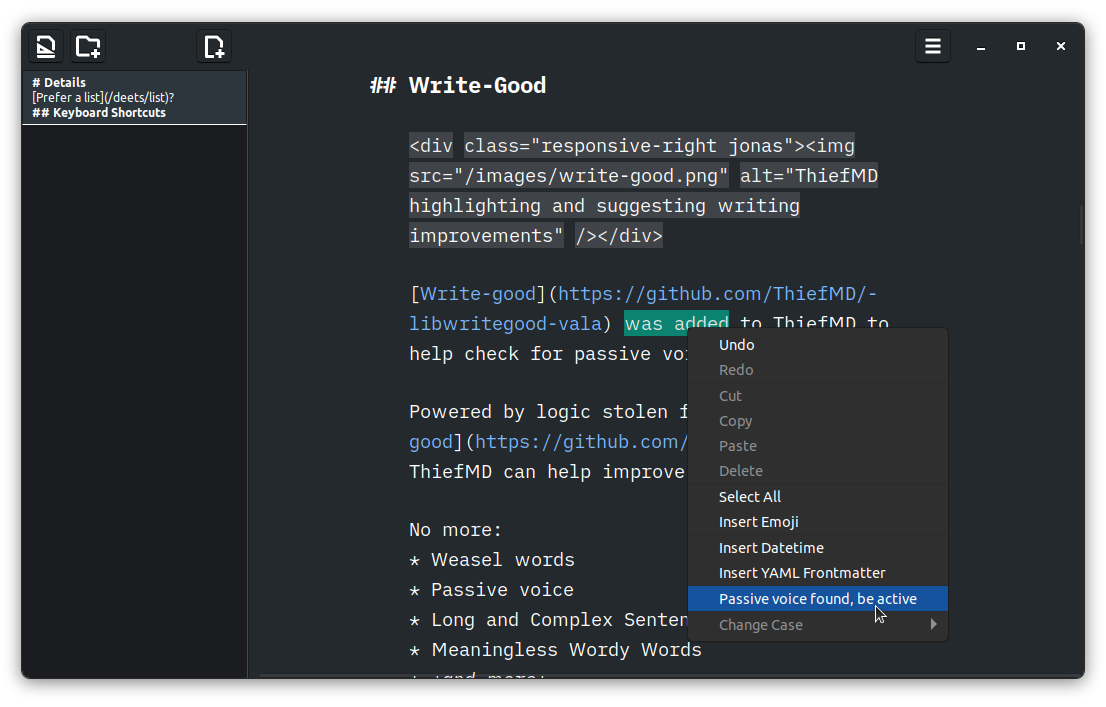
Write-Good recommendations and highlighting.
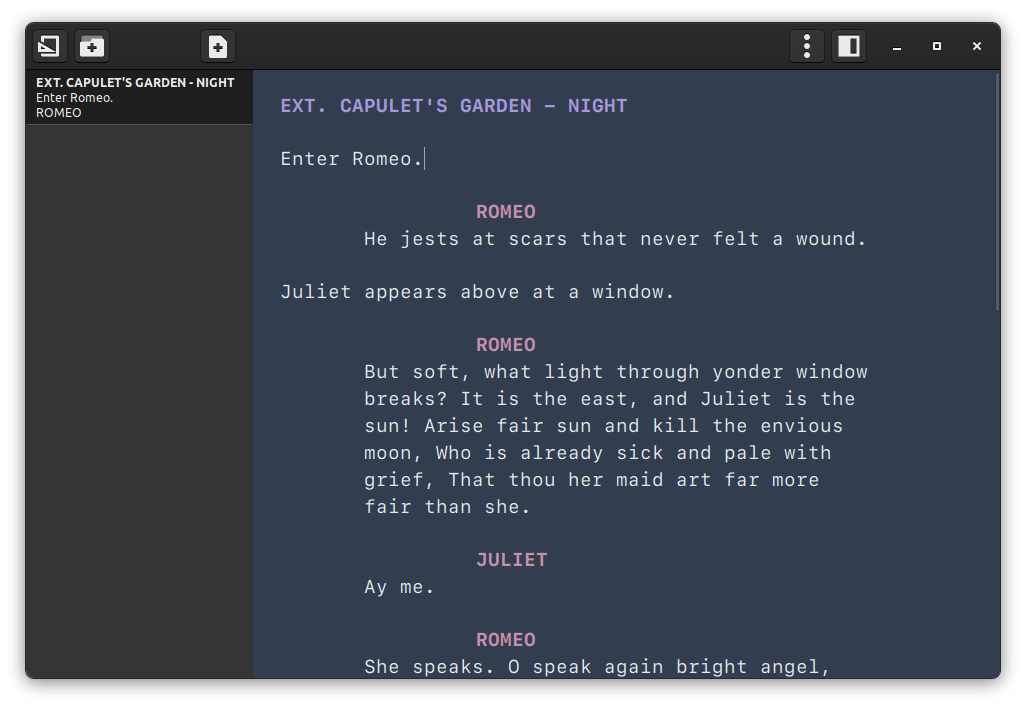
Fountain syntax highlighting.
Dependencies
libwritegood-vala, writeas-vala, ghost-vala, wordpress-vala, Bibtex-vala and the Ulysses Theme Parser are used as git sub-modules.
Ubuntu
meson
ninja-build
valac
cmake
libspelling-1-dev
libwebkitgtk-6.0-dev
libmarkdown2-dev
libjson-glib-dev
libglib2.0-dev
libxml2-dev
libarchive-dev
libgtk-4-dev
libgee-0.8-dev
libgtksourceview-5-dev
libsecret-1-dev
libadwaita-1-dev
liblink-grammar-dev
Fedora
vala
meson
ninja-build
cmake
libmarkdown-devel
webkitgtk6.0-devel
gtk4-devel
gtksourceview5-devel
libspelling-devel
libarchive-devel
json-glib-devel
glib2-devel
libxml2-devel
libgee-devel
libsecret-devel
libadwaita-devel
link-grammar-devel
Building
$ git clone https://github.com/kmwallio/ThiefMD.git
$ cd ThiefMD
$ git submodule init
$ git submodule update --remote --recursive
$ meson build && cd build
$ ninja
$ sudo ninja install
Prebuilt packages are available.
Building and Running the Tests
By default the code is built without tests. To compile the test suite the project has to be told to do so by setting the meson variable build_tests.
After that they can be built and run by ninja:
$ meson configure -Dbuild_tests=true build
$ cd build && ninja && ninja tests
Acknowledgments




评论