bevy_smud




Signed_Distance_Field/Function (SDF) 2D shape rendering for Bevy.
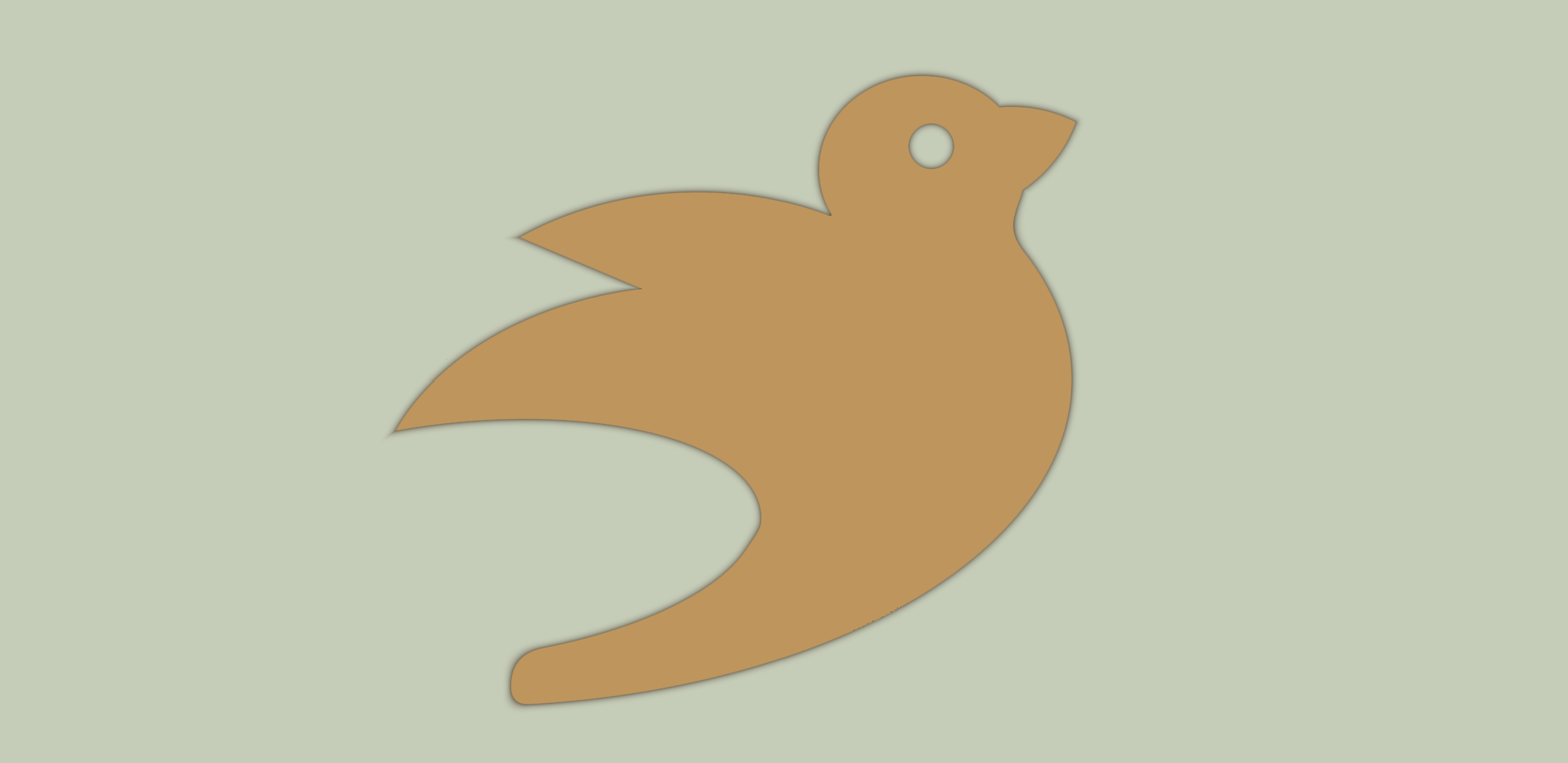
Bevy smud is a way to conveniently construct and render sdf shapes with Bevy.
Given a shape function/expression, and a fill type, it generates shaders at run-time.
It renders through Bevy’s mesh2d pipeline, so it’s fast. My machine easily handles 50k shapes at 60 fps, with 40 different shape/fill combinations in randomized order (see gallery example).
Usage
An SDF is a way to map points in space to distances to a surface. If a point maps to a positive value, it’s outside the shape, if it’s negative, it’s inside the shape. These “mappings” can be described by functions, which takes a point as input and returns a distance to a surface. For instance, if you wanted to make a circle, it could be described as length(position - center) - radius. That way, all the points that are radius away from center would be 0 and would define the edge of the shape.
Many such functions describing geometric primitives are included in this library, they are imported automatically when using the single-expression or body shorthand for adding sdfs. For instance, the circle above could also be described as:
smud::sd_circle(p - center, 50.)
Similarly there are a bunch of other shapes (sd_ellipse, sd_box, sd_rounded_box, sd_egg etc. etc.)
Most of the built-in shapes are direct ports of the ones on this page, which includes screenshots of the various shapes. So that page might act as a good reference. The ports here use snake_case instead of camelCase.
To put together a shape, you can do:
use bevy::prelude::*;
use bevy_smud::prelude::*;

fn main() {
    App::new()
        .add_plugins((DefaultPlugins, SmudPlugin))
        .add_systems(Startup, setup)
        .run();
}

fn setup(
    mut commands: Commands,
    mut shaders: ResMut<Assets<Shader>>,
) {
    commands.spawn(Camera2d);

    let circle = shaders.add_sdf_expr("smud::sd_circle(p, 50.)");

    commands.spawn(SmudShape {
        color: Color::WHITE,
        sdf: circle,
        bounds: Rectangle::from_length(110.),
        ..default()
    });
}
Make sure you reuse the shaders, i.e. don’t call add_sdf_expr every frame.
You can also define shapes in .wesl files. The built-in shapes are in the smud module (smud::sd_circle etc.), and you must create a function named sdf that takes a smud::SdfInput and returns f32.
Other than that, make sure you understand how to combine shapes, use symmetries and change domains. For instance, the bevy in the screenshot above is built up of several circles, ellipses, and a vesica for the beak.
Also, check out the examples. In particular, the basic example should be a good place to start.
Picking
Bevy_smud includes a picking backend that allows SDF shapes to respond to mouse/touch input. Add the SmudPickingPlugin to enable picking support:
use bevy::prelude::*;
use bevy_smud::prelude::*;

fn main() {
    App::new()
        .add_plugins((DefaultPlugins, SmudPlugin, SmudPickingPlugin));
        // ...
}
The picking backend supports both bounds-based picking (fast, uses shape bounds) and precise SDF-based picking (accurate, uses Rust distance functions that match the shape geometry). See the picking example for details.
Enable the libm feature for SDFs that give the same bits on every platform, as a rollback game needs.
Bevy Primitives
For convenience, bevy_smud provides From implementations for some of Bevy’s built-in 2D primitive shapes (Circle, Rectangle, Ellipse, etc.), allowing you to quickly create SDF shapes without writing shader code. See the bevy_primitives example for usage.
Web
Works on WebGPU out of the box. For WebGL2, enable the webgl2 feature, but expect it to be a lot slower.
Showcase
Send me a PR if you want your project featured here.
Bevy Smud Demo
@jakoschiko made an interactive editor for bevy_smud shapes.

It lets you code sdf shaders and fills and tweak parameters while seeing a live preview on the side.
It contains a set of templates and is a good way to try out and get familiar with the tech.
Dis order
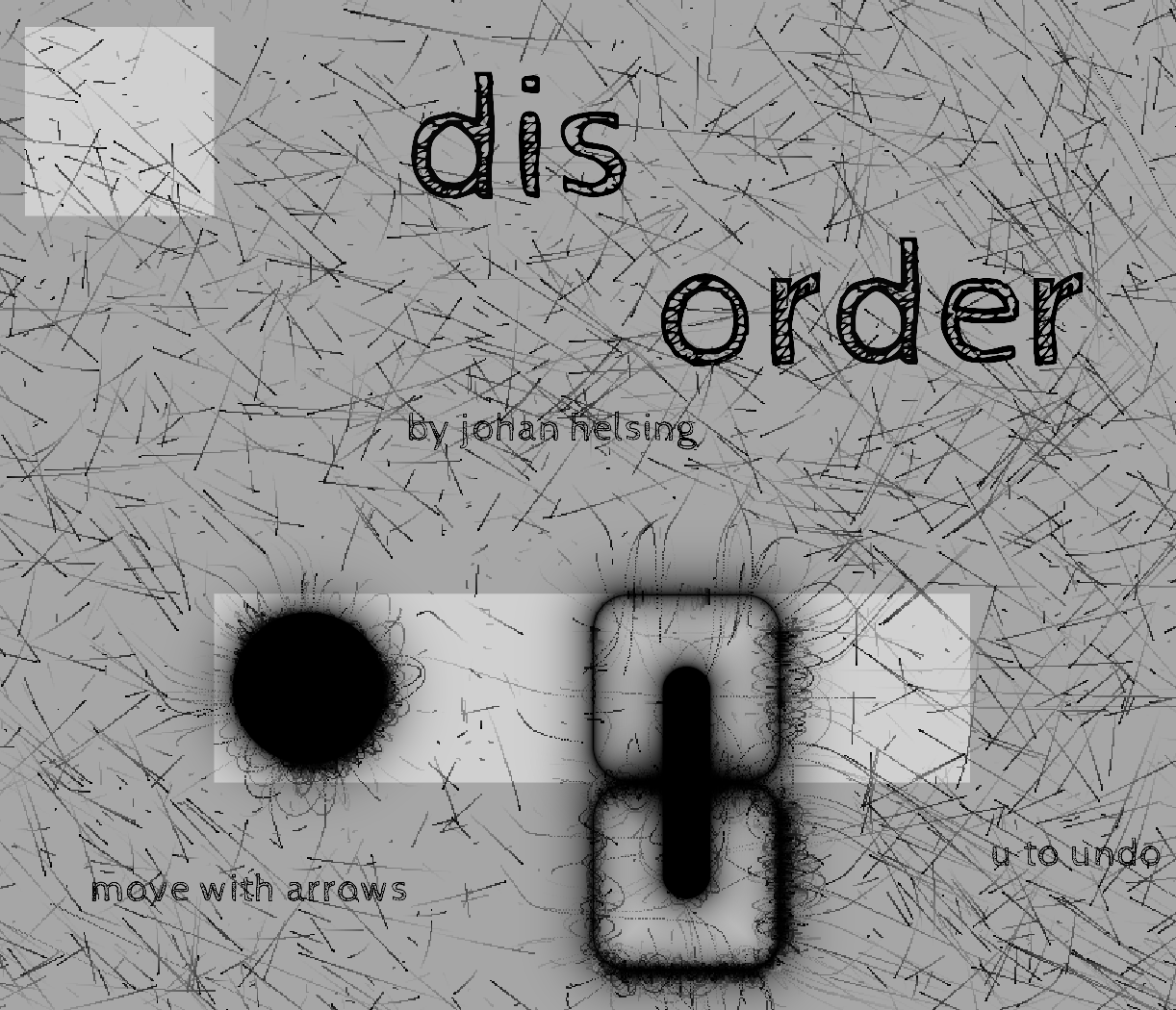
A downloadable game I made for MiniJam. It uses sdfs to draw into an offscreen buffer which in turn is used in a compute shader to influence particle movement.
Bevy version support
The main branch targets the latest bevy release.
| bevy |
bevy_smud |
| 0.20 |
main |
| 0.19 |
0.14 |
| 0.18 |
0.13 |
| 0.17 |
0.12 |
| 0.16 |
0.11 |
| 0.15 |
no support |
| 0.14 |
0.9 |
| 0.12 |
0.7 |
| 0.11 |
0.6 |
| 0.10 |
0.5 |
| 0.9 |
0.4 |
| 0.8 |
0.3 |
| 0.7 |
0.2 |
| 0.6 |
0.1 |
Thanks!
Little of this crate is original work. It’s mostly a mishmash of bevy_sprite and Inigo Quilez sdf rendering primitives ported to wgsl. I just put the two together in a way I found convenient.


评论