MIT License

项目介绍

indiependente/autoEqMac 是一个托管在 GitHub 上的开源项目,主要使用 Go 编写,采用 MIT License 许可证,目前获得 23 个 Star、1 次 Fork。

仓库全名
indiependente/autoEqMac
开源许可证
MIT License
Star 数
23
Fork 数
1
未关闭 Issue
1

README 摘要

autoEqMac An interactive CLI that retrieves headphones EQ data from the AutoEq Project and produces a JSON preset ready to be imported into EqMac. Dependencies Go How to Install Download the latest release. Install with Go Supported commands Example usage Once the JSON content has been generated and saved into a file, you can import it into eqMac. By default autoEqMac saves a JSON file with the same name of the…

完整内容见 GitHub 原始 README 或本页 。

常见问题

autoEqMac 用什么语言开发?

主要使用 Go 编写,采用 MIT License 许可证,目前有 23 个 Star。

autoEqMac 可以免费商用吗?

仓库采用 MIT License 许可证,可免费使用与修改,商业使用请遵守许可证条款(例如保留版权声明与许可声明)。

如何获取 autoEqMac 的源码?

可以直接克隆仓库:git clone https://github.com/indiependente/autoEqMac.git,默认分支为 main;安装与运行步骤见仓库 README。

autoEqMac 最近还在维护吗?

仓库最近一次更新为 2 周前,当前有 1 个未关闭 Issue;Star 数为 23,可作为社区活跃度的参考。

关于

EqMac preset generator powered by AutoEq.

描述取自 GitHub 官方 API,中文内容由 GitRead 中文社区 编辑团队整理。

简要分析

热度分
27
价值分
14
活跃状态
活跃

README

Go Report Card gopherbadger-tag-do-not-edit Workflow Status

autoEqMac

An interactive CLI that retrieves headphones EQ data from the AutoEq Project and produces a JSON preset ready to be imported into EqMac.

Dependencies

  • Go

How to

Install

Download the latest release.

Install with Go

go install github.com/indiependente/autoEqMac

Supported commands

▶ autoEqMac --help
usage: autoEqMac [<flags>]

EqMac preset generator powered by AutoEq.

An interactive CLI that retrieves headphones EQ data from the AutoEq project and 
produces a JSON preset ready to be imported into EqMac.

Flags:
      --help       Show context-sensitive help (also try --help-long and
                   --help-man).
  -f, --file=FILE  Output file path. By default it's the name of the headphones
                   model selected.

Example usage

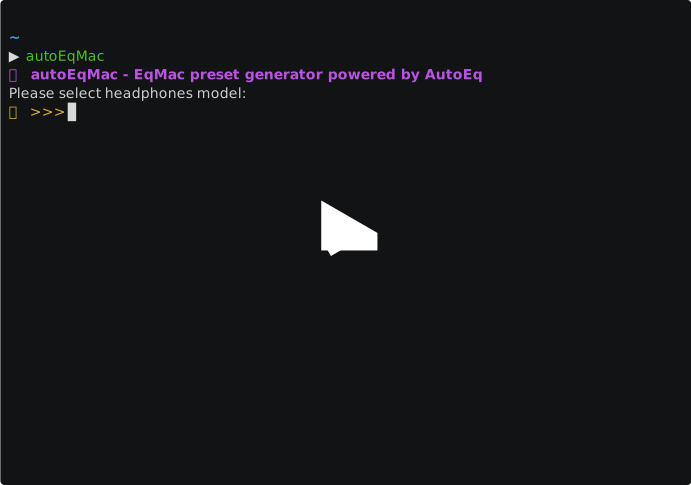
asciicast

Once the JSON content has been generated and saved into a file, you can import it into eqMac.

By default autoEqMac saves a JSON file with the same name of the headphones model you selected in the current working directory.

You can provide a different path by passing it using the -f, --file flag.

TODO

  • GUI

Credits

Thanks to:

评论

暂无评论