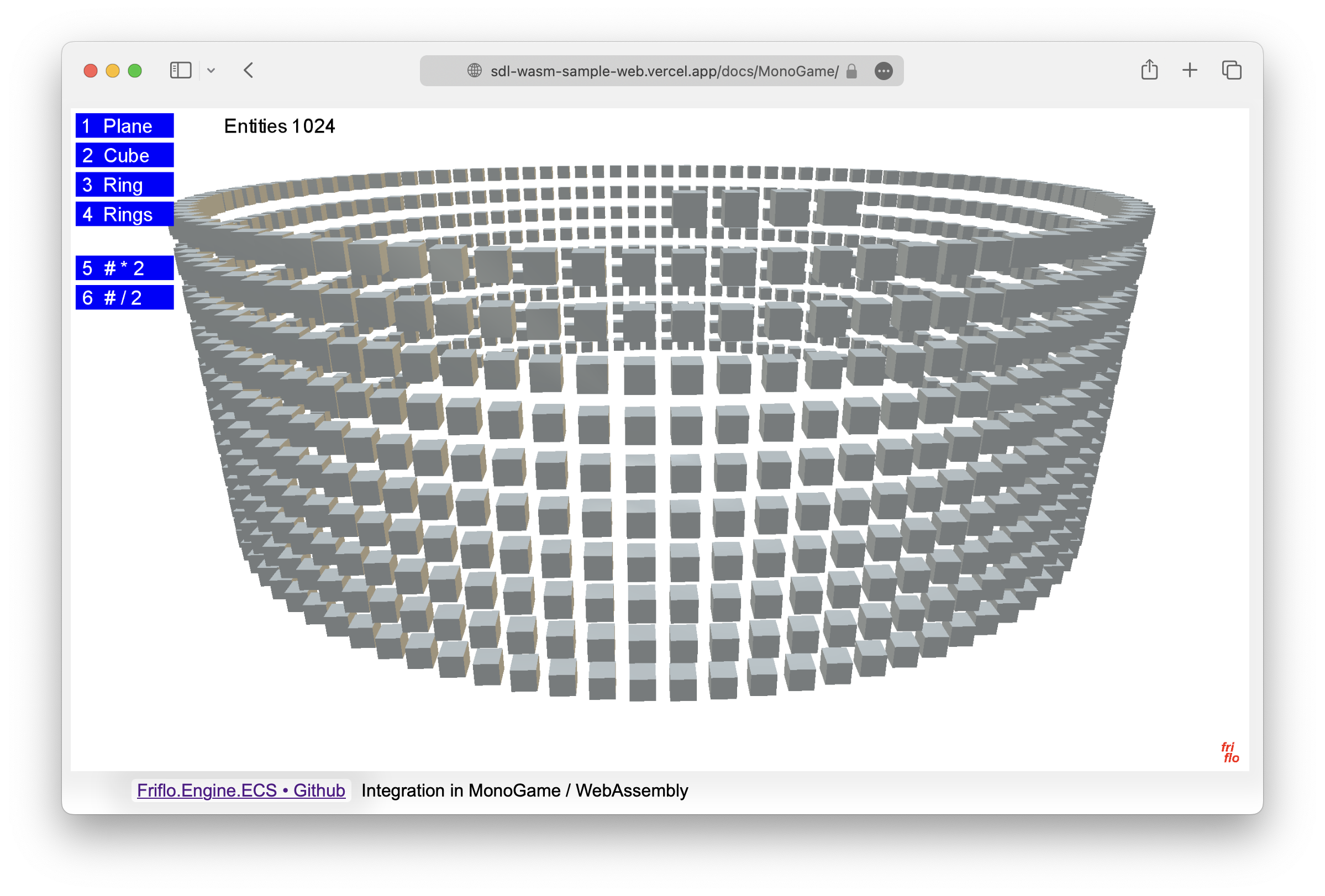
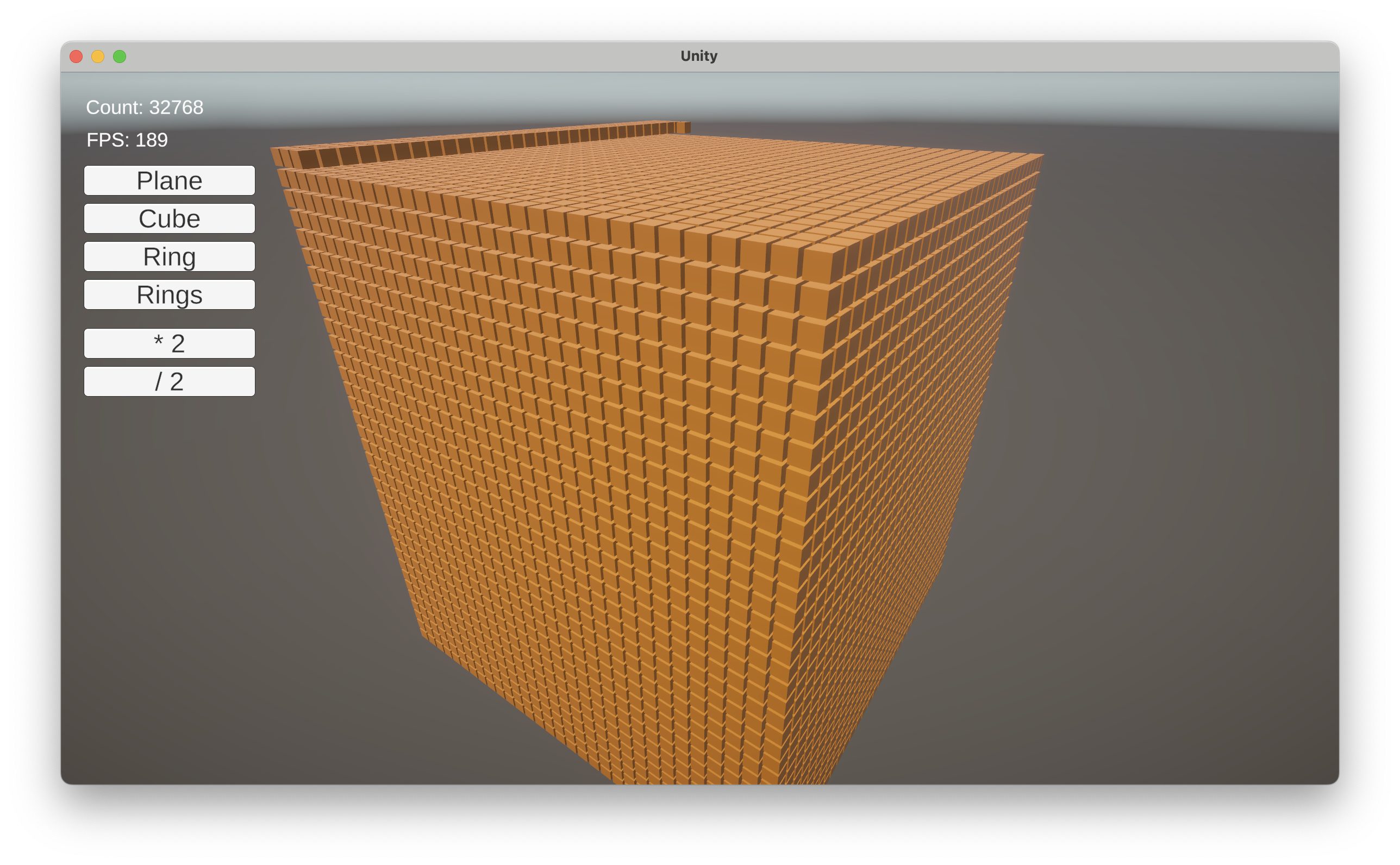
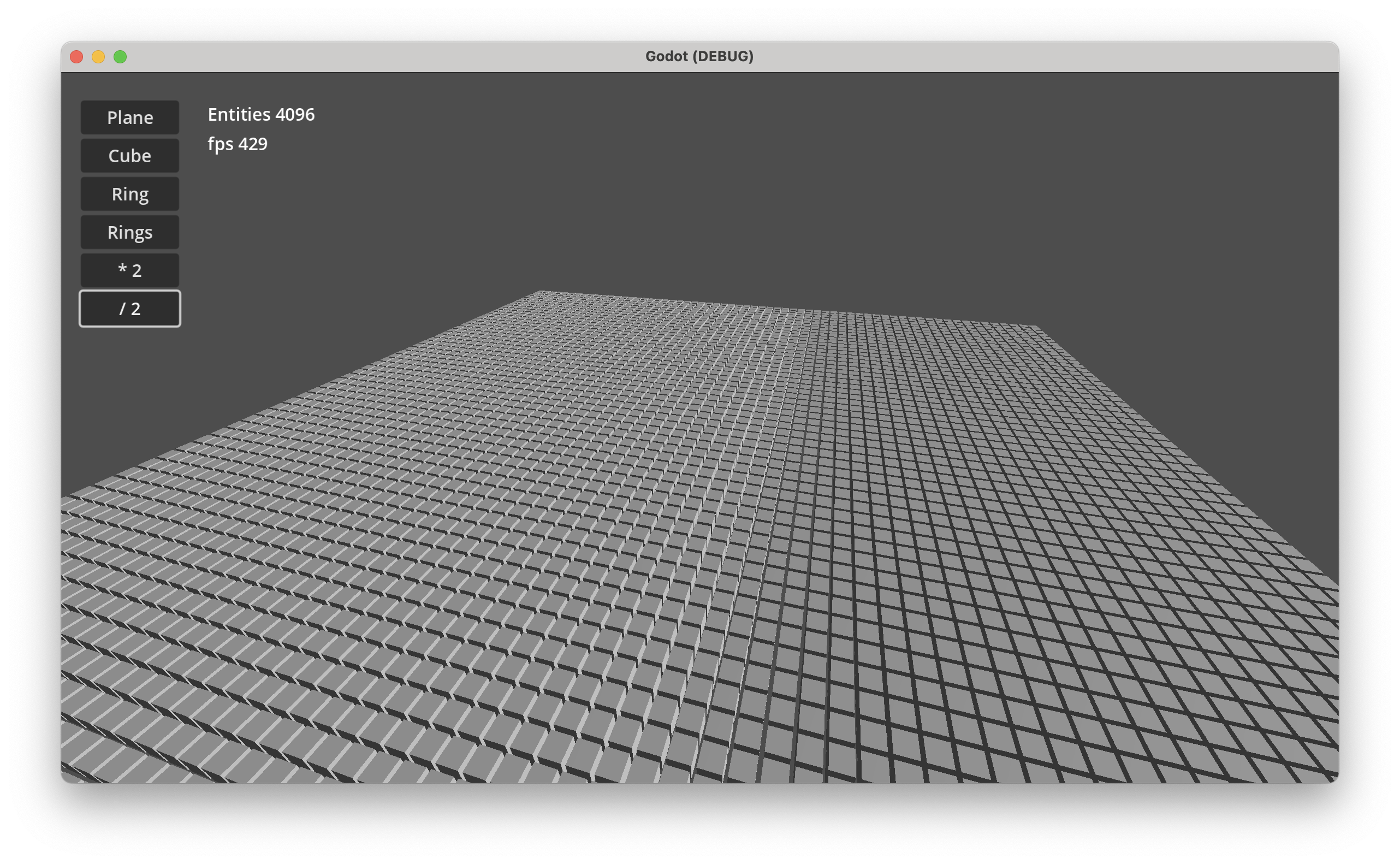
Desktop Demo performance: Godot 202 FPS, Unity 100 FPS at 65536 entities.
All example Demos - Windows, macOS & Linux - available as projects for MonoGame, Unity and Godot.
See Demos · GitHub
New features in 3.0.0
-
Index / Search used to search entities with specific component values in O(1). E.g
- To lookup entities having a TileComponent with a specific tile id.
- To lookup network entities with a NetComponent using a custom identifier like a
Guid,long or a string.
-
Relationships to create links / connections between entities. Used for:
- Attack systems
- Path finding / Route tracing
- Model social networks. E.g friendship, alliances or rivalries
- Build any type of a directed graph
using entities as nodes and links or relations as edges
-
Relations to add multiple “components” of the same type to a single entity. E.g.
- Inventory systems
- To model one-to-many data structures
Big shout out to fennecs and flecs
for the challenge to improve the feature set and performance of this project!
⏩ Examples
This section contains two typical use cases when using an ECS.
More examples describing use of various features are at friflo ECS - Documentation.
🚀 Hello World
The hello world examples demonstrates the creation of a world, some entities with components
and their movement using a simple ForEachEntity() call.
public struct Velocity : IComponent { public Vector3 value; }

public static void HelloWorld()
{
    var world = new EntityStore();
    for (int n = 0; n < 10; n++) {
        world.CreateEntity(new Position(n, 0, 0), new Velocity{ value = new Vector3(0, n, 0)});
    }
    var query = world.Query<Position, Velocity>();
    query.ForEachEntity((ref Position position, ref Velocity velocity, Entity entity) => {
        position.value += velocity.value;
    });
}
In case of moving (updating) thousands or millions of entities an optimized approach can be used.
See:
Enumerate Query Chunks,
Parallel Query Job and
Query Vectorization - SIMD.
All query optimizations are using the same query but with different enumeration techniques.
⚙️ Systems
Systems are new in Friflo.Engine.ECS v2.0.0
Systems in ECS are typically queries.
So you can still use the world.Query<Position, Velocity>() shown in the “Hello World” example.
Using Systems is optional but they have some significant advantages.
System features
-
Enable chaining multiple decoupled QuerySystem classes in a
SystemGroup.
Each group provide a CommandBuffer.
-
A system can have state - fields or properties - which can be used as parameters in OnUpdate().
The system state can be serialized to JSON.
-
Systems can be enabled/disabled or removed.
The order of systems in a group can be changed.
-
Systems have performance monitoring build-in to measure execution times and memory allocations.
If enabled systems detected as bottleneck can be optimized.
A perf log (see example below) provide a clear overview of all systems their amount of entities and impact on performance.
-
Multiple worlds can be added to a single SystemRoot instance.
root.Update() will execute every system on all worlds.
public static void HelloSystem()
{
    var world = new EntityStore();
    for (int n = 0; n < 10; n++) {
        world.CreateEntity(new Position(n, 0, 0), new Velocity(), new Scale3());
    }
    var root = new SystemRoot(world) {
        new MoveSystem(),
    //  new PulseSystem(),
    //  new ... multiple systems can be added. The execution order still remains clear.
    };
    root.Update(default);
}

class MoveSystem : QuerySystem<Position, Velocity>
{
    protected override void OnUpdate() {
        Query.ForEachEntity((ref Position position, ref Velocity velocity, Entity entity) => {
            position.value += velocity.value;
        });
    }
}
A valuable strength of an ECS is establishing a clear and decoupled code structure.
Adding the PulseSystem below to the SystemRoot above is trivial.
This system uses a foreach (var entity in Query.Entities) as an alternative to Query.ForEachEntity((...) => {...})
to iterate the query result.
struct Pulsating : ITag { }

class PulseSystem : QuerySystem<Scale3>
{
    float frequency = 4f;

    public PulseSystem() => Filter.AnyTags(Tags.Get<Pulsating>());

    protected override void OnUpdate() {
        foreach (var entity in Query.Entities) {
            ref var scale = ref entity.GetComponent<Scale3>().value;
            scale = Vector3.One * (1 + 0.2f * MathF.Sin(frequency * Tick.time));
        }
    }
}
⏱ System monitoring
System performance monitoring is disabled by default.
To enable monitoring call:
root.SetMonitorPerf(true);
When enabled system monitoring captures
- Number of system executions.
- System execution duration in ms.
- Memory heap allocations per system in bytes.
- The number of entities matching a query system.
Realtime monitoring
In a game editor like Unity system monitoring is available in the ECS System Set component.
Screenshot: ECS System Set component in Play mode

Log monitoring
The performance statistics available at SystemPerf.
To get performance statistics on console use:
root.Update(default);
Console.WriteLine(root.GetPerfLog());
The log result will look like:
stores: 1                  on   last ms    sum ms   updates  last mem   sum mem  entities
---------------------      --  --------  --------  --------  --------  --------  --------
Systems [2]                 +     0.076     3.322        10       128      1392
| ScaleSystem               +     0.038     2.088        10        64       696     10000
| PositionSystem            +     0.038     1.222        10        64       696     10000
on                  + enabled  - disabled
last ms, sum ms     last/sum system execution time in ms
updates             number of executions
last mem, sum mem   last/sum allocated bytes
entities            number of entities matching a QuerySystem
🏁 ECS Benchmarks
ECS.CSharp.Benchmark - Common use-cases
Created a new GitHub repository ECS.CSharp.Benchmark - Common use-cases.
It compares the performance of multiple ECS projects with simple benchmarks.
So they can be used as a guide to migrate form one ECS to another.
See discussion of reddit announcement Post.
Performance Ratio Overview - see C# ECS Benchmark
|
friflo |
Flecs.NET |
TinyEcs |
Arch |
fennecs |
Leopotam |
DefaultEcs |
Morpeh |
| Ratio |
1.00 |
2.55 |
3.42 |
6.96 |
19.02 |
2.57 |
3.81 |
21.09 |
ECS.CSharp.Benchmark
Performance comparison using popular ECS C# benchmark on GitHub.
Two benchmarks - subset of GitHub ⋅ Ecs.CSharp.Benchmark + PR #38
running on a Mac Mini M2.
See Benchmark results.
You Like this project?
Leave a ⭐ at friflo ECS
License
This project is licensed under MIT.
Friflo.Engine.ECS
Copyright © 2026 Ullrich Praetz - https://github.com/friflo


评论