FabGL
ESP32 Display Controller (VGA, Color NTSC/PAL Composite, I2C and SPI displays), PS/2 Mouse and Keyboard Controller, Graphics Library, Sound Engine, Graphical User Interface (GUI), Game/Emulation Engine and ANSI/VT Terminal
Warning! The latest version of the Espressif ESP32 library that FabGL runs on is 2.0.17 (or even earlier). Unfortunately, the latest versions of Espressif leave too little memory free for applications, and a project the size of FabGL can no longer function as intended.
Please look here for full API documentation
See also my youtube channel where you can find demos and tutorials
You may support development by purchasing the ESP32-SBC-FabGL Olimex board.
=================================================================================
License terms:
Created by Fabrizio Di Vittorio ([email protected]) - http://www.fabgl.com
Copyright © 2019-2022 Fabrizio Di Vittorio.
All rights reserved.
This library and related software is available under GPL v3.
Please contact [email protected] if you need a commercial license.
Please don’t remove copyright and/or original author from FabGL examples (ie from screens, dialogs, etc…), even from derived works which use examples as base.
=================================================================================
FabGL is mainly a Graphics Library for ESP32. It implements several display drivers (VGA output, PAL/NTSC Color Composite, I2C and SPI displays).
FabGL can also get input from a PS/2 Keyboard and a Mouse. FabGL implements also: an Audio Engine (DAC and Sigma-Delta), a Graphical User Interface (GUI), a Game Engine and an ANSI/VT Terminal.
This library works with ESP32 revision 1 or upper. See Compatible Boards.
VGA output requires a external digital to analog converter (DAC): it can be done by three 270 Ohm resistors to have 8 colors, or by 6 resistors to have 64 colors.
Composite output doesn’t require external components (maybe a 5Mhz low pass filter).
There are several fixed and variable width fonts embedded.
Unlimited number of sprites are supported. However big sprites and a large amount of them reduces the frame rate and could generate flickering.
When there is enough memory (on low resolutions like 320x200), it is possible to allocate two screen buffers, so to implement double buffering.
In this case primitives are always drawn on the back buffer.
Except for double buffering or when explicitly disabled, all drawings are performed on vertical retracing, so no flickering is visible.
If the queue of primitives to draw is not processed before the vertical retracing ends, then it is interrupted and continued at next retracing.
There is a graphical user interface (GUI) with overlapping windows and mouse handling and a lot of widgets (buttons, editboxes, checkboxes, comboboxes, listboxes, etc…).
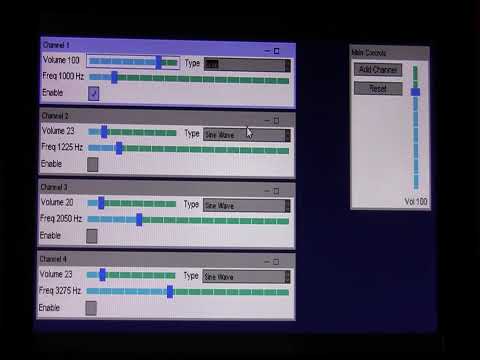
Finally, there is a sound engine, with multiple channels mixed to a mono output. Each channel can generate sine waveforms, square, etc… or custom sampled data.
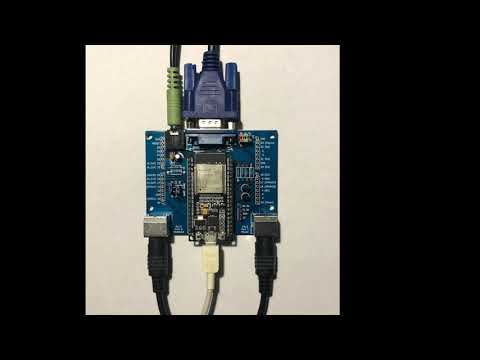
Installation Tutorial - fabgl development board (click for video):
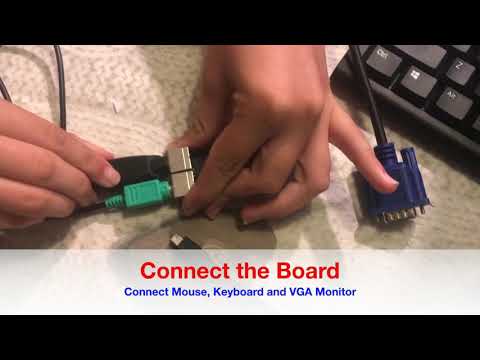
Installation Tutorial - TTGO VGA32 (click for video):
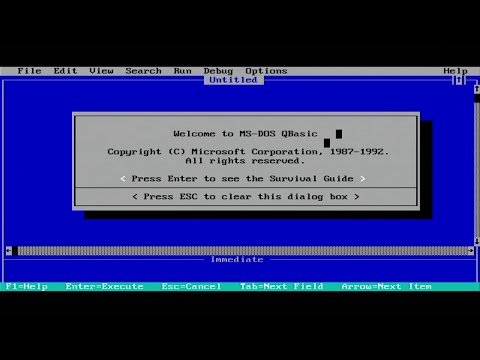
IBM PC Emulator (click for video):
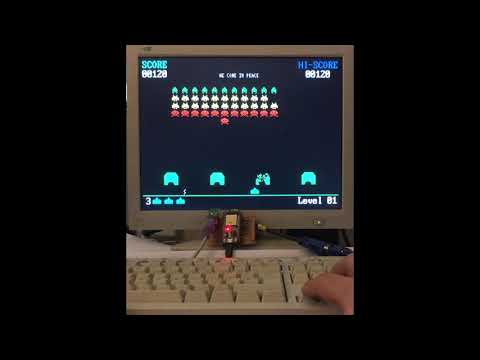
Space Invaders Example (click for video):
Dev board connected to TFT ILI9341 240x320, TFT ST7789 240x240 and OLED SSD1306 128x64 (click for video):
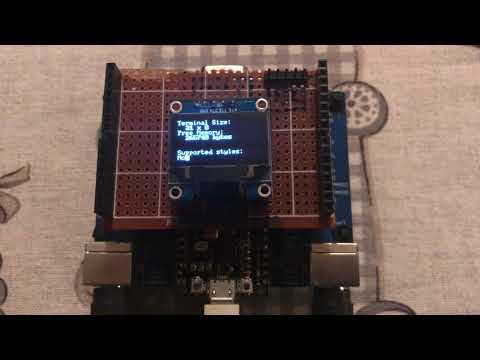
Serial Terminal escape sequences for graphics and sound (click for video):
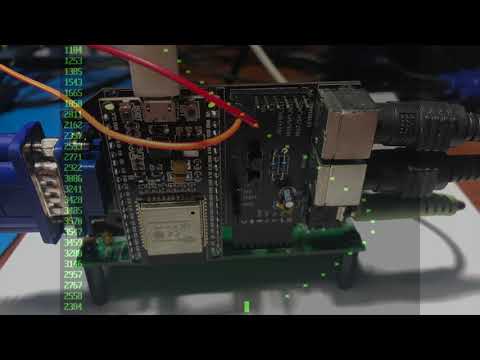
Serial Terminal for MBC2 Z80 Board (click for video):
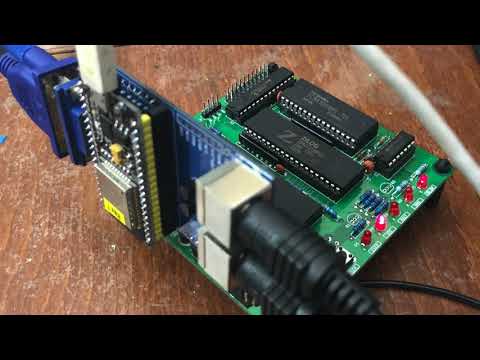
Graphical User Interface - GUI (click for video):
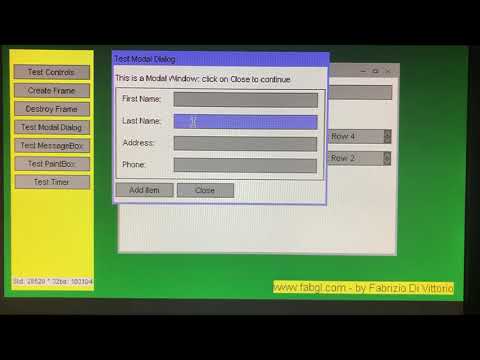
Sound Engine (click for video):
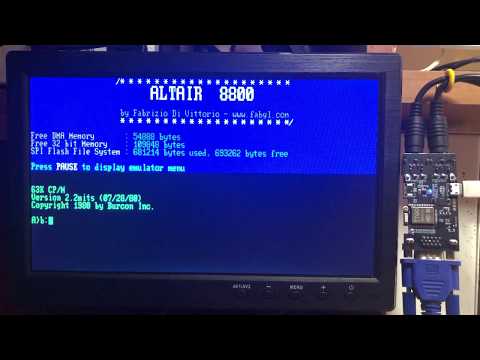
Altair 8800 emulator - CP/M text games (click for video):
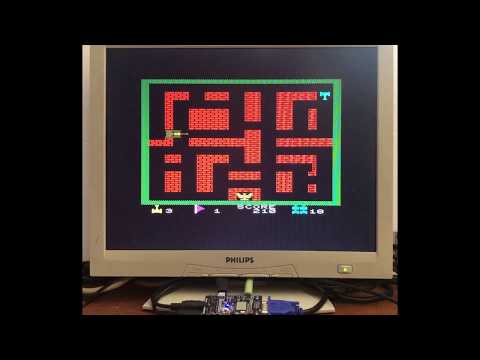
Commodore VIC20 emulator (click for video):
Simple Terminal Out Example (click for video):
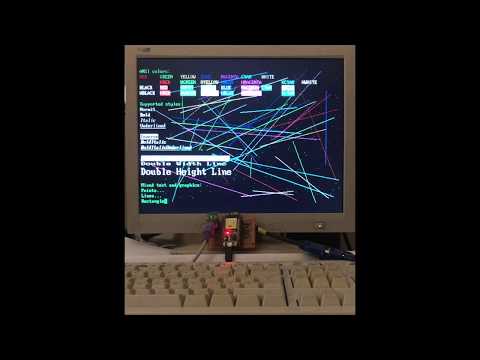
Network Terminal Example (click for video):
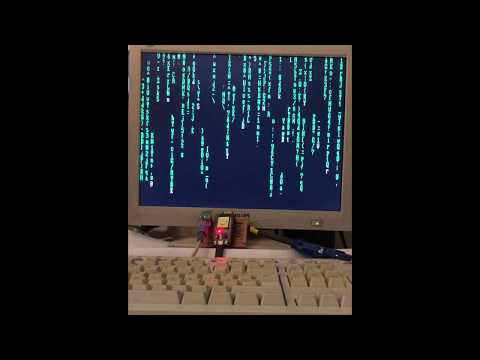
Modeline Studio Example (click for video):
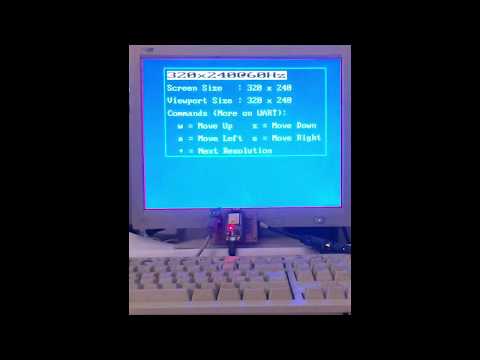
Loopback Terminal Example (click for video):
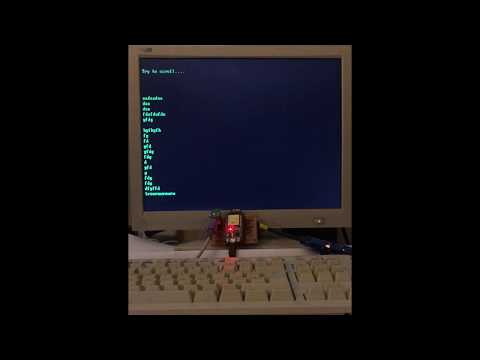
Double Buffering Example (click for video):
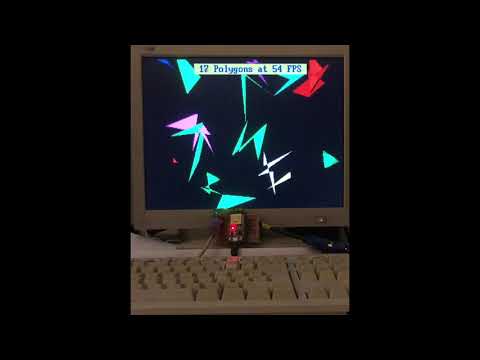
Collision Detection Example (click for video):
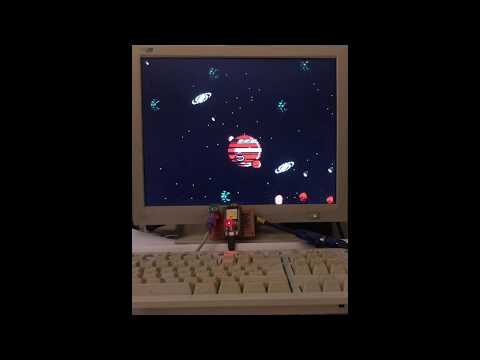
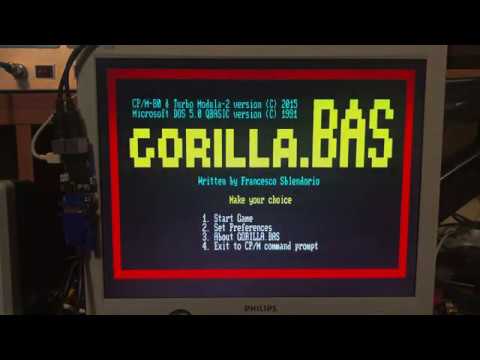
Multitasking CP/M Plus Example (click for video):


评论