Exadel CompreFace is a leading free and open-source face recognition system

Exadel CompreFace is a free and open-source face recognition service that can be easily integrated into any system without prior machine learning skills.
CompreFace provides REST API for face recognition, face verification, face detection, landmark detection, mask detection, head pose detection, age, and gender recognition and is easily deployed with docker.
Official website
Contributing
·
Submit an Issue
·
Blog
·
Community chat


Table Of Contents
Overview
Exadel CompreFace is a free and open-source face recognition GitHub project.
Essentially, it is a docker-based application that can be used as a standalone server or deployed in the cloud.
You don’t need prior machine learning skills to set up and use CompreFace.
The system provides REST API for face recognition, face verification, face detection, landmark detection, mask detection, head pose detection, age, and gender recognition.
The solution also features a role management system that allows you to easily control who has access to your Face Recognition Services.
CompreFace is delivered as a docker-compose config and supports different models that work on CPU and GPU.
Our solution is based on state-of-the-art methods and libraries like FaceNet and InsightFace.
Screenshots


More Screenshots

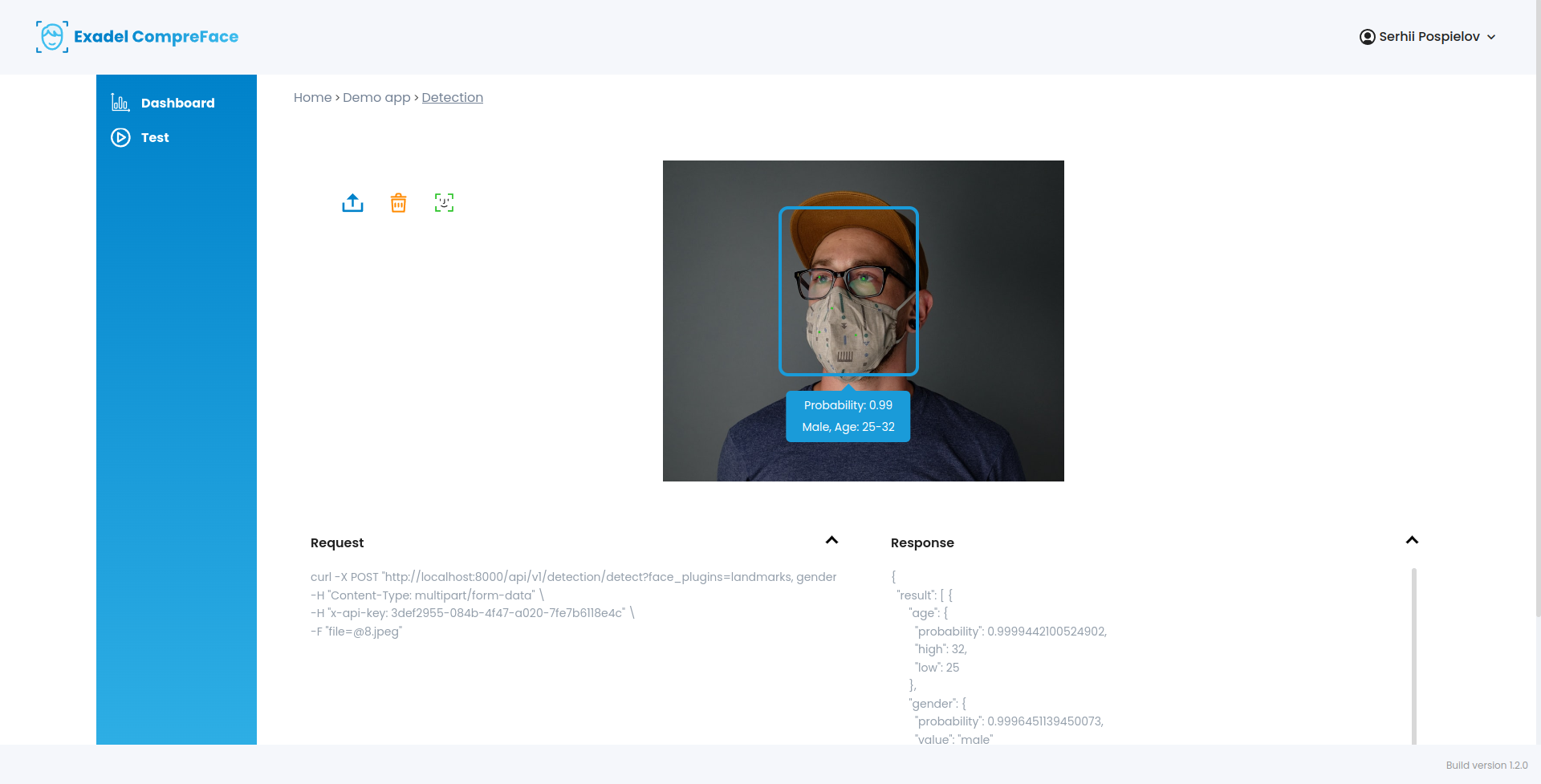


Videos


More Videos


News and updates
Subscribe to CompreFace News and Updates to never miss new features and product improvements.
Features
The system can accurately identify people even when it has only “seen” their photo once. Technology-wise, CompreFace has several advantages over similar free face recognition solutions. CompreFace:
- Supports both CPU and GPU and is easy to scale up
- Is open source and self-hosted, which gives you additional guarantees for data security
- Can be deployed either in the cloud or on premises
- Can be set up and used without machine learning expertise
- Uses FaceNet and InsightFace libraries, which use state-of-the-art face recognition methods
- Starts quickly with just one docker command
Functionalities
- Supports many face recognition services:
- Use the CompreFace UI panel for convenient user roles and access management
Getting Started with CompreFace
Requirements
- Docker and Docker compose (or Docker Desktop)
- CompreFace could be run on most modern computers with x86 processor and AVX support.
To check AVX support on Linux run
lscpu | grep avx command
To get started (Linux, MacOS):
- Install Docker and Docker Compose
- Download the archive from our latest release: https://github.com/exadel-inc/CompreFace/releases
- Unzip the archive
- Open the terminal in this folder and run this command:
docker-compose up -d
- Open the service in your browser: http://localhost:8000/login
To get started (Windows):
- Install Docker Desktop
- Download the archive from our latest release: https://github.com/exadel-inc/CompreFace/releases
- Unzip the archive
- Run Docker
- Open Command prompt (write
cmd in windows search bar)
- Open folder where you extracted zip archive (Write
cd path_of_the_folder, press enter).
- Run command:
docker-compose up -d
- Open http://localhost:8000/login
Getting started for contributors
Follow this link
CompreFace SDKs
Documentation
More documentation is available here
Contributing
We want to improve our open-source face recognition solution, so your contributions are welcome and greatly appreciated.
- Just use CompreFace and report ideas and bugs on GitHub
- Share knowledge and experience via posting guides and articles, or just improve our documentation
- Create SDKs for favorite programming language, we will add it to our documentation
- Integrate CompreFace support to other platforms like Home Assistant or DreamFactory, we will add it to our documentation
- Contribute code
- Add plugin to face services
- And last, but not least, you can just give a star to our free facial recognition system on GitHub
For more information, visit our contributing guide, or create a discussion.
License info
CompreFace is open-source real-time facial recognition software released under the Apache 2.0 license.


评论