
PixelFlow
A Processing/Java library for high performance GPU-Computing (GLSL).
Features
+ Fluid Simulation (GLSL)
    - Jos Stam, Real-Time Fluid Dynamics for Games
    - Particle Sytems
    - Flow Field Visualisation
    - Streamlines
    - ...
+ Flow Field Particles (GLSL)
    - Collision Detection, Particle <-> Particle
    - Collision Detection, Particle <-> Obstacle
    - Cohesion
    - Verlet Integration
    - FlowField/SDF(Signed Distance Field) based
    - Streamlines
    - ...
+ Softbody Dynamics (CPU, GLSL is coming)
    - 2D and 3D
    - Collision Detection
    - Cloth, Grids, Chains, Rigid Folding ...
    - Particle Systems
    - ...
+ Skylight Renderer (GLSL)
    - Interactive/Realtime Viewport Renderer
    - Ambient Occlusion
    - Diffuse Shading
    - ShadowMapping
    - ...
+ PostProcessing Filters (GLSL)
    - Box Blur
    - Binomial Blur
    - Gauss Blur
    - Gauss Blur Pyramid
    - Median
    - Bilateral Filter
    - Custom Convolution Kernel
    - DoG (Difference of Gaussian)
    - BackgroundSubtraction
    - Difference
    - Laplace
    - Sobel
    - Gamma Correction
    - Luminace
    - Thresholding
    - Harris Corner Detection
    - Optical Flow
    - Bloom
    - Depth of Field (DoF)
    - Liquid FX Filter
    - Summed Area Table (SAT)
    - Distance Transform (Jumpflood), Voronoi, Distance Map
    - Min/Max (global)
    - Min/Max (local)
    - Merge Shader
    - FlowField
    - Line Integral Convolution (LIC) / Streamlines
    - ...
+ AntiAliasing (GLSL)
    - MSAA (Processing Default)
    - FXAA
    - SMAA
    - GBAA/DEAA
+ Shadertoy (GLSL)
    - Wrapper for running existing Shadertoy sketches inside Processing.
+ Utils
    - HalfEdge
    - Subdivision Polyhedra
    - Sampling
    - GLSL-Shader PreProcessor (#define, #include)
    - GLSL-Shader Uniform Caching
    - ...
JavaDoc: http://thomasdiewald.com/processing/libraries/pixelflow/reference/index.html
Download
Videos / Examples / Demos / Applications
Skylight Renderer





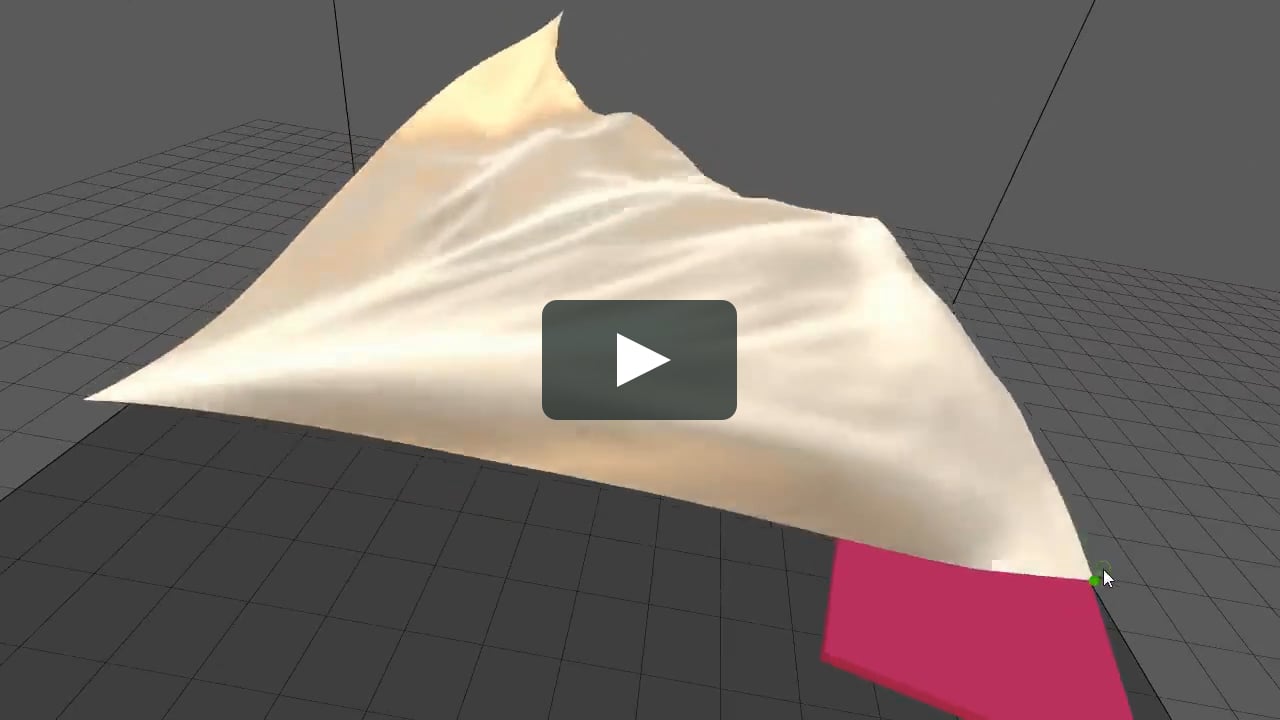
Softbody Dynamics


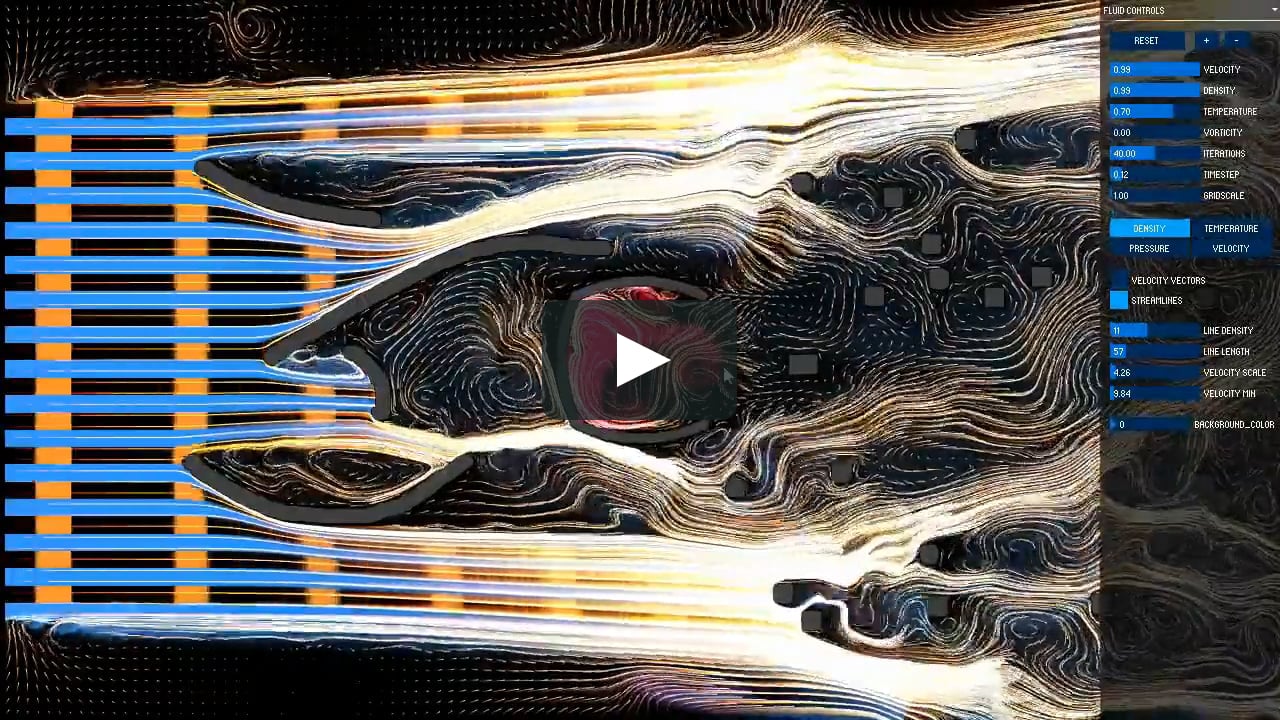
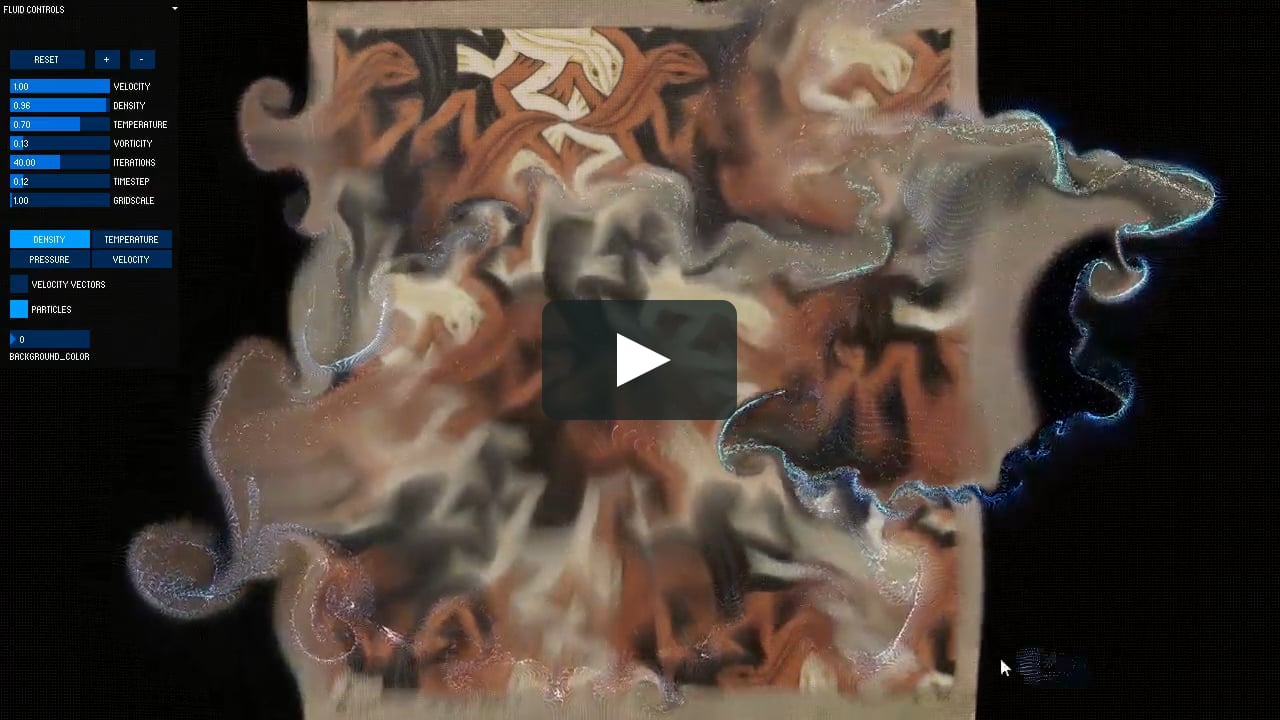
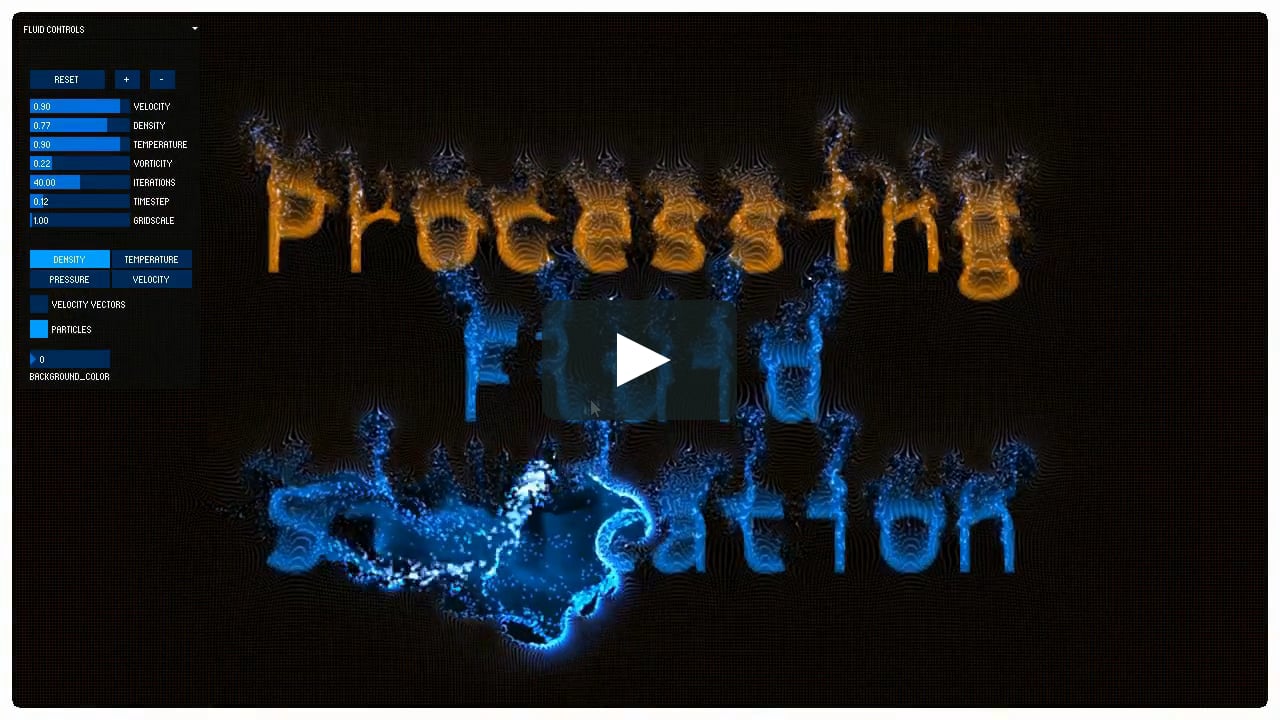
Computational Fluid Dynamics


Optical Flow



Flow Field Particle Simulation



Flow Field - LIC


Realtime 2D Radiosity - Global Illumination (GI)







Space Syntax



More Videos on Vimeo.
Getting Started - Fluid Simulation
// FLUID SIMULATION EXAMPLE
import com.thomasdiewald.pixelflow.java.DwPixelFlow;
import com.thomasdiewald.pixelflow.java.fluid.DwFluid2D;

// fluid simulation
DwFluid2D fluid;

// render target
PGraphics2D pg_fluid;

public void setup() {
  size(800, 800, P2D);

  // library context
  DwPixelFlow context = new DwPixelFlow(this);

  // fluid simulation
  fluid = new DwFluid2D(context, width, height, 1);

  // some fluid parameters
  fluid.param.dissipation_velocity = 0.70f;
  fluid.param.dissipation_density  = 0.99f;

  // adding data to the fluid simulation
  fluid.addCallback_FluiData(new  DwFluid2D.FluidData() {
    public void update(DwFluid2D fluid) {
      if (mousePressed) {
        float px     = mouseX;
        float py     = height-mouseY;
        float vx     = (mouseX - pmouseX) * +15;
        float vy     = (mouseY - pmouseY) * -15;
        fluid.addVelocity(px, py, 14, vx, vy);
        fluid.addDensity (px, py, 20, 0.0f, 0.4f, 1.0f, 1.0f);
        fluid.addDensity (px, py, 8, 1.0f, 1.0f, 1.0f, 1.0f);
      }
    }
  });

  pg_fluid = (PGraphics2D) createGraphics(width, height, P2D);
}


public void draw() {
  // update simulation
  fluid.update();

  // clear render target
  pg_fluid.beginDraw();
  pg_fluid.background(0);
  pg_fluid.endDraw();

  // render fluid stuff
  fluid.renderFluidTextures(pg_fluid, 0);

  // display
  image(pg_fluid, 0, 0);
}
Installation, Processing IDE
-
Download Processing 3
-
Install PixelFlow via the Library Manager.
-
Or manually, unzip and put the extracted PixelFlow folder into the libraries folder of your Processing sketches. Reference and examples are included in the PixelFlow folder.
-
Also make sure you have the latest graphics card driver installed!
Windows, Linux, MacOSX
Dependencies, to run the examples
Processing/Java Alternatives
JRubyArt
JRubyArt is a ruby wrapper for processing by Martin Prout (monkstone)


评论