
About SnapKey
SnapKey provides a user-friendly alternative to the Razer Snap Tap function, making it accessible across all keyboards!
SnapKey is a lightweight, open-source tool that operates from the system tray and is designed to track inputs from the WASD keys, without interfering with any game files. Its main role is to recognize when these keys are pressed and automatically release any previously engaged commands for them. This guarantees responsive and precise input handling. SnapKey handles the WASD keys by default and lets you rebind them to your liking via the config file.
Need More Info on SnapKey? Visit the SnapKey Wiki

Download
Download from GitHub |
Download from SourceForge |
Download from Softpedia

SnapKey Features
- Easy to use 🧩
- Detailed documentation 📖
- Lightweight and open-source 🌟
- Accessible via the system tray 🖥️
- Compatible with all keyboards ✅
- Does not interact with game files 🎮
- Activate/Deactivate via context menu ⛔
- Double-click the tray icon to disable it 👆👆
- Built‑in and custom keyboard layout profiles 🗂️
- Sticky Keys Feature: tracks the state of a pressed key ⌨️
- Enhances the precision of counter-strafing movements in games 🎯
- Allows key rebinding using ASCII codes specified in the configuration file 🛠️
- Supports unlimited amount of keys shared across groups (default AD / WS) 🔄
- Facilitates smoother transitions between left and right movements without input conflicts 🚀
- Does not use AutoHotkey or similar tools; its features rely solely on Windows API functions 🛡️
SnapKey in Action
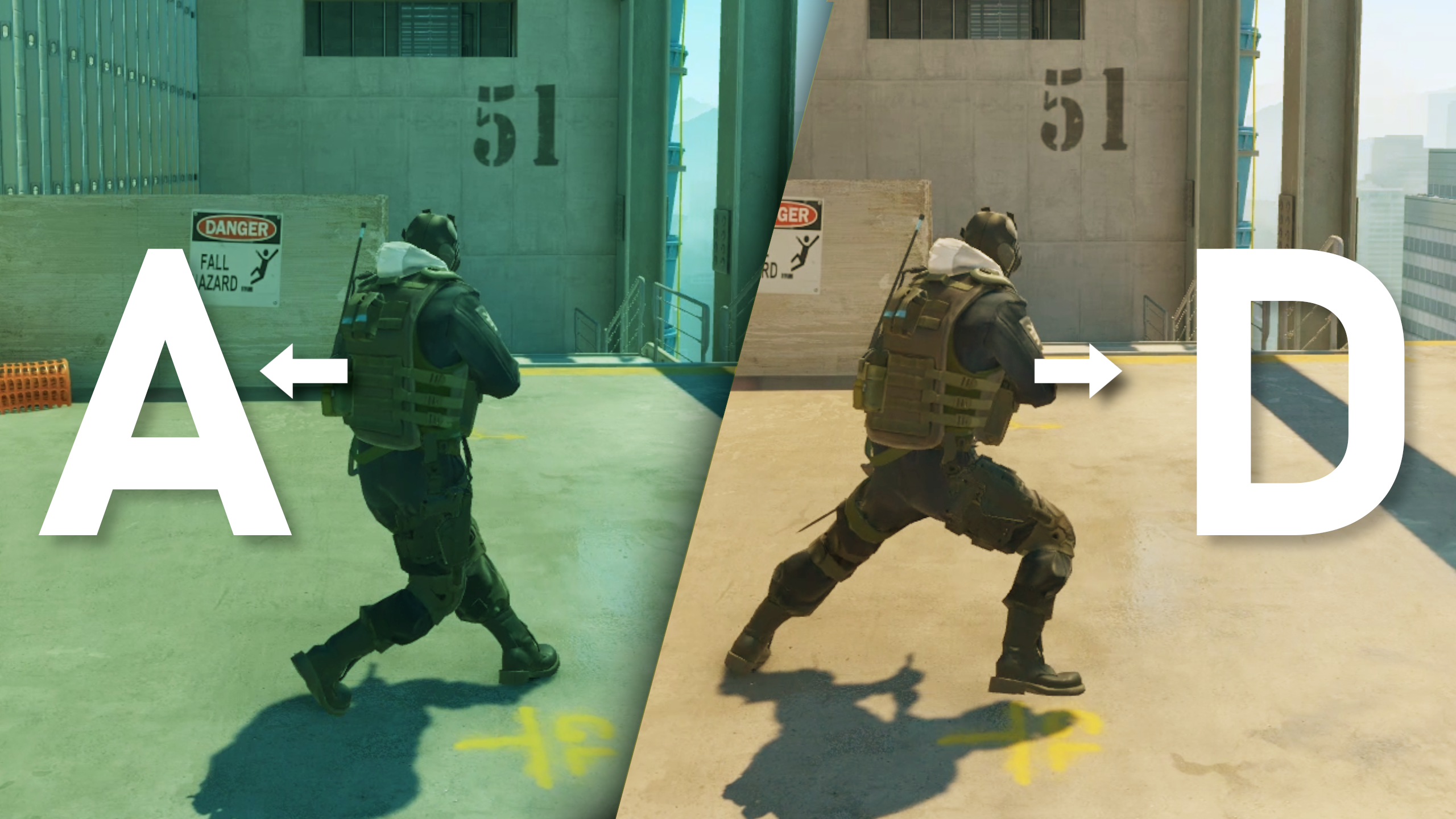
- When you press and hold down the “A” key, SnapKey remembers it.
- If you then press the “D” key while still holding down “A” SnapKey automatically releases the “A” key for you.
- The same happens if you press “A” while holding “D” — SnapKey releases the “D” key.
SnapKey prevents simultaneous movement key conflicts (AD / WS)
- In many FPS games, pressing both the “A” and “D” keys simultaneously typically results in the game recognizing conflicting inputs. SnapKey automatically releases the previously held key when a new key input is detected.
- The keys are separated into two different groups: A/D and W/S. In each group, “A” cancels out “D” and vice versa, while the same applies to “W” and “S”. These groups do not interfere with each other and work separately.
Sticky Keys
- Sticky Keys is a feature that keeps track of the state of a key you’ve pressed down. For example, if you
hold down the “A” key and tap the “D” key repeatedly, each press of “D” will temporarily override
the “A” key. When you release the “D” key, the action associated with the “A” key will resume, as
long as you’re still holding it down. The same principle applies if you start with “D” held down and
press “A” instead.
SnapKey and similar solutions have been disallowed in certain games; illustrations shown are for demonstrative purposes only.

Enhanced precision of counter-strafing
- Automatically releases a previously held key when a new key (A/D) & (W/S) is pressed.
Linux Support
Since SnapKey isn’t natively supported on Linux, it’s recommended to check out @Dillacorn’s guide on running SnapKey on Linux.


SnapKey by
@cafali
@minteeaa
@Yaw-Dev


评论