Latest Stable Release
► Windows 64-bit Installer (MSFS 2020, MSFS 2024 and X-Plane) - LittleNavmap-win64-3.0.18-Install.exe
► macOS - LittleNavmap-macOS-3.0.18.zip
► Linux (64 bit, based on Ubuntu 24.04) - LittleNavmap-linux-ubuntu-24.04-3.0.18.tar.xz
► Linux Debian Installation Package (64 bit, based on Ubuntu 24.04) - LittleNavmap-linux-ubuntu-24.04-3.0.18-1_amd64.deb
Other Versions:
► Windows 32-bit Installer (only for FSX and P3D) - LittleNavmap-win32-3.0.18-Install.exe
► Linux (64 bit, based on Ubuntu 22.04 for Debian or older systems) - LittleNavmap-linux-ubuntu-22.04-3.0.18.tar.xz
► Linux Debian Installation Package (64 bit, based on Ubuntu 22.04) - LittleNavmap-linux-ubuntu-22.04-3.0.18-1_amd64.deb
Zipped Windows releases without installer are available in the alternative download locations below or from the release assets at GitHub - Little Navmap Releases - Version 3.0.18 (scroll down to Assets).
► Alternative Download Locations. Look into sub-folders for beta, development or release candidates.
► Read here if you have problems downloading Little Navmap for Windows
► See here if you have problems running Little Navmap on macOS
Little Navmap Links
► Screenshots for Little Navmap
► Screenshots of new 2.8 Features
► User manuals for Little Navmap and Little Navconnect
► Other Downloads (SimConnect, Aircraft Performance and more)
► Little Navmap - Frequently asked Questions
► Little Navmap - Install Navigraph Updates Shows how to update the included Navigraph database to the latest cycle.
► GitHub Profile All my projects, releases, source code, issue lists and more.
► Support Forum at Avsim Support and help for users. An ad-blocker like uBlock Origin (uBO) or AdGuard is recommended.
Little Navmap Donations

Donate to show your appreciation if you like my programs.
Spenden Sie, um Ihre Wertschätzung zu zeigen, wenn Ihnen meine Programme gefallen.
Little Navmap
 Little Navmap is a free open source flight planner, navigation tool, moving map,
airport search and airport information system for Flight Simulator X, Prepar3D, Microsoft Flight Simulator 2020, Microsoft Flight Simulator 2024 and X-Plane and is available for Windows, Apple macOS and Linux.
Little Navmap comes with a detailed manual also including tutorials which is available online as well as in PDF and other formats like EPUB.
Help buttons in all relevant areas of the program display corresponding chapters in the online manual on click.
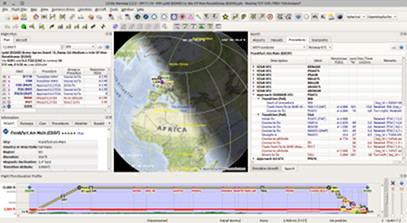
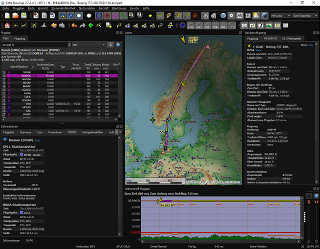
A widely configurable map display using the OpenStreetMap as a background map which is only one
option of many online and included offline maps. The map shows airports, navaids, airways,
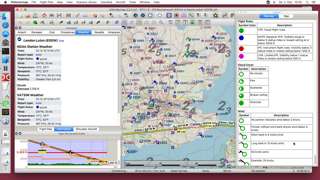
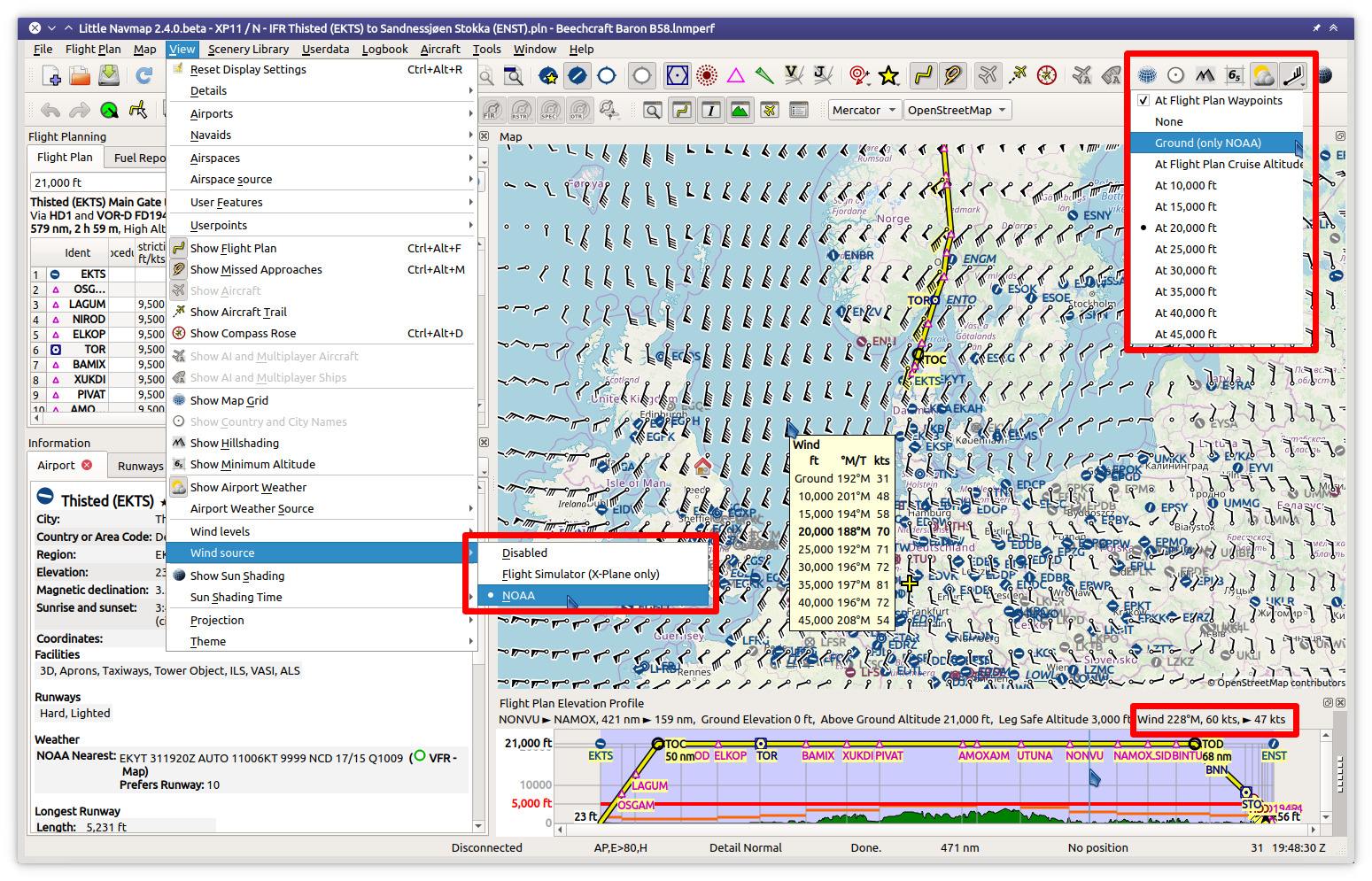
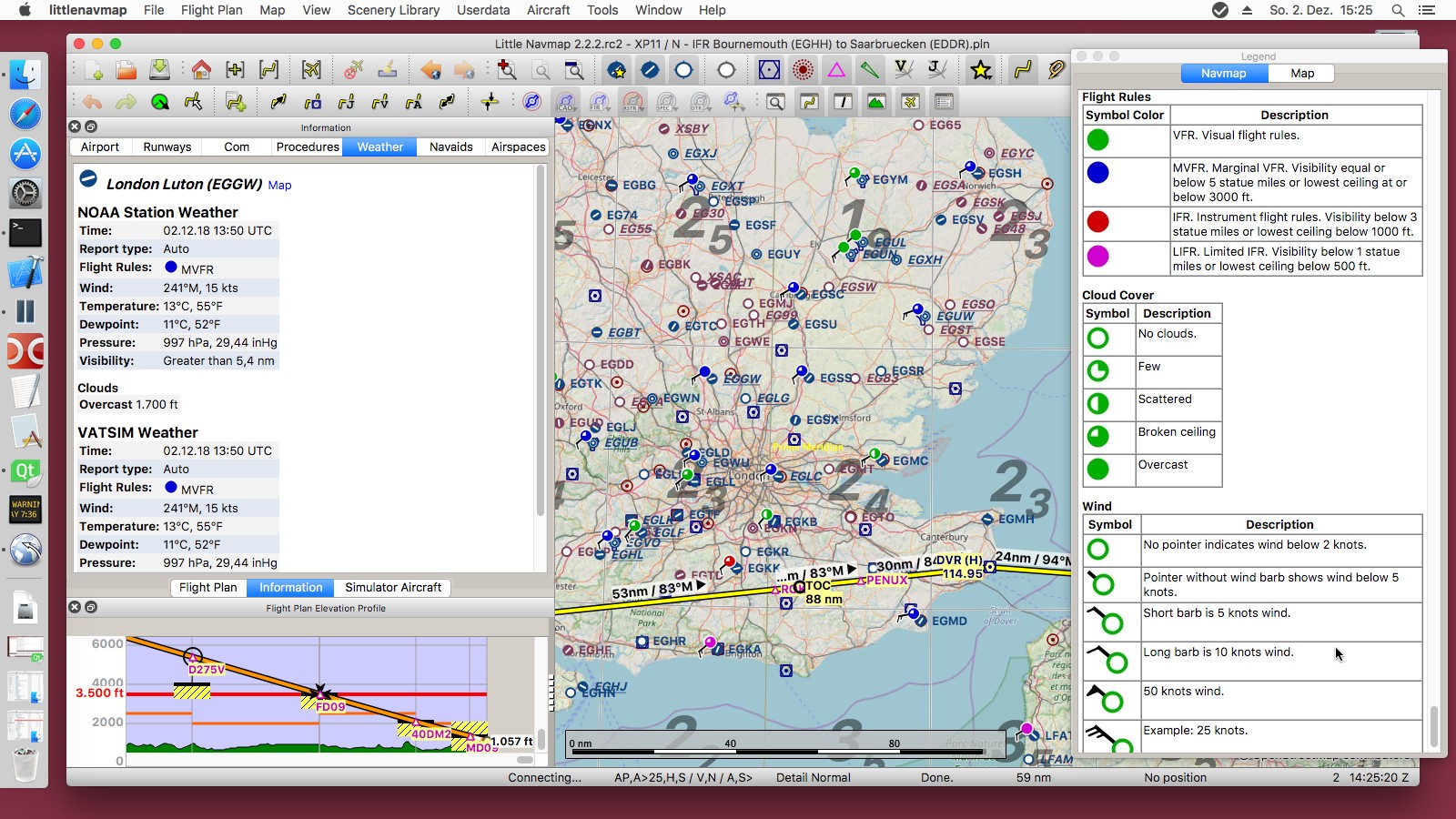
airspaces, oceanic tracks, high altitude winds, AI or multiplayer aircraft and ships as well as airport weather, winds aloft and a minimum off-route altitude grid (MORA). A seamlessly integrated airport diagram displays
taxiways, displaced thresholds, overrun areas, aprons, parking spots and more.
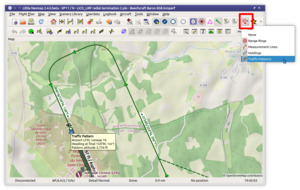
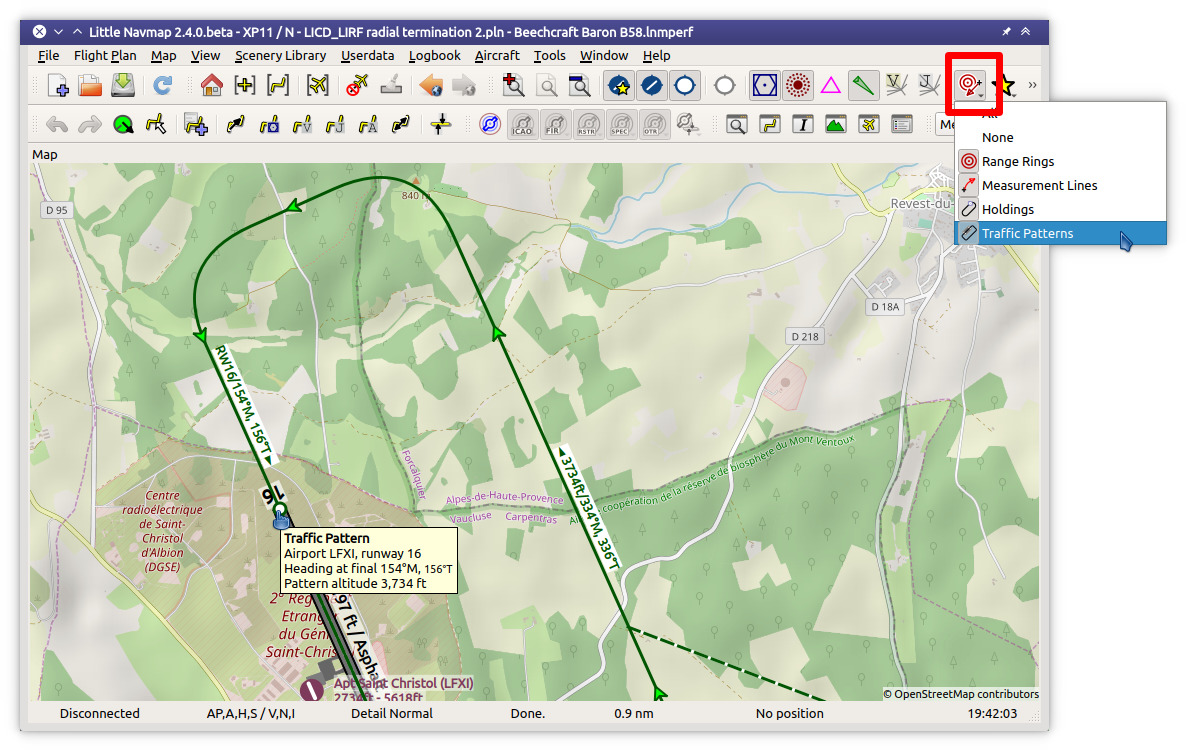
User can place airport traffic patterns or holdings as a visual guidance on the map.
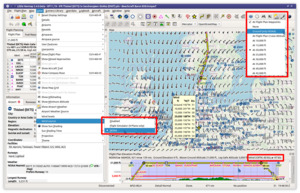
It supports approach and departure procedures like SIDs, STARs, custom final approaches, offers a
widely configurable automatic flight plan calculation and several export formats like GFP (Reality XP GTN
and Flight1 GTN), FPL (Reality XP GNS), GPX, RTE, FLP and X-Plane FMS as well as drag and drop
flight plan editing on the map. The program can read the PLN, FMS and FLP and more flight plan formats.
Several flight plan formats can be exported using the flight plan multiexport feature with one click.
Keyboard shortcuts help to access most functions without mouse.
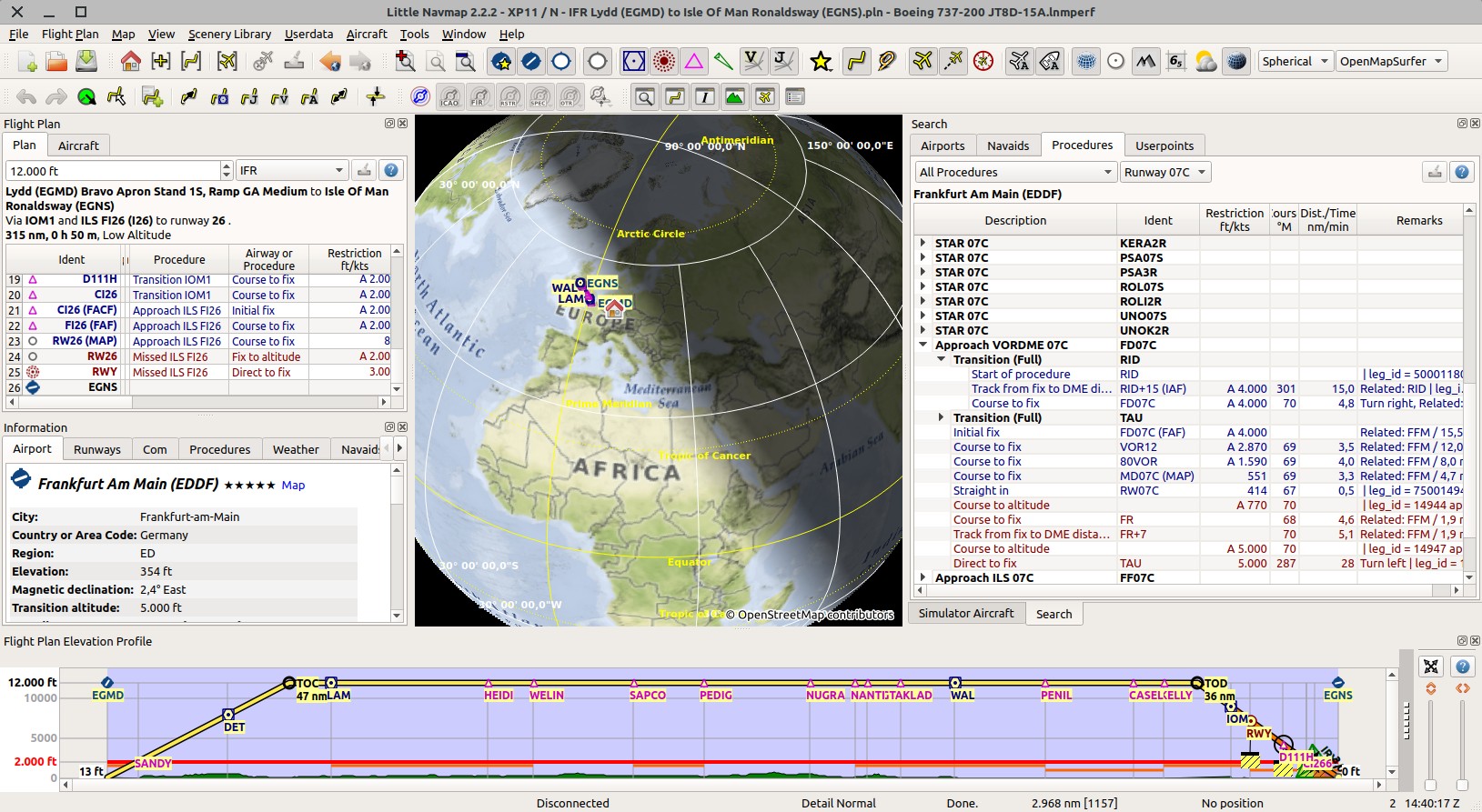
An elevation profile is shown for the flight plan allowing to find a safe cruise altitude also
displaying top of climb, top of descent and procedure altitude restrictions. Calculated and shown
climb as well as descent paths adhere to altitude restrictions.
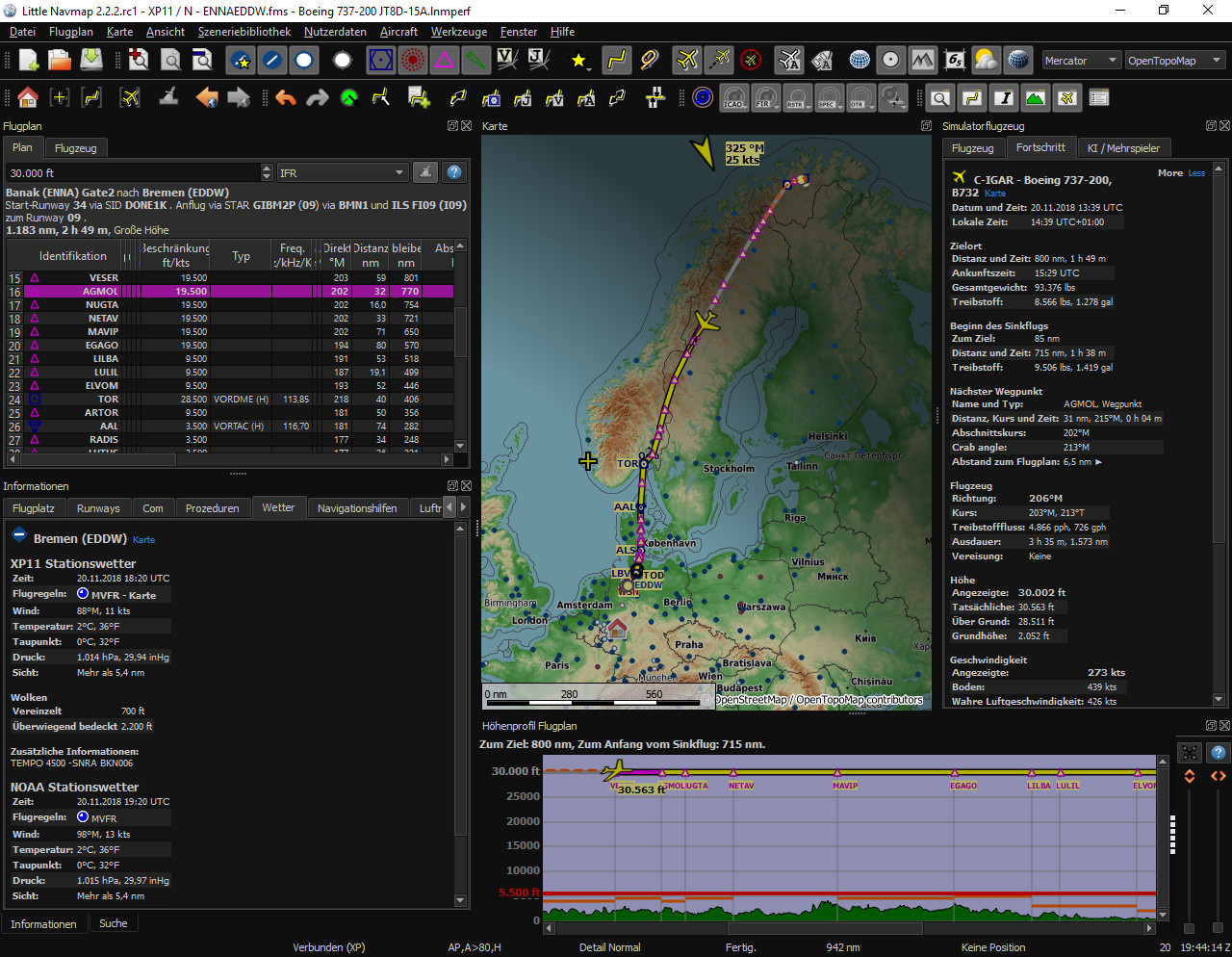
Aircraft performance and fuel planning is included which automatically considers winds aloft for
fuel, top of climb and top of descent calculation. Performance values can be collected
automatically during flight and can be merged into the currently profile at any time.
Search functionality allows to look for airports, navaids, procedures, user defined waypoints and
logbook entries by a large amount of criteria also including a spatial search.
Userpoint functionality allow to place, edit and export user defined features like points of
interest, visual reporting points and more on the map. Import and export of CSV, X-Plane and Garmin
files.
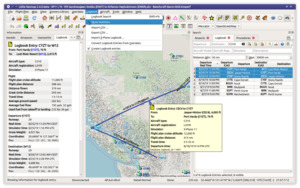
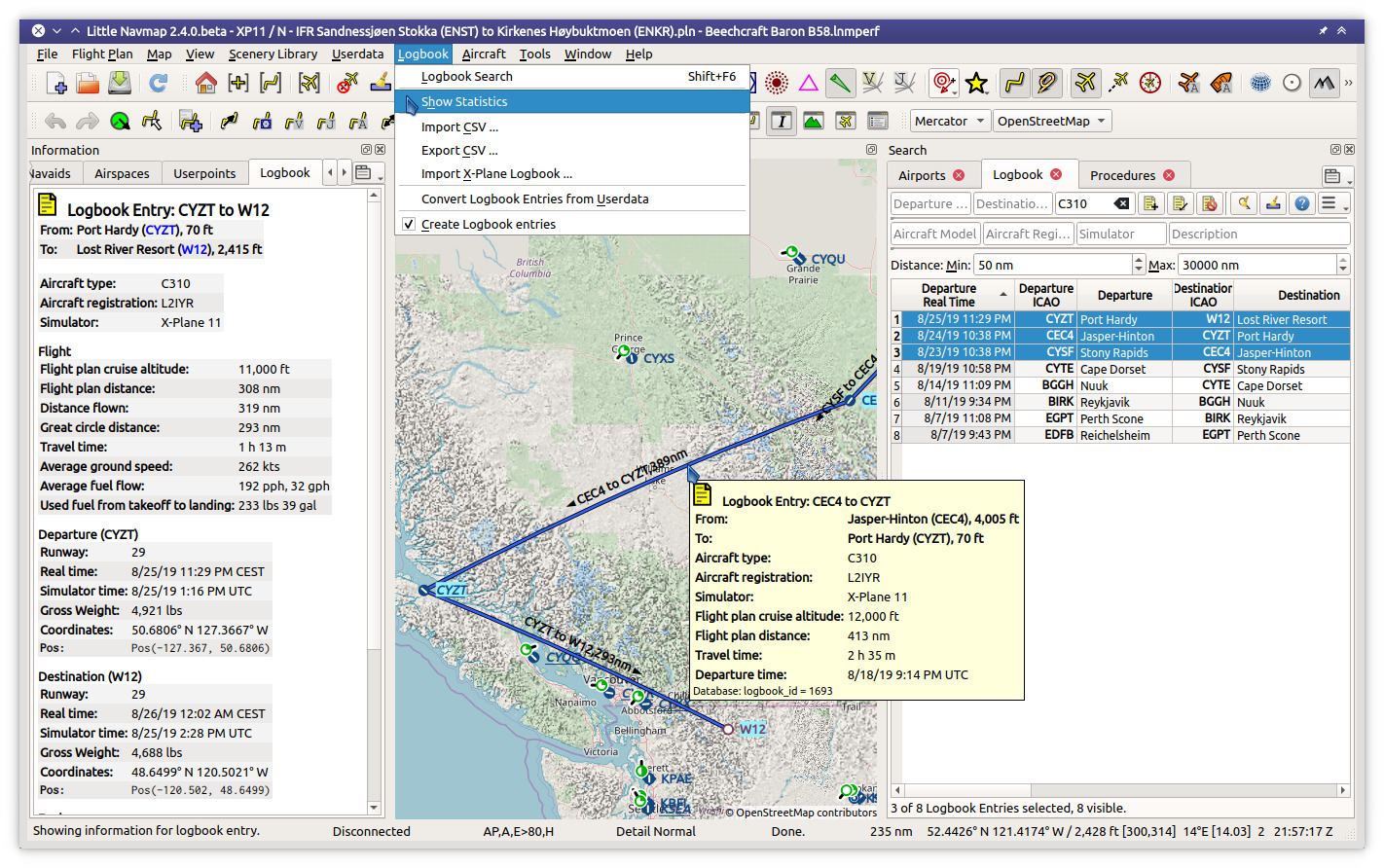
Little Navmap comes with its own logbook allowing to automatically record, search and edit
logbook entries. The logbook records the flight plan and the flown track which can be exported to
GPX files.
Oceanic and other tracks like NAT can be downloaded, shown on the map and can be used for
automatic flight plan calculation.
The program can generate an ATS route description from flight plans and vice versa where the output
is widely configurable.
A cycle 1801 database courtesy of Navigraph is included in the download and includes navaids,
airways, airspaces, procedures and more. The navigation data can be updated by the Navigraph
FMS Data Manager.
Display of clients and centers of VATSIM, IVAO, PilotEdge and custom online networks.
Little Navmap features its own internal web server which allows to follow aircraft progress from
any device across a network.
Supported Flight Simulators: All FSX versions from SP2 up, Flight Simulator - Steam Edition,
Prepar3D v4, v5, v6, Microsoft Flight Simulator 2020, Microsoft Flight Simulator 2024, X-Plane 11 and X-Plane 12.
Supported platforms: Windows 7/8/10/11, Apple macOS (10.12 or newer only) and Linux (64 bit only).



评论