EmuHaven
A program that will help manage your emulators, currently supports:
- Dolphin
- Yuzu
- Ryujinx
- Xenia
For a short list of features, scroll down to the features section. Find detailed information at the wiki.
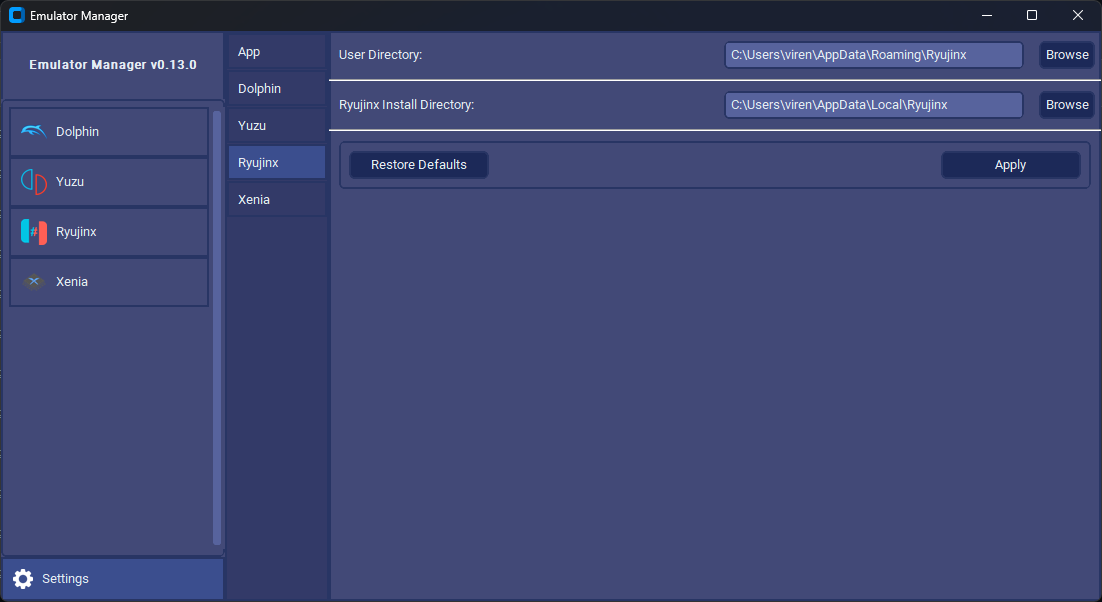
For a preview of the app, scroll down to the images.
If you have any questions or need help, you may ask them in the Discord server or the Discussions page
If you find my project useful, consider supporting me on Ko-fi or leaving a star on the repository.

Installation
Using Release Binaries
- Go to the releases page
- Click on either the latest release or a beta release if you are willing to encounter and report bugs.
- Scroll down to the assets and download
EmuHaven-vx.y.z-win_x64.zip
- Extract the downloaded zip file and inside the extracted folder launch
EmuHaven.exe
Windows Defender will detect the file as a virus since the file is unsigned. This is a false positive and can be ignored.
If you do not trust the distributable, you can either run the source code or build the distributable yourself. The steps to do so are detailed below.
Using Source Code
If you are using this method, stability is not guaranteed.
Requirements:
tkinter is also a required library. It is usually installed by default. If you are struggling to install tkinter, refer to this StackOverflow answer
If you want to run EmuHaven from the source code:
-
Clone the repository with the command below
git clone https://github.com/Viren070/EmuHaven.git
-
Navigate to the cloned repository
cd EmuHaven
-
Install the dependencies with this command inside the cloned repository
pip install -r requirements.txt
-
Simply run main.py and you should see the app open.
python src/main.py
-
When you want to update EmuHaven run this command:
git pull origin main
Building
-
Install pyinstaller
pip install pyinstaller
-
Build using pyinstaller:
pyinstaller --noconfirm --onedir --console --name "EmuHaven" --clean --add-data "%localappdata%/Programs/Python/Python312/Lib/site-packages/customtkinter;customtkinter/" --add-data src/assets;assets/ src/main.py
- Adjust path to customtkinter library as needed.
Features
Dolphin
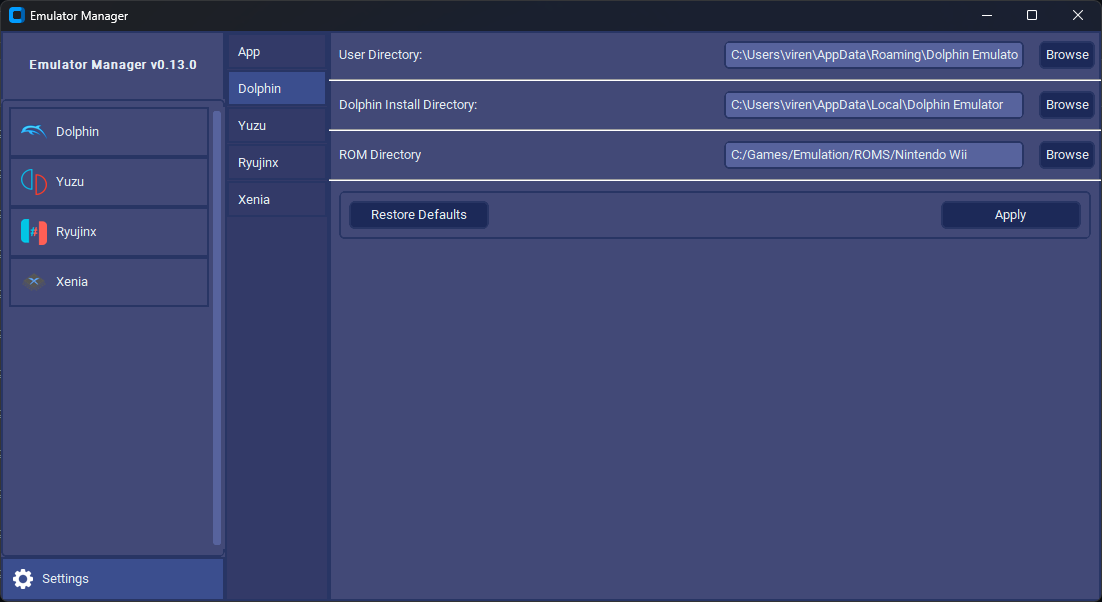
- Installation Options: Install, delete, or launch Dolphin with customisable installation location.
- Channel Switching: Easily switch between beta and development builds through a dropdown menu.
- Automatic Updates: Dolphin updates automatically on launch. (Can be skipped by holding shift)
- Game Library: Download GameCube or Wii games directly from the manager with easy browsing and searching.
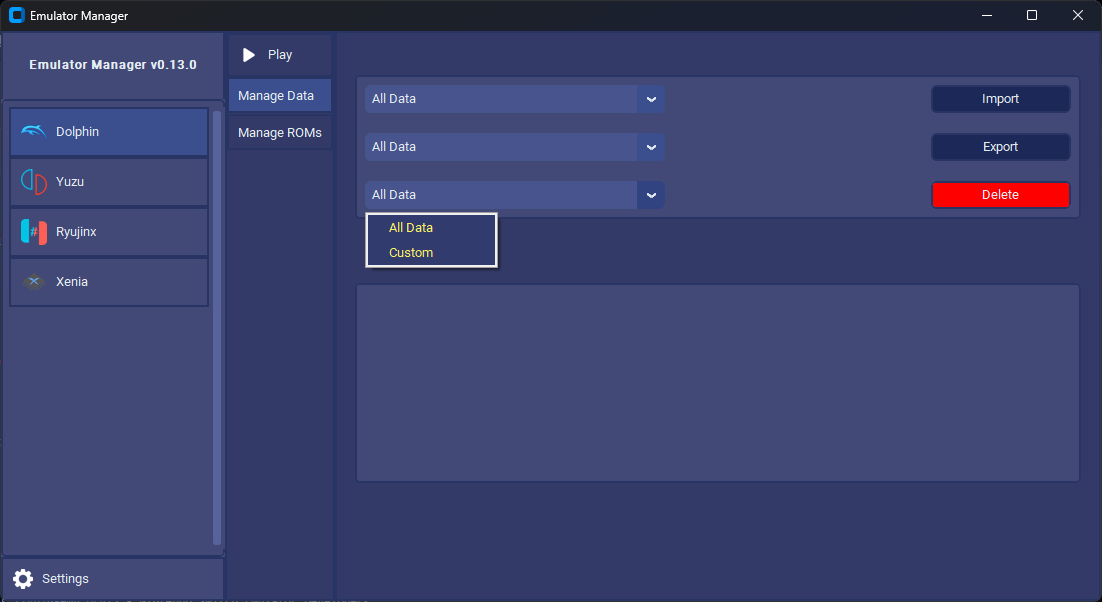
- User Data Management: Efficiently manage your user data with support for importing or exporting
Yuzu
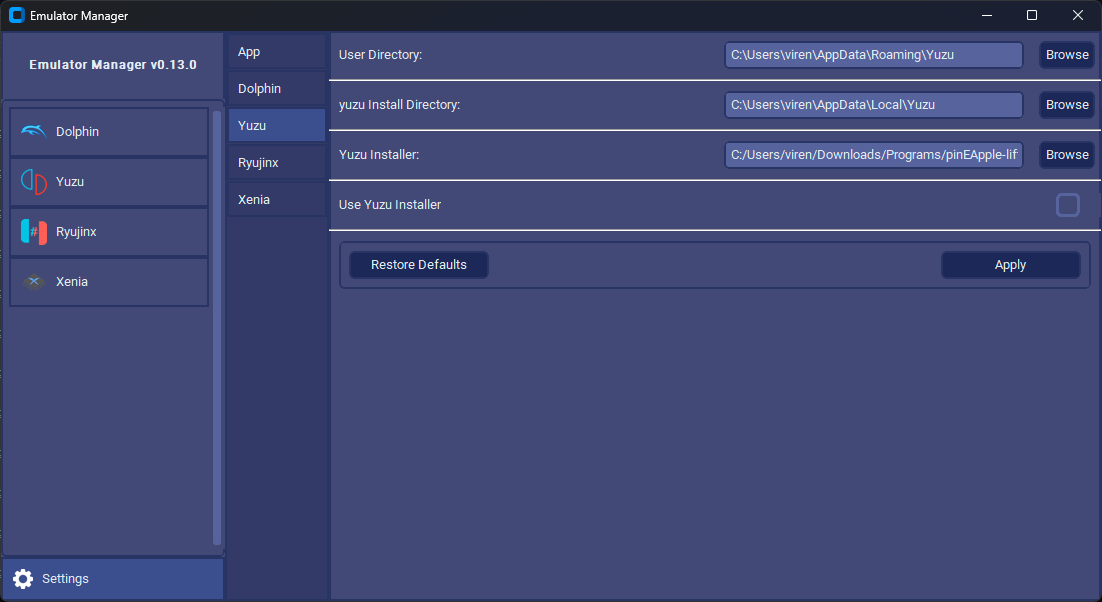
- Installation: Install, delete, or launch yuzu with a customisable installation locatiion
- Channel Switching: Easily switch between mainline and early access channels through a dropdown menu. Can keep both installed at the samet time
- Automatic Updates: Yuzu updates automatically on launch, detecting and installing missing firmware and keys. (Can be skipped by holding shift)
- Firmware and Keys: Detect missing installation of firmware and keys and provide automatic installations with customisable versions.
- User Data Management: Customise user data with options for deletion, import, and export.
- Game Management: Manage games, install mods, and download save games within the app.
Ryujinx
- Installation: Install, delete, or launch Ryujinx with customiable installation location.
- Automatic Updates: Ryujinx updates automatically on launch. (Can be skipped by holding shift)
- Firmware and Keys Management: Detect missing installation of firmware and keys and provide automatic installations with customisable versions.
- User Data Management: Customise user data with options for deletion, import, and export.
- Game Management: Manage games, install mods, and download save games within the app.
For yuzu and ryujinx: The ability to download mods for games is planned for future updates.
Xenia
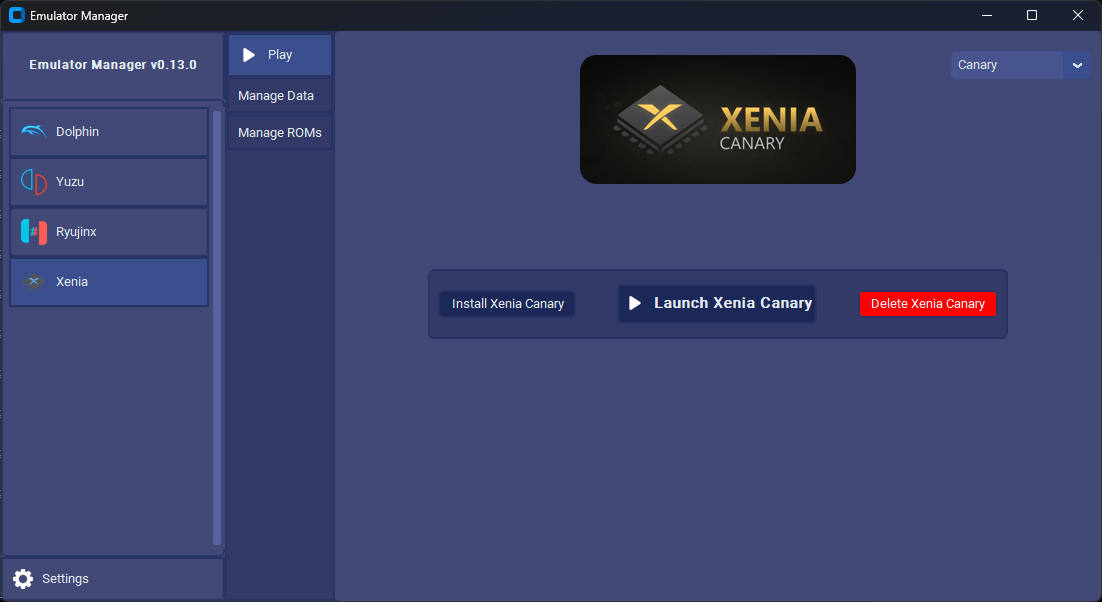
- Installation and Updates: Install, delete, or launch Xenia with customisable installation location
- Build Switching: Easily switch between master and canary builds. Can keep both installed at the same time
- Automatic Updates: Update Xenia automatically on launch (Can be skipped by holding shfit)
- Game Downloads: Download games and digital content directly from within the app.
- User Data Management: Manage user data with options for export, import, and deletion.
Other
If you are using an executable, you must be using the ZIP asset for it to be portable. Otherwise, it will attempt to use the %TMP% path which is located in %localappdata%
Images






Aknowledgements
Legal Disclaimer
EmuHaven is a software application that facilitates the management of various game emulators, including but not limited to yuzu, Dolphin, Ryujinx, and Xenia. The purpose of this app is to provide users with a platform to organise and utilise these emulators.
Ownership Disclaimer:
EmuHaven and its developer(s) are not affiliated with, endorsed by, or connected to the companies that created the gaming consoles (e.g., Nintendo, Microsoft) or the development teams behind the emulators. The app is an independent project developed for the convenience of users who wish to manage and use gaming emulators.
Trademark Notice:
Any trademarks, service marks, product names, or logos appearing in the app are the property of their respective owners. The use of these trademarks is for identification purposes only and does not imply endorsement, sponsorship, or affiliation with EmuHaven.
Emulator Usage:
It is important to note that using emulators to play games may require the user to comply with the respective console manufacturers’ terms of service and copyright policies. Users are responsible for ensuring that their use of this app and associated emulators is in accordance with applicable laws and regulations.
By using EmuHaven, you acknowledge and agree to the terms outlined in this legal disclaimer. The developer(s) of EmuHaven disclaim any liability for the misuse or violation of any third-party intellectual property rights or terms of service by users.


评论