textual-web
Textual Web publishes Textual apps and terminals on the web.
Currently in a beta phase — help us test!
Hacker News discussion
Getting Started
Textual Web is a Python application, but you don’t need to be a Python developer to run it.
The easiest way to install Textual Web is via pipx.
Once you have pipx installed, run the following command:
pipx install textual-web
You will now have the textual-web command on your path.
Run a test
To see what Textual Web does, run the following at the command line:
textual-web
You should see something like the following:
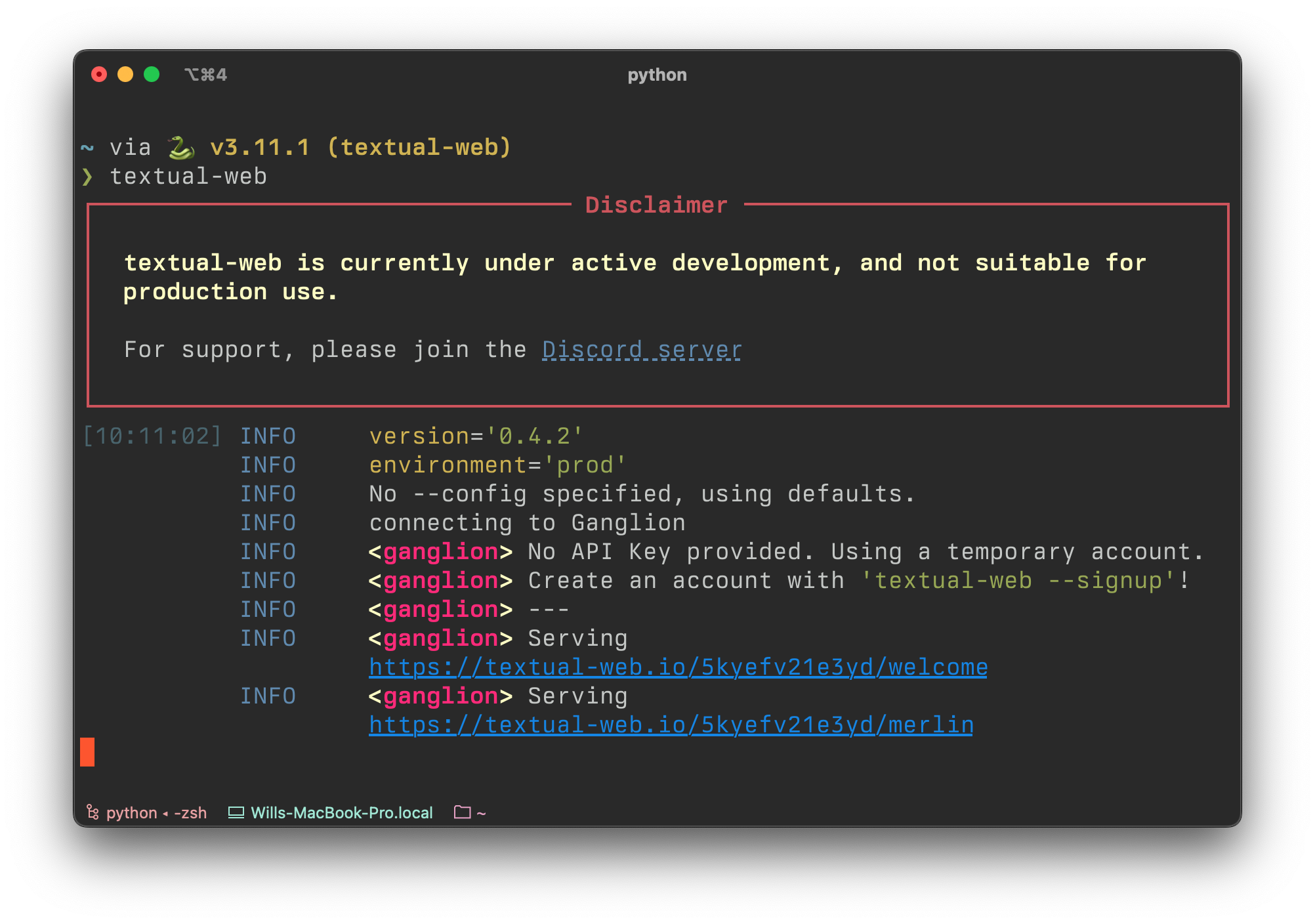
Click the blue links to launch the example Textual apps (you may need to hold cmd or ctrl on some terminals).
Or copy the link to your browser if your terminal doesn’t support links.
You should see something like this in your browser:
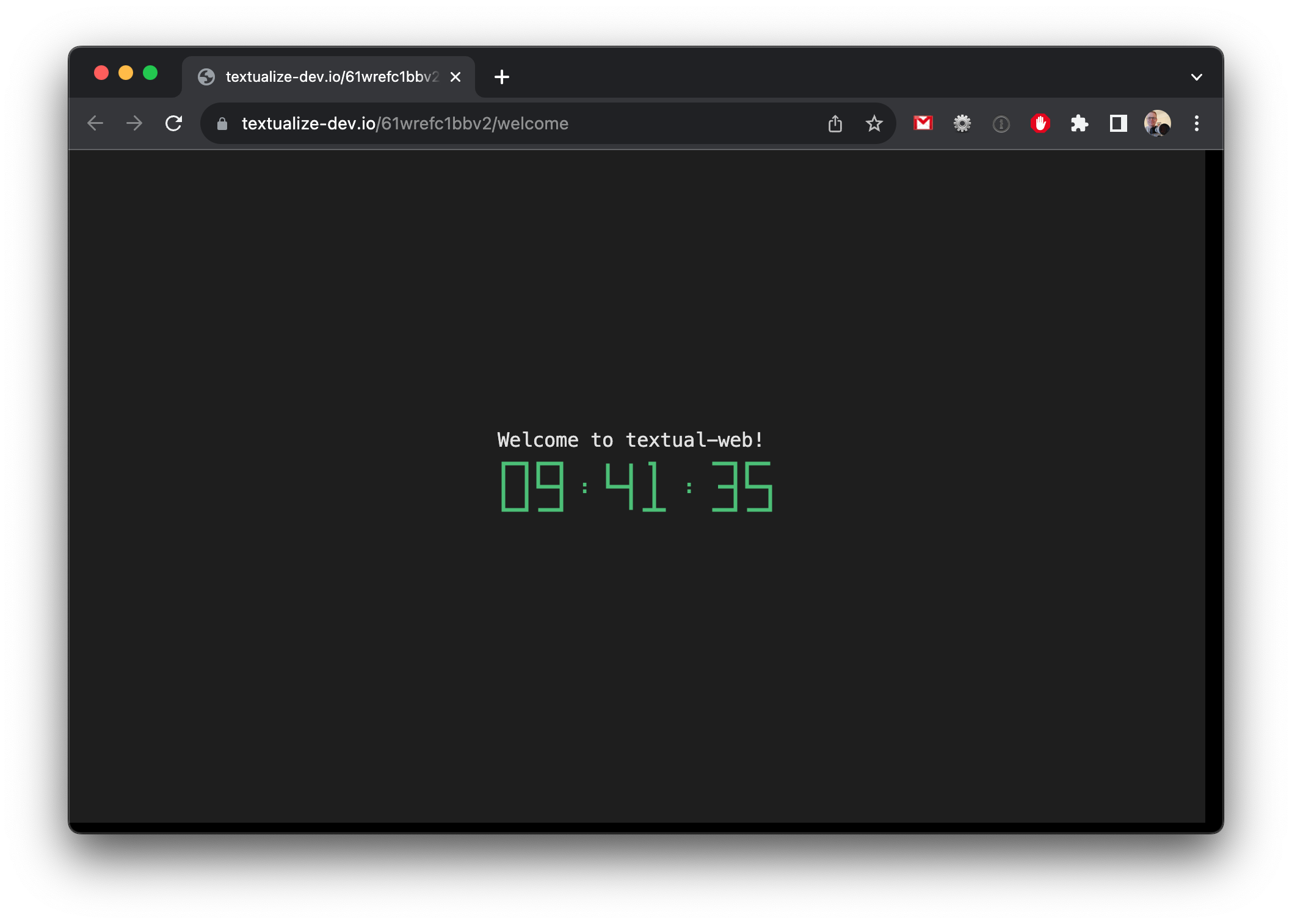
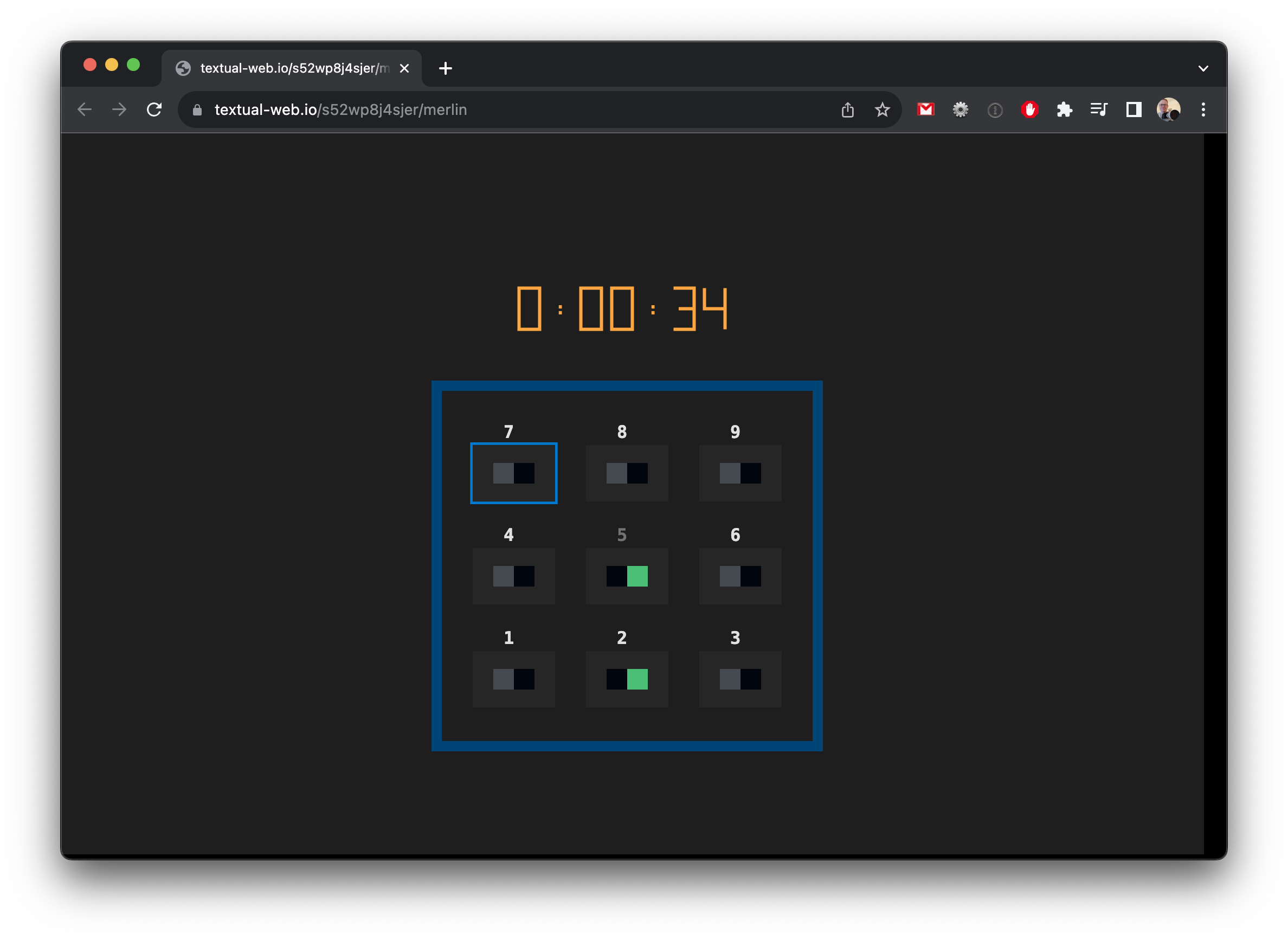
These Textual apps are running on your machine, but have public URLs.
You could send the URLs to anyone with internet access, and they would see the same thing.
Hit ctrl+C in the terminal to stop serving the welcome application.
Serving a terminal
Textual Web can also serve your terminal. For quick access add the -t switch:
textual-web -t
This will generate another URL, which will present you with your terminal in your browser:
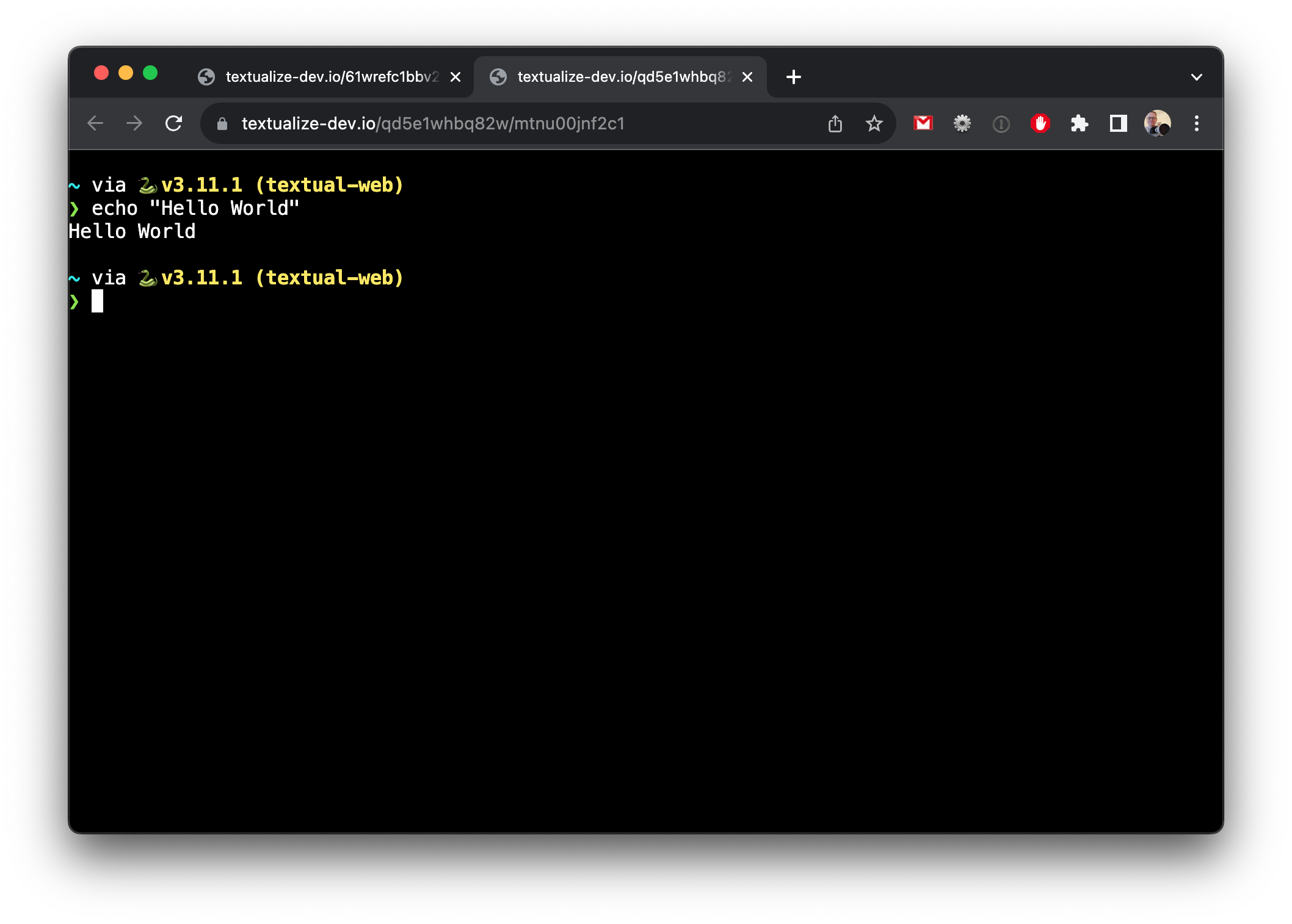
When you serve a terminal in this way it will generate a random public URL.
Don’t share this with anyone you wouldn’t trust to have access to your machine.
Configuration
Textual Web can serve multiple Textual apps and terminals (as many as you like).
To demonstrate this, install Textual and clone the repository.
Navigate to the textual/examples directory and add the following TOML file:
[app.Calculator]
command = "python calculator.py"

[app.Dictionary]
command = "python dictionary.py"
The name is unimportant, but let’s say you called it “serve.toml”.
Use the --config switch to load the new configuration:
textual-web --config serve.toml
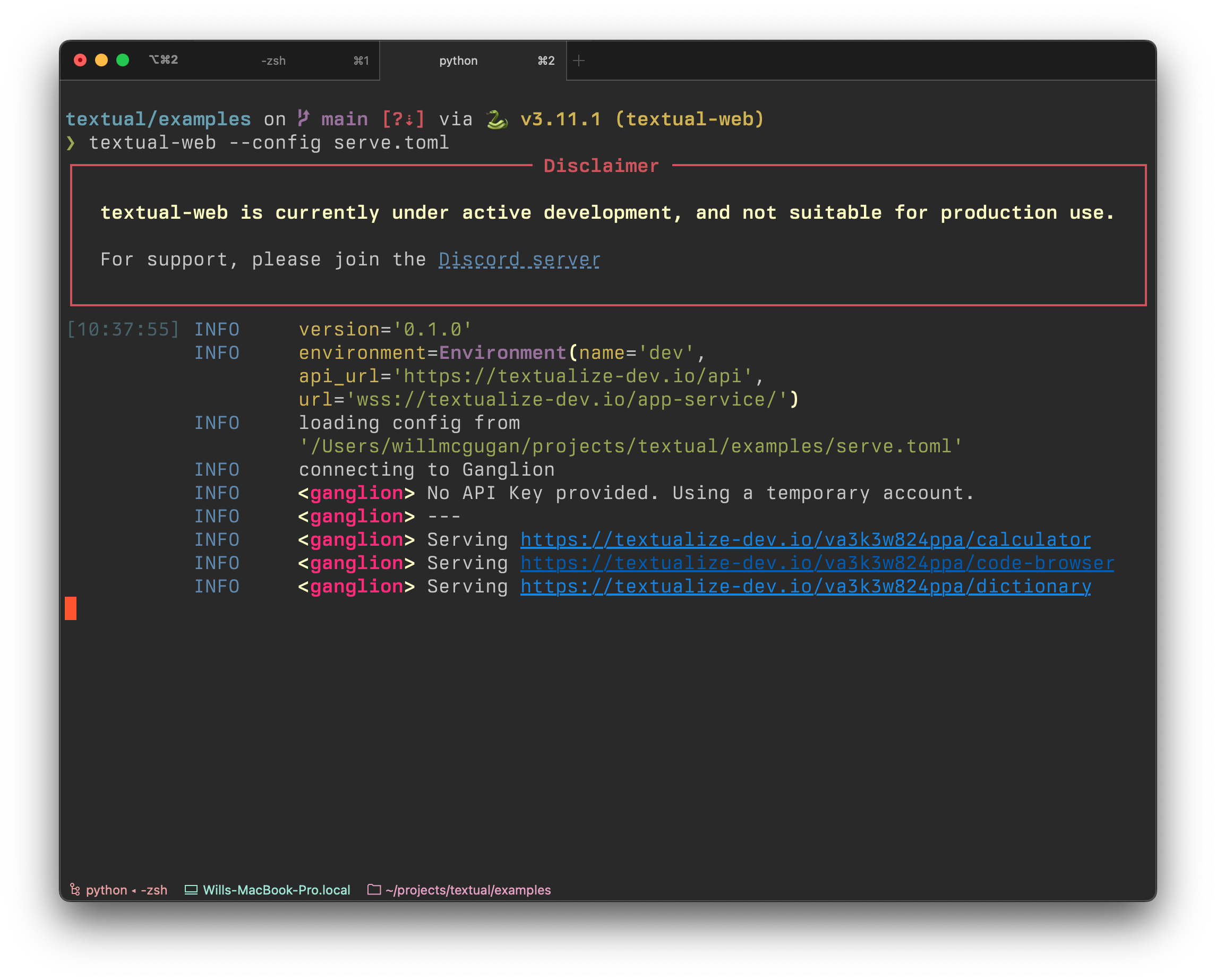
You should now get 3 links, one for each of the sections in the configuration:
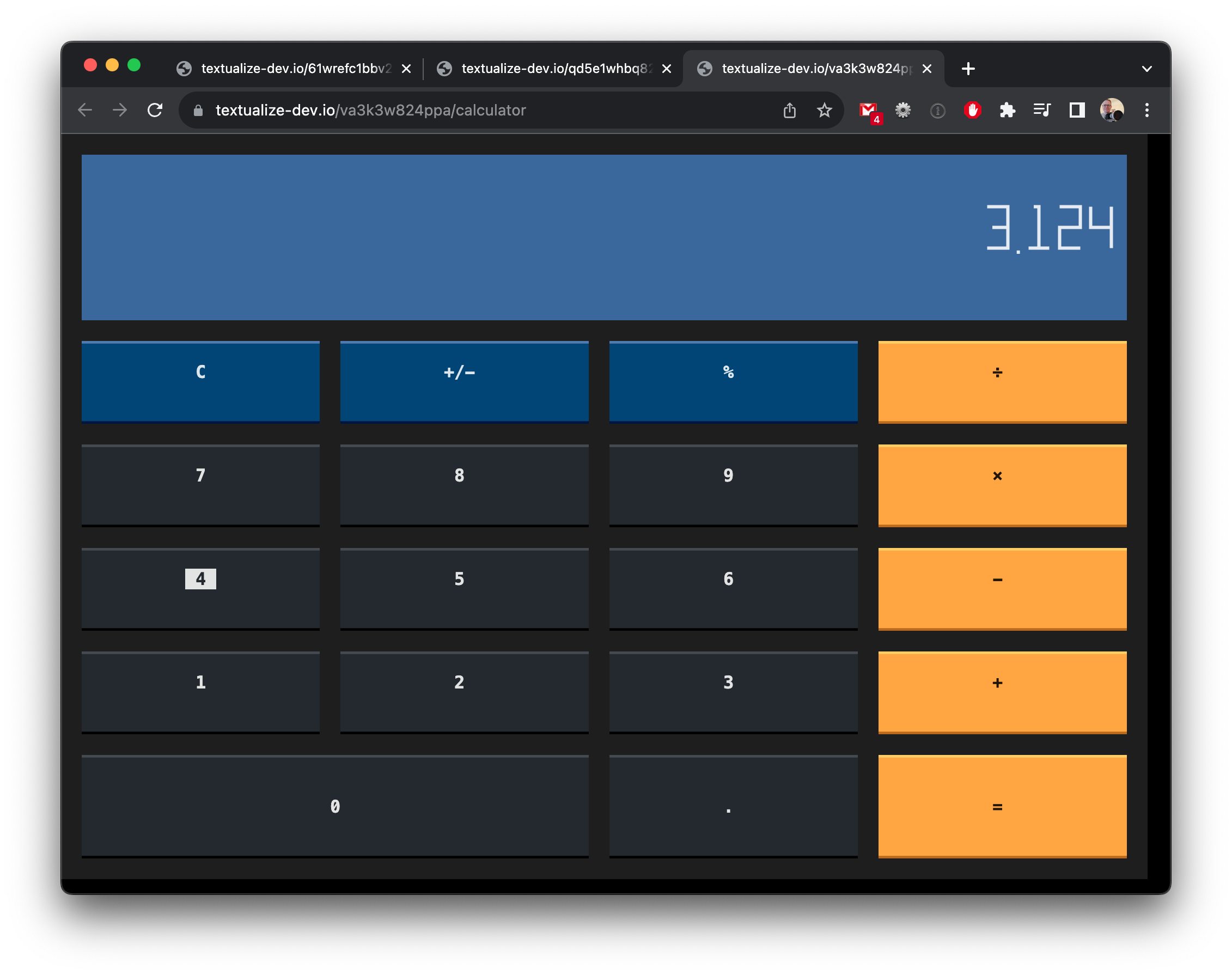
Click any of the links to serve the respective app:
Slugs
Textual Web will derive the slug (text in the URL) from the name of the app.
You can also set it explicitly with the slug parameter.
[app.Calculator]
command = "python calculator.py"
slug = "calc"
Terminal configuration
Terminals currently work on macOS and Linux only. Windows support is planned for a future update.
You can also add terminals to the configuration file, in a similar way.
[terminal.Terminal]
This will launch a terminal with your current shell.
You can also add a command value to run a command other than your shell.
For instance, let’s say we want to serve the htop command.
We could add the following to the configuration:
[terminal.HTOP]
command = "htop"
Accounts
In previous examples, the URLs all contained a random string of digits which will change from run to run.
If you want to create a permanent URL you will need to create an account.
To create an account, run the following command:
textual-web --signup
This will bring up a dialog in your terminal that looks something like this:
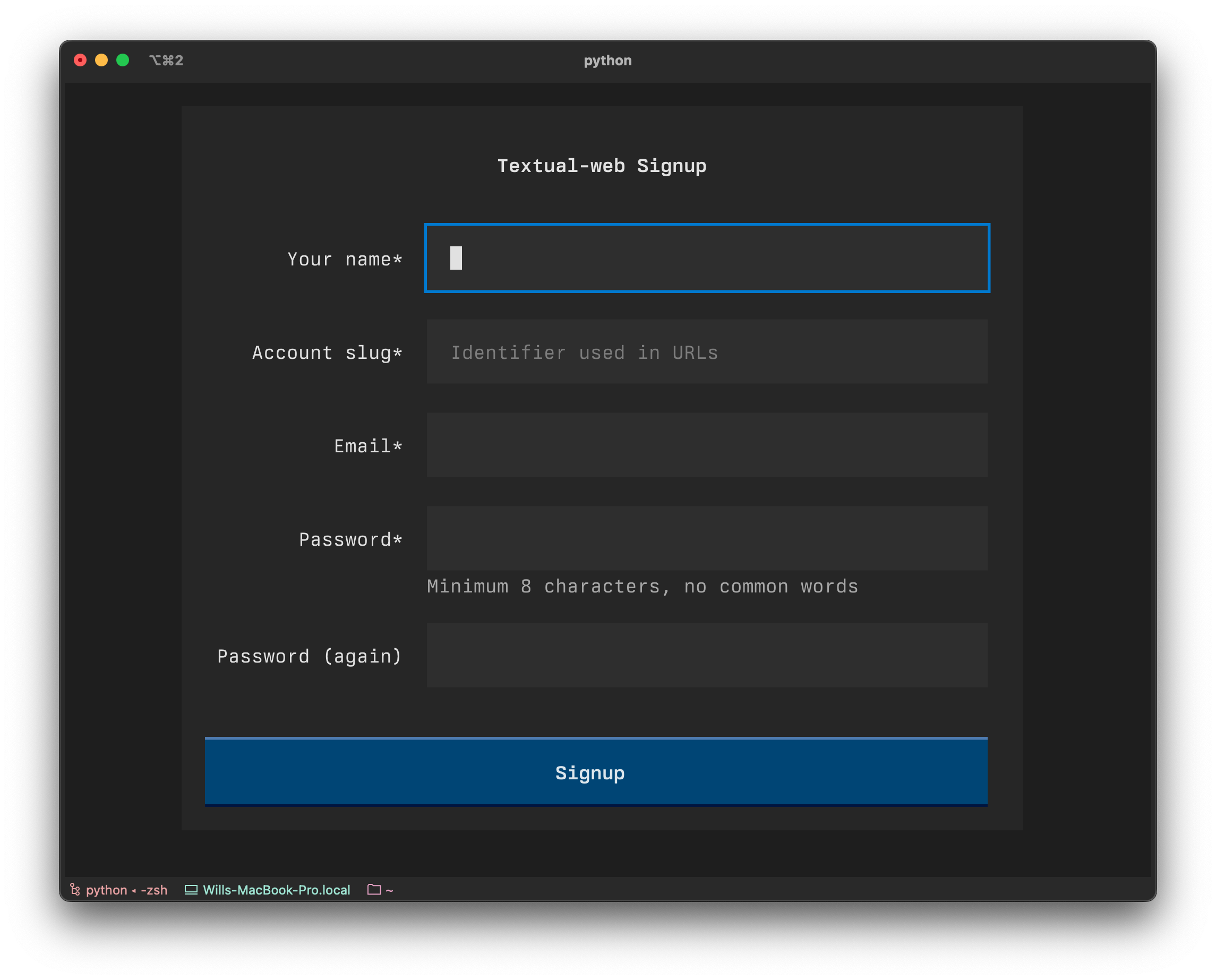
If you fill in that dialog, it will create an account for you and generate a file called “ganglion.toml”.
At the top of that file you will see a section like the following:
[account]
api_key = "JSKK234LLNWEDSSD"
You can add that to your configuration file, or edit “ganglion.toml” with your apps / terminals.
Run it as you did previously:
textual-web --config ganglion.toml
Now the URLs generated by textual-web will contain your account slug in the first part of the path.
The account slug won’t change, so you will get the same URLs from one run to the next.
Debugging
For a little more visibility on what is going on “under the hood”, set the DEBUG environment variable:
DEBUG=1 textual-web --config ganglion.toml
Note this may generate a lot of output, and it may even slow your apps down.
Known problems
You may encounter a glitch with apps that have a lot of colors.
This is a bug in an upstream library, which we are expecting a fix for soon.
The experience on mobile may vary.
On iPhone Textual apps are quite usable, but other systems may have a few issues.
We should be able to improve the mobile exprience in future updates.
What’s next?
The goal of this project is to turn Textual apps into fully featured web applications.
Currently serving Textual apps and terminals appears very similar.
In fact, if you serve a terminal and then launch a Textual app, it will work just fine in the browser.
Under the hood, however, Textual apps are served using a custom protocol.
This protocol will be used to expose web application features to the Textual app.
For example, a Textual app might generate a file (say a CSV with a server report).
If you run that in the terminal, the file would be saved in your working directory.
But in a Textual app it would be served and saved in your Downloads folder, like a regular web app.
In the future, other web APIs can be exposed to Textual apps in a similar way.
Also planned for the near future is sessions.
Currently, if you close the browser tab it will also close the Textual app.
In the future you will be able to close a tab and later resume where you left off.
This will also allow us to upgrade servers without kicking anyone off.
Help us test
Currently testing is being coordinated via our Discord server.
Join us if you would like to participate.







评论