MIT License

项目介绍

Textualize/frogmouth 是一个托管在 GitHub 上的开源项目,主要使用 Python 编写,采用 MIT License 许可证,目前获得 3.3k 个 Star、84 次 Fork。

仓库全名
Textualize/frogmouth
开源许可证
MIT License
Star 数
3.3k
Fork 数
84
未关闭 Issue
39

README 摘要

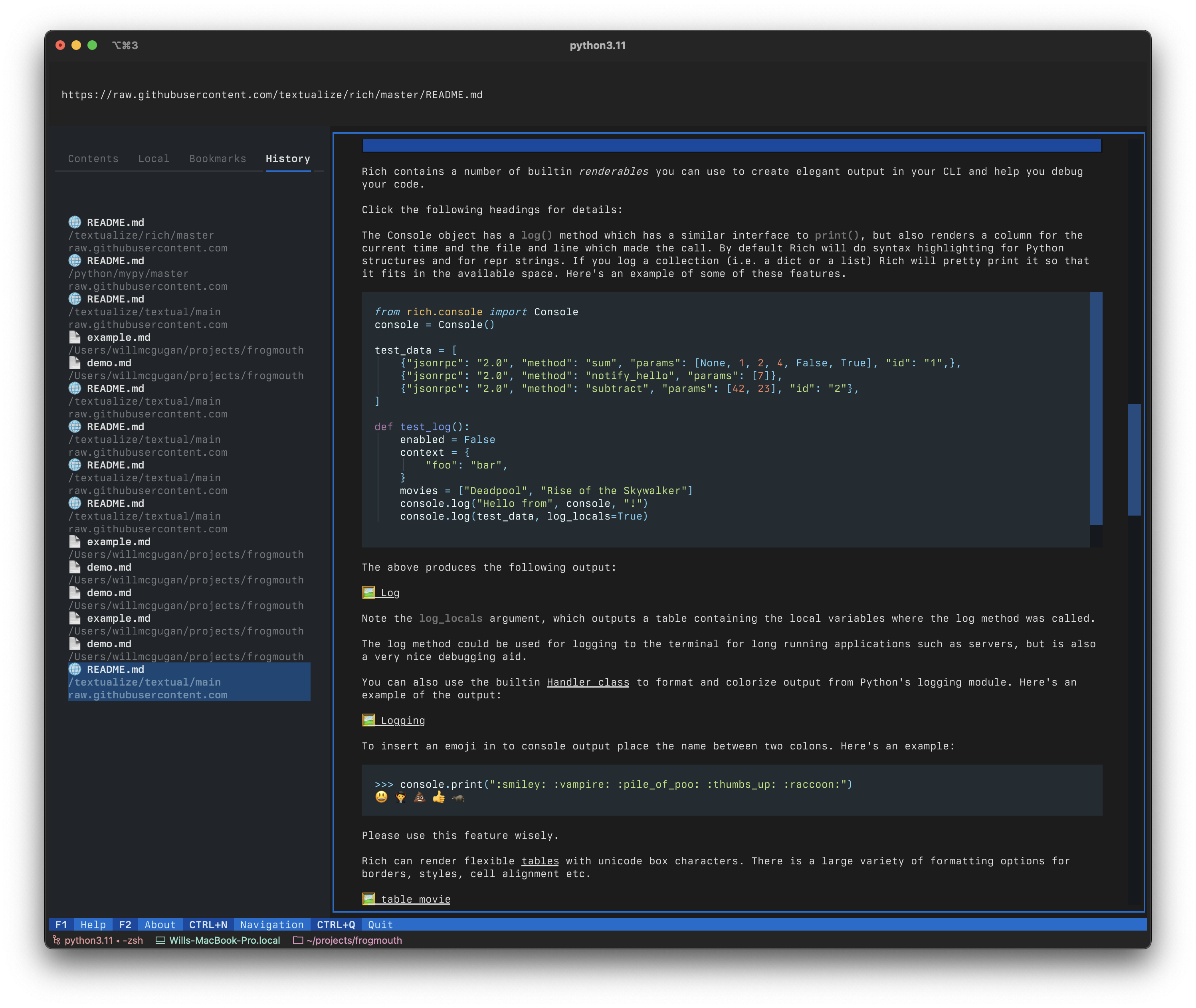
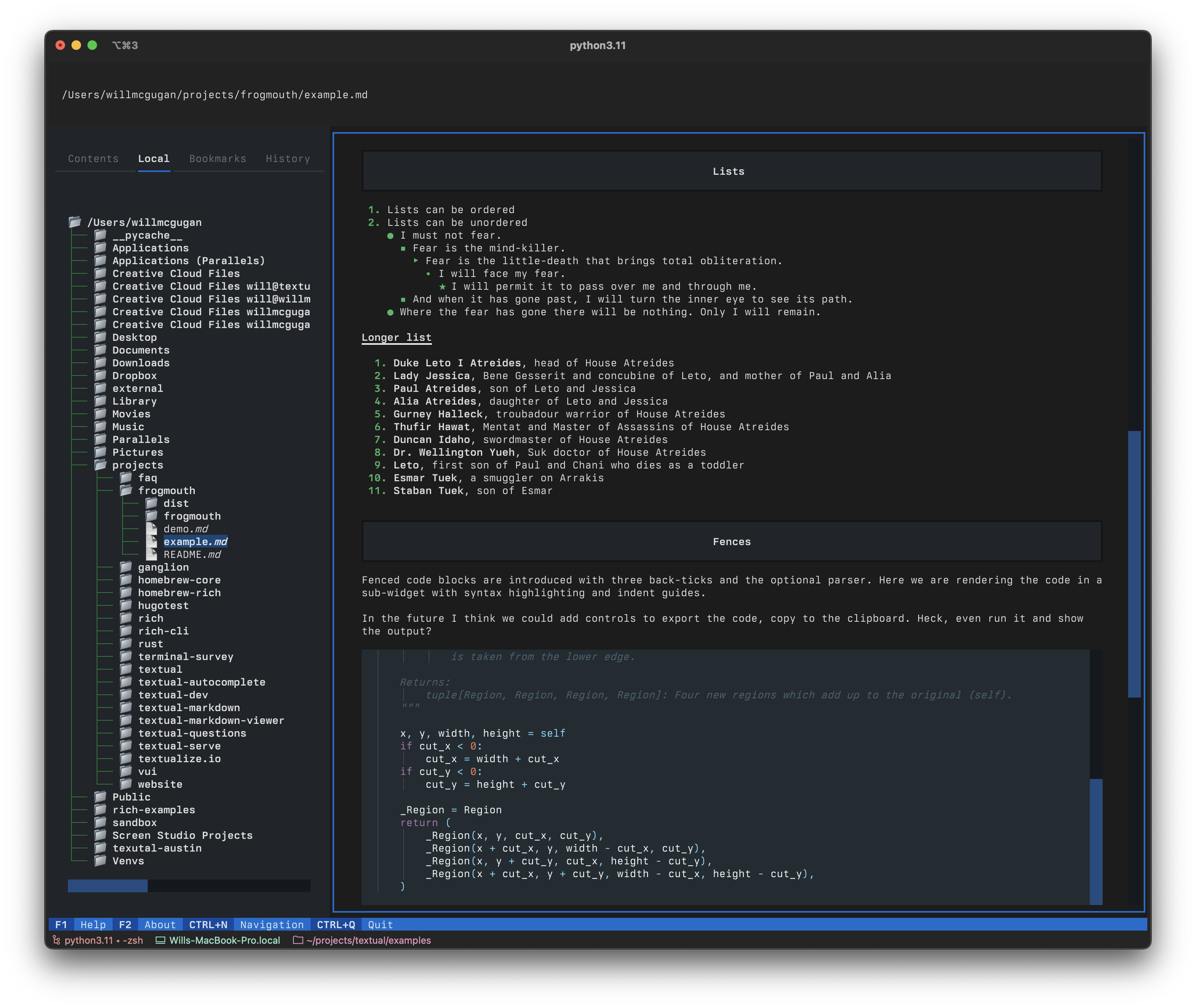
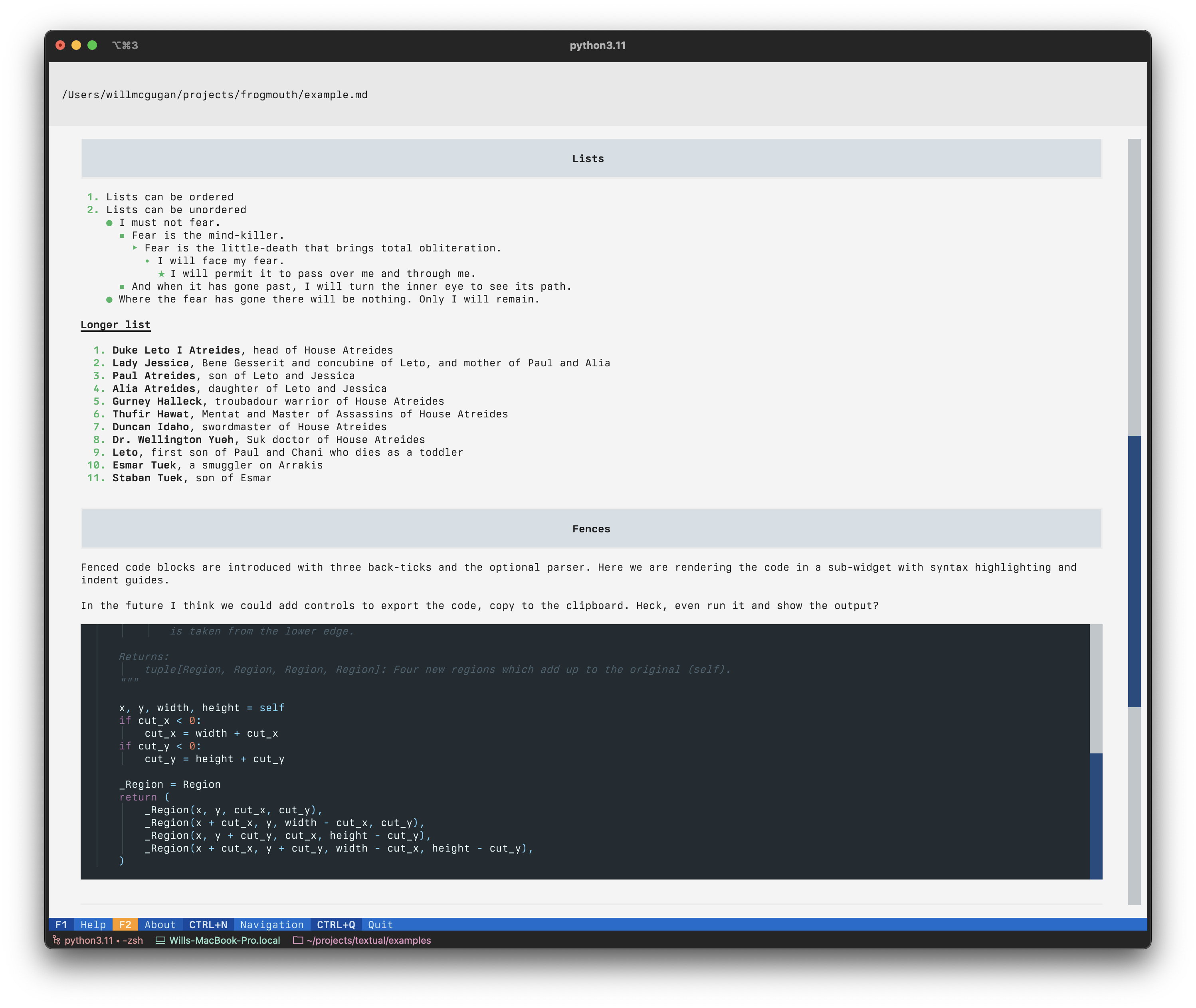
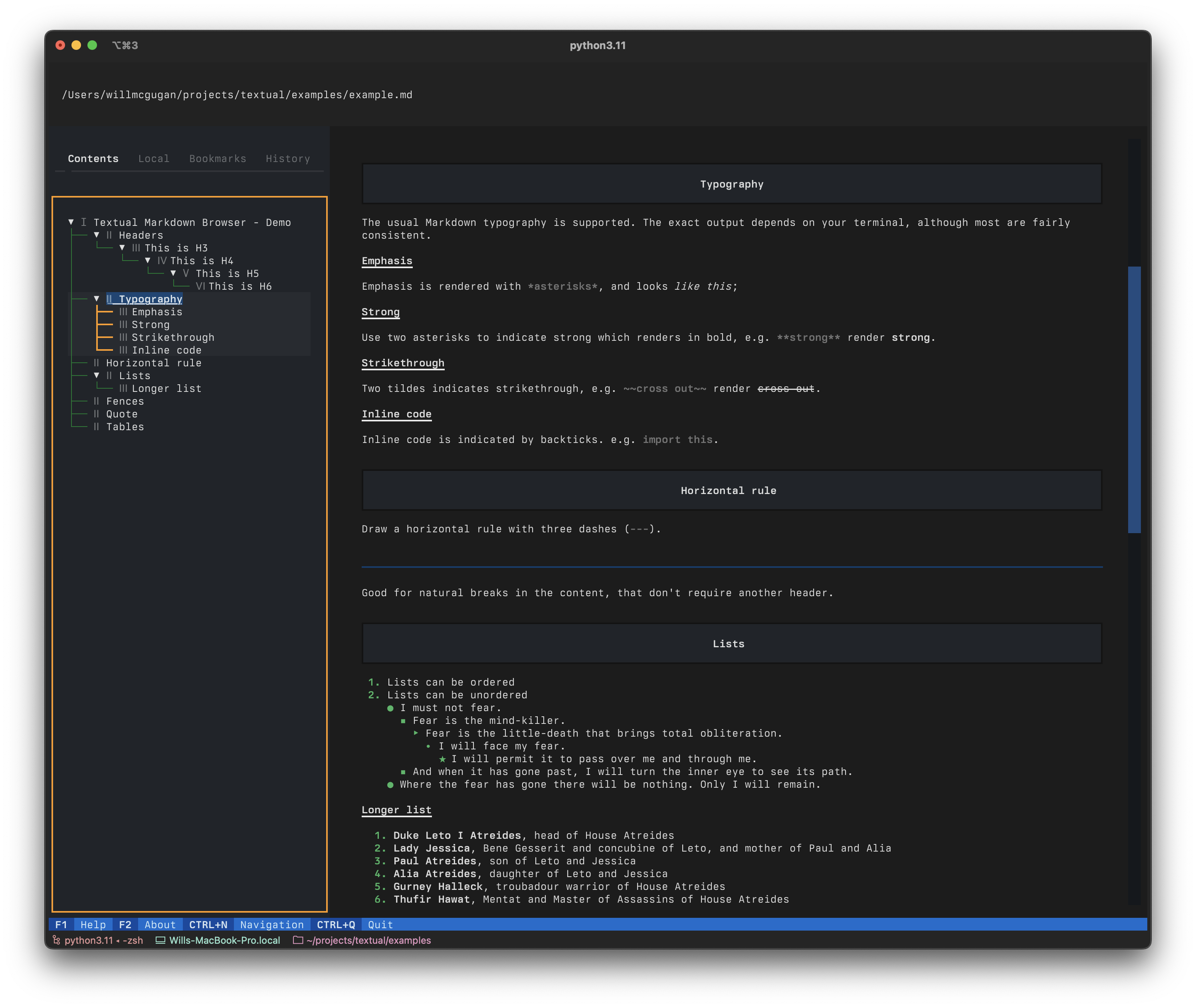
Frogmouth Frogmouth is a Markdown viewer / browser for your terminal, built with Textual. Frogmouth can open .md files locally or via a URL. There is a familiar browser-like navigation stack, history, bookmarks, and table of contents. 🎬 Demonstration A quick video tour of Frogmouth. https://user-images.githubusercontent.com/554369/235305502-2699a70e-c9a6-495e-990e-67606d84bbfa.mp4 (thanks Screen Studio) Screenshots…

完整内容见 GitHub 原始 README 或本页 。

常见问题

frogmouth 用什么语言开发?

主要使用 Python 编写,采用 MIT License 许可证,目前有 3.3k 个 Star。

frogmouth 可以免费商用吗?

仓库采用 MIT License 许可证,可免费使用与修改,商业使用请遵守许可证条款(例如保留版权声明与许可声明)。

如何获取 frogmouth 的源码?

可以直接克隆仓库:git clone https://github.com/Textualize/frogmouth.git,默认分支为 main;安装与运行步骤见仓库 README。

frogmouth 最近还在维护吗?

仓库最近一次更新为 2024年8月1日,当前有 39 个未关闭 Issue;Star 数为 3.3k,可作为社区活跃度的参考。

简要分析

热度分
3502
价值分
2017
活跃状态
活跃

语言占比

Makefile
Python

Release

README

Discord

Frogmouth

Frogmouth is a Markdown viewer / browser for your terminal, built with Textual.

Frogmouth can open *.md files locally or via a URL. There is a familiar browser-like navigation stack, history, bookmarks, and table of contents.

🎬 Demonstration

A quick video tour of Frogmouth.

https://user-images.githubusercontent.com/554369/235305502-2699a70e-c9a6-495e-990e-67606d84bbfa.mp4

(thanks Screen Studio)

Screenshots

Screenshot 2023-04-28 at 15 14 53 Screenshot 2023-04-28 at 15 17 56
Screenshot 2023-04-28 at 15 18 36 Screenshot 2023-04-28 at 15 16 39

Compatibility

Frogmouth runs on Linux, macOS, and Windows. Frogmouth requires Python 3.8 or above.

Installing

The easiest way to install Frogmouth is with pipx (particularly if you aren’t a Python developer).

pipx install frogmouth

You can also install Frogmouth with pip:

pip install frogmouth

On systems using Homebrew, you can tap into the Textualize tap and install Frogmouth with brew:

brew tap textualize/homebrew
brew install frogmouth

Whichever method you use, you should have a frogmouth command on your path.

Running

Enter frogmouth at the prompt to run the app, optionally followed by a path to a Markdown file:

frogmouth README.md

You can navigate with the mouse or the keyboard. Use tab and shift+tab to navigate between the various controls on screen.

Features

You can load README files direct from GitHub repositories with the gh command. Use the following syntax:

frogmouth gh textualize/textual

This also works with the address bar in the app. See the help (F1) in the app for details.

Follow this project

If this app interests you, you may want to join the Textual Discord server.

评论

暂无评论