


🎮 An Open Source Unity-like Engine! 🎮
- About The Project
- Features
- Getting Started
- Contributing
- Acknowledgments
- License
📝 About The Project 📝
Prowl is an open-source, MIT-licensed game engine developed in pure C# in latest .NET.
It aims to provide a seamless transition for developers familiar with Unity by maintaining a similar API while also following KISS and staying as small and customizable as possible. Ideally, Unity projects can port over with as little resistance as possible.
Prowl is currently in 1.0 Preview 5, which brings a new Vulkan renderer, animation, navigation, VR and a rewritten asset system. Projects from earlier 1.0 previews are backed up and migrated automatically when opened (However this migration isnt gauranteed during Preview Releases always backup!). Until the final 1.0 release, further breaking changes are expected.


✨ Features ✨
-
General:
- Cross-Platform! Windows, Linux & Mac, for both the Editor and exported builds with Andriod under development!
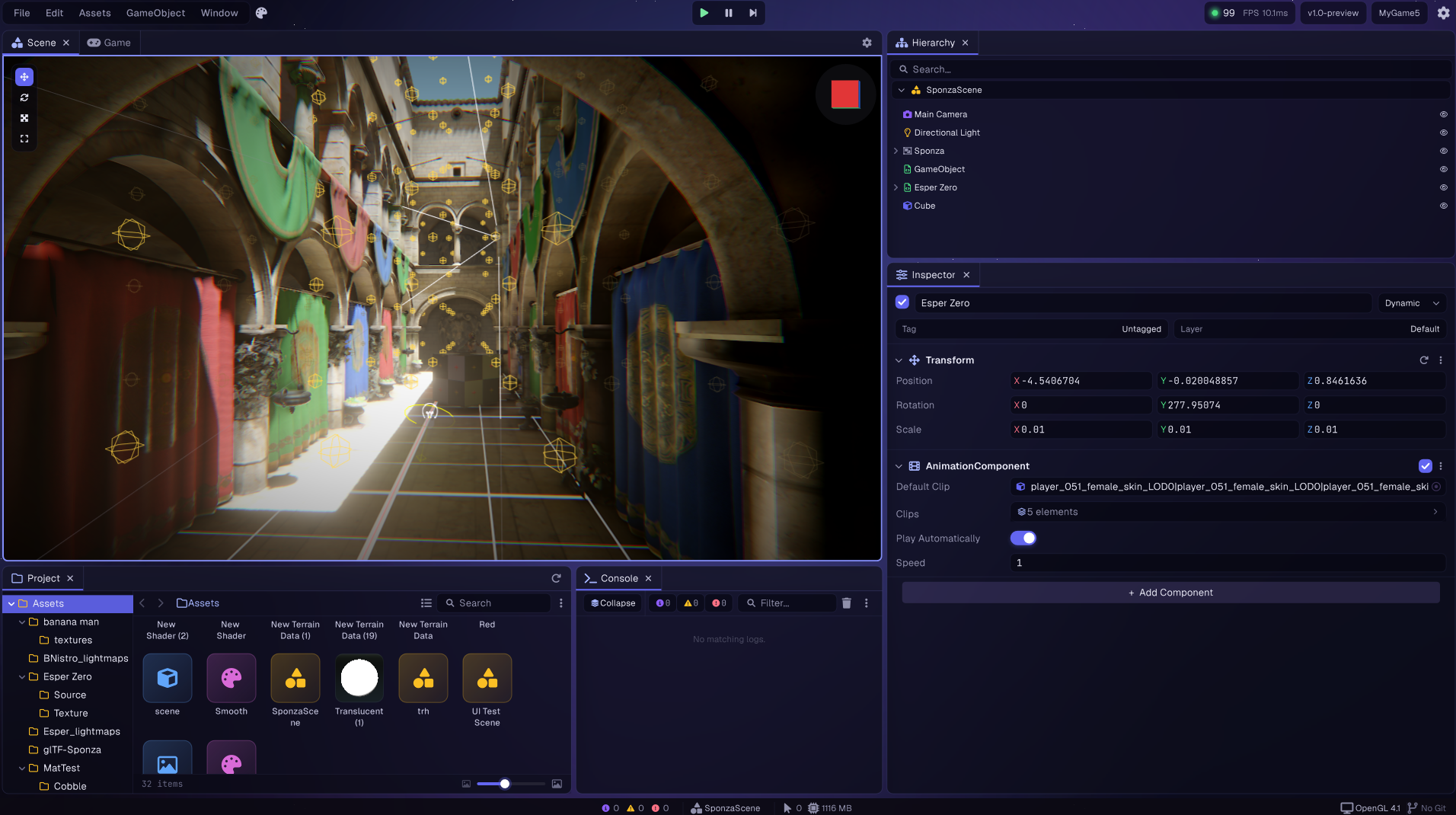
- Unity-like Editor & Scripting API
- C# Scripting with .NET 10, compiled in process with Roslyn
- GameObject & Component Architecture
- Prowl.Runtime works fully standalone from the Editor - reference it directly and ship a game with zero Editor dependency
- Custom Immediate Mode UI (Paper), Editor built on top of Origami
- Vector Graphics & Text Rendering via Quill
GameTask async API (MainThread, WorkerThread, NextFrame, Delay, WaitUntil) with per session cancellation- Roslyn analyzers that catch common scripting mistakes (component constructors, blocking waits,
?. on engine objects)
- Serialization via Prowl.Echo
- Tags & Layers System
- Scenes with
Scene.Environment (sky, ambient, fog), async loading and DontDestroyOnLoad
- Prefabs
- Apply, Revert, Break Instance & Override Tracking
- Input Action System with Composites & Processors
.inputactions assets with a dedicated editor- Action phases (Disabled / Started / Performed / Cancelled)
- Composite bindings (WASD to Float2, D-pad, etc.) for keyboard, mouse, gamepad & XR controllers
- GameObject-Based UI, including World Space UI
RectTransform-driven layout, Buttons, Toggles, Sliders, Dropdowns, layout groups, drag & drop event handlers
- Math via Prowl.Vector
- SIMD backed vectors, Matrices (
Float4x4), Quaternions, Transform2D
- Shapes: AABB, Bounds, Frustum, Cone, Ray, Plane, LineSegment, Rect
- Mesh editing operators & Quadric mesh simplification
- Frame Stats profiler with custom scopes
-
Editor:
- Scene View, Hierarchy, Inspector, Project Browser, Console, Game View, Frame Stats
- Custom Component Editors, Property Editors, and Scene View Editors
- Transform Gizmos (Move, Rotate, Scale), shift drag to duplicate
- Undo/Redo System
- Dockable & Resizable Panels with Layout Persistence and Panel Maximize
- Drag & Drop (Assets, GameObjects, Components)
- Multi-Select & Search/Filtering in Editor Panels
- Asset Thumbnail Generation & 3D Previews
- Animation Graph, Avatar, Animation Curve & Gradient Editors, plus a Ragdoll Generator
- Volume Profile, Input Action, Sprite and Terrain Editors
- Rebindable Shortcut/Hotkey System
- 12 built in Themes with Customizable Color Palettes, sizing and wallpapers
- Playtest directly in the Editor
- Hot-Reloading Scripts
- Localization - English, German, Spanish, French, Italian, Japanese, Korean, Polish, Portuguese, Russian, Turkish & Chinese
- Managed & Native Plugins with Assembly Definitions
- Prowl CLI - drive a running editor from scripts or AI agents, projects ship with agent skills
-
Graphics Rendering:
- Vulkan via Prowl.Graphite (MoltenVK on macOS)
- GPU Driven Renderer: render graph, dedicated render thread, bindless textures, vertex pulling, multi draw indirect
- Camera relative rendering
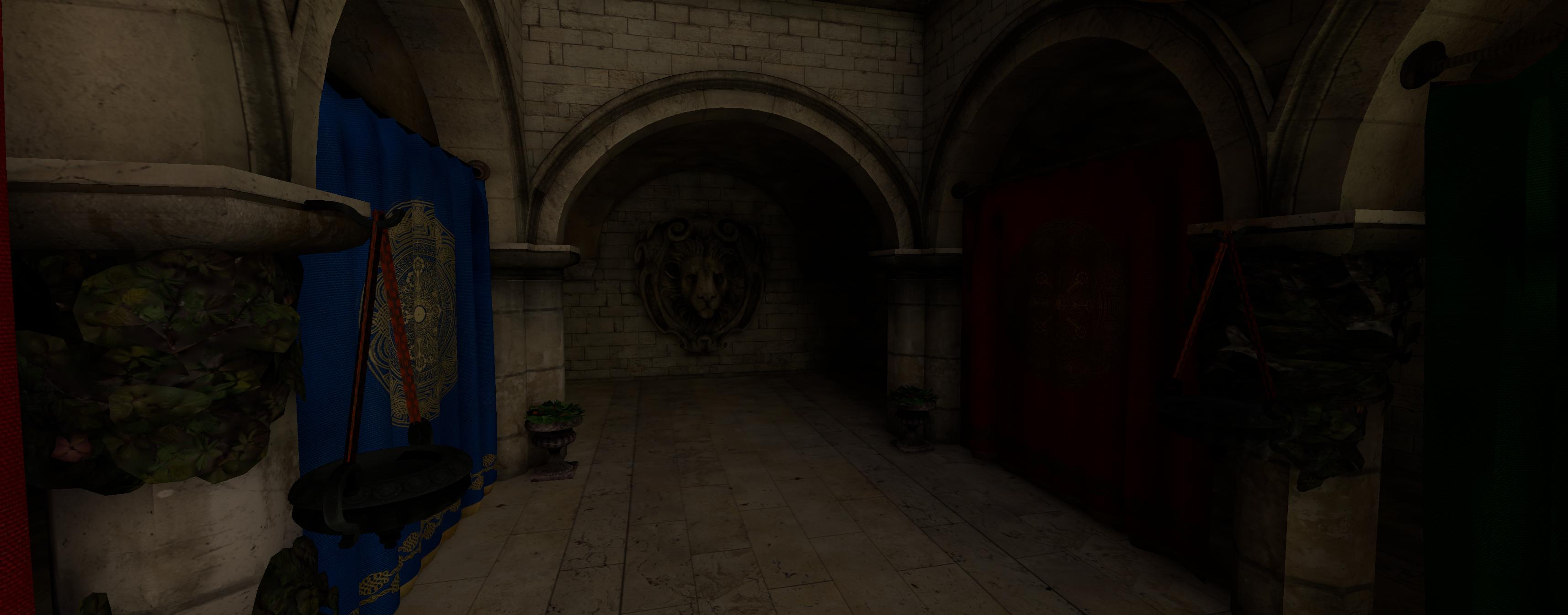
- H-Forward Lighting and cached static shadows
- Render Features API and pluggable Camera Pipelines for custom passes and designs
- Prism, a fully managed GLSL to SPIR-V compiler, with async variant compiles, a SPIR-V cache and shaders precompiled into builds
- Lit & Unlit Shaders, Surface Shaders, Material Variants, Shader Keywords/Variants
- HDR & PBR (Physically Based Rendering) - Metallic Workflow
- Albedo, Normal, Surface (AO / Roughness / Metallic), Emission, Parallax, Translucency & Anisotropy
- Compute Shaders & Compute Buffers
- Mesh Renderer & Skinned Mesh Renderer with GPU Blendshapes
- Line Renderer
- Sprites, with Sprite Sheet slicing (Grid, Isometric & Automatic alpha-based slicing) and a dedicated Sprite Editor
- Render Textures, Texture3D & Cubemaps
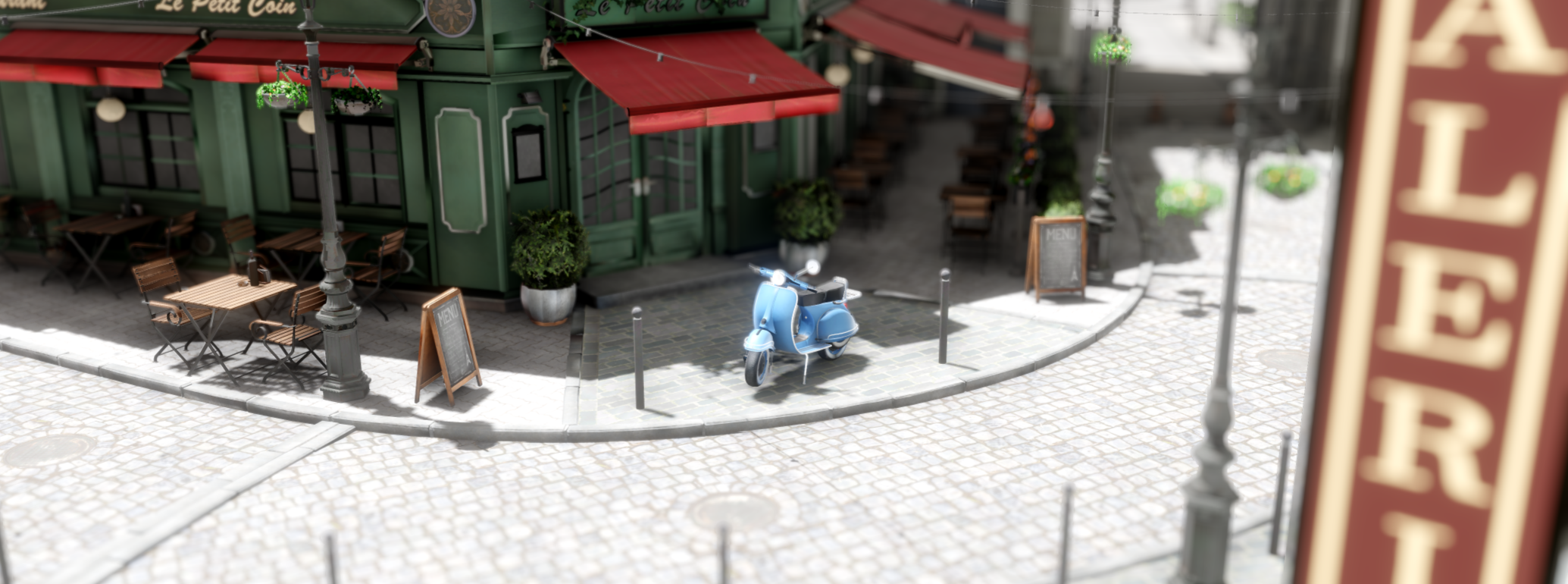
- Lights: Directional, Point, Spot and Area (Rect, Disk, Tube)
- Sphere lights, sun disk, Light Cookies & IES Profiles
- Shadow Atlas with static caching and screen size driven resolution
- Cascaded Shadow Maps for Directional Lights (up to 4 cascades)
- Point Light Shadows
- Hard, Tent & Contact Hardening shadow filters
- Decals (Albedo, Normal & Mask)
- Reflection Probes (Baked & Realtime) with box projection and a Sky Probe
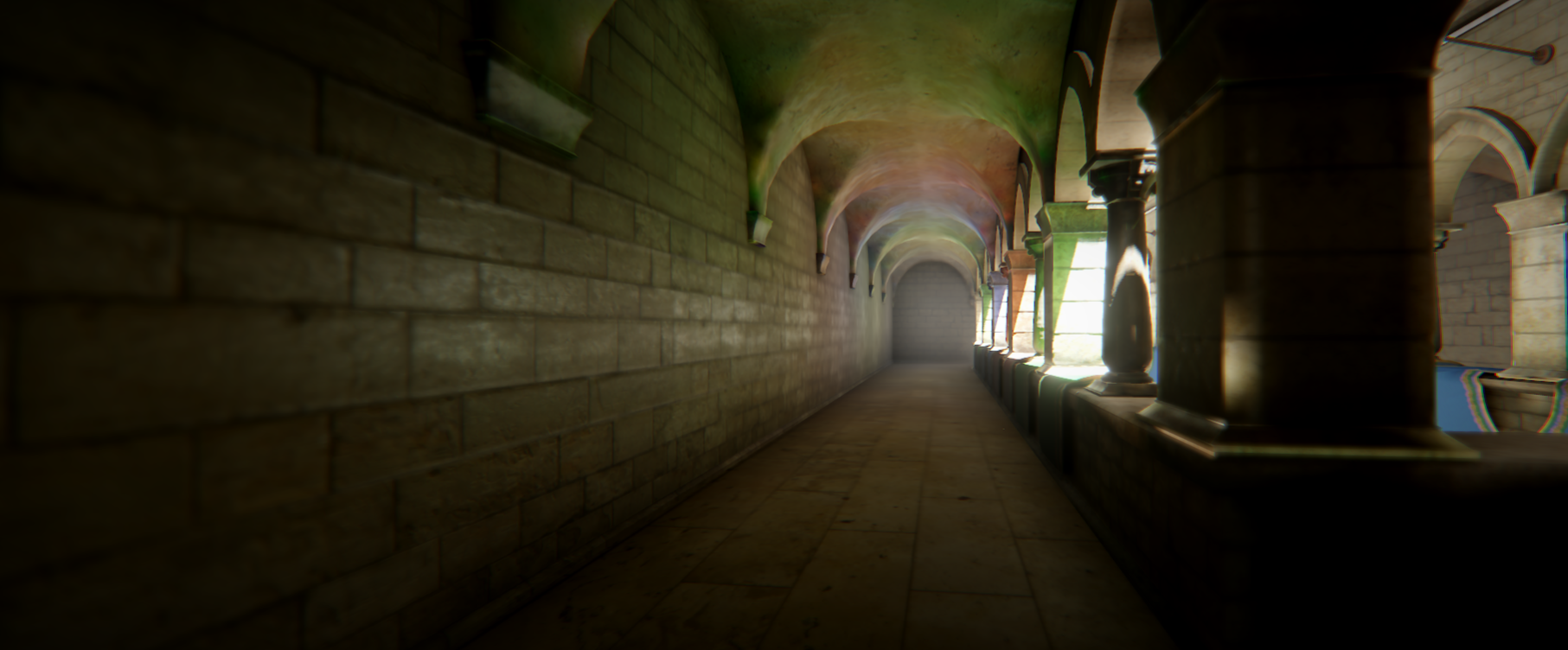
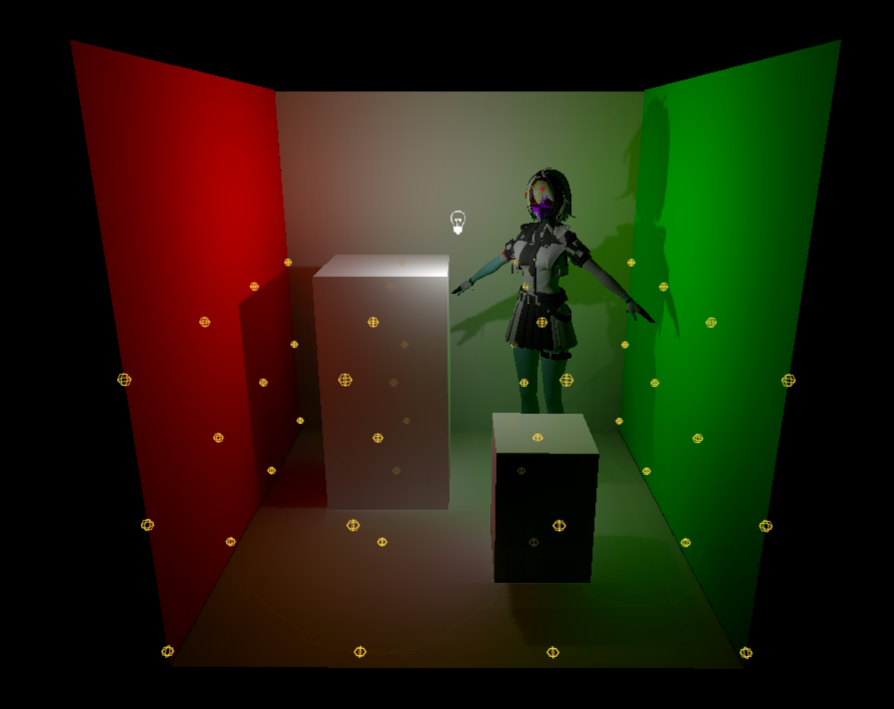
- UV-Unwrapping via Prowl.Unwrapper, Progressive Lightmapper via Prowl.Photonic
- Baked Light Probes
- Skies: Procedural Atmosphere, Gradient, Cubemap, Panorama & Six Sided
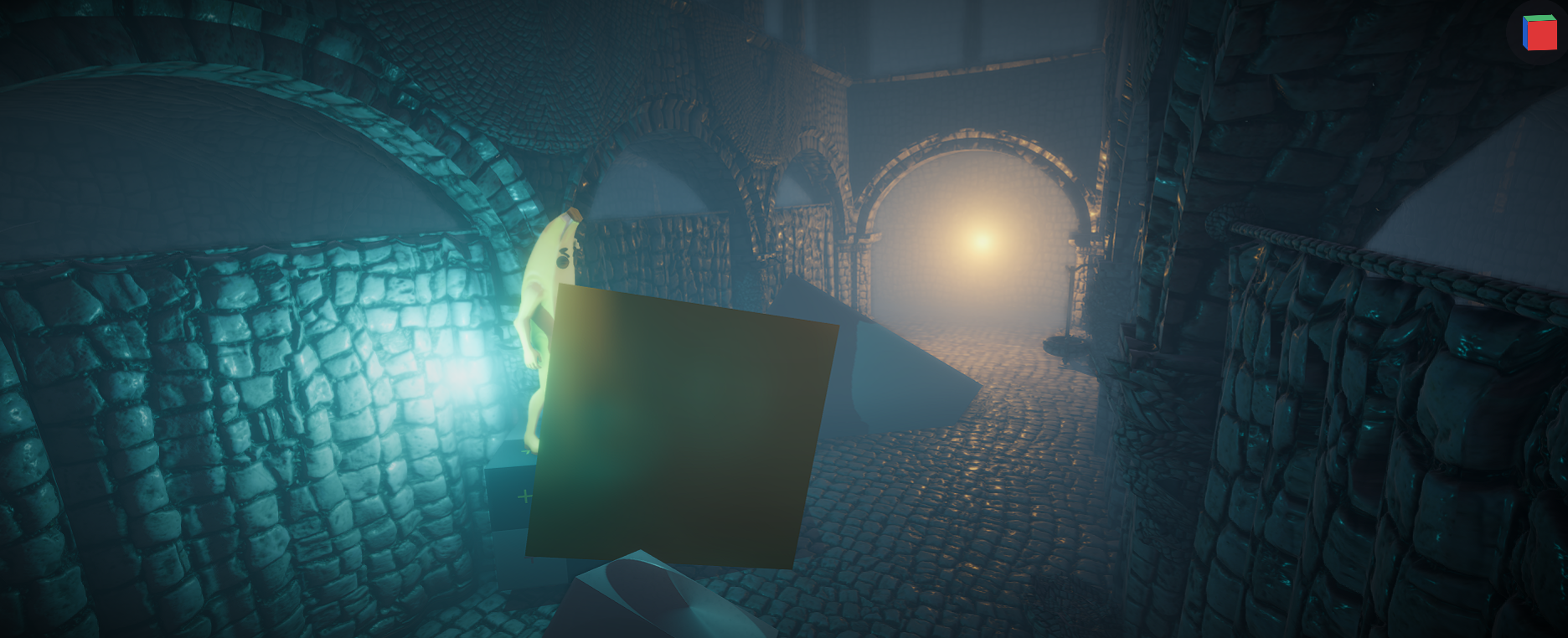
- Volumetric Clouds & Volumetric Fog
- Camera Stacking, Camera Cuts & Debug View Modes
- Tonemapping (ACES, AgX, Reinhard, RomBinDaHouse, Uncharted 2)
- Anti Aliasing: FXAA, SMAA & TAA
- Volume based Post Processing with global & local volumes
- Auto Exposure, Bloom, GTAO, Screen Space Reflections, Motion Blur, Depth of Field, God Rays
- Vignette, Chromatic Aberration, Film Grain, Color Grading, Color Lookup (LUT), Sharpen, Edge Detection, Pixelation
- Custom Post Effects
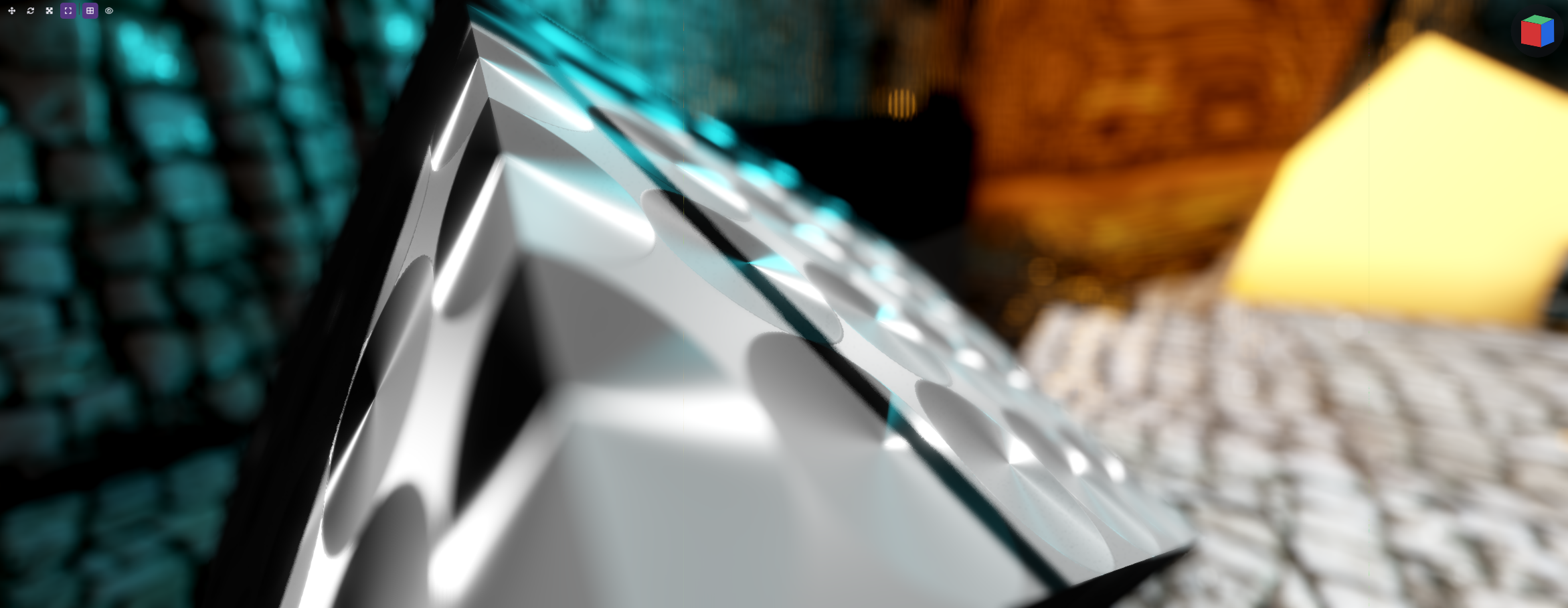
- Transparency & Refraction
- Terrain System
- Quadtree LOD
- Heightmap & Splatmap Painting
- Grass, Details & Trees
- Holes
- Particle System
- Shape, Emission, Sub Emitters, Texture Sheet Animation, Trails, Collision, Forces, Over Lifetime and by Speed modules
- Local & World Simulation Spaces
-
Animation:
Animator with Animation Graphs via Prowl.Motion, about 90 nodes- State Machines, Blend Spaces, Layers & Masks, Inertial Blending
- Humanoid Avatars with Retargeting between rigs
- IK (Two Bone, Look At, Aim), Foot Grounding, Root Motion & Warping
- Active Ragdolls with muscles & pinning
-
Physics:
- Physics using Jitter Physics 2
- Colliders: Box, Sphere, Capsule, Cylinder, Cone, Mesh (Convex or Concave), Terrain
- Wheel Collider with friction curves, weight transfer, Anti Roll Bars & per surface grip
- Joints & Constraints: Ball Socket, Hinge Joint, Hinge Angle, Fixed Angle, Cone Limit, Distance Limit, Twist Angle, Prismatic, Universal, Point On Line, Point On Plane, Angular Motor, Linear Motor, Drive
- Character Controller with moving platforms, custom gravity, steps & slopes
- Trigger Volumes & Collision Callbacks
- Collision Layers & Filtering (LayerMask)
- Raycasting & Shape Query API
-
Navigation:
- NavMesh via Prowl.Recast
- NavMesh Surfaces, Agents, Obstacles (carving), Links & Modifiers
- Area costs, Crowd Steering, background baking & partial rebuilds
-
Audio:
- Audio via miniaudio
- Spatial 3D Audio with Attenuation & Doppler
- Audio Mixers & Groups
- Effect chain (Delay, Distortion, Biquad Filter, Reverb, Phaser) + custom
IAudioEffect
-
VR:
- Desktop VR through OpenXR (SteamVR, Meta and other runtimes)
- Stereo rendering with multiview
- Controllers, Haptics, Hand Tracking & Eye Gaze
- World Space UI Pointers
-
Asset Pipeline:
- GUID-Based Asset References with Meta Files
- One object per asset, refilled in place on reimport
- Import Caching & File Watching for Auto-Reimport
- Custom Importers via Attributes
- Sub-Assets with Deterministic GUIDs
- Forward & Reverse Dependency Tracking
- Async Loading & Residency Management with a memory budget
- Runtime Asset Mounting (folders, zips, HTTP) and Runtime Importers for mods & user content
- Supported Formats:
- Models: GLTF, GLB, OBJ, FBX (via Prowl.Clay)
- Textures: PNG, JPG, BMP, GIF, TGA, TIFF, WEBP, PSD, DDS, EXR, HDR and more (via Prowl.Aperture)
- Audio: WAV, MP3, OGG, FLAC
- Fonts: TTF, OTF
-
Build System:
- Build to Standalone Application
- Packed Asset Files (.prowlpak)
- Only exports used assets
- Used Shader Variants precompiled into the build
- Per-platform build profiles
- Native AOT Player Builds (experimental)
- Supports Windows, Mac & Linux (Andriod under development)
-
Samples:
- HelloProwl, Rendering, ManyLights, Physics, Controller, Vehicle, Particle, Scripting, VRBasics & VR Showcases under
Samples/Runtime
(back to top)
🚀 Getting Started 🚀
Getting Prowl up and running is super easy!
Prerequisites
- .NET 10
- A GPU with Vulkan 1.2 support (macOS runs through MoltenVK)
Releases
Note: Prowl is now at 1.0 Preview 5, grab it from the Releases page.
Build from source
Installation
- Clone the repo
- Open
Prowl.slnx with your editor (Visual Studio, VSCode, Rider, etc.)
- Build and run
Prowl.Editor
- That’s it! 😄 🎉
(back to top)
🤝 Contributing 🤝
Check our Contributing guide to see how to be part of this team.
(back to top)
🙏 Acknowledgments 🙏
- Hat tip to the creators of Raylib, While we are no longer based upon it, it has shaved off hours of development time getting the engine to a usable state.
Contributors 🌟
Dependencies 📦
(back to top)
📜 License 📜
Distributed under the MIT License. See LICENSE for more information.
(back to top)



评论