MSBuildStructuredLog
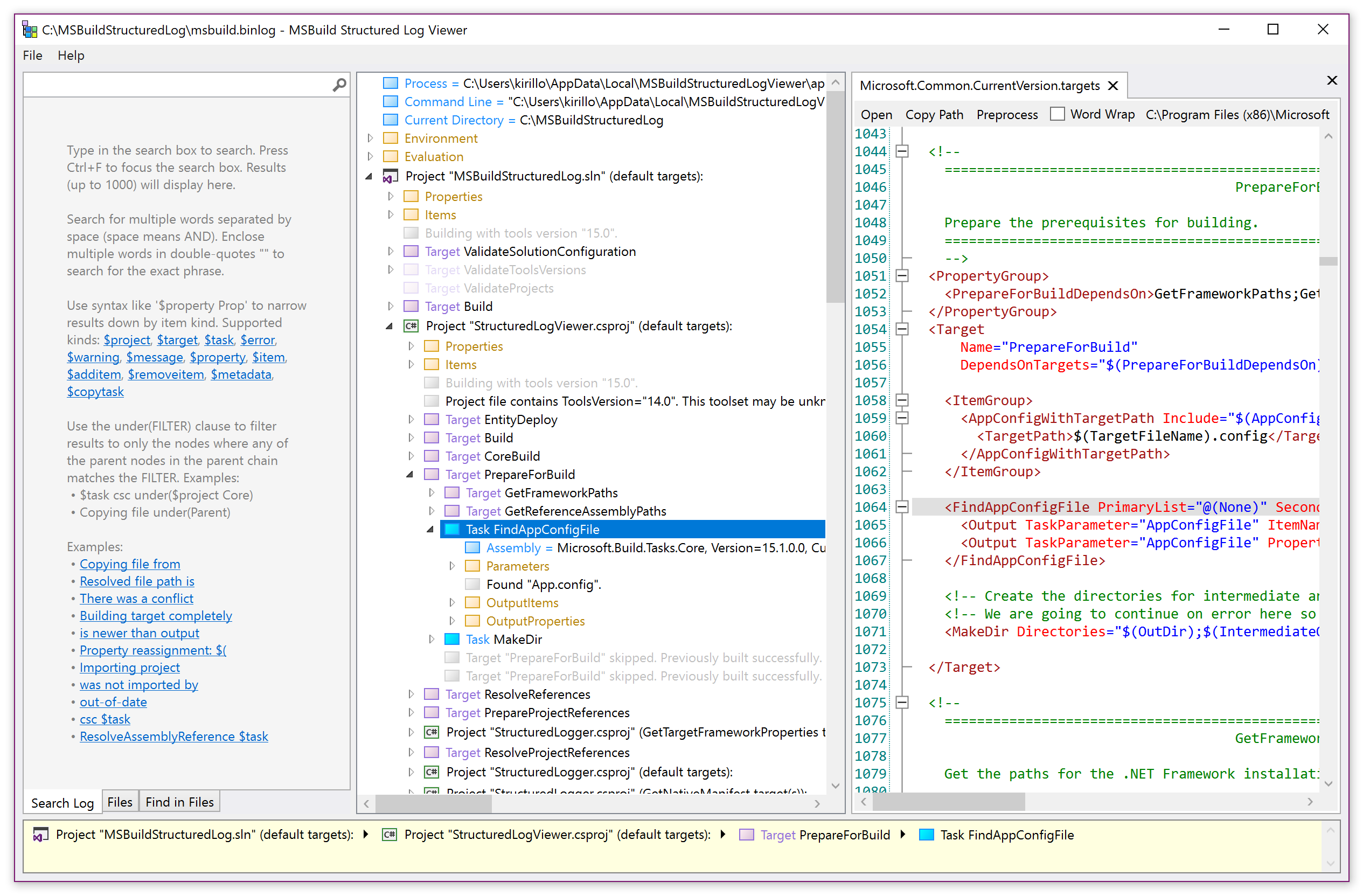
A logger for MSBuild that records a structured representation of executed targets, tasks, property and item values. It can greatly simplify build investigations and provides a portable log interchange format (*.binlog) and a rich interactive log viewer app.


 (optional)

Homepage: https://msbuildlog.com
BinlogMcp: https://msbuildlog.com/binlogmcp
Syntax: https://msbuildlog.com/syntax
Thanks to SignPath.io for providing a free code signing service and to the SignPath Foundation for a free code signing certificate to sign the installer.
Install:
Install from https://msbuildlog.com.
The app updates automatically via Squirrel (after launch it checks for updates in background), next launch starts the newly downloaded latest version.
Installing the Avalonia version on Mac:
Download the latest release for arm64 or x64.
Alternatively, you can install from Homebrew:
brew install structuredlogviewer
Building & Running the Avalonia version on Mac/Linux:
git clone https://github.com/KirillOsenkov/MSBuildStructuredLog
cd MSBuildStructuredLog
./run.sh
Alternatively, a longer version:
dotnet build MSBuildStructuredLog.Avalonia.slndotnet publish MSBuildStructuredLog.Avalonia.sln --self-contained -o <some_dir> (I used $HOME/tools/artifacts/StructuredLogViewer.Avalonia)- make a script
$HOME/bin/structured-log-viewer (or whatever’s on your PATH):
#! /bin/sh
exec dotnet ${HOME}/tools/artifacts/StructuredLogViewer.Avalonia/publish/StructuredLogViewer.Avalonia.dll "$@"
Requirements:
Windows:
- .NET Framework 4.7.2
- MSBuild 17.0
- Visual Studio 2022
Mac:
Usage:
You can pass /bl switch to msbuild.exe or dotnet build to record a binary build log to msbuild.binlog, in the same folder as the project/solution being built:

or you can build the solution or open an existing log file through the viewer app:

Features:
- Preprocess project files (with all imports inlined), right-click on a project -> Preprocess
- If a log has embedded files, you can view the list of files, full-text search in all files, and use the Space key (or double-click) on most nodes to view the source code.
- Displays double-writes (when files from different sources are written to the same destination during a build, thus causing non-determinism)
- Displays target dependencies for each target
- Narrow down the search results using the under() or project() clauses to only display results under a certain parent or project.
- Each node in the tree has a context menu. Ctrl+C to copy an item and the entire subtree to Clipboard as text.
- Delete to hide nodes from the tree (to get uninteresting stuff out of the way).
- Open and save log files (option to save log files to .xml)
- Logs can include the source code project files and all imported files used during the build.
Investigating problems with MSBuildStructuredLog
Open an issue if you’re running into something weird and I can take a look into it. If MSBuildStructuredLog crashes during the build, it will attempt to write the exception call stack to:
%localappdata%\Microsoft\MSBuildStructuredLog\LoggerExceptions.txt
MSBuild Resources


评论