AniProject

Project of animes and mangas website, utilizing the AniList, Consumet and Aniwatch API, which has info of animes and mangas released, data of the cast of that media, and many other things.
You can access this website on:
AniProject on Vercel
or
AniProject on Render
If the Vercel one is blocked by payment, try this one (it takes up to 2 minutes to deploy and load due to cold boot).
Please note that this project is strictly non-commercial. It is not permitted to generate revenue or include advertisements using this project. Violating this policy may result in legal actions by the respective owners of these intellectual properties.
Navigation
:sparkles: Features
:rocket: Quick Deploy
[!IMPORTANT]
You NEED to make some configurations to use the project properly. Give a look on the How Can i Run It Section then use the info you got there on Vercel or any other platform Enviroment Variables Section.
On Vercel: 
:pushpin: Under Development (unordered)
:heavy_check_mark: Tecnologies Used
Front-end:
Next.js (v14.2.13)TypeScriptAxiosReduxFirebaseGraphQLFramer MotionSwiperAnilist API
Back-End:
RedisNodeExpressAxiosFirebase: Firestore DatabaseConsumet APIAniwatch API
:computer: How Can I Run It?
Fork (recommended) or Clone this repository
git clone https://github.com/ErickLimaS/anime-website.git
- This project has 2 folders:
frontend and backend!
You will need to read the 2 README Files inside these folder for better understanding!
-
Frontend Readme
-
Backend Readme
- Assuming you read the files and setted everything up…
Now run npm run dev on frontend and nodemon server.js on backend to initialize the website
npm run dev
nodemon server.js
- That’s it! It should be running!
The website runs on http://localhost:3000 as default
:books: How Firebase Database is Organized
Authentication
With Firebase Authentication, theres 4 methods of Login/Signup:
- Email
- Google
- Anilist
- Anonymous
GitHub
It is used to store on User Document things like:
- User Profile Photo
- Username
- Preferences (media source, adult content, subtitles and more)
- [DEPRECATED]Comments
- Notifications
- Bookmarked Medias
- Currently Watching Medias
- Episodes Watched
- Chapters Read
Collections and Documents
With Firebase Database, we have 3 Collections:
Users
Stores only Users Documents after a successfull signup.
Stores comments made on episodes or on its main page.
Its separated based on Anilist API Media IDs Documents, and after that, a Collection that holds all comments to this media and other related to a episode where that comment was made.
It strongly depends on Users Collection, due to each comment needs its user (owner). Each comment has a referer to its owner and stores its interactions, with Likes and Dislikes.
When a Comment is made, it saves sort of a log on User Document, with infos like interactions with other comment or written on a episode.
Notifications
The Notifications Collections stores a document for each Media ID related to Anilist API every time a user assigned himself to be notified about a new episode release.
Each document has a Collection that holds every user assigned to receive a notification.
In this document, has info of all episodes already notified to any user and the next to be notified, cover art, if is complete, status and last update date.
- User Document Relation: After a successfull notification is deliveried to user, it stores the last episode info on User Document, so it can be notified again and the next one is released.
:camera: Preview/Screenshots
Home


Anime/Manga Page


Watch Episode Page


Read Page
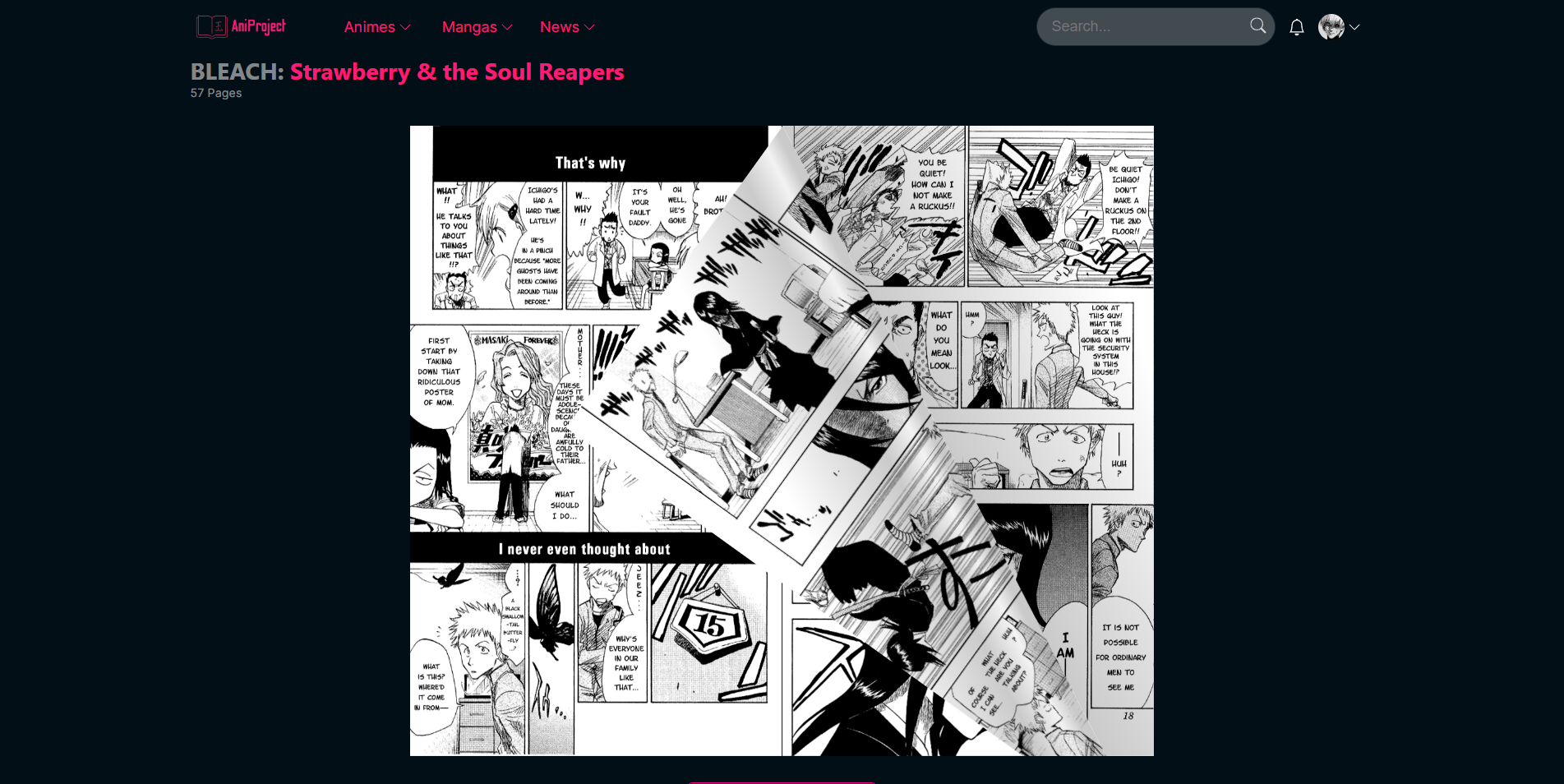
Search/Filter Page

Watchlist Page

News Home Page


News Article Page

Inspiration


评论