English |
Türkçe
Screenshots
Light Theme
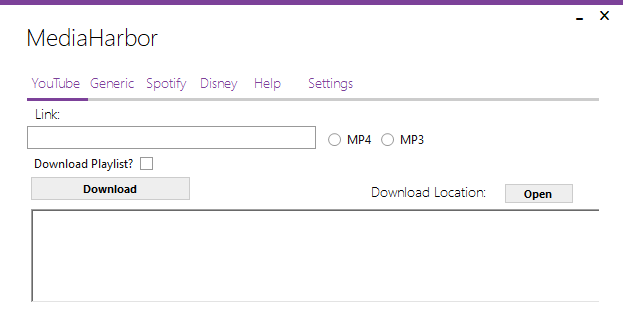

Dark Theme


Mediaharbor is a media downloading application that provides a user-friendly interface for MediaHarbor, YT-DLP, and N_m3u8DL-CLI. This app is designed to facilitate the processes of downloading media content from various platforms.
Features
- Downloading YouTube videos via YT-DLP
- Downloading media content with N_m3u8DL-CLI
- decrypt with MP4decrypt.exe at the end of the download
- Simple and user-friendly interface
- spotDL integration for Spotify downloads
- Feature to perform YouTube searches
Special Thanks To
spotDl
Help: Getting Keys for Disney+ Accounts
Introduction
Follow these steps to get video keys from platforms like Disney+. Please use these methods within legal and ethical boundaries.
Disney+ Key Retrieval
- After logging in, press the
F12 key to open developer options in your browser.
- Navigate to the “Network” tab within the developer tools. This tab shows the network traffic your browser makes with the web page.
- In the “Network” tab, search for the word “License” and copy the obtain-license URL you find to the “License” section on getwvkeys.cc.
- Find the “Authorization” value in the Headers section and paste it into getwvkeys.cc (e.g., authorization: “Bearer”).
- Go back to the “Network” tab and find the m3u8 address for the chosen video quality. Copy this address and paste it into the PSSH section to get the key.
Finding PSSH
- Install this extension.
- Activate the extension and switch to the “Console” tab in the browser developer tools.
- After playing a song, copy the PSSH value found by the extension.
- Paste the copied PSSH value into getwvkeys.cc to get the key.
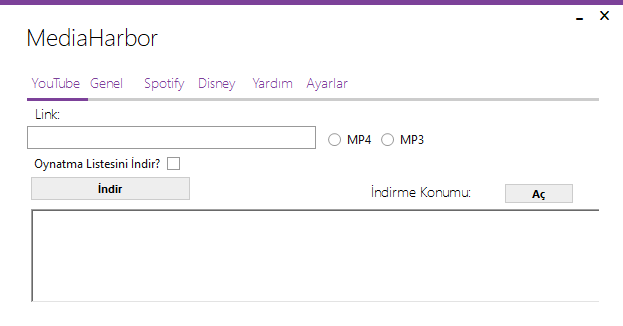
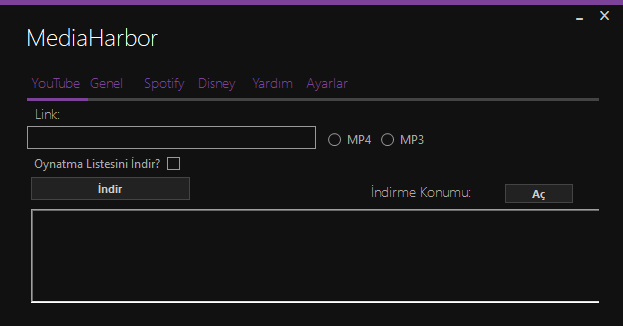
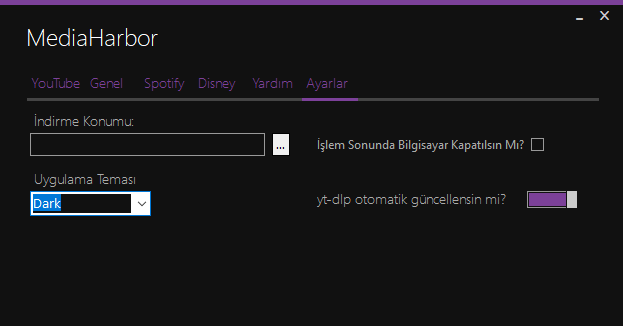
MediaHarbor, YT-DLP ve N_m3u8DL-CLI için kullanıcı dostu bir arayüz sağlayan bir medya indirme uygulamasıdır. Bu uygulama, çeşitli platformlardan medya içeriği indirme işlemlerini kolaylaştırmak için tasarlanmıştır.
Resimler
Beyaz Tema

Siyah Tema
Özellikler
- YouTube videolarını YT-DLP aracılığıyla indirme
- N_m3u8DL-CLI ile medya içeriği indirme
- indirme sonunda mp4decrypt.exe ile deşifre etme
- Basit ve kullanıcı dostu arayüz
- Spotify indirmesi için spotDL entegrasyonu
- YouTube aramalarını destekleme
Yardım: Disney+ ve Netflix Hesapları için Key Alma
Giriş
Bu adımları takip ederek, Disney+ gibi platformlardan video key’leri alabilirsiniz. Lütfen bu yöntemleri yasal ve etik sınırlar içinde kullanmaya özen gösterin.
Disney+ Key Alma İşlemi
- Hesabınızla giriş yaptıktan sonra tarayıcıda geliştirici seçeneklerini açmak için
F12 tuşuna basın.
- Geliştirici araçları içinde “Network” sekmesine geçiş yapın. Bu sekme, tarayıcınızın web sayfasıyla gerçekleştirdiği ağ trafiğini gösterir.
- “Network” sekmesinde “License” kelimesini arayın ve bulduğunuz obtain-license URL’sini getwvkeys.cc adresinde License kısmına yapıştırın.
- Headers bölümünde “Authorization” değerini bulun ve getwvkeys.cc’ye yapıştırın. (örnek authorization: “Berear”)
- PSSH kısmına geçmek için tekrar “Network” sekmesine dönün ve seçtiğiniz video kalitesindeki m3u8 adresini bulun. Bu adresi kopyalayın ve PSSH kısmına yapıştırarak key’i alın.
PSSH Bulma İşlemi
- Bu eklentiyi kurun.
- Eklentiyi aktif hale getirin ve tarayıcı geliştirici araçları içinde “Console” sekmesine geçin.
- Şarkı çalıktan sonra, eklentinin bulduğu PSSH değerini kopyalayın.
- Kopyalanan PSSH değerini getwvkeys.cc adresine yapıştırarak key’i alın.


评论