


i3-gaps
Project status
:warning: :warning: :warning:
The i3-gaps project has been merged with i3. All i3-gaps features will become available with i3 4.22 (not released yet at the time of writing this).
Package maintainers are asked to replace any i3-gaps packages with the i3 package once i3 4.22 has been released. This repository will be archived and no longer be kept up to date.
What is i3-gaps?
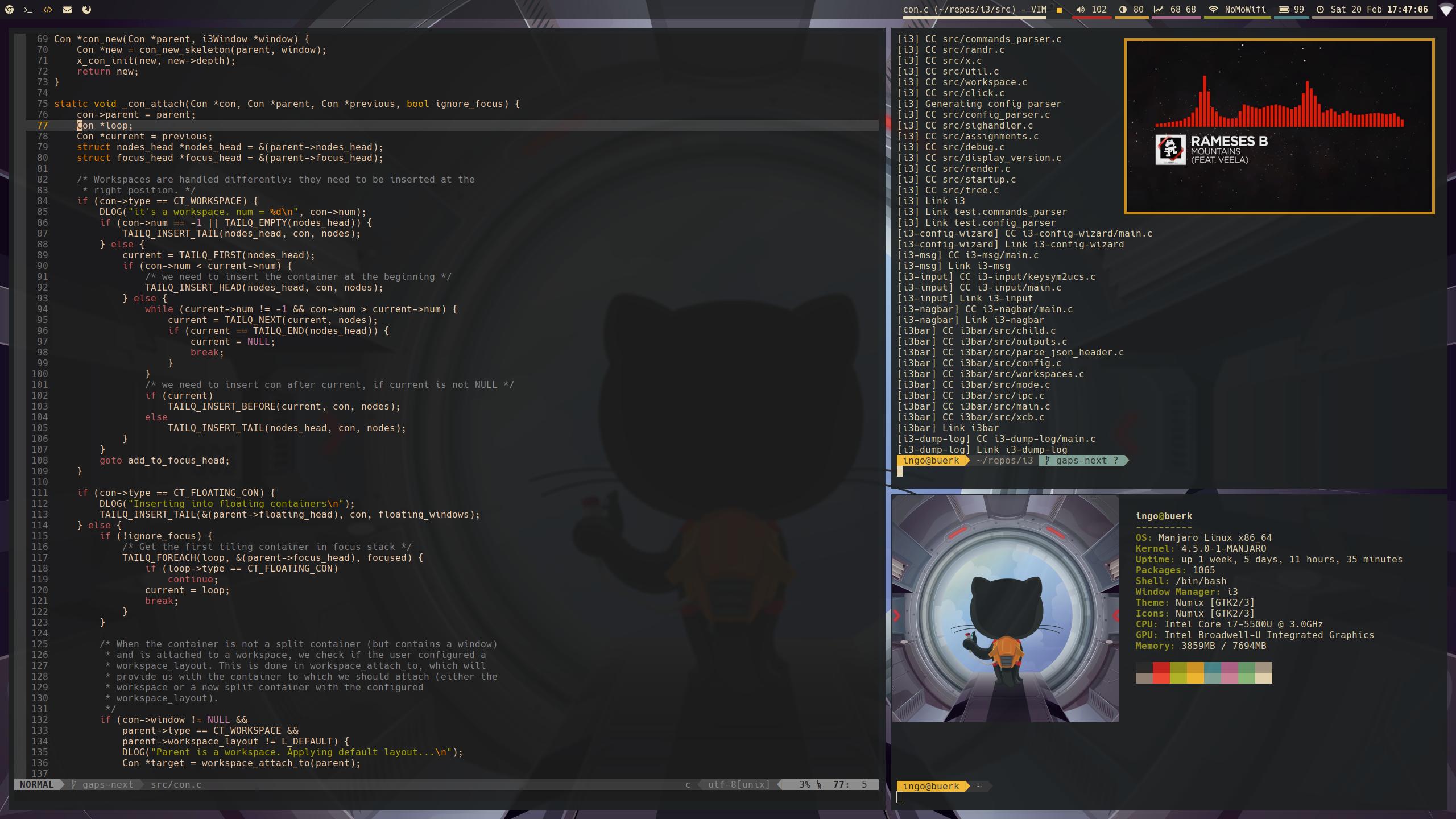
i3-gaps is a fork of i3wm, a tiling window manager for X11. It is kept up to date with upstream, adding a few additional features such as gaps between windows (see below for a complete list).
How do I install i3-gaps?
Please refer to the wiki.
Where can I get help?
For bug reports or feature requests regarding i3-gaps specifically, open an issue on GitHub. If your issue is with core i3 functionality, please report it upstream.
For support & all other kinds of questions, you can ask your question on GitHub Discussions.
Features
i3
gaps
Note: In order to use gaps you need to disable window titlebars. This can be done by adding the following line to your config.
# You can also use any non-zero value if you'd like to have a border
default_border pixel 0
Gaps are the namesake feature of i3-gaps and add spacing between windows/containers. Gaps come in two flavors, inner and outer gaps wherein inner gaps are those between two adjacent containers (or a container and an edge) and outer gaps are an additional spacing along the screen edges. Gaps can be configured in your config either globally or per workspace, and can additionally be changed during runtime using commands (e.g., through i3-msg).
Note: Outer gaps are added to the inner gaps, i.e., the gaps between a screen edge and a container will be the sum of outer and inner gaps.
Configuration
You can define gaps either globally or per workspace using the following syntax. Note that the gaps configurations should be ordered from least specific to most specific as some directives can overwrite others.
gaps [inner|outer|horizontal|vertical|top|left|bottom|right] <px>
workspace <ws> gaps [inner|outer|horizontal|vertical|top|left|bottom|right] <px>
The inner and outer keywords are as explained above. With top, left, bottom and right you can specify outer gaps on specific sides, and horizontal and vertical are shortcuts for the respective sides. <px> stands for a numeric value in pixels and <ws> for either a workspace number or a workspace name.
Commands
Gaps can be modified at runtime with the following command syntax:
gaps inner|outer|horizontal|vertical|top|right|bottom|left current|all set|plus|minus|toggle <px>

# Examples
gaps inner all set 20
gaps outer current plus 5
gaps horizontal current plus 40
gaps outer current toggle 60
With current or all you can change gaps either for only the currently focused or all currently existing workspaces (note that this does not affect the global configuration itself).
You can find an example configuration in the wiki.
Smart Gaps
Gaps can be automatically turned on/off on a workspace in certain scenarios using the following config directives:
# Only enable gaps on a workspace when there is at least one container
smart_gaps on

# Only enable outer gaps when there is exactly one container
smart_gaps inverse_outer
Smart Borders
Smart borders will draw borders on windows only if there is more than one window in a workspace. This feature can also be enabled only if the gap size between window and screen edge is 0.
# Activate smart borders (always)
smart_borders on

# Activate smart borders (only when there are effectively no gaps)
smart_borders no_gaps
Smart Edge Borders
This extends i3’s hide_edge_borders with a new option. When set, edge-specific borders of a container will be hidden if it’s the only container on the workspace and the gaps to the screen edge is 0.
# Hide edge borders only if there is one window with no gaps
hide_edge_borders smart_no_gaps
i3bar
Bar Height
The height of an i3bar instance can be specified explicitly by defining the height key in the bar configuration. If not set, the height will be calculated automatically depending on the font size.
bar {
    # Height in pixels
    height 25
}


评论